Virtual Hosting Howto With Virtualmin On CentOS 5.1
Version 1.0.1
Author: Andrew Colin Kissa <andrew [at] topdog [dot] za [dot] net>
Introduction
This tutorial shows how to set up a CentOS 5.x server to offer all services needed by virtual web hosters. These include web hosting, smtp server with (SMTP-AUTH and TLS, SPF, DKIM, Domainkeys), DNS, FTP, MySQL, POP3/IMAP, Firewall, Webalizer for stats.
I will use the following software:
- Database Server: MySQL 5.0.22
- Mail Server: Postfix 2.3.3
- NS Server: BIND9 9.3.3
- Web Server: Apache 2.2.3 /PHP 5.1.6
- FTP Server: Vsftpd 2.0.5
- POP3/IMAP server: Dovecot 1.0
- Webalizer: for site statistics 2.01_10
- Virtualmin: Control panel
OS Installation
Requirements
To install the system you will need
- CentOS 5.1 Install media
- A good internet connection
Install The Base System
NOTE Some stages of the installation are not described here in interest of keeping the howto short, The grub configuration stages are left out for instance.
- Boot from the DVD or CD media and at the boot prompt type linux text.
- Skip the media test.
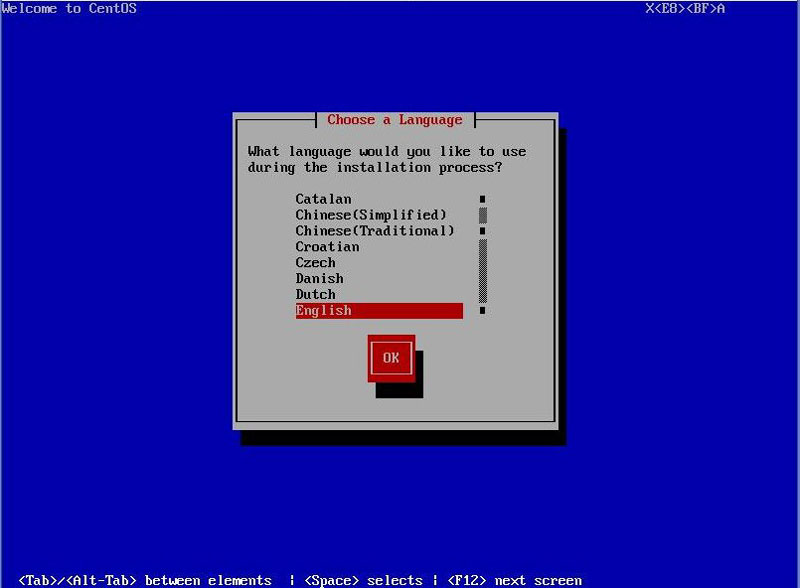
- Select your language:
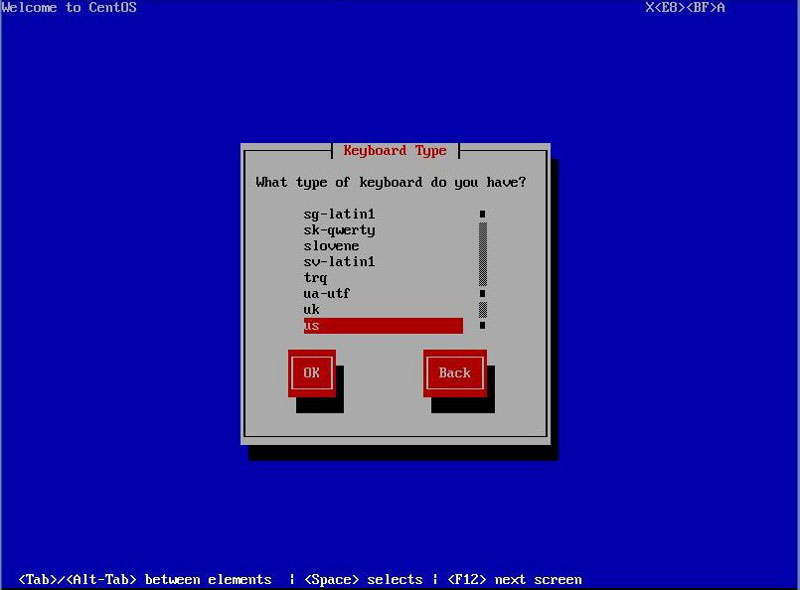
- Select keyboard layout:
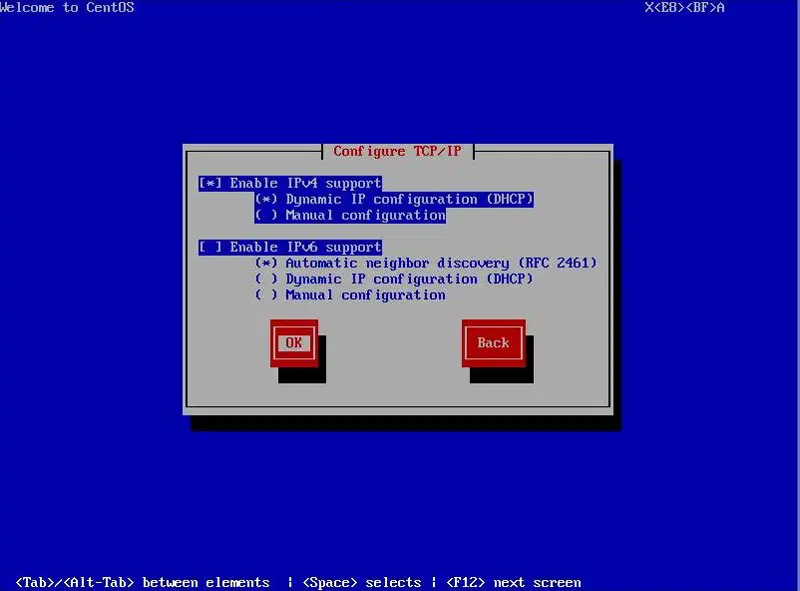
- Configure your network, I will be using dhcp if you do not have dhcp you can use static entries.
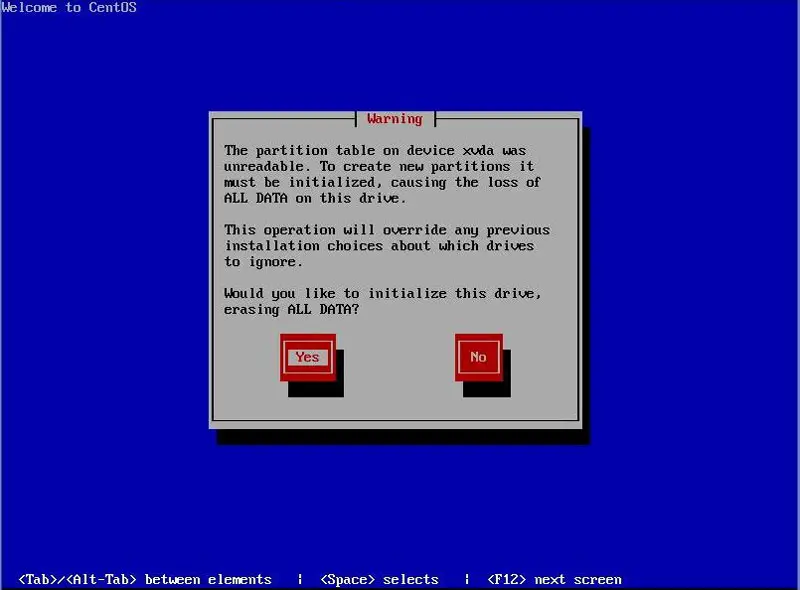
- Select Yes to initialize drive:
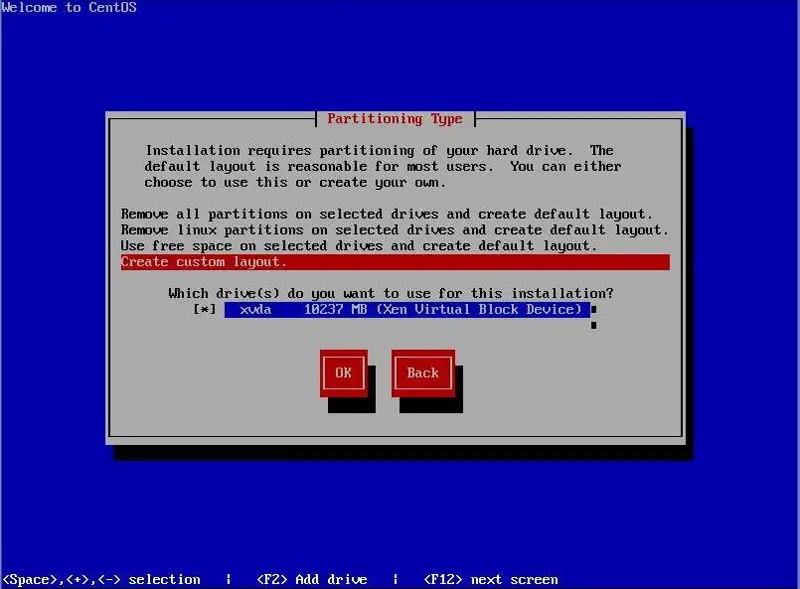
- Select custom layout for partitioning type:
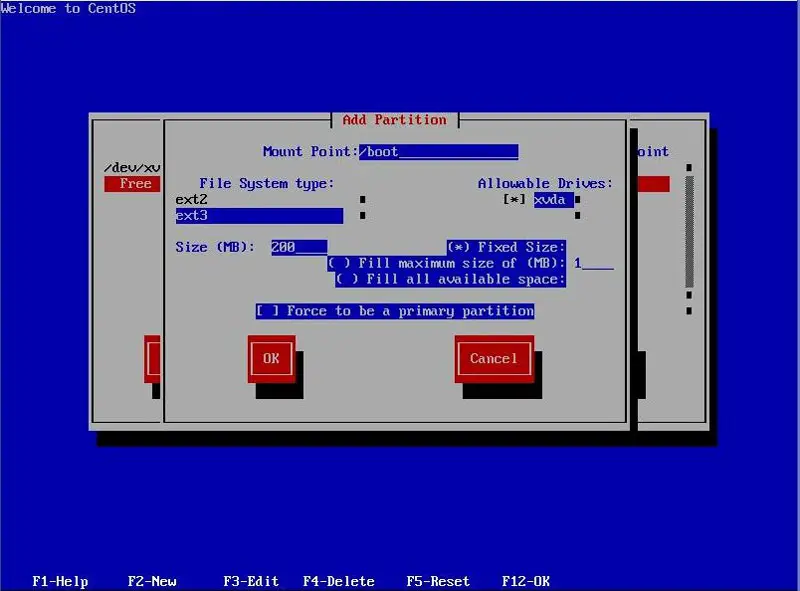
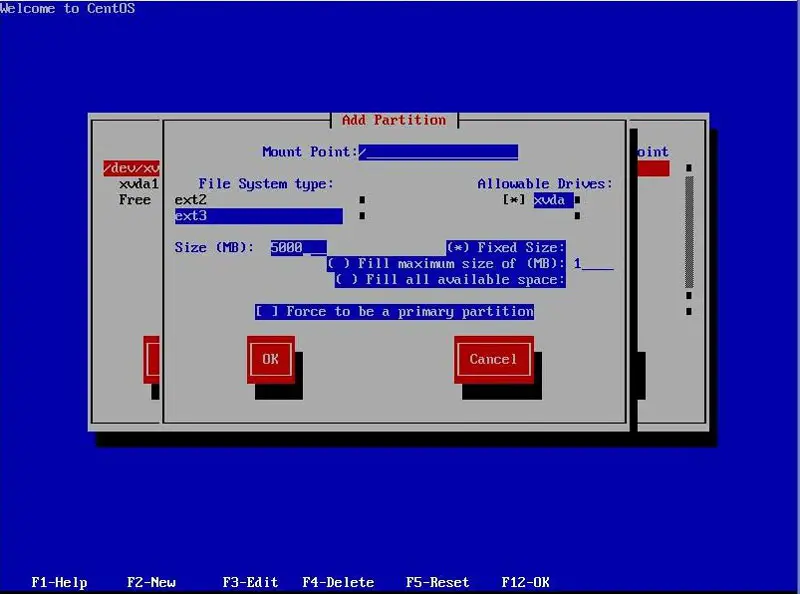
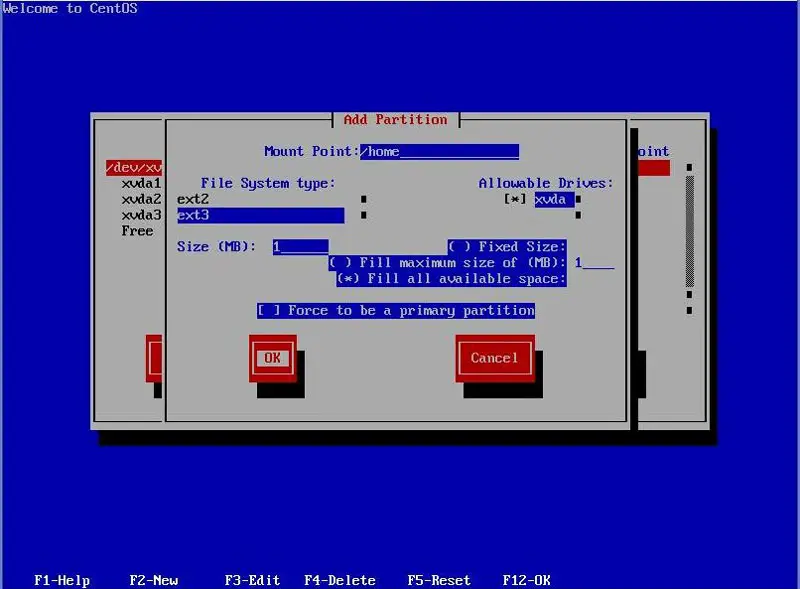
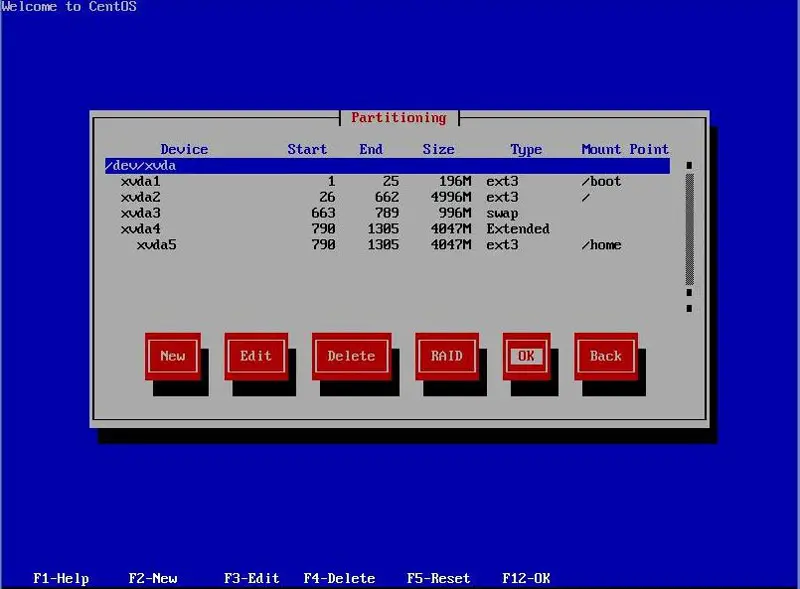
- Create partitions:
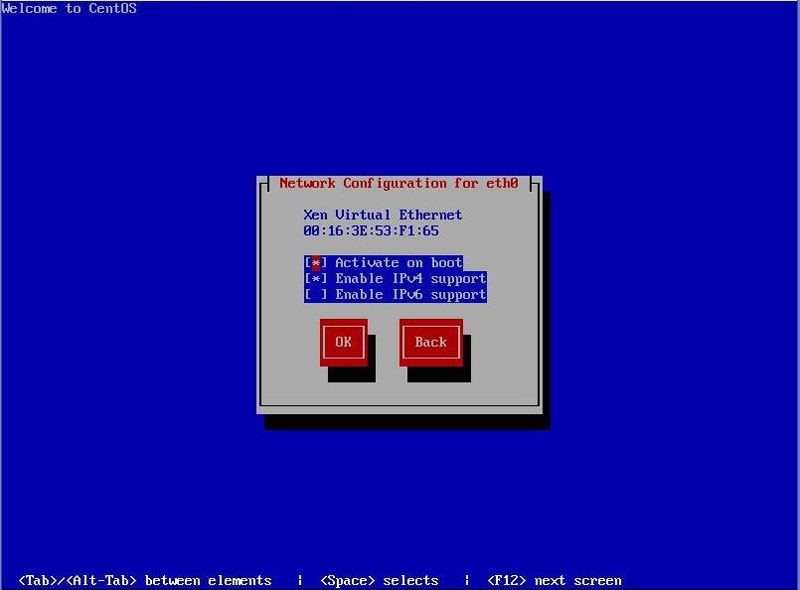
- Configure networking:
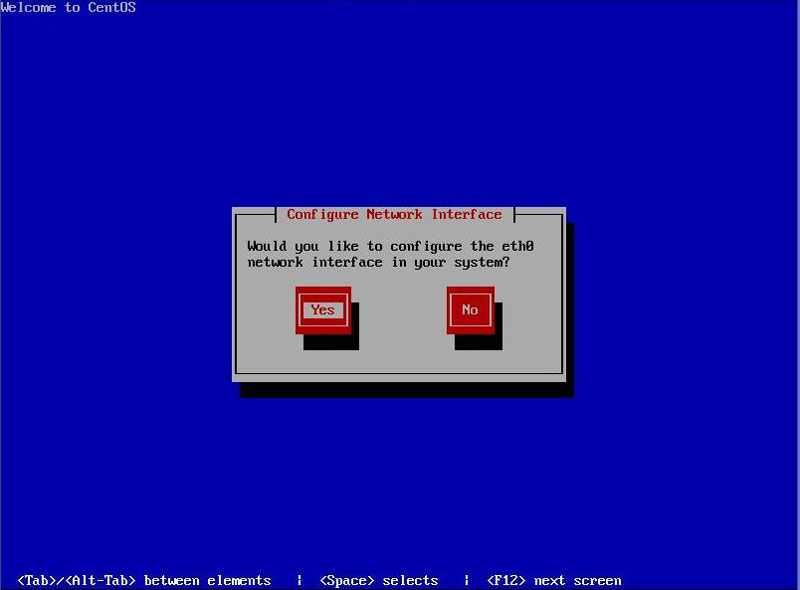
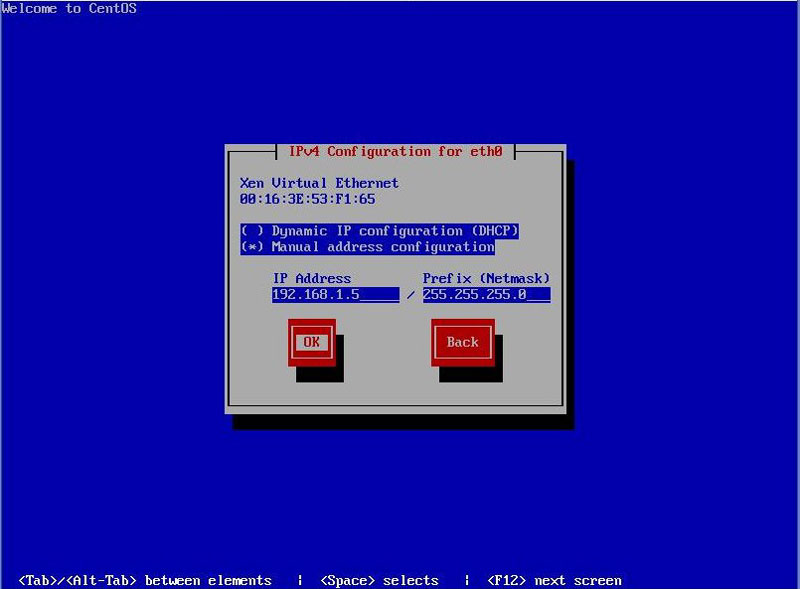
Set IP address and netmask:
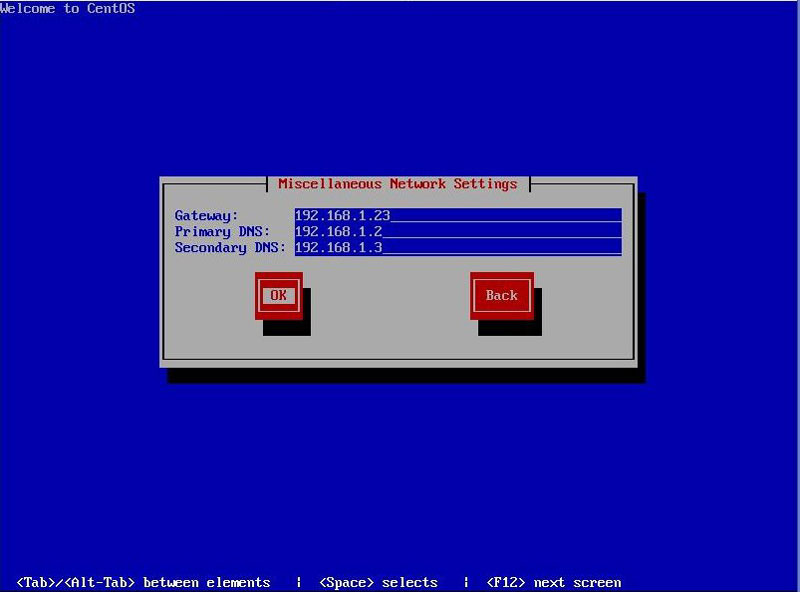
Set gateway and dns servers:
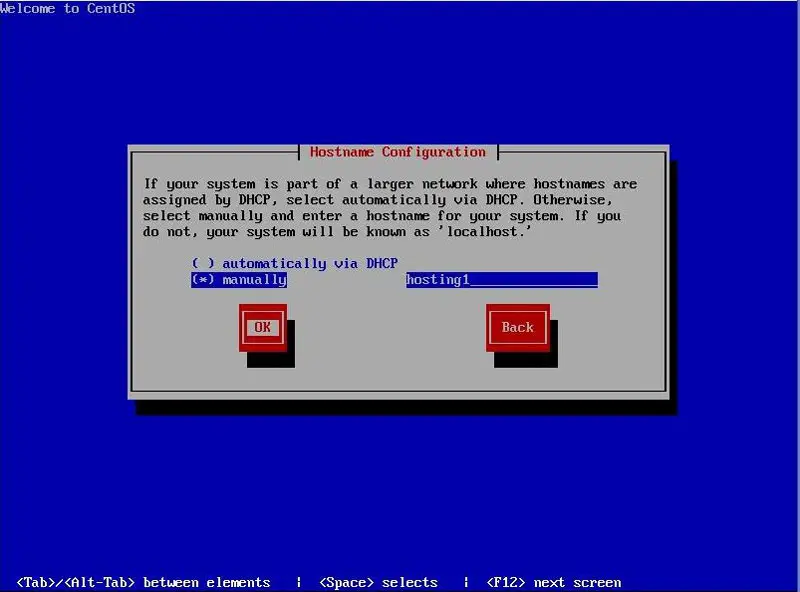
Set the hostname:
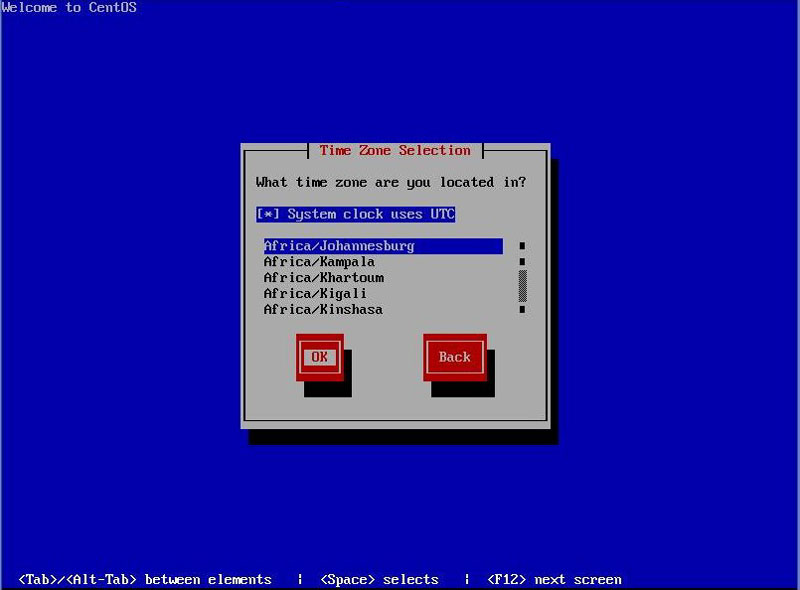
- Set the timezone:
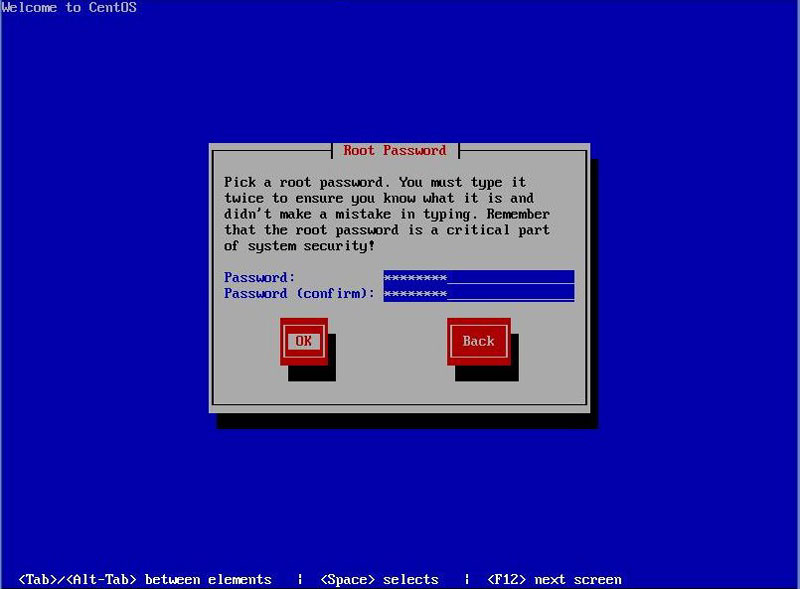
- Set the root password:
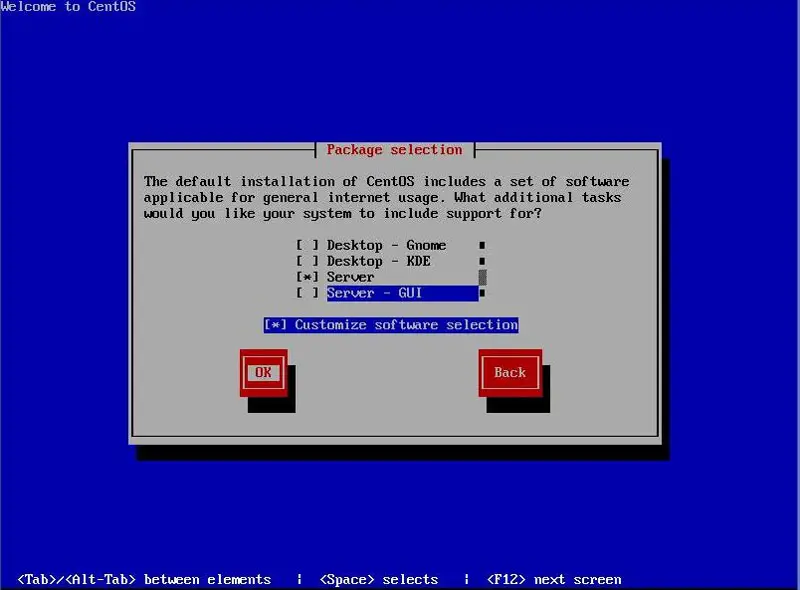
- Select server group and select customize software selection:
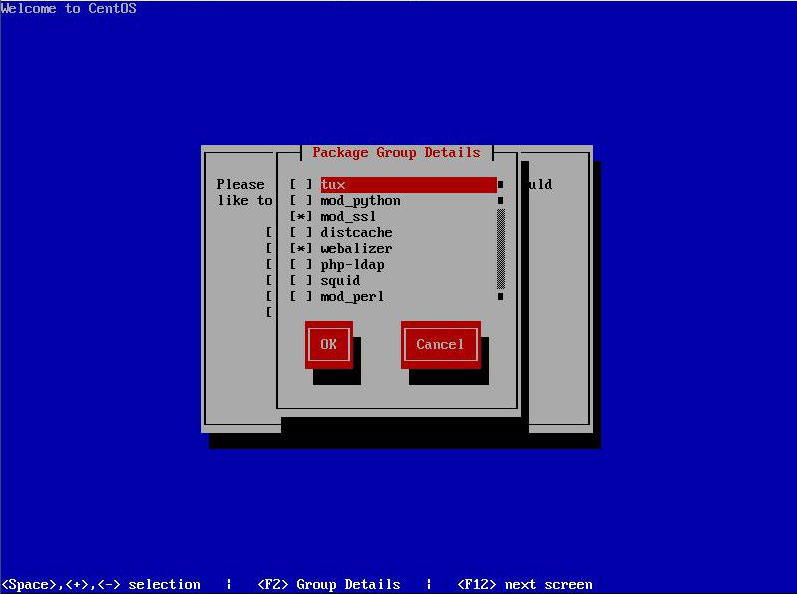
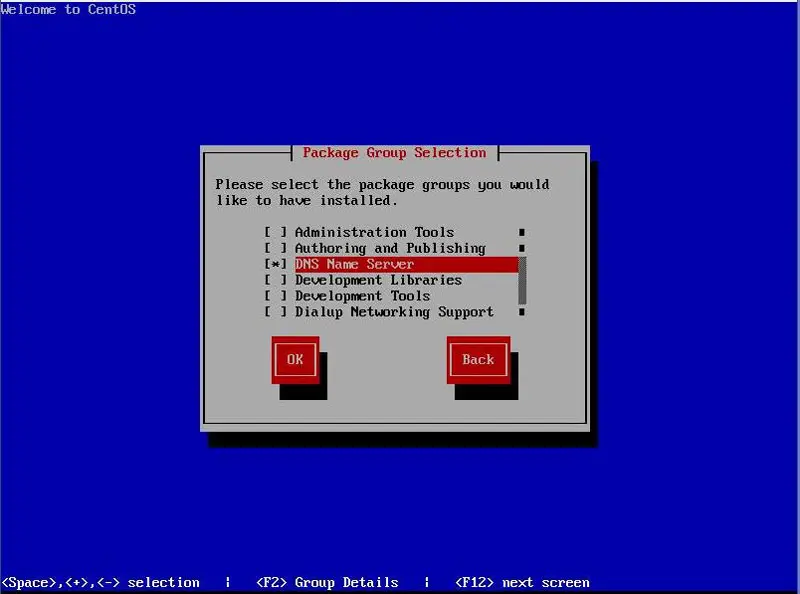
- Package groups select as follows:
- DNS name server
- bind-chroot
- DNS name server
- Editors
- vim-enhanced
- FTP server
- Mail server
- dovecot
- spamassassin
- postfix
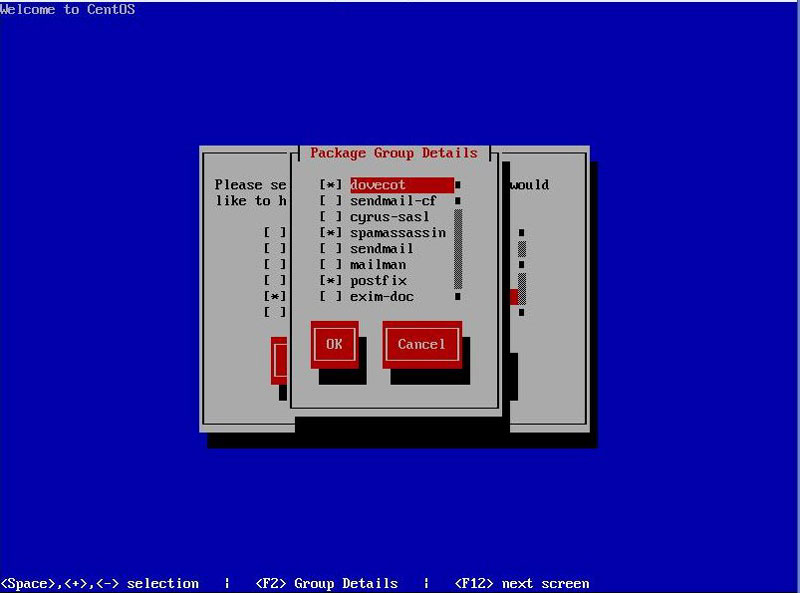
- Mysql Database
- mysql-server
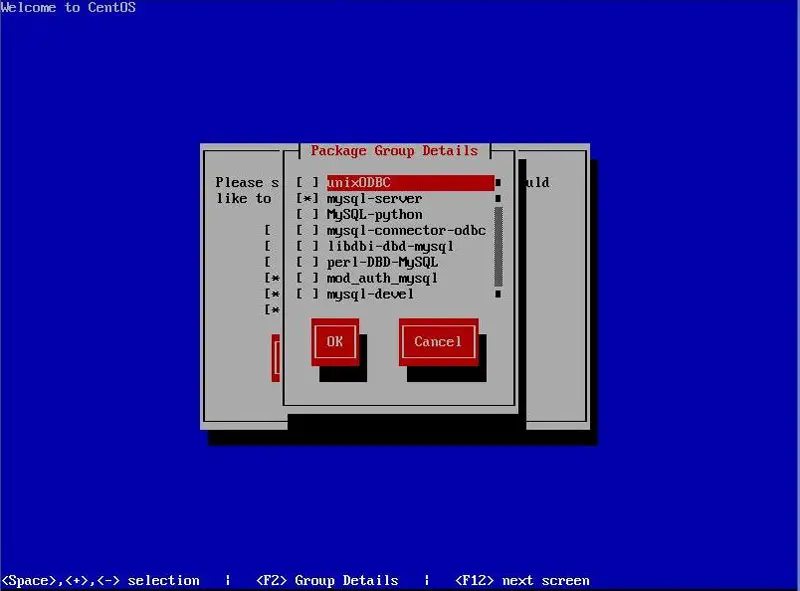
- Web server
- mod_ssl
- webalizer
- php
- php-pear
- http-suexec
- php-mysql
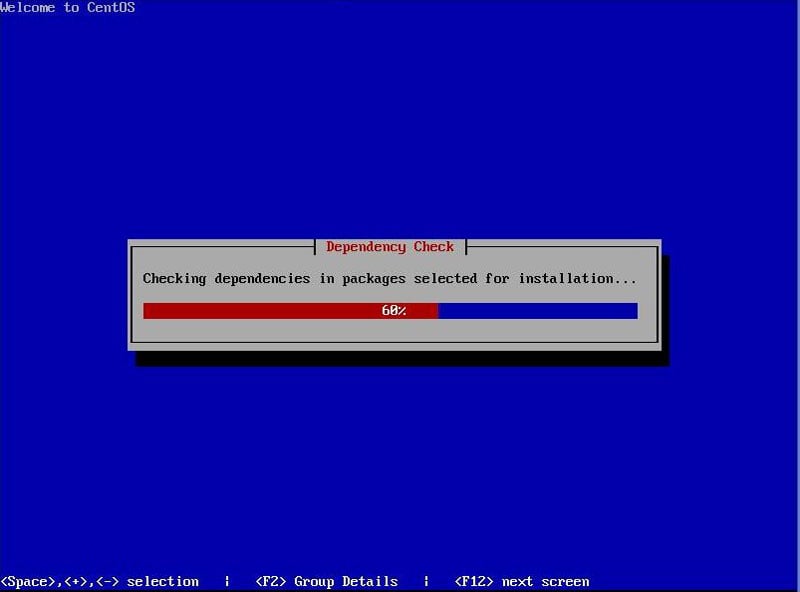
Start the installation:
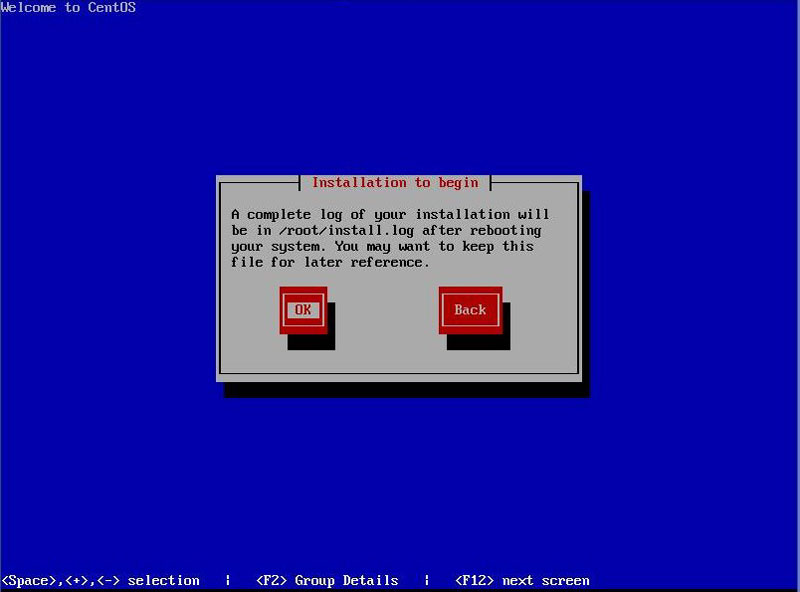
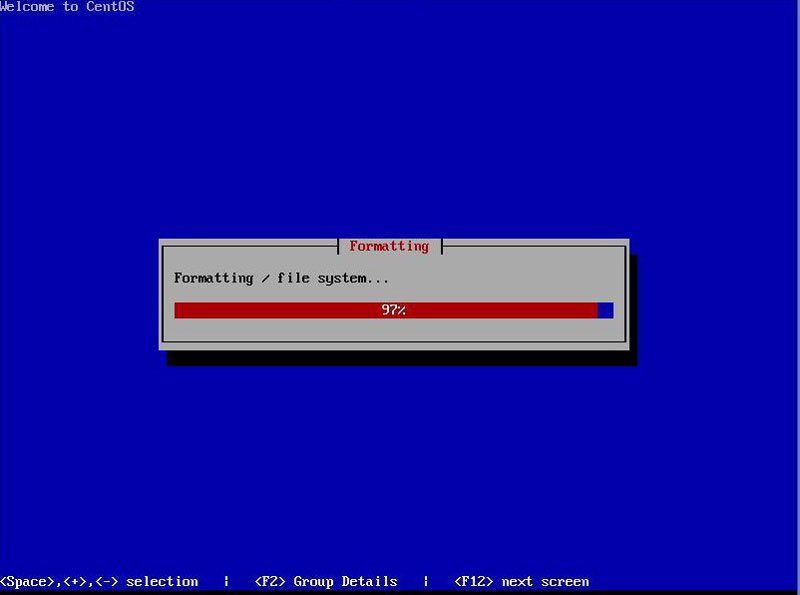
File system is formatted:
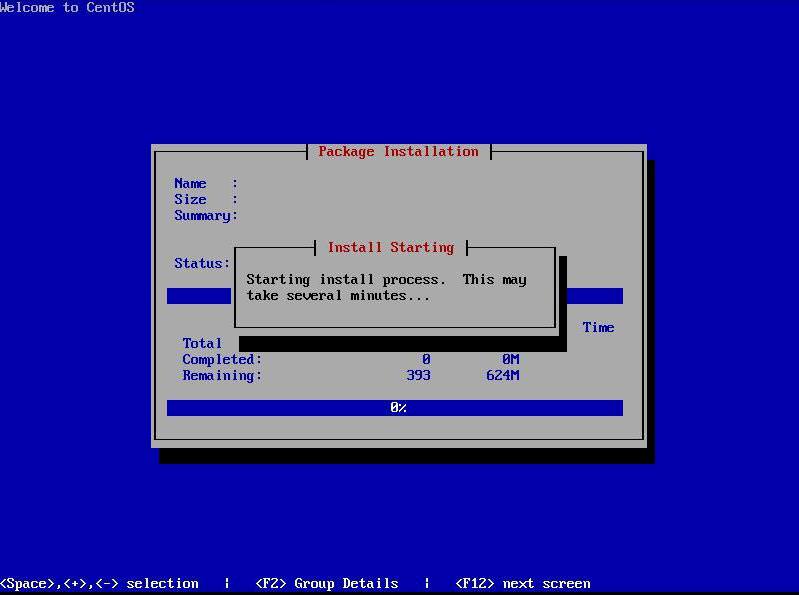
The installation will run:
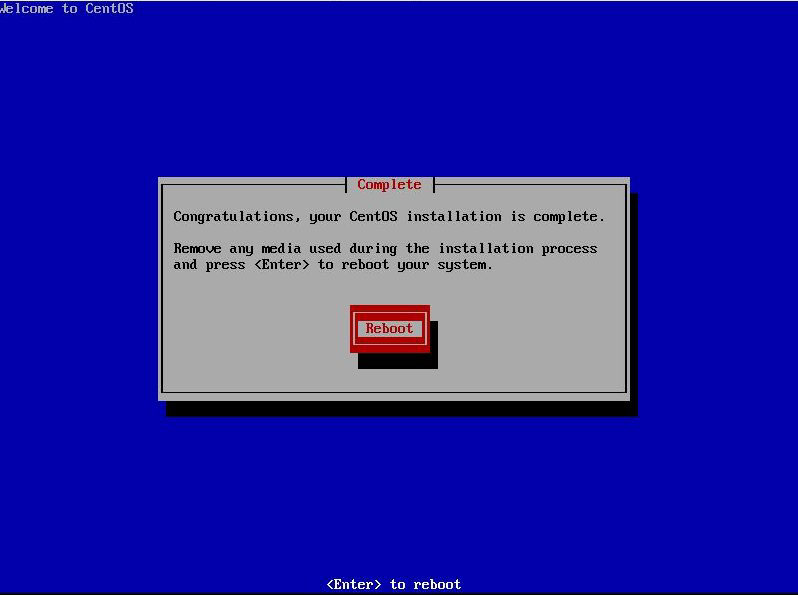
Reboot the system: