
Vim Editor Basics
This tutorial is going to speak about vim basic use and covers also the editor vi. Vim is a powerful text editor used in CLI (command line interface). Linux uses a lot of configuration files, you'll often need to edit them and vim is a great tool to do so. Alternatives to vim are the command-line editor's nano and joe.
To start vim editor, run the command:
vim
The vim edit will show up in the terminal window.
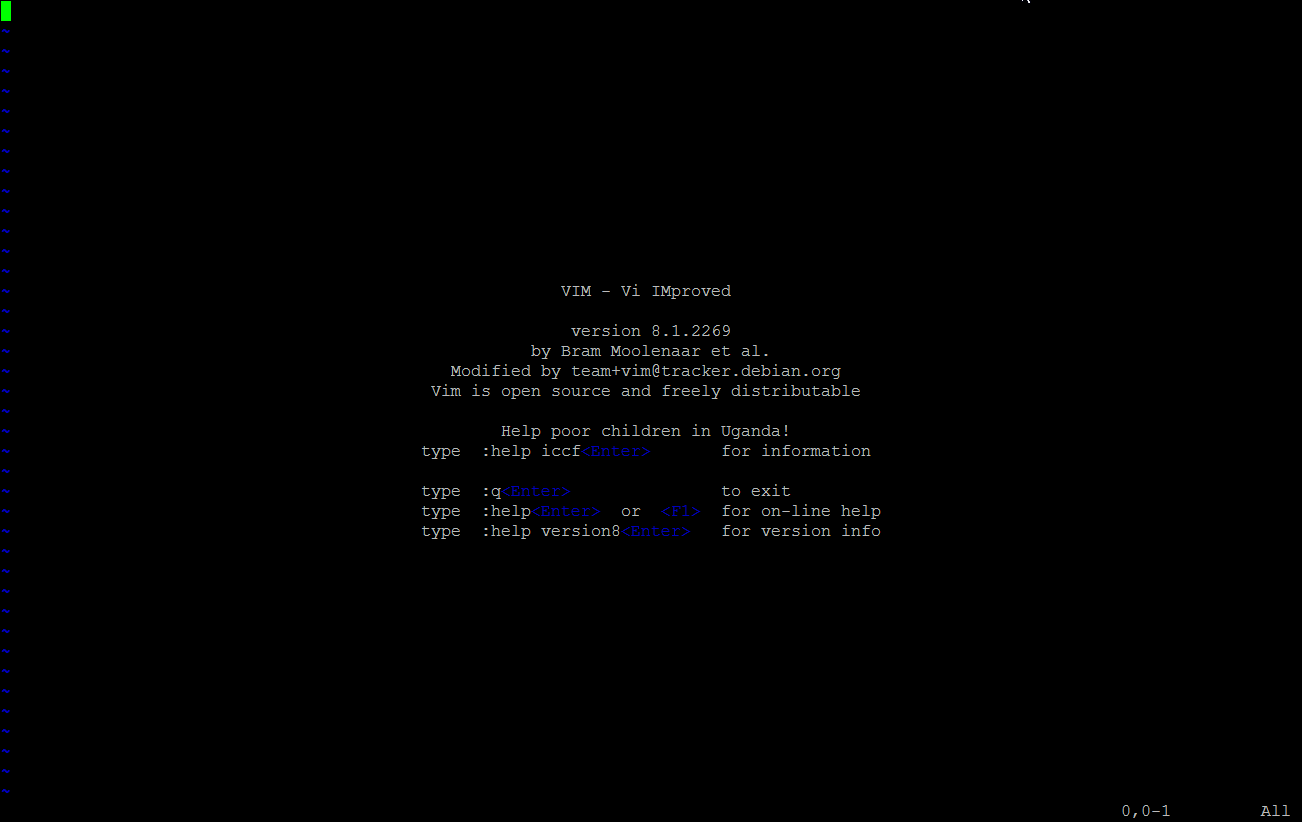
Vim has a particular working method, there are two main modes: the command mode and the other modes.
The command mode lets you select the working mode that you want to enter. Available modes are: save, quit, copy, paste, and that kind of things but you can't edit the file in the command mode directly. This is what many users are new to vim puzzles and one has to get used to first.
Vim modes
There are several other modes, I'll cover only the most widely used ones here. At the end of the tutorial, you will find some links to in-depth guides about VIM and explanations of advanced modes.
Insert Mode
The Insert mode lets you insert text in a document. The shortcut is: "i" (insert text where the cursor is) or "o" (insert text at the beginning of the following line).
Visual Mode
The visual mode permits the user to select the text as you would do with a mouse but using the keyboard instead of the mouse. Useful to copy several lines f text for example. The shortcut is: "V".
Command Mode
Let's now speak about the command mode, a command begins with the symbol ":".
When you are in another mod you can use the escape key (sometimes you'll need to hit it twice) to come back to command mod at any time.
For a more in-depth explanation of the Vim modes, take a look at the tutorial: Vim Editor Modes Explained
Vim usage example
To start using vim, just run the "vim" command on the Linux shell followed by the path of the file that you want to edit.
Example, editing of the file /etc/hosts
vim /etc/hosts
The result will look like this:
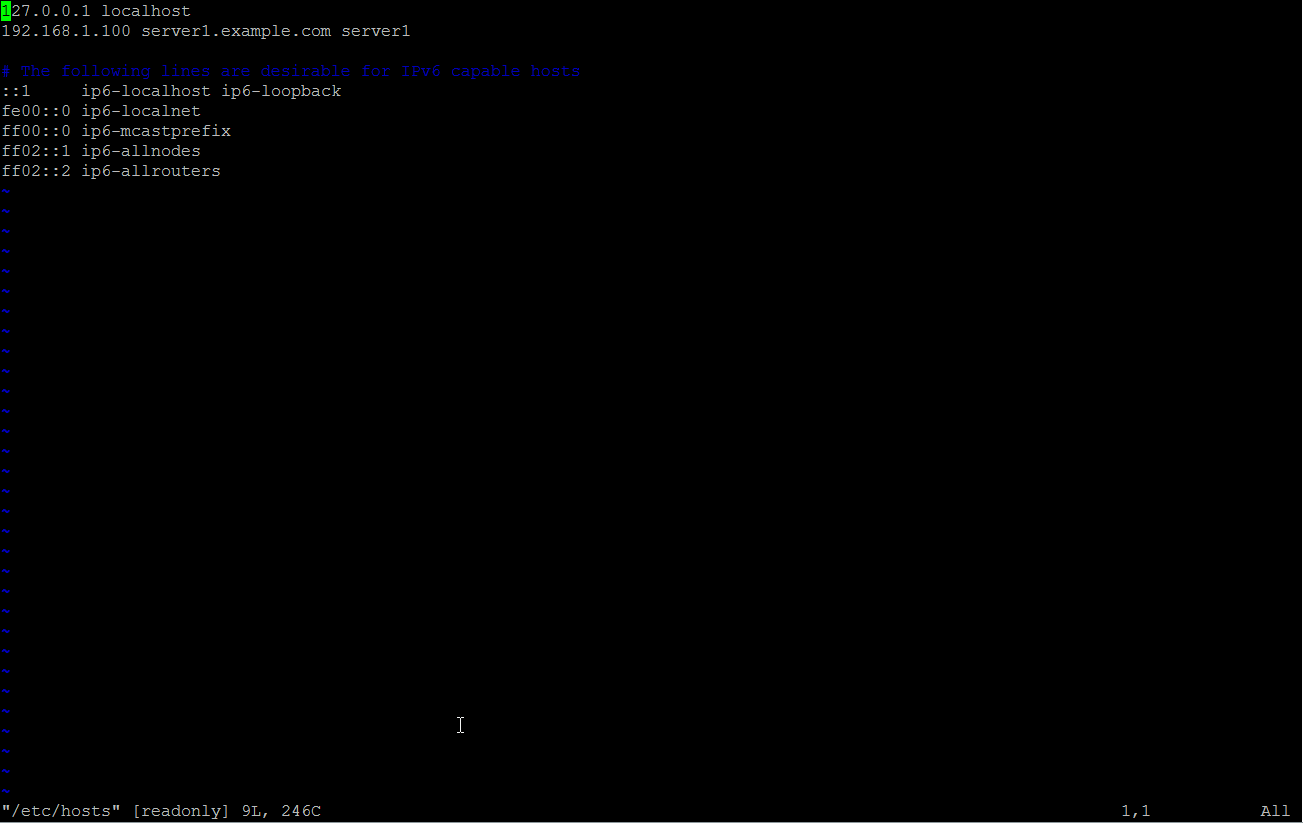
The editor is now in command mode. To start editing the file content, enter:
:i[enter]
[enter] means to press the return or enter key on your keyboard.
The word --insert-- will appear at the bottom of the editor window to show that you are in insert mode now.

Now you can edit the file by navigating to the line that you want to change with the cursor keys and then start typing the text. When you are finished with editing, press the [esc] key to go back to the command mode.
To save the file and exit the editor, enter:
:x[return]
In case you want to quit vim without saving the file, enter:
:q![return]
Vim Command Reference
save: :w
save and exit: :wq
exit: :q
force: ! (example :w! :q!)
vertical split: open a document and then type :vsplit /path-to-document/document and this will open the specified document and split the screen so you can see both documents.
copy: y
copy a line: yy
paste: p
cut: d
cut a line: dd
These are the very basic commands for vim, but they are useful as vim or vi is preinstalled on most Linux systems. I hope this will help you configuring your Linux.
Advanced Features
Here are some tutorials that cover the advanced features of Vim.
- How to perform search operations in Vim
- Vim Editor Modes Explained
- How to access shell or run external commands from within Vim
- How to make file-specific setting changes in Vim using Modeline
- Useful Vim editor plugins for software developers - part 1
- Useful Vim editor plugins for software developers - part 2: Syntastic
- Useful Vim editor plugins for software developers - part 3: a.vim
- How to use markers and perform text selection in Vim





