Using The btrfs Filesystem (With RAID1) With Ubuntu 12.10 On A Hetzner Server
Version 1.0
Author: Falko Timme  Follow me on Twitter
This tutorial shows how to install Ubuntu 12.10 on the btrfs filesystem (with RAID1) on a Hetzner server with two hard drives. While Hetzner's installimage tool doesn't list btrfs as a supported filesystem and only supports software RAID with /dev/md devices, it is still possible to achieve this setup and use the built-in RAID support in btrfs instead of using /dev/md devices.
I do not issue any guarantee that this will work for you!
1 Preliminary Note
This setup might work for other recent distributions offered by Hetzner's installimage tool as well, however I've tested this with Ubuntu 12.10 only.
2 Boot Into The Rescue System
The first thing you must do is boot into your server's rescue system. Activate the rescue system in your Hetzner robot and then reboot your server. Afterwards, log into the rescue system with the root password generated by the rescue system.
2.1 Running installimage
To install the distribution image of your choice (Ubuntu 12.10 in this case) on your server, run Hetzner's installimage tool:
installimage
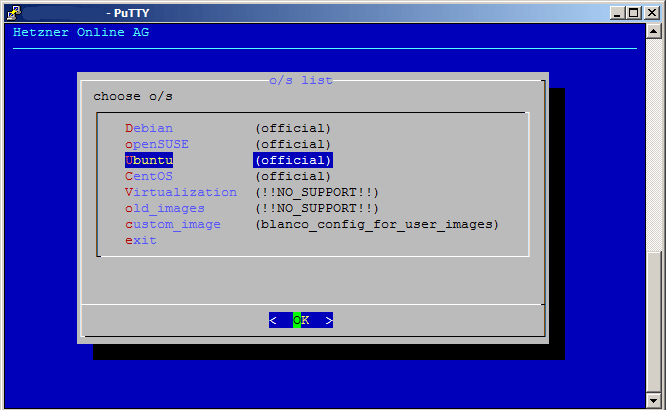
Select your operating system (Ubuntu in this case):
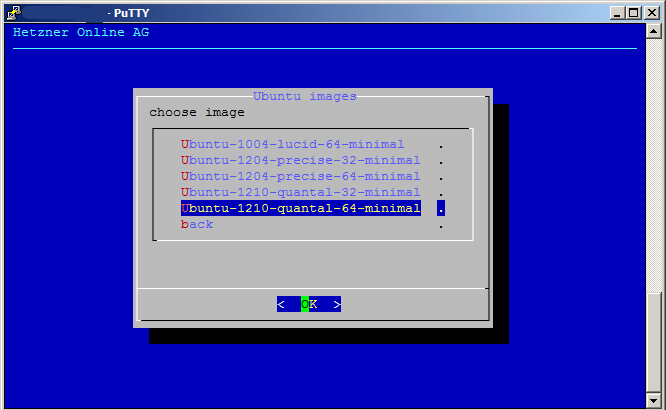
Select the desired image (Ubuntu 12.10 x86_64 minimal in this case):
Next you will see the following message. Please note that installimage will configure software RAID unless you change the SWRAID parameter to 0:
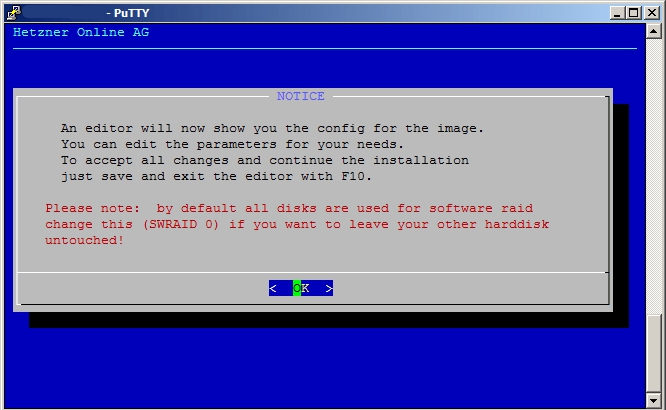
That's what we do now - as we want to use the built-in RAID support of btrfs instead of /dev/md devices, we set SWRAID to 0 in the configuration of the image. Also make sure you use grub as your bootloader:
[...] SWRAID 0 [...] BOOTLOADER grub [...] |
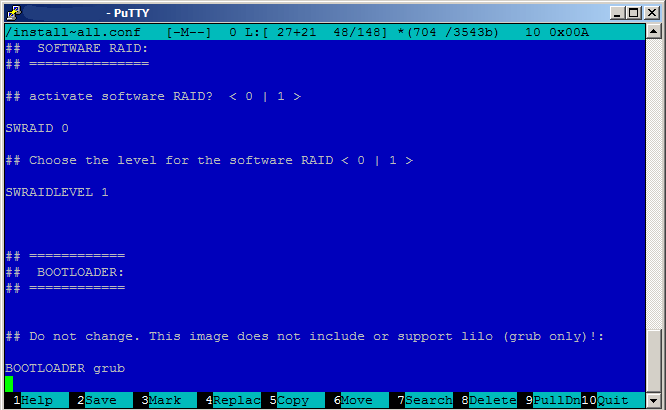
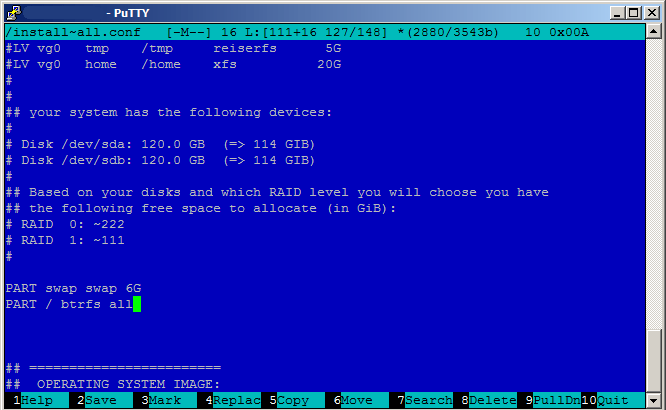
Further down in the configuration, we specify the partitions. I want to use a swap partition and the rest of the hard drive for / (on btrfs), so I specify:
[...] PART swap swap 6G PART / btrfs all [...] |
(This will create /dev/sda1 for swap and /dev/sda2 for /; /dev/sdb will be left unconfigured because we've chosen SWRAID 0 above.)
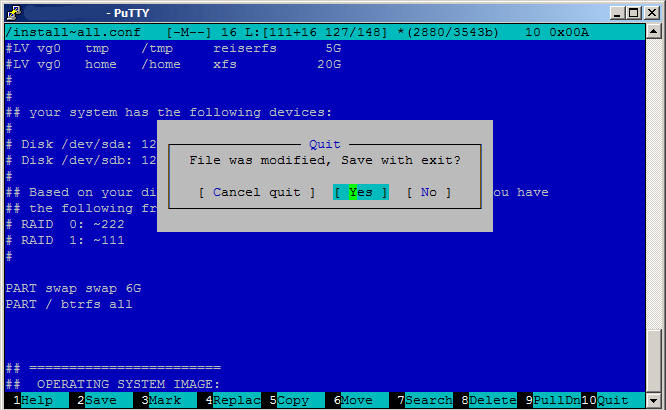
Press F10 to save the configuration and quit the editor. Select Yes when asked File was modified, Save with exit?:
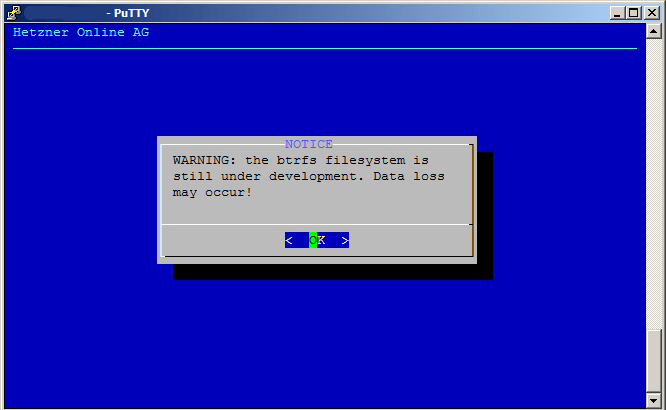
You will see a note that the btrfs filesystem is still experimental. Press OK to continue:
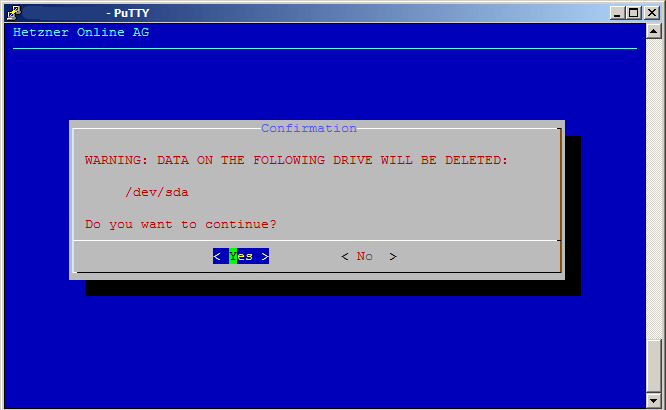
Next you will be informed that data on /dev/sda will be deleted. Select Yes to continue:
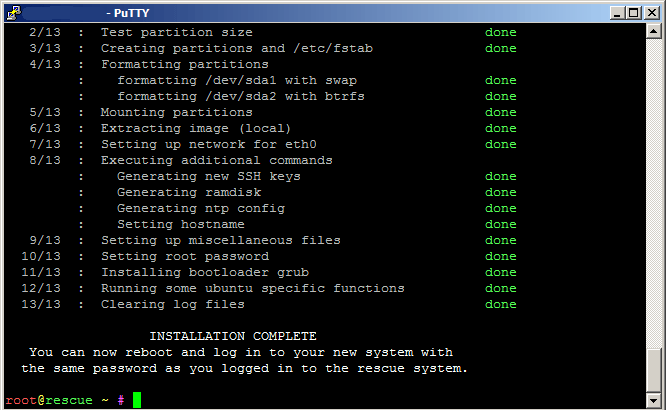
Afterwards installimage will format /dev/sda and install the selected image (Ubuntu 12.10) on the hard drive: