
How To Upgrade Your Desktop From Ubuntu 7.10 (Gutsy Gibbon) To 8.04 LTS (Hardy Heron) - Page 2
On this page
2 Perform The Distribution Upgrade
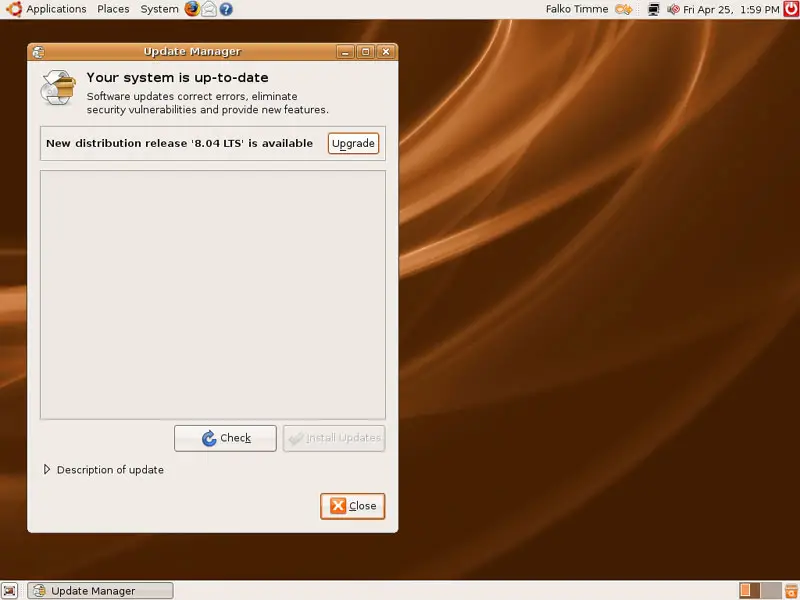
After you've opened the Update Manager again (after a reboot) or clicked on the Check button, click on the Upgrade button to start the distribution upgrade:
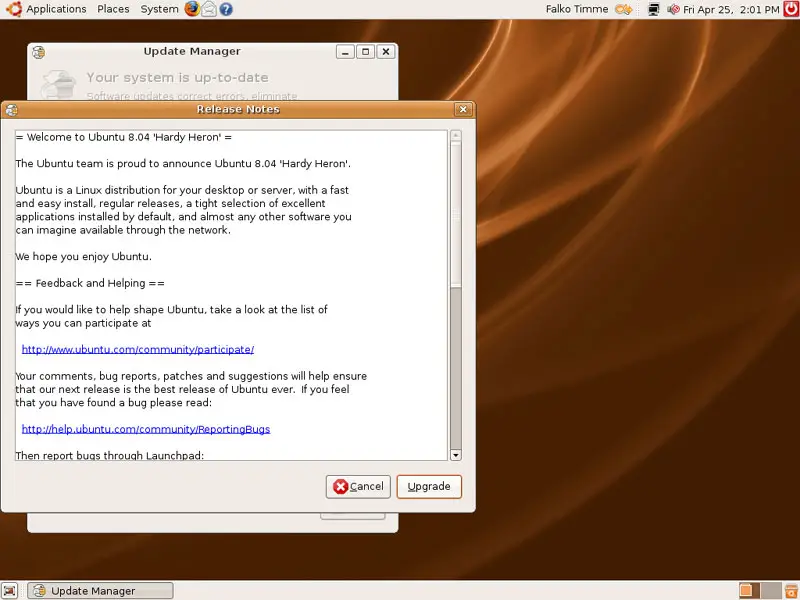
A window with the release notes for Ubuntu 8.04 opens. Click on Upgrade again:
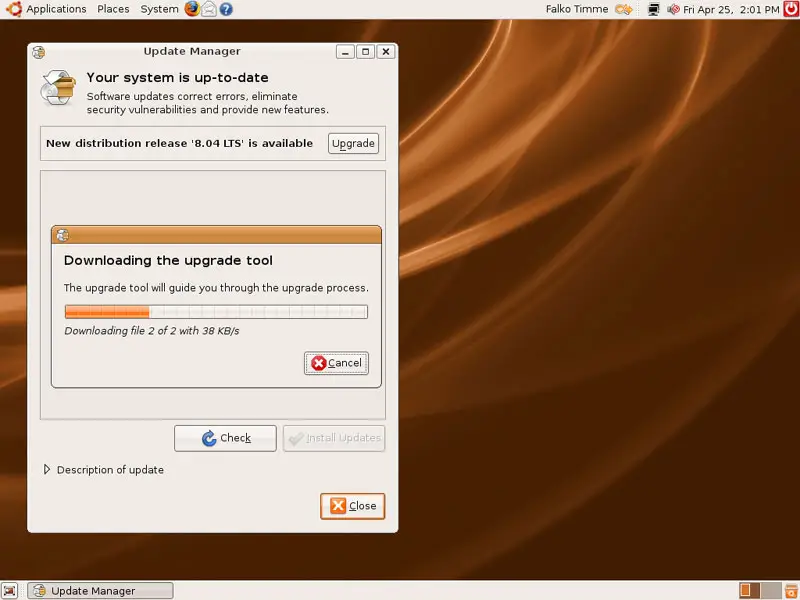
The upgrade tool is being downloaded:
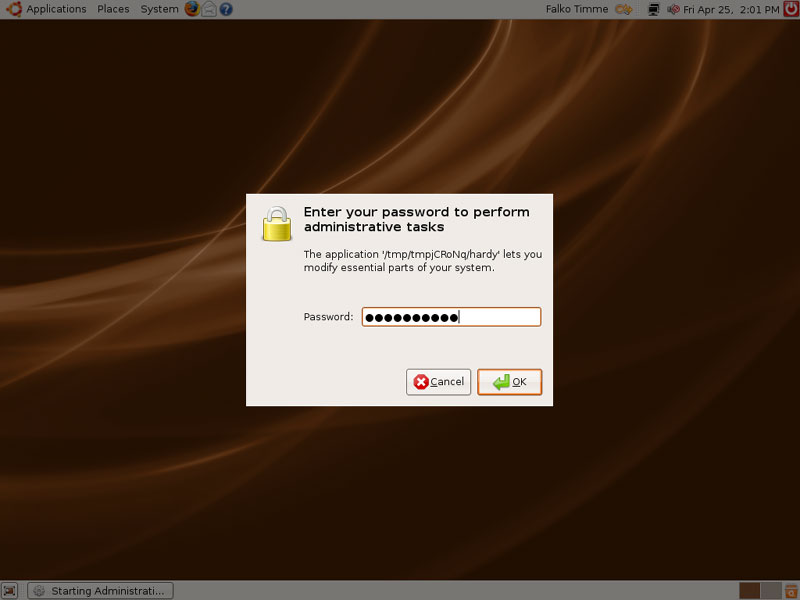
Type in your password:
The upgrade is now being prepared:
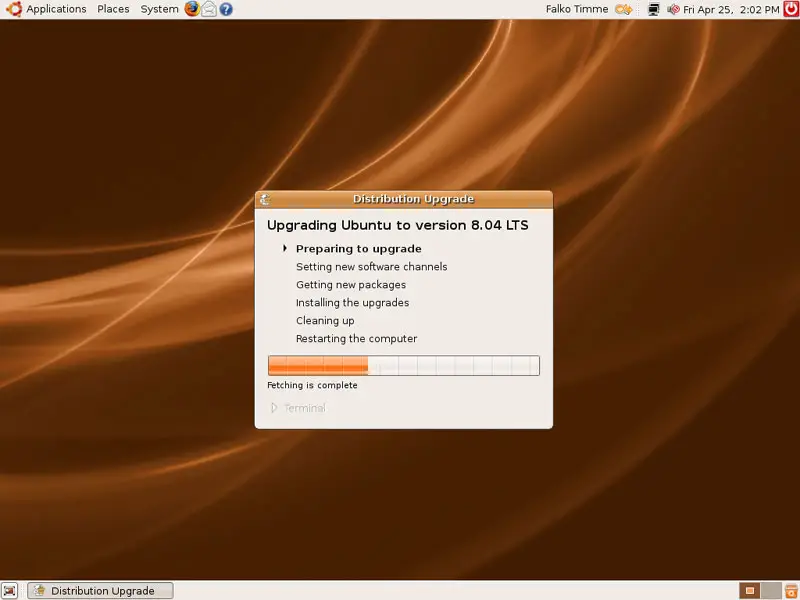
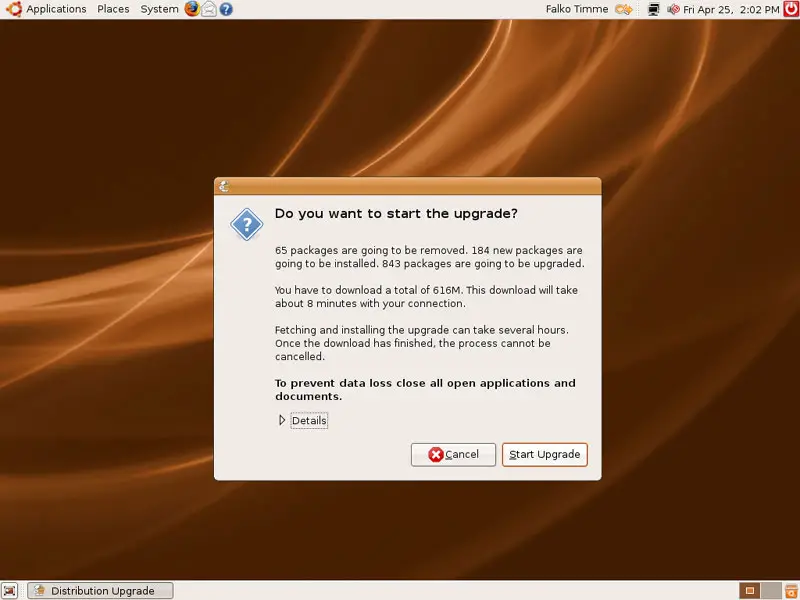
To start the upgrade from Ubuntu 7.10 to 8.04, click on the Start Upgrade button:
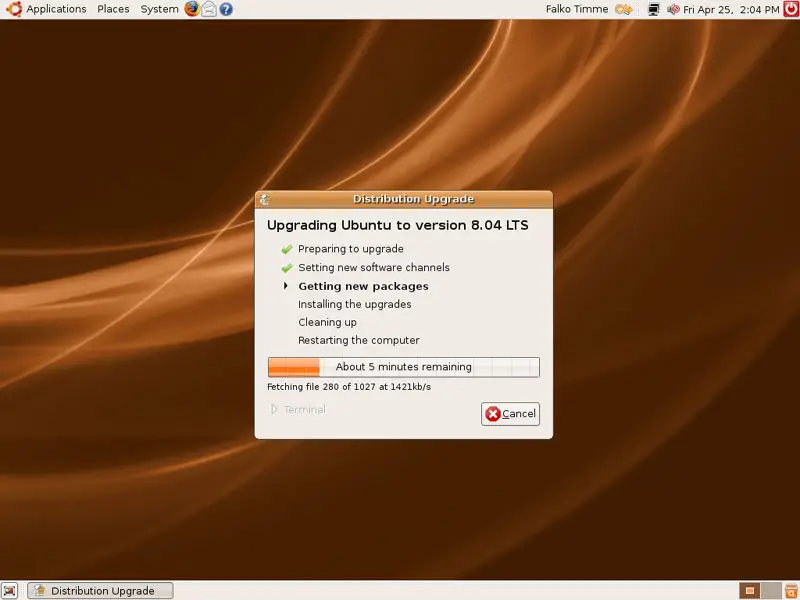
The upgrade packages are now being downloaded...
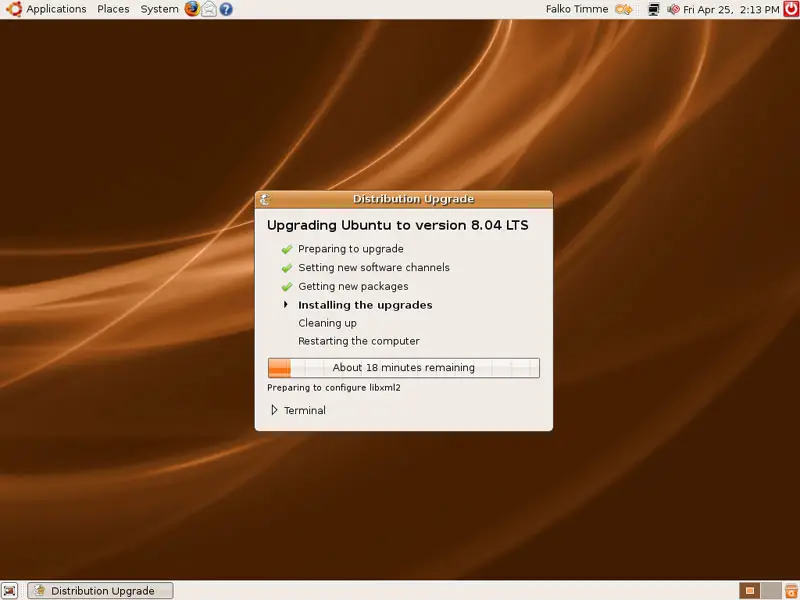
... and installed:
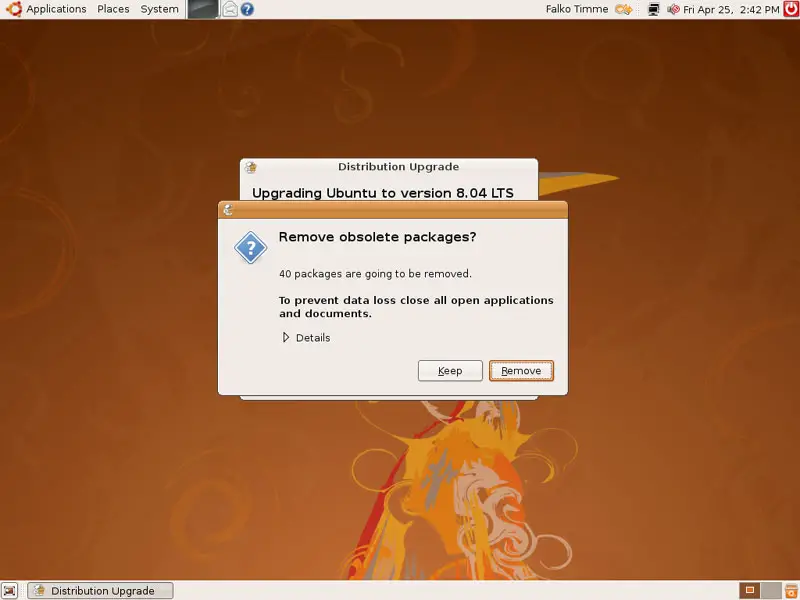
After the upgrade packages have been installed, you will be asked if you'd like to remove obsolete packages. Unless you have reasons to keep these old packages, it's a good idea to click on Remove:
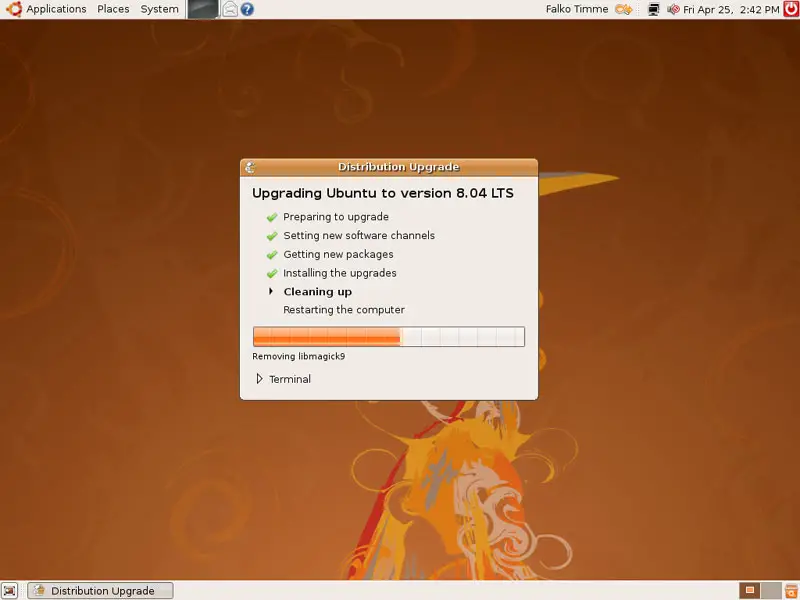
The obsolete packages are now being removed, and the system is being cleaned up:
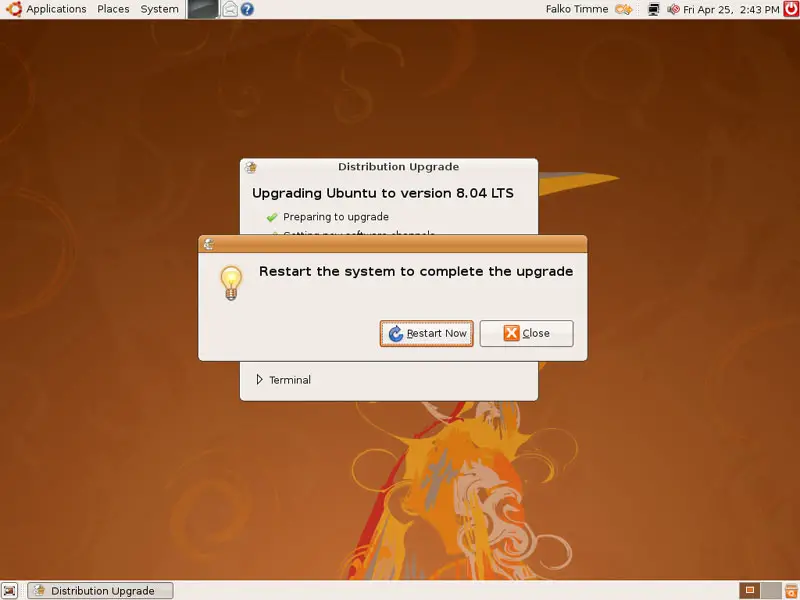
The upgrade is now finished, but for the changes to take effect the system must be rebooted, therefore click on the Restart Now button:
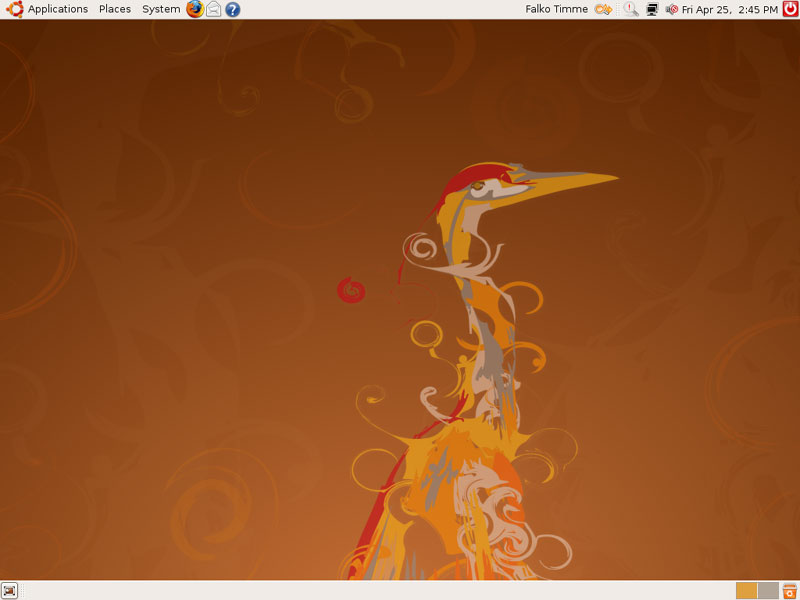
After the system has rebooted, you should find yourself on your new, shiny Ubuntu 8.04 (Hardy Heron) desktop:
3 Links
- Ubuntu: http://www.ubuntu.com





