
This tutorial exists for these OS versions
On this page
How To Upgrade Your Desktop From Fedora 7 To Fedora 8
Version 1.0
Author: Falko Timme
This guide shows how you can upgrade your desktop from Fedora 7 to Fedora 8.
I do not issue any guarantee that this will work for you!
1 Install The Latest Updates
Before we upgrade to Fedora 8, we install all available updates for Fedora 7. To do this, we open a terminal (Applications > System Tools > Terminal):
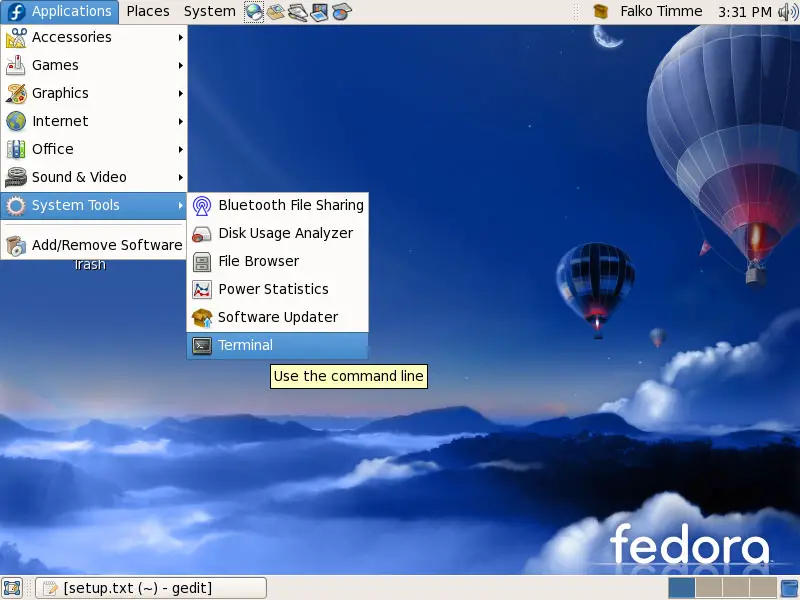
In the terminal, we type
su
to become the root user. Afterwards, we run
yum update
to install the latest updates for Fedora 7:
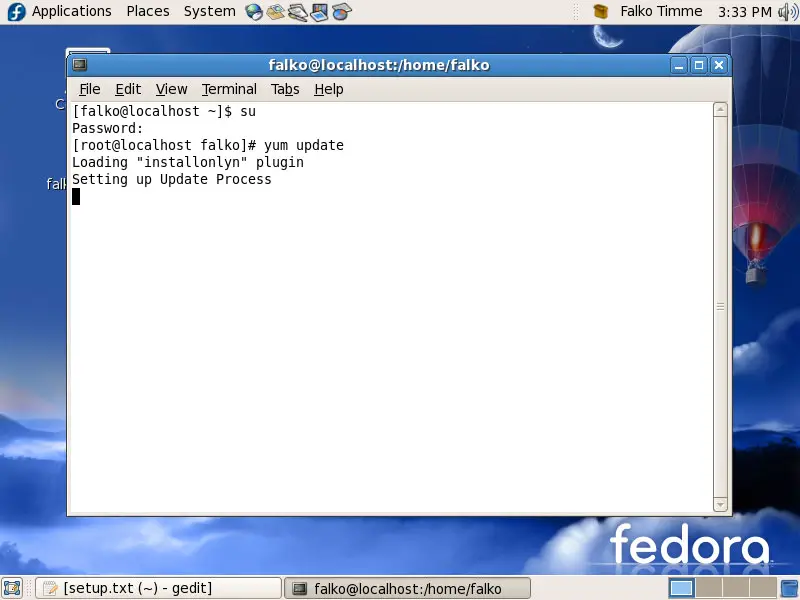
Answer y to begin the update process:
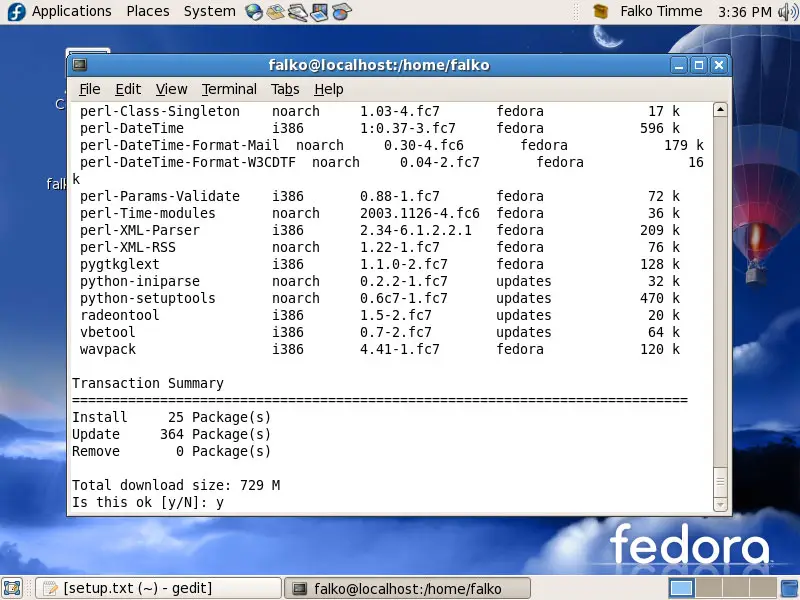
If you get a message like this during the update process:
warning: rpmts_HdrFromFdno: Header V3 DSA signature: NOKEY, key ID 4f2a6fd2
Importing GPG key 0x4F2A6FD2 "Fedora Project <[email protected]>" from /etc/pki/rpm-gpg/RPM-GPG-KEY-fedora
Is this ok [y/N]:
it is ok to answer y.
Afterwards, the latest Fedora 7 packages are installed on your system.
2 Perform The Distribution Upgrade
Now, still in the terminal, we can begin the distribution upgrade. First run
yum clean all
to clean all package caches, and run
rpm -Uvh ftp://download.fedora.redhat.com/pub/fedora/linux/releases/8/Fedora/i386/os/Packages/fedora-release-8-3.noarch.rpm ftp://download.fedora.redhat.com/pub/fedora/linux/releases/8/Fedora/i386/os/Packages/fedora-release-notes-8.0.0-3.noarch.rpm
(in one line!) to make the Fedora 8 repositories available to your system.
Afterwards, you can start the distribution upgrade:
yum upgrade
If it stops with an error like this one:
---> Package orca.i386 0:2.20.0.1-1.fc8 set to be updated
--> Finished Dependency Resolution
Error: Missing Dependency: gecko-libs = 1.8.1.8 is needed by package yelp
simply uninstall the package that is causing the problem (in this case yelp) (I only had to do this with the yelp package which doesn't seem to be overly important)...
yum remove yelp
... and try the distribution upgrade again:
yum upgrade
This time it should go through. Answer y to accept all upgrades:
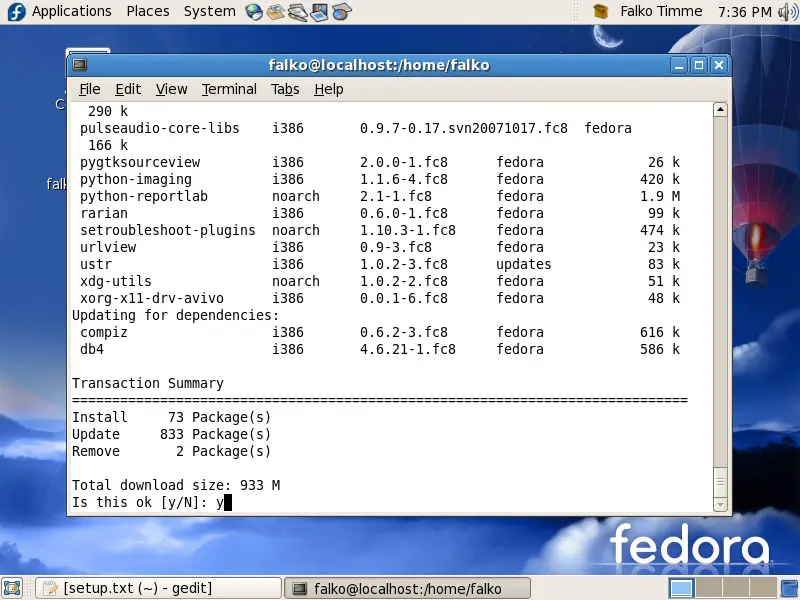
Now be patient, the upgrade can take a few hours...
After the upgrade has finished, type
reboot
to reboot the system.
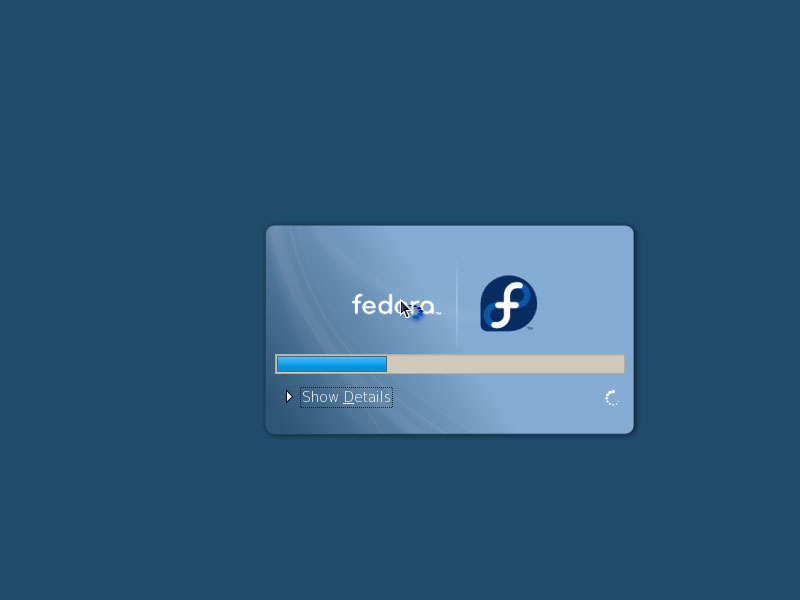
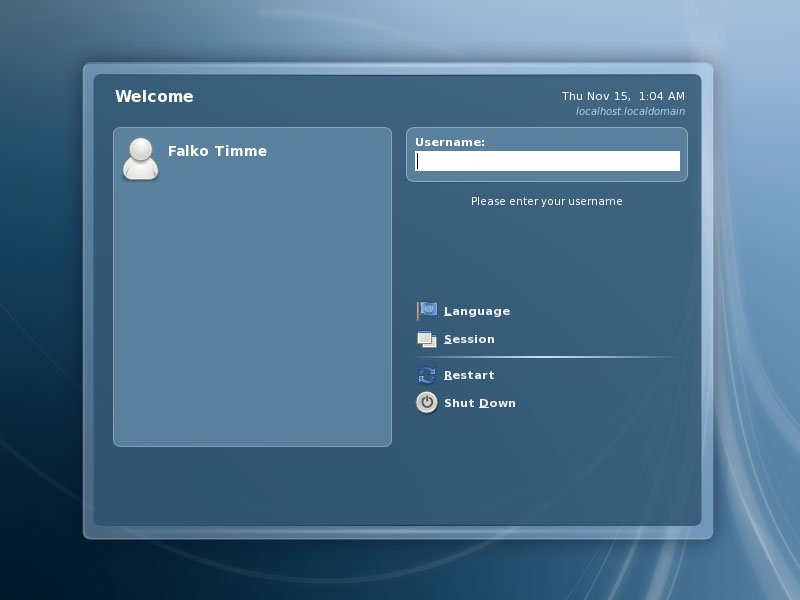
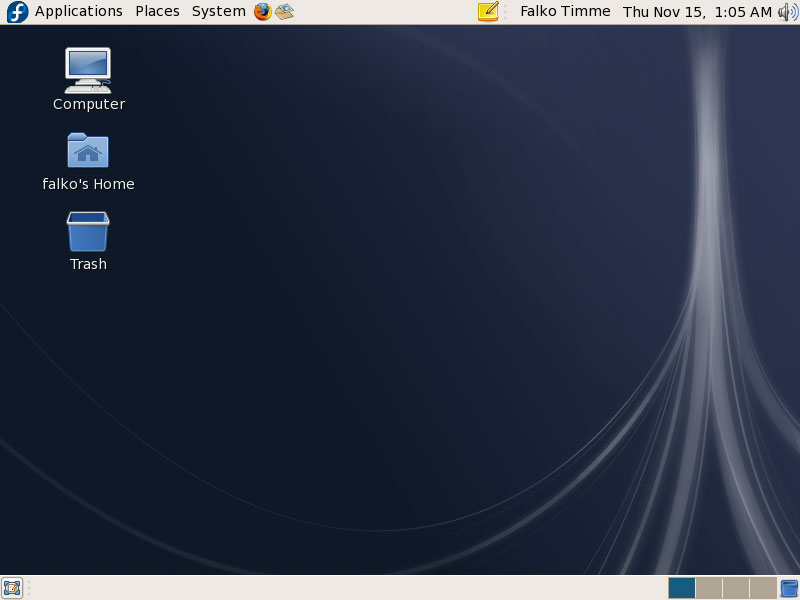
The computer should now boot your new, shiny Fedora 8:
3 Links
- Fedora: http://fedoraproject.org





