
Tweaking Hidden Ubuntu Settings With Ubuntu Tweak
Version 1.0
Author: Falko Timme
Ubuntu Tweak is a tool that lets you change hidden Ubuntu settings, for example: hide or change the splash screen, show or hide the Computer, Home, Trash, and Network icons, change Metacity, Nautilus, power management, and security settings, etc. Currently Ubuntu Tweak is available only for the Ubuntu GNOME desktop, i.e., it will not work on Kubuntu or Xubuntu. This short guide shows how to install and use Ubuntu Tweak.
I do not issue any guarantee that this will work for you!
1 Installing Ubuntu Tweak
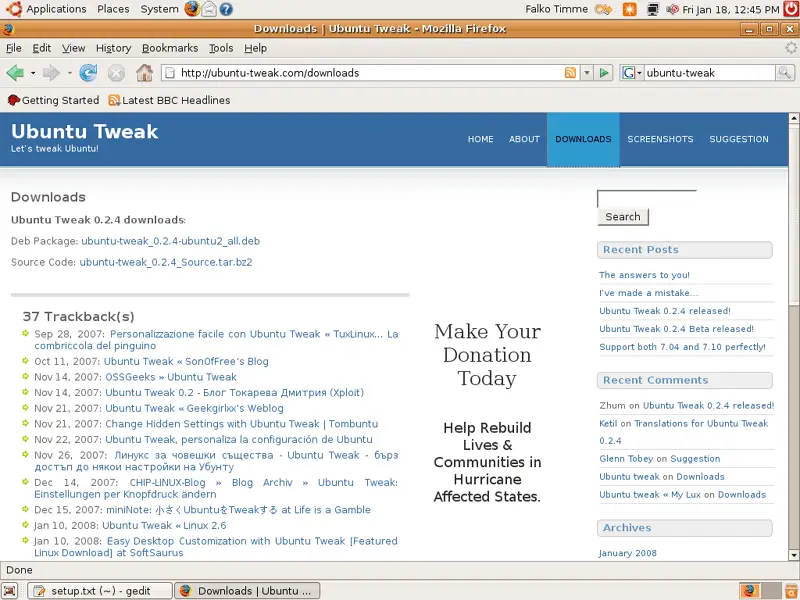
Open Firefox and go to http://ubuntu-tweak.com/downloads and select the Deb Package:
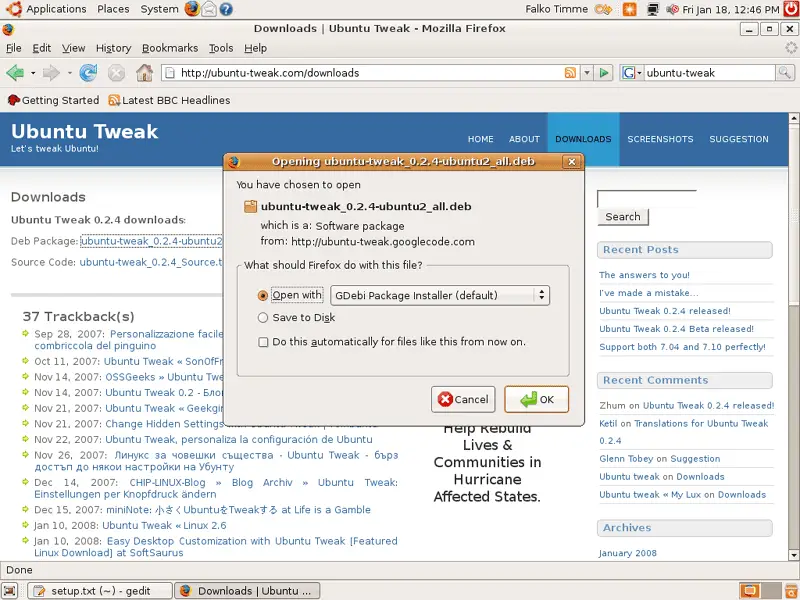
In the Firefox download dialogue, select Open with GDebi Package Installer (default):
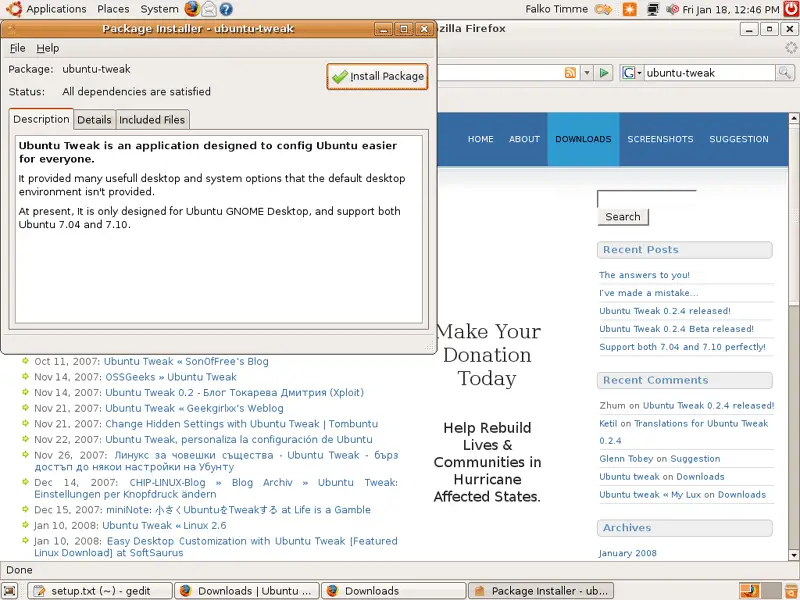
After the download the Package Installer starts. Click on the Install Package button:
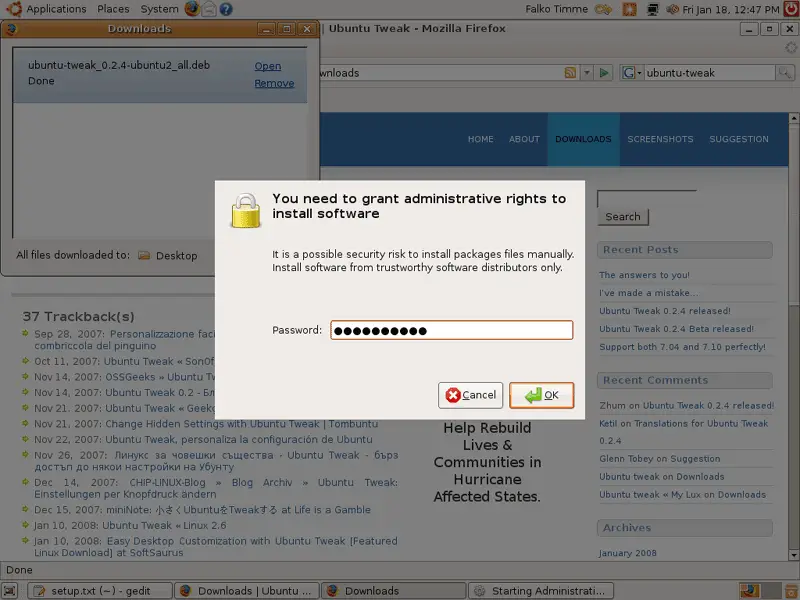
Type in your password:
Now Ubuntu Tweak is being installed:
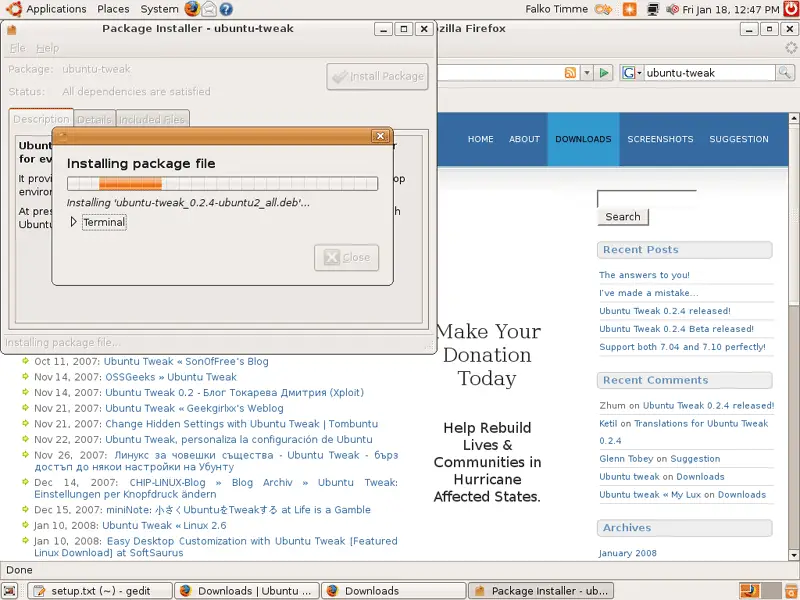
Afterwards, click on Close and leave the Package Installer:
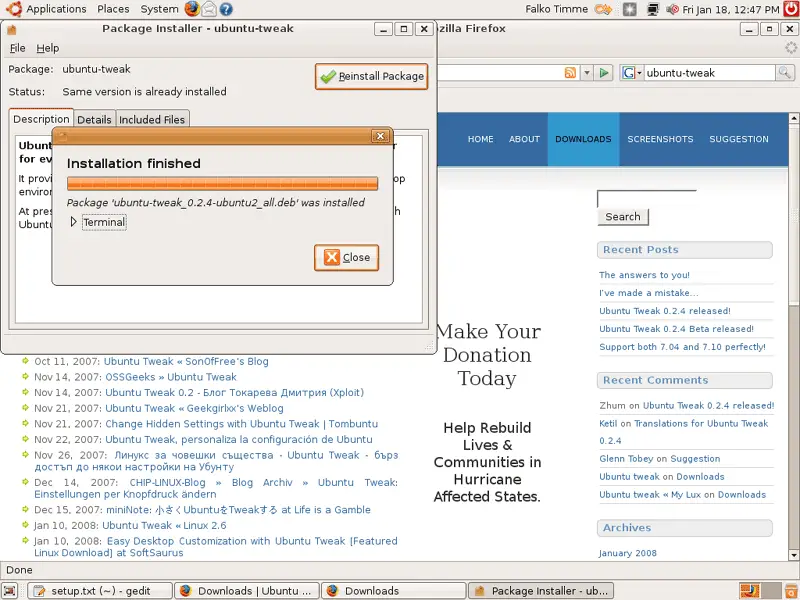
2 Using Ubuntu Tweak
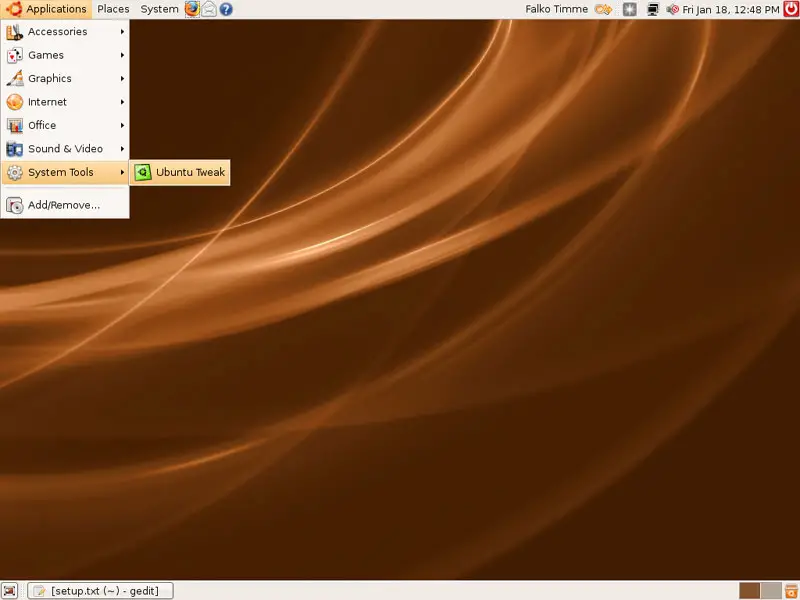
To start Ubuntu Tweak, go to Applications > System Tools > Ubuntu Tweak:
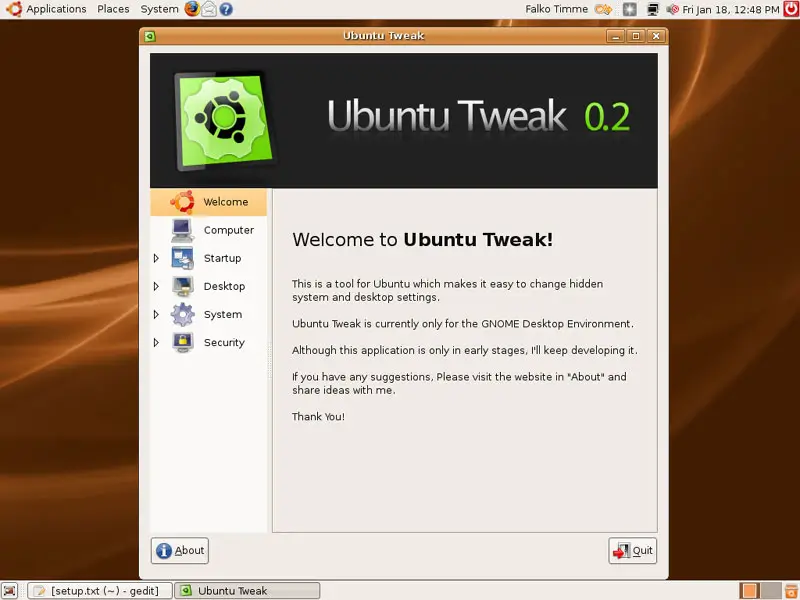
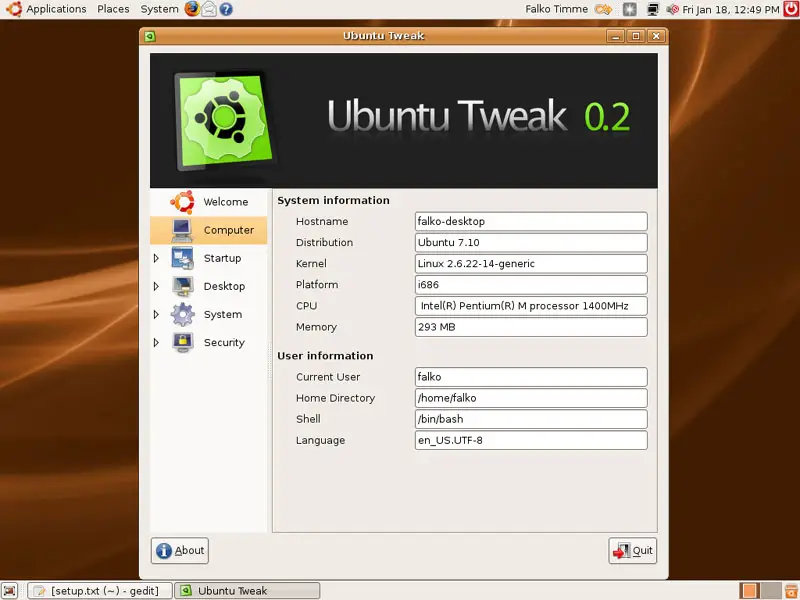
This is how Ubuntu Tweak looks. You can now browse all the menu entries and make your modifications. The options are more or less self-explaining:
Computer Settings:
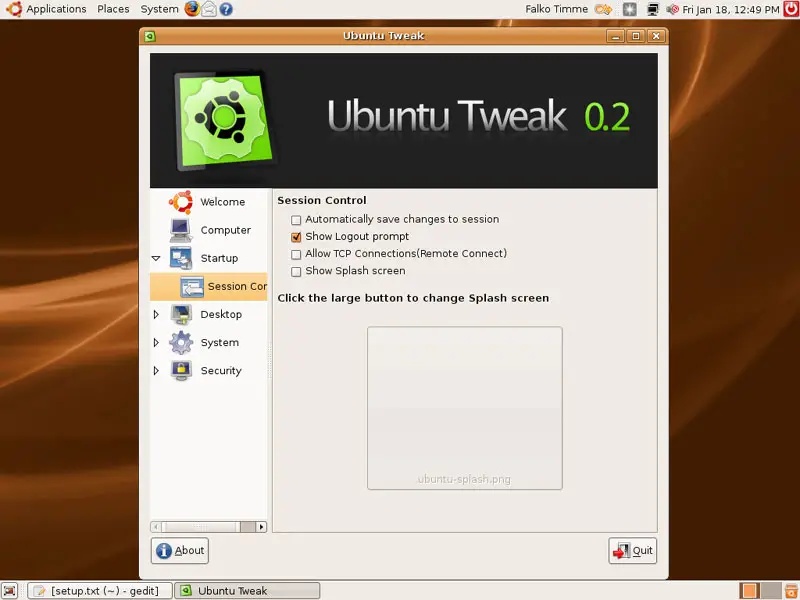
Session Control:
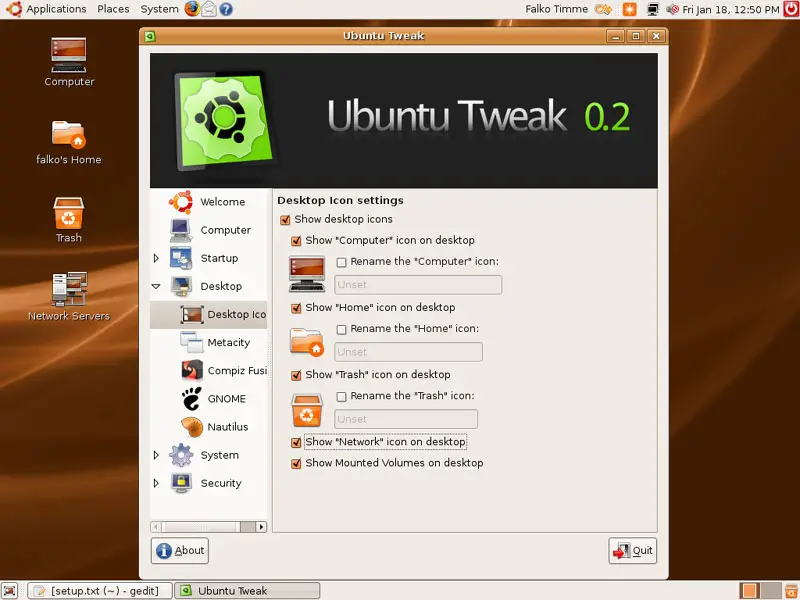
Desktop Icons:
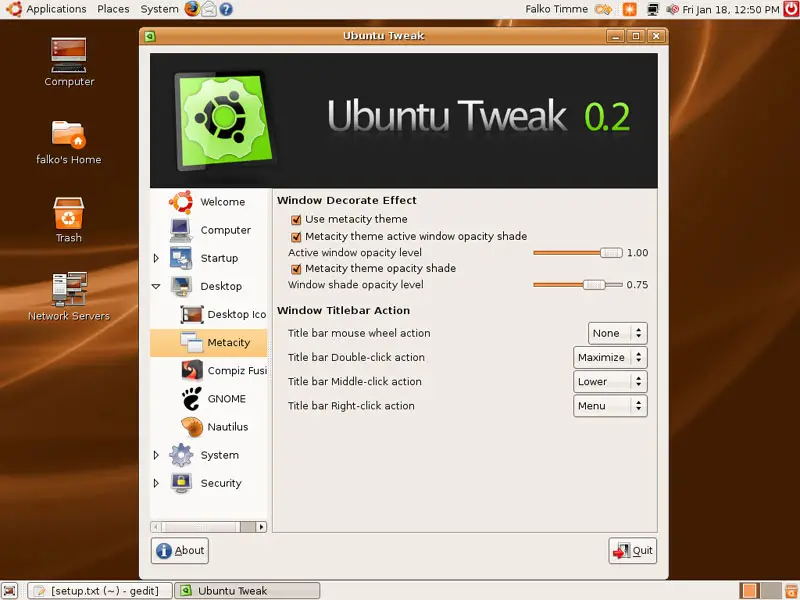
Metacity Settings:
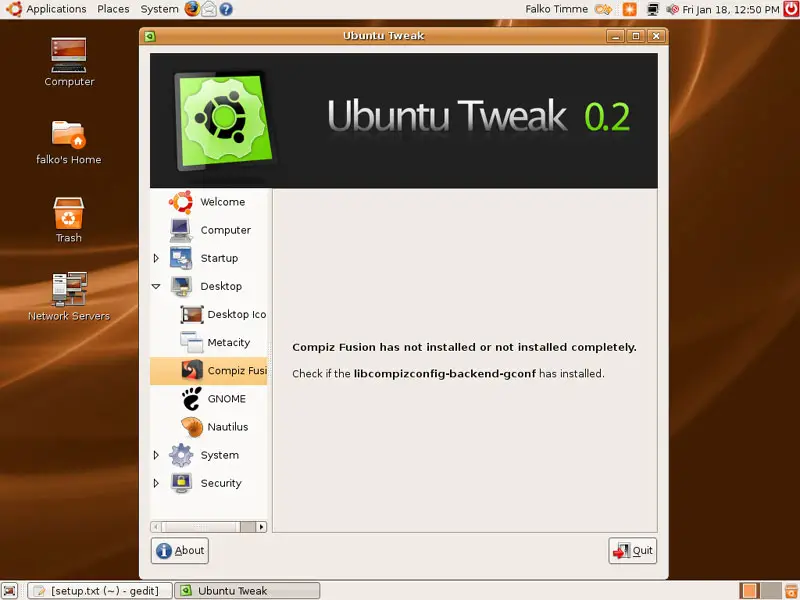
Compiz Fusion (my test system doesn't have a 3D-enabled graphics card, so there's nothing I can modify here):
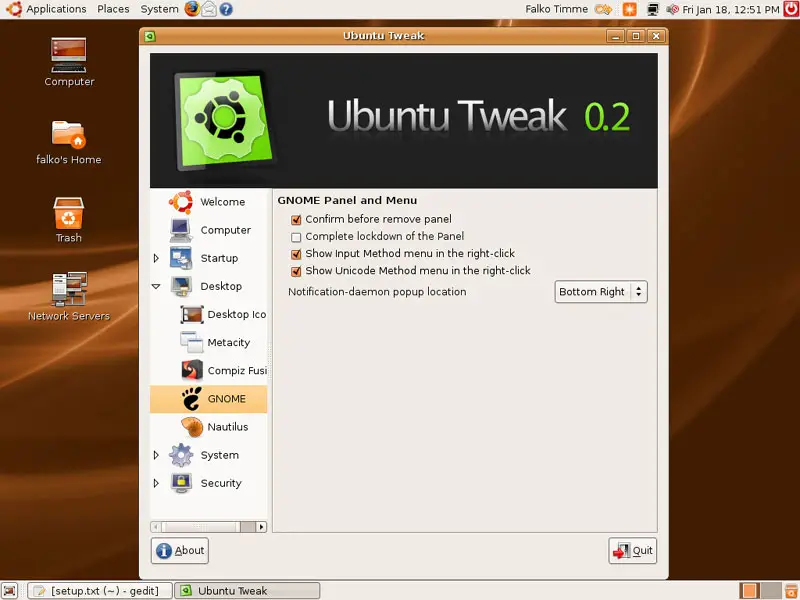
GNOME Settings:
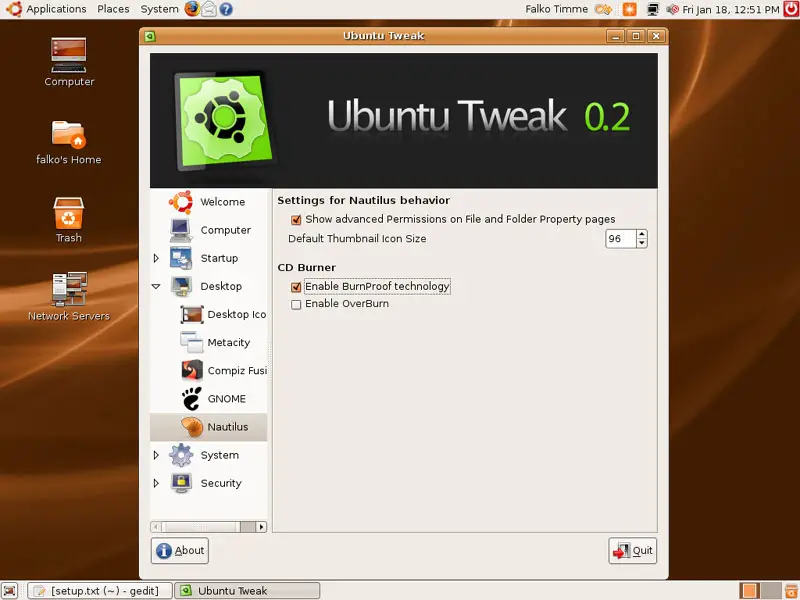
Nautilus Settings:
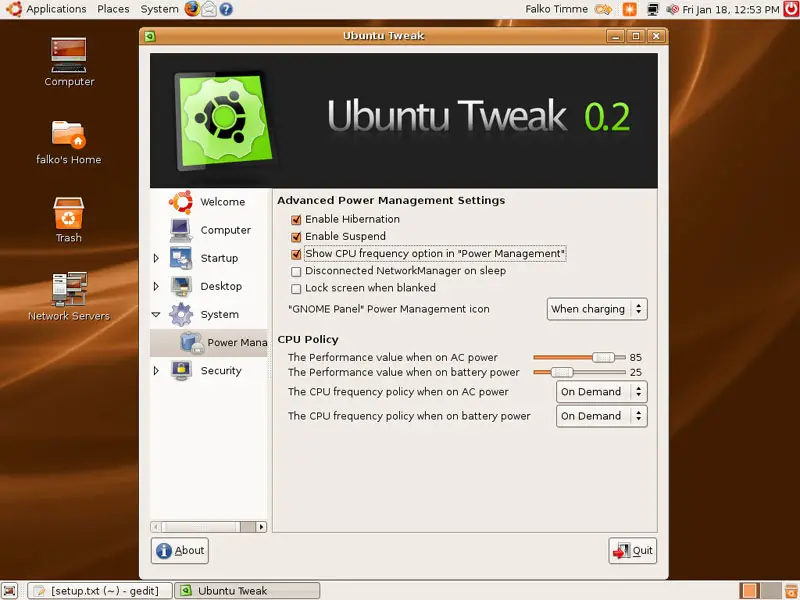
Power Management Settings:
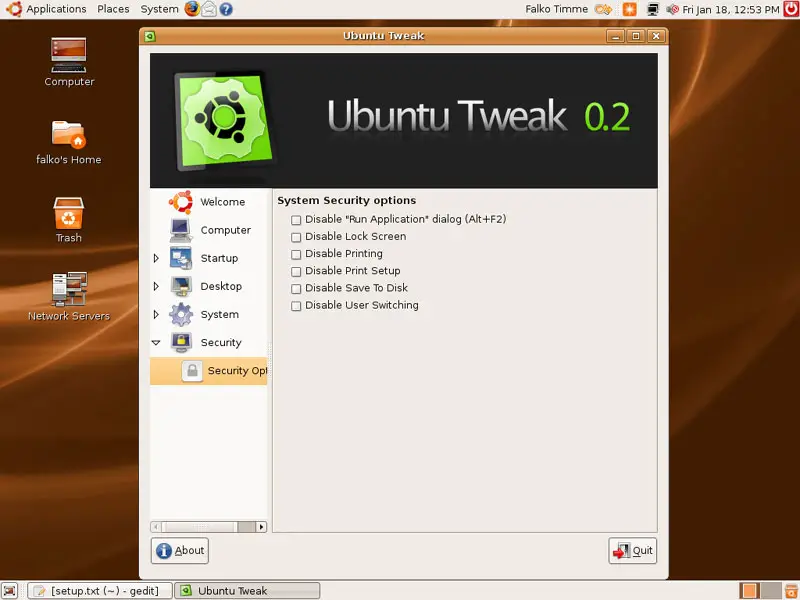
Security Settings:
3 Links
- Ubuntu Tweak: http://ubuntu-tweak.com
- Ubuntu: http://www.ubuntu.com





