
Tweaking Hidden Settings With Ubuntu Tweak On Ubuntu 9.10
Version 1.0
Author: Falko Timme  Follow me on Twitter
Ubuntu Tweak is a tool that lets you change hidden Ubuntu settings, for example: hide or change the splash screen, show or hide the Computer, Home, Trash, and Network icons, change Metacity, Nautilus, power management, and security settings, etc. Currently Ubuntu Tweak is available only for the Ubuntu GNOME desktop, i.e., it will not work on Kubuntu or Xubuntu. This short guide shows how to install and use Ubuntu Tweak.
I do not issue any guarantee that this will work for you!
1 Installing Ubuntu Tweak
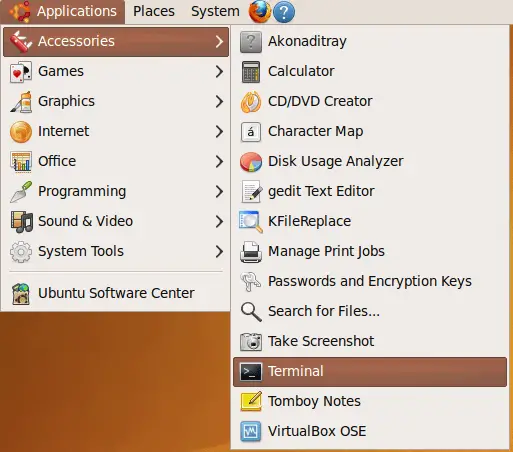
Open a terminal (Applications > Accessories > Terminal):
Add the PPA repository that contains the Ubuntu Tweak package:
sudo add-apt-repository ppa:tualatrix/ppa
Import the key of the repository:
sudo apt-key adv --recv-keys --keyserver keyserver.ubuntu.com FE85409EEAB40ECCB65740816AF0E1940624A220
Open /etc/apt/sources.list...
sudo gedit /etc/apt/sources.list
... and add the following two lines:
[...] deb http://ppa.launchpad.net/tualatrix/ppa/ubuntu karmic main deb-src http://ppa.launchpad.net/tualatrix/ppa/ubuntu karmic main |
Update the package database...
sudo aptitude update
... and install Ubuntu Tweak as follows:
sudo aptitude install ubuntu-tweak
2 Using Ubuntu Tweak
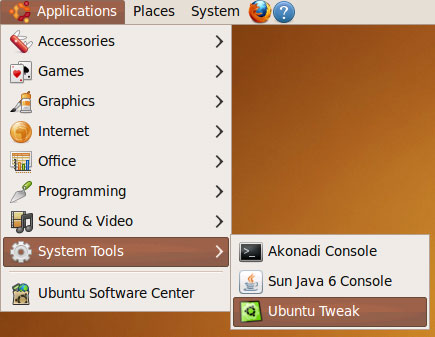
To start Ubuntu Tweak, go to Applications > System Tools > Ubuntu Tweak:
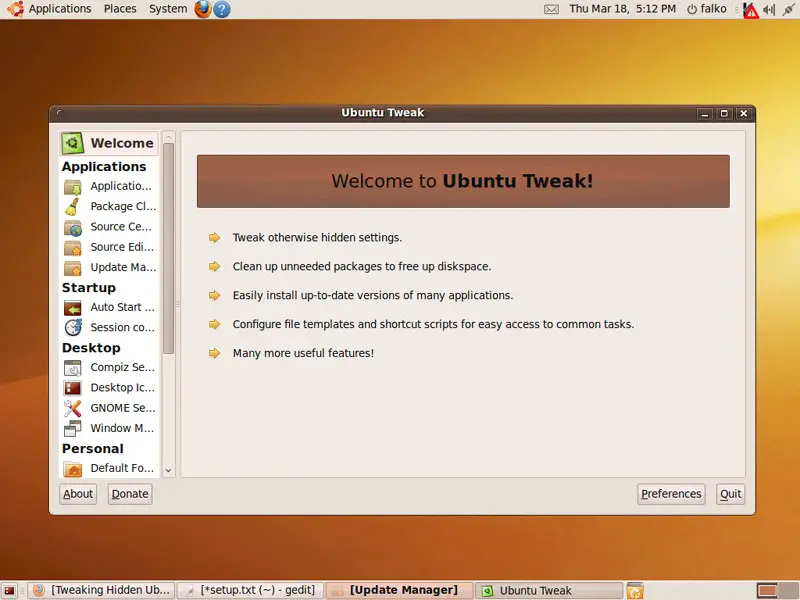
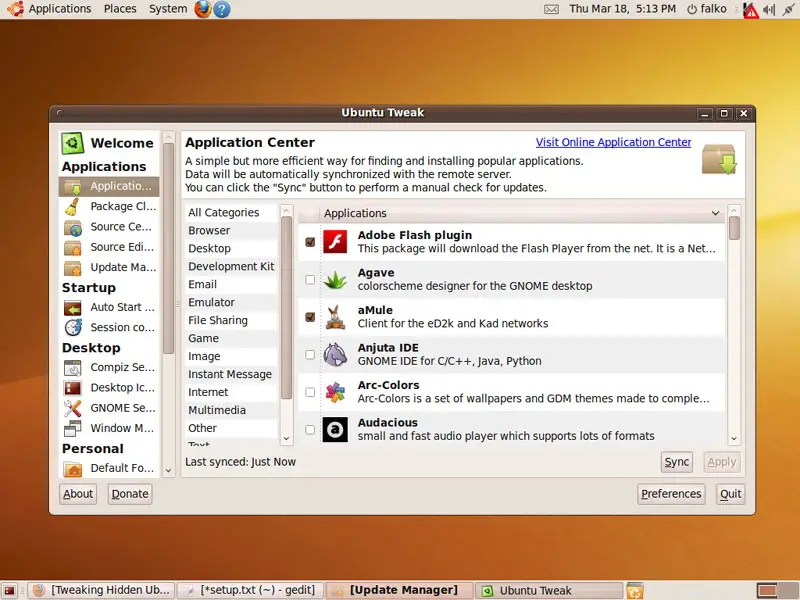
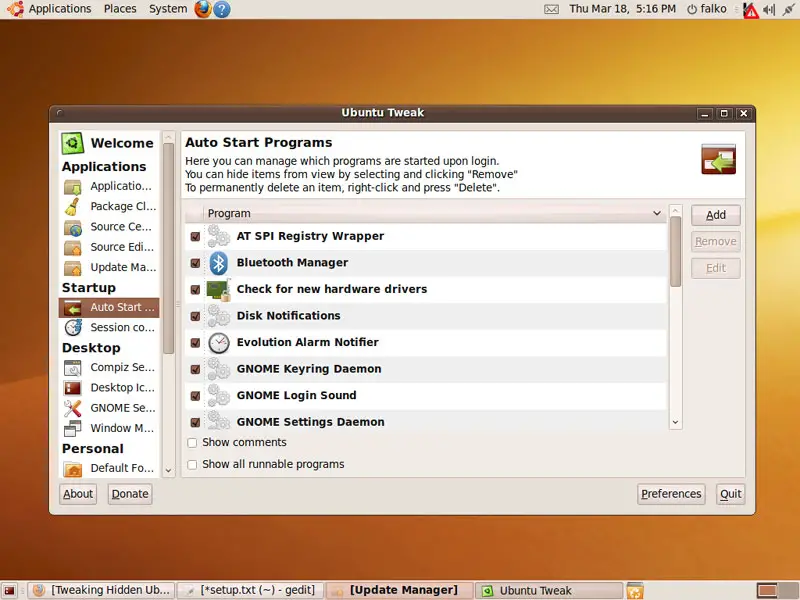
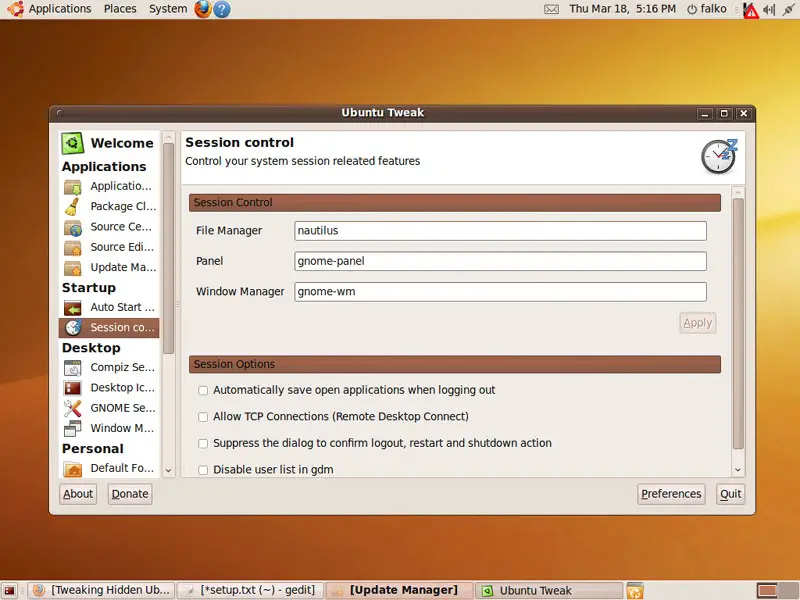
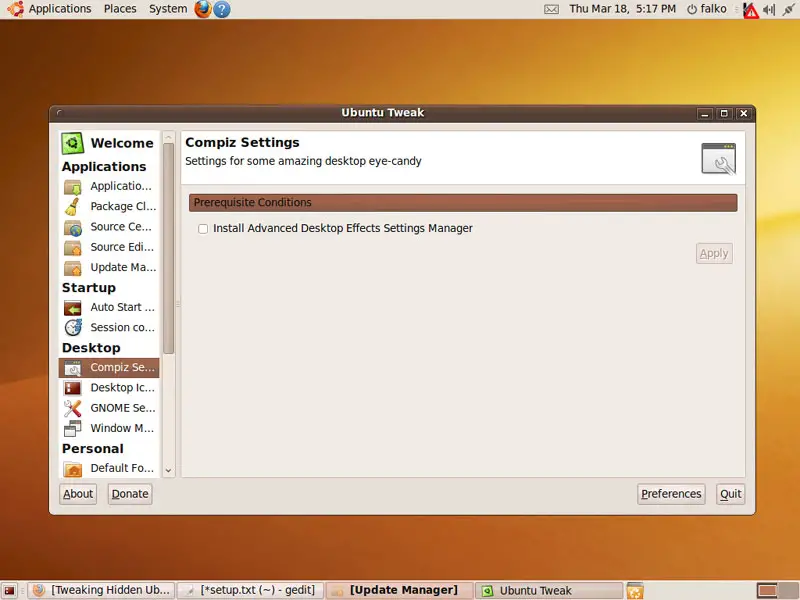
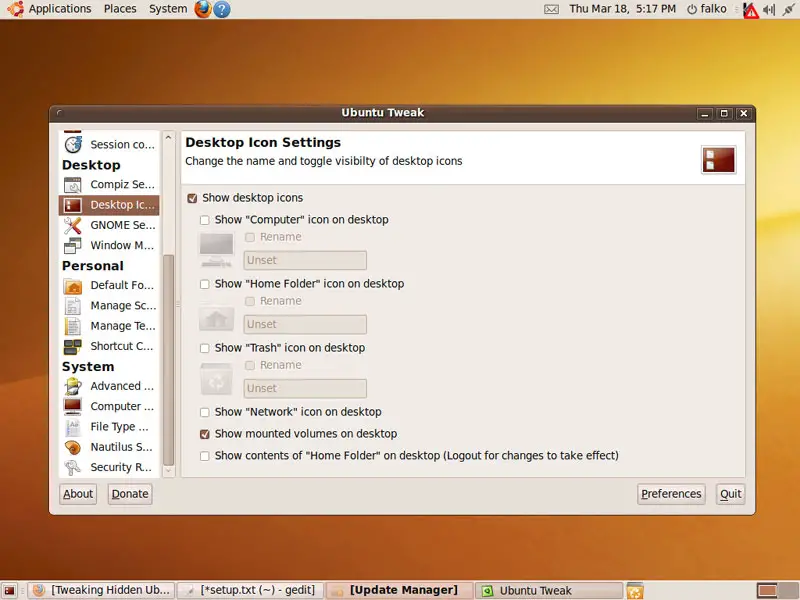
This is how Ubuntu Tweak looks. You can now browse all the menu entries and make your modifications. The options are more or less self-explaining:
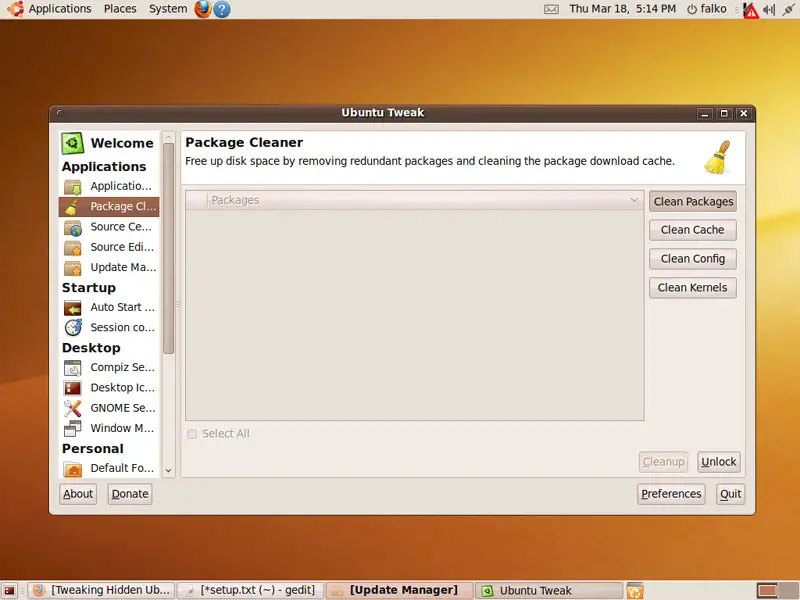
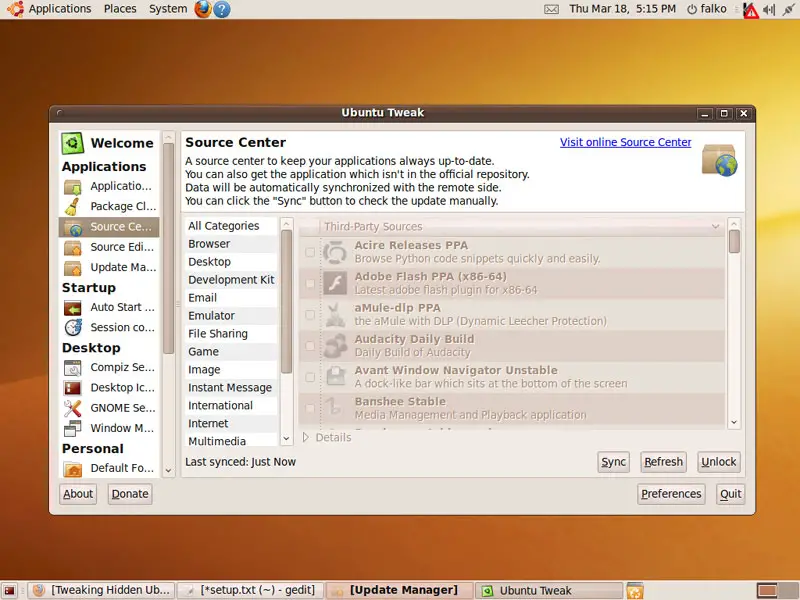
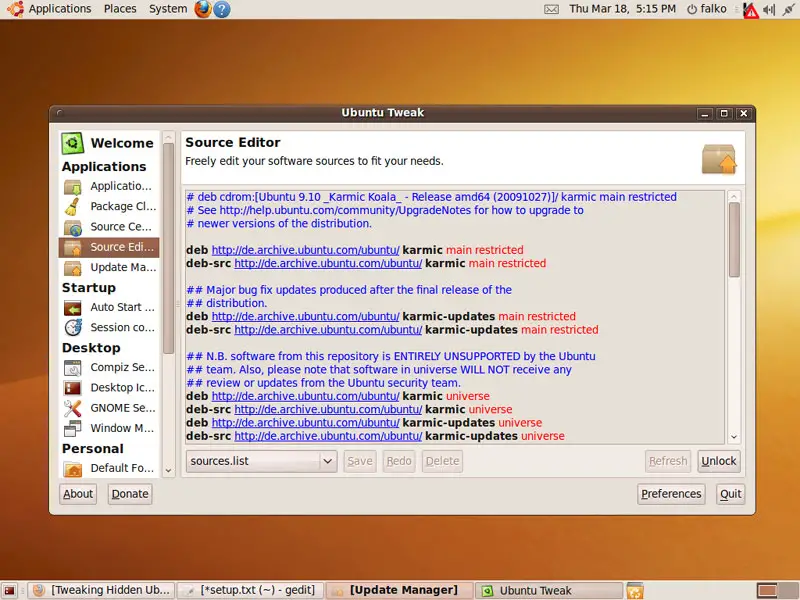
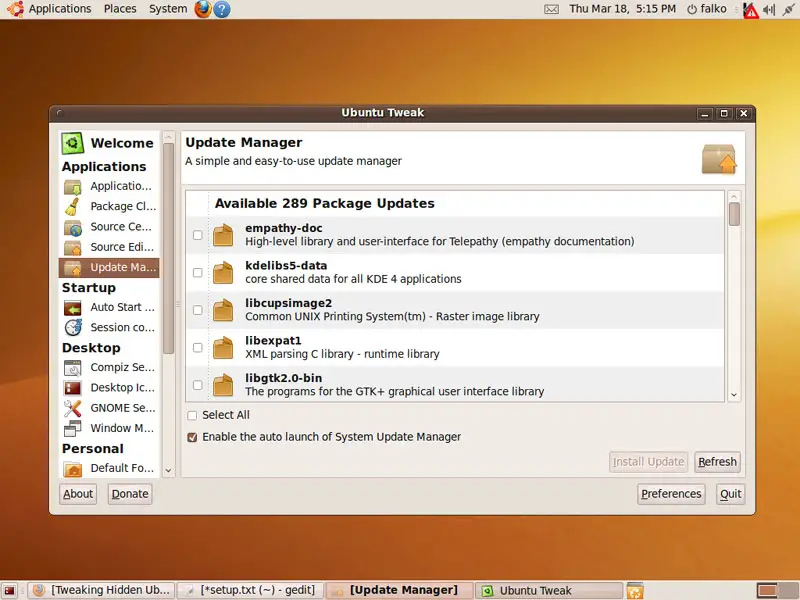
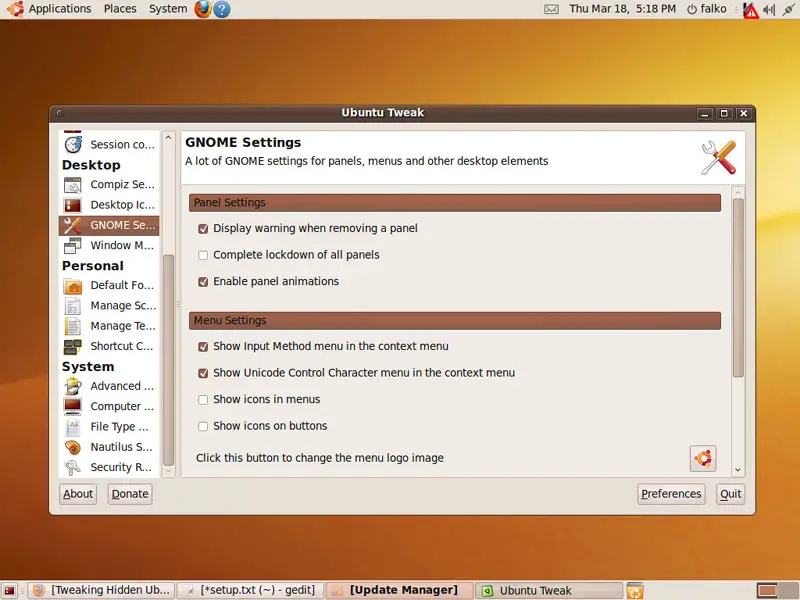
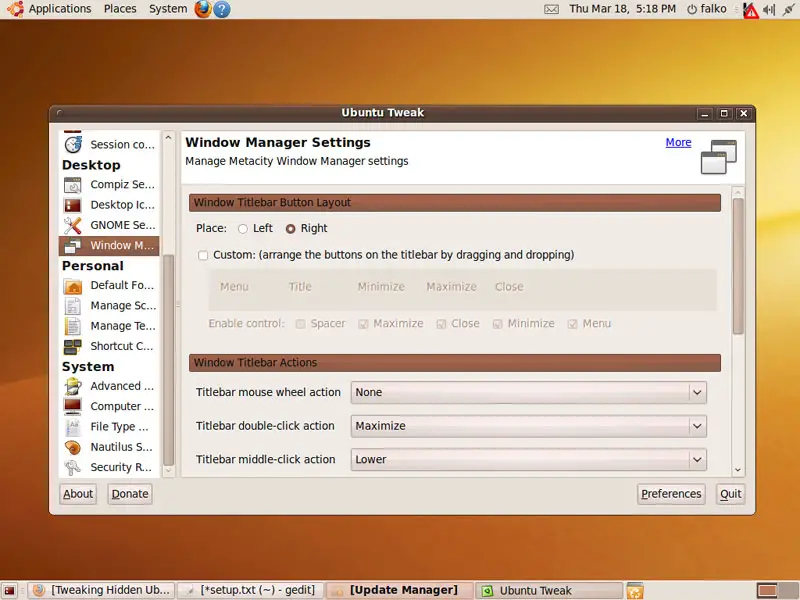
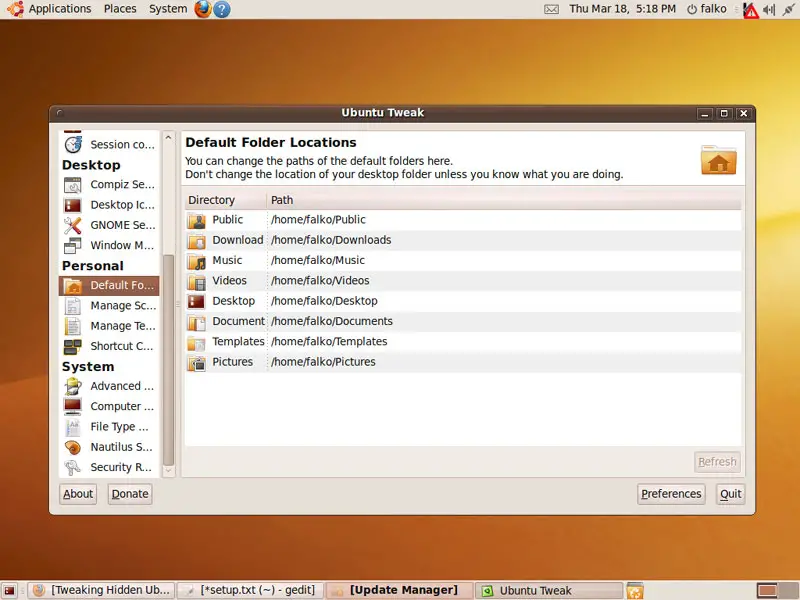
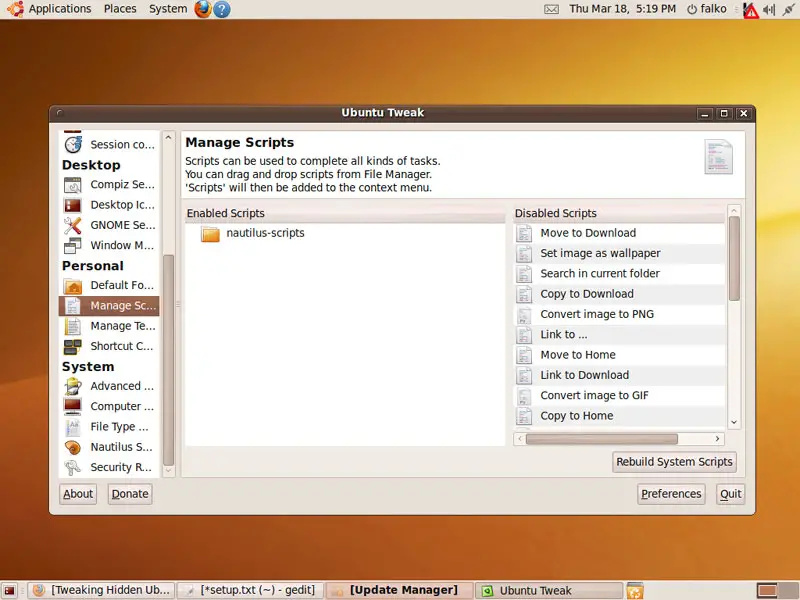
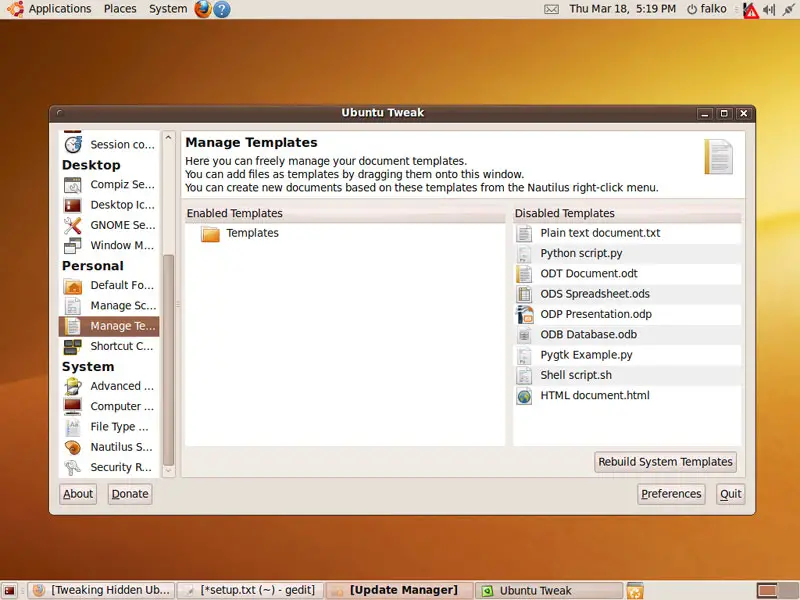
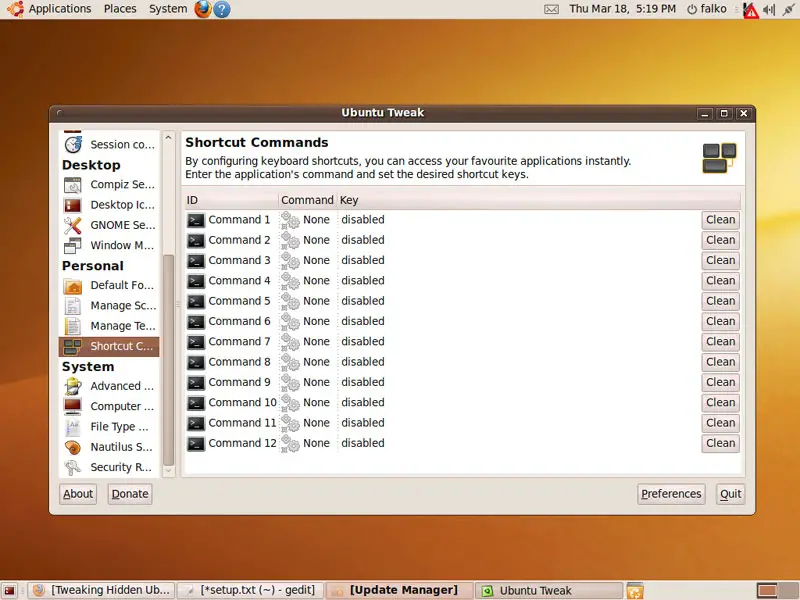
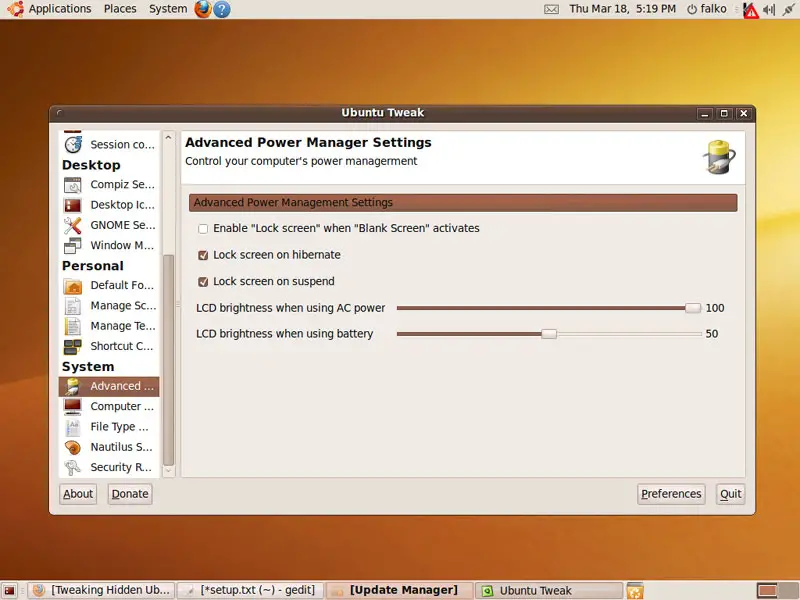
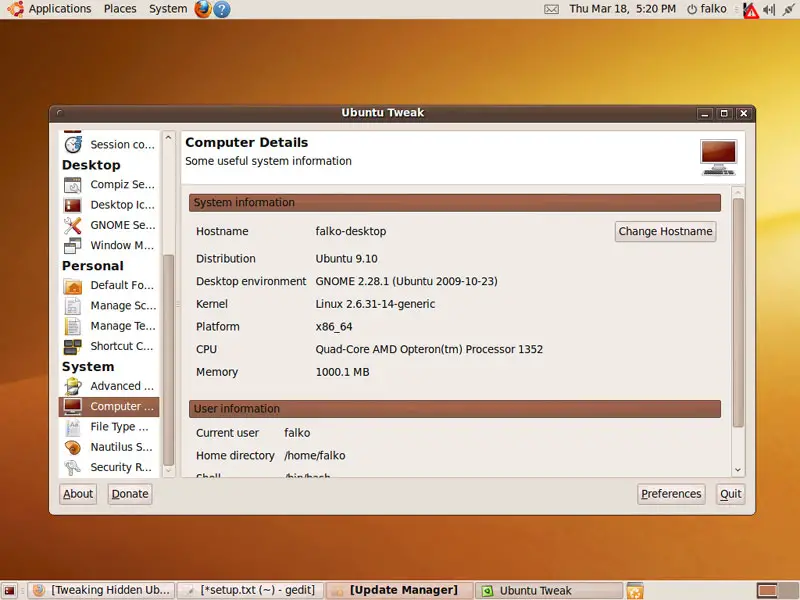
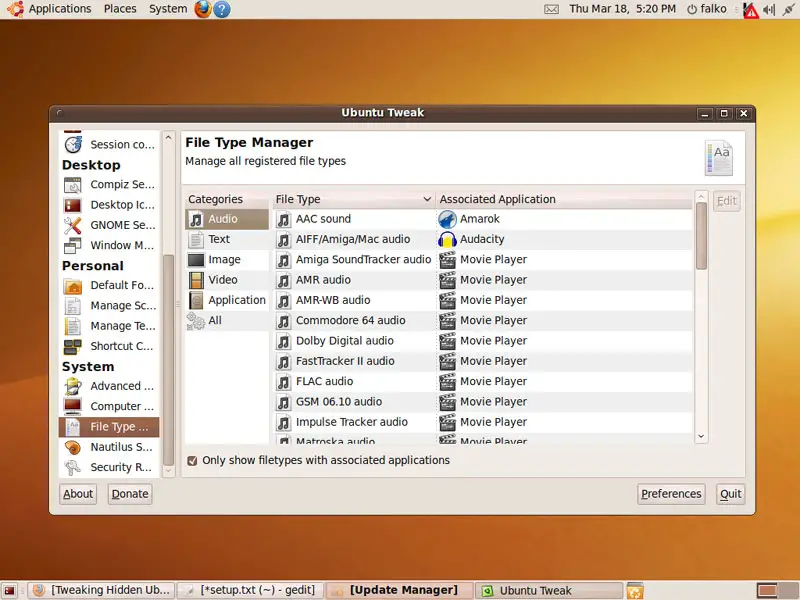
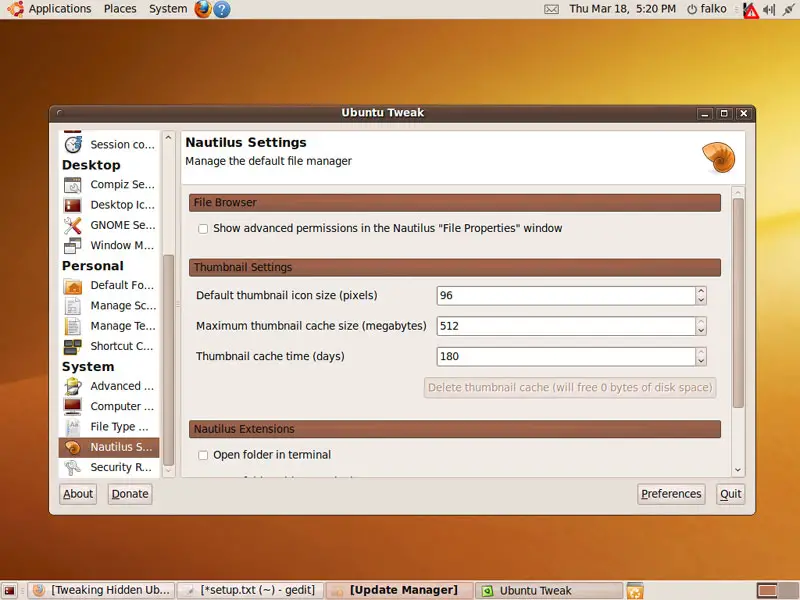
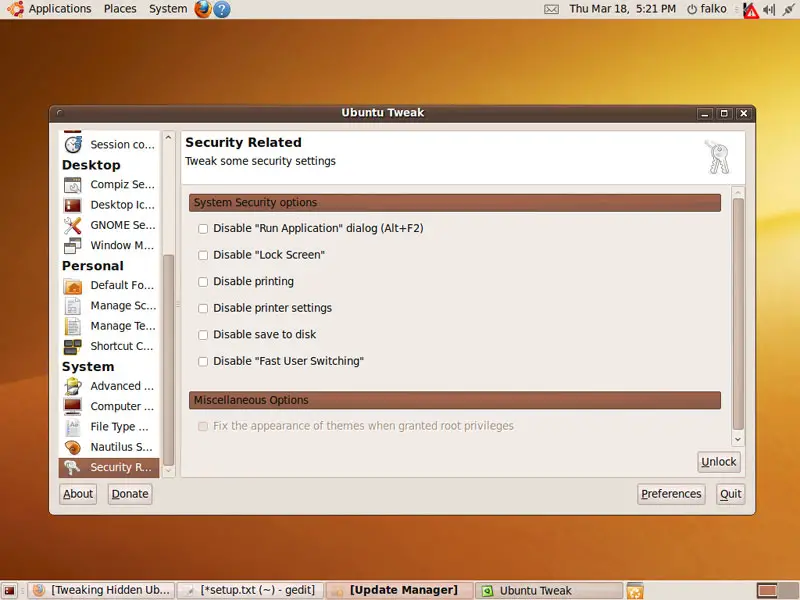
3 Links
- Ubuntu Tweak: http://ubuntu-tweak.com/
- Ubuntu: http://www.ubuntu.com/





