
The Perfect Desktop - Mandriva One 2009.0 With GNOME - Page 2
This tutorial exists for these OS versions
- Mandriva Linux 2010.1 (Spring)
- Mandriva Linux 2010
- Mandriva Linux 2009.1 (Spring)
- Mandriva Linux 2009
- Mandriva Linux 2008.1 (Spring)
- Mandriva Linux 2008
On this page
3 Flash Player
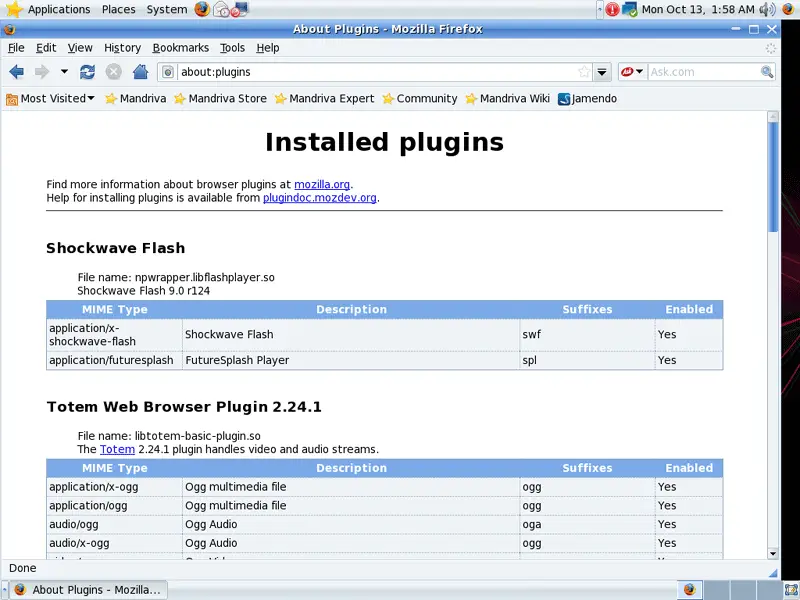
Mandriva One 2009 installs the Macromedia Flash Player by default. To see if the Flash plugin is working, start Firefox. Then type about:plugins in the address bar. Firefox will then list all installed plugins, and it should list the Flash Player (version 9.0r124) among them:
4 Inventory Of What We Have So Far
Now let's browse all menus to see which of our needed applications are already installed (of course, the Flash plugin isn't listed in the menus because it's a browser plugin - that's why we checked for its existence in the previous chapter).
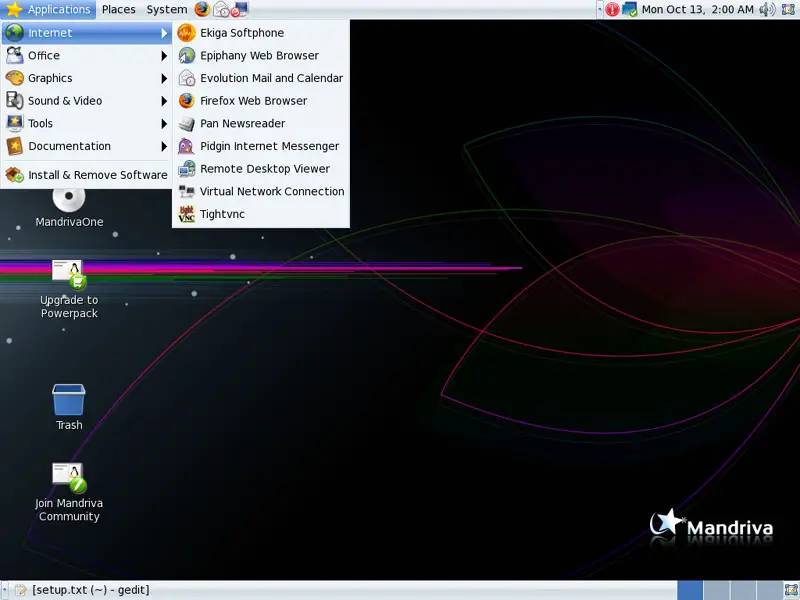
You should find the following situation ([x] marks an application that is already installed, where [ ] is an application that is missing):
Graphics:
[x] The GIMP
[x] F-Spot
[ ] Picasa
Internet:
[x] Firefox
[ ] Opera
[x] Flash Player
[ ] FileZilla
[ ] Thunderbird
[x] Evolution
[ ] aMule
[ ] Bittorrent
[ ] Vuze/Azureus
[x] Pidgin
[ ] Skype
[ ] Google Earth
[ ] Xchat IRC
Office:
[x] OpenOffice Writer
[x] OpenOffice Calc
[ ] Adobe Reader
[ ] GnuCash
[ ] Scribus
Sound & Video:
[ ] Amarok
[ ] Audacity
[ ] Banshee
[ ] MPlayer
[x] Rhythmbox Music Player
[ ] gtkPod
[ ] XMMS
[ ] dvd::rip
[x] Kino
[x] Sound Juicer CD Extractor
[ ] VLC Media Player
[ ] Real Player
[x] Totem
[ ] Xine
[x] Brasero
[ ] K3B
[ ] Multimedia-Codecs
Programming:
[ ] KompoZer (Nvu)
[ ] Bluefish
[ ] Quanta Plus
Other:
[ ] VMware Server
[ ] True Type fonts
[ ] Java
[x] NTFS Read-/Write Support
So some applications are already on the system. NTFS read-/write support is enabled by default on Mandriva 2009.0.
5 Add Online Software Repositories
In this step we will add some online repositories that contain all packages from our CD plus updated packages plus additional packages that are not on the CD.
Visit http://easyurpmi.zarb.org/ in your browser. The site should automatically detect your Mandriva version and your architecture.
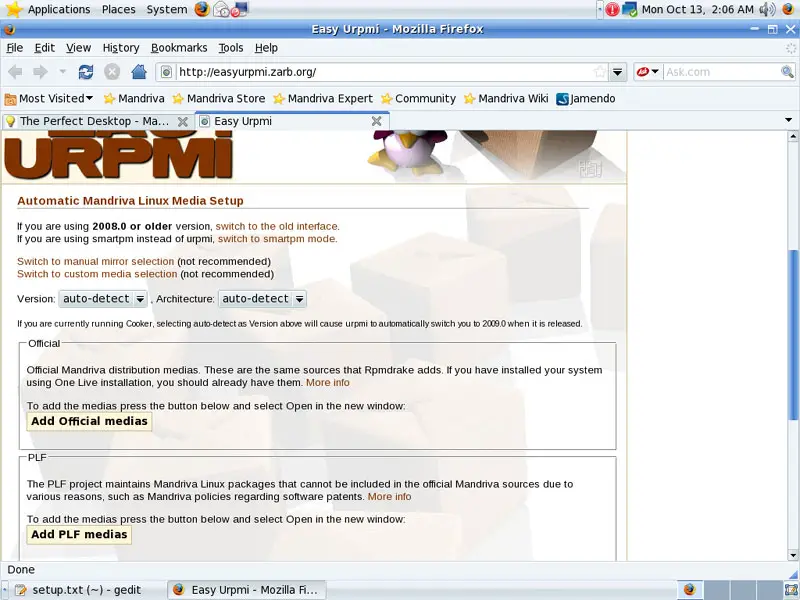
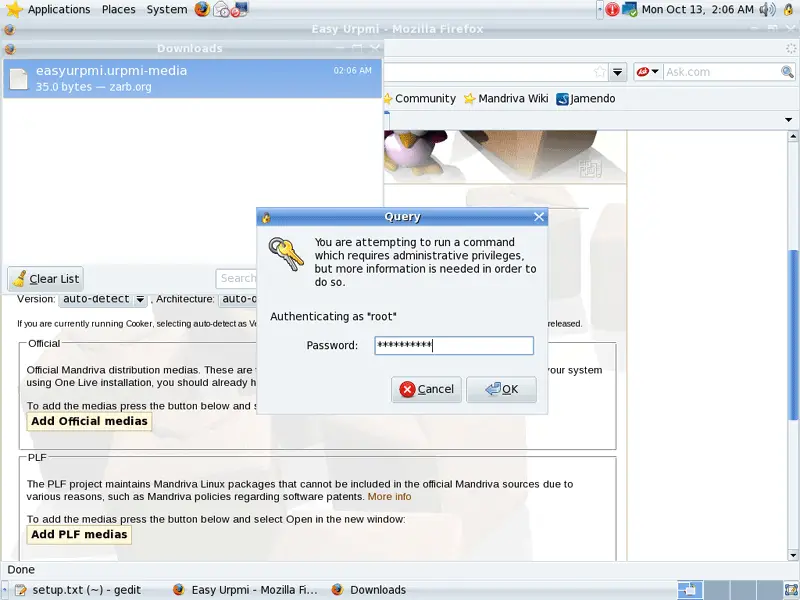
Scroll down. You should see the buttons Add Official medias and Add PLF medias. Click on Add Official medias. In the Firefox download dialogue, select Open with Add urpmi media (default):
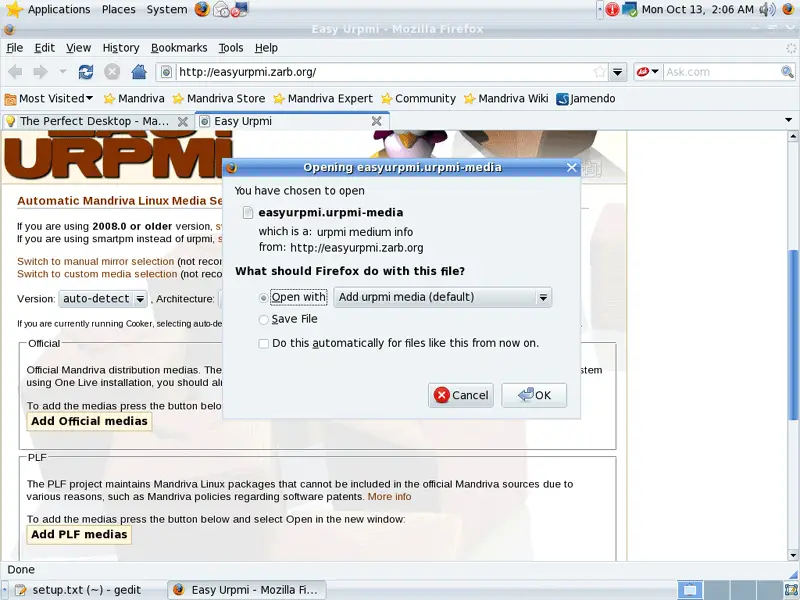
Type in the root password:
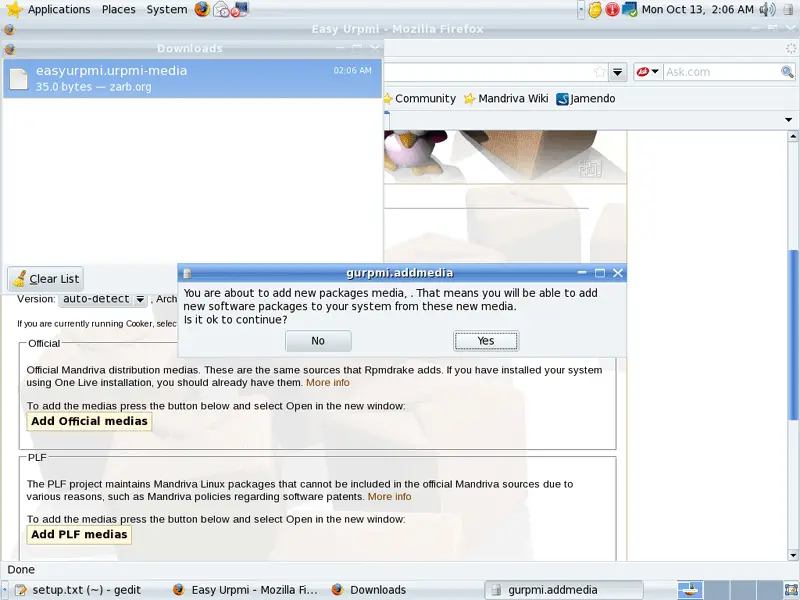
Answer the question Is it ok to continue? with Yes:
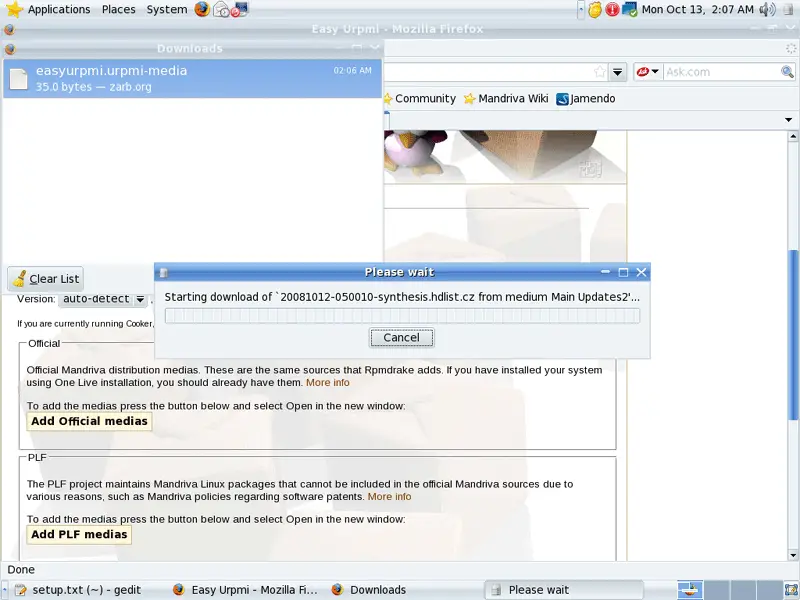
The package database is now being updated:
Click on Ok afterwards:
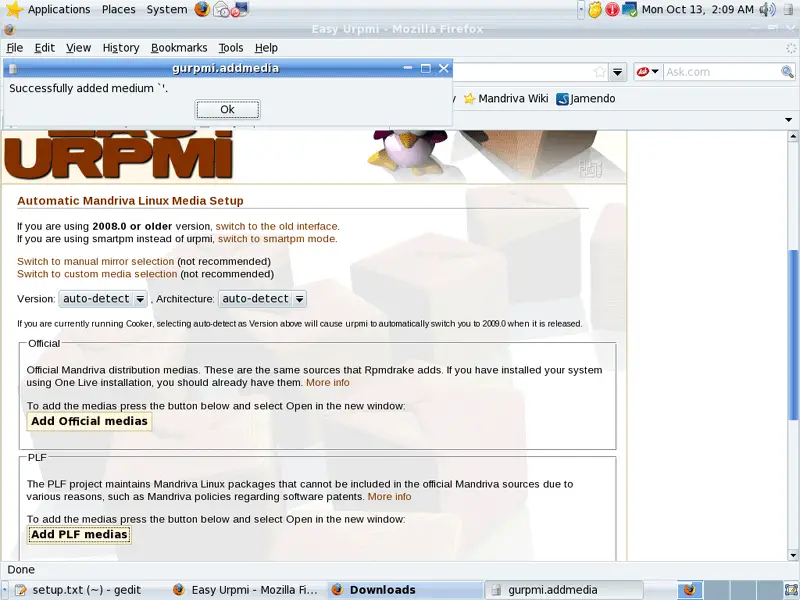
Now do the same again for the PLF repositories (Add PLF medias).





