This tutorial exists for these OS versions
On this page
The Perfect Desktop - Fedora 9
Version 1.0
Author: Oliver Meyer <o [dot] meyer [at] projektfarm [dot] de>
This document describes step-by-step how to set up a Fedora 9 desktop (GNOME). The result is a fast, secure and extendable system that provides all you need for daily work and entertainment.
This howto is a practical guide without any warranty - it doesn't cover the theoretical backgrounds. There are many ways to set up such a system - this is the way I chose.
1 Install Media
The install media is available at http://fedoraproject.org/en/get-fedora. I used the DVD version.
2 Installation
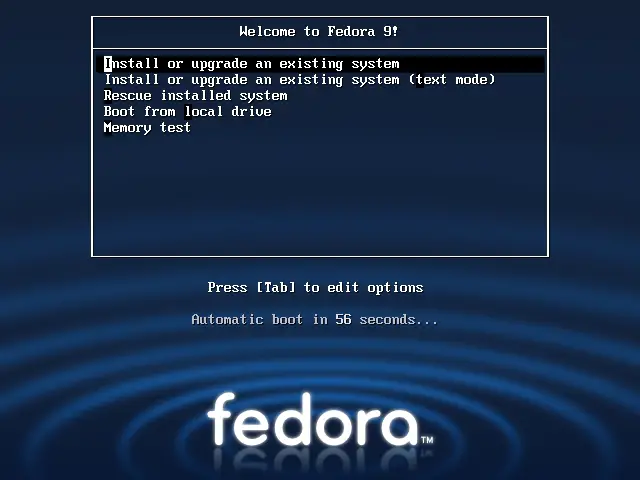
Hit "Enter" to start the installation.
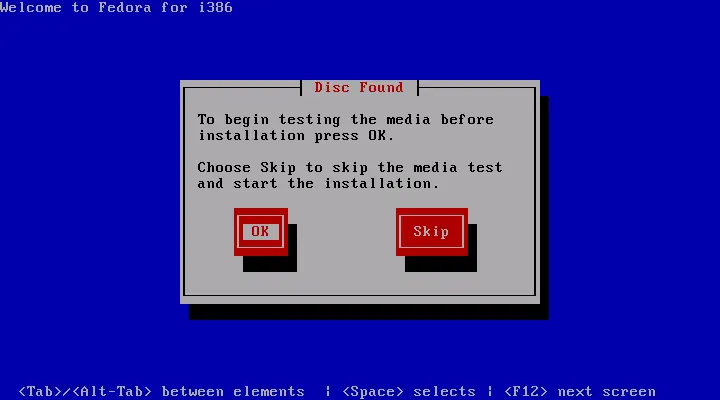
Here you can test your install media if you want.
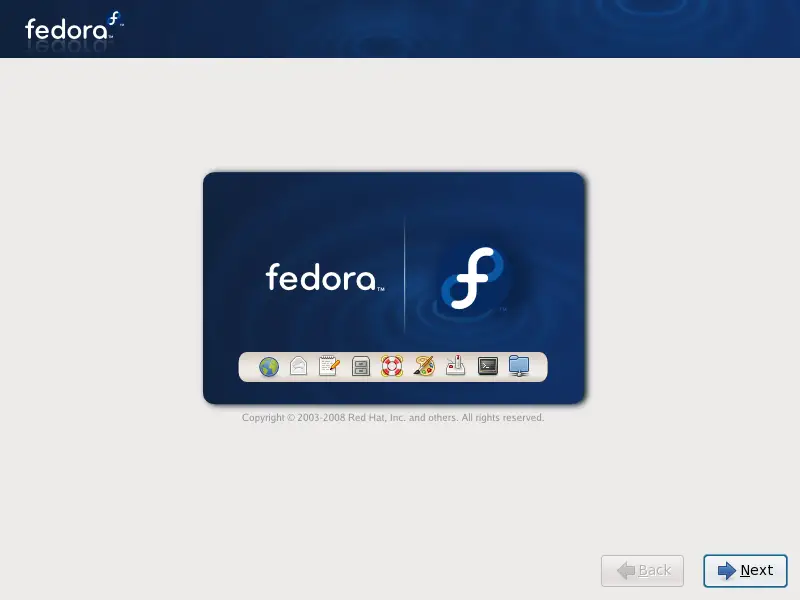
The installation wizard is starting.
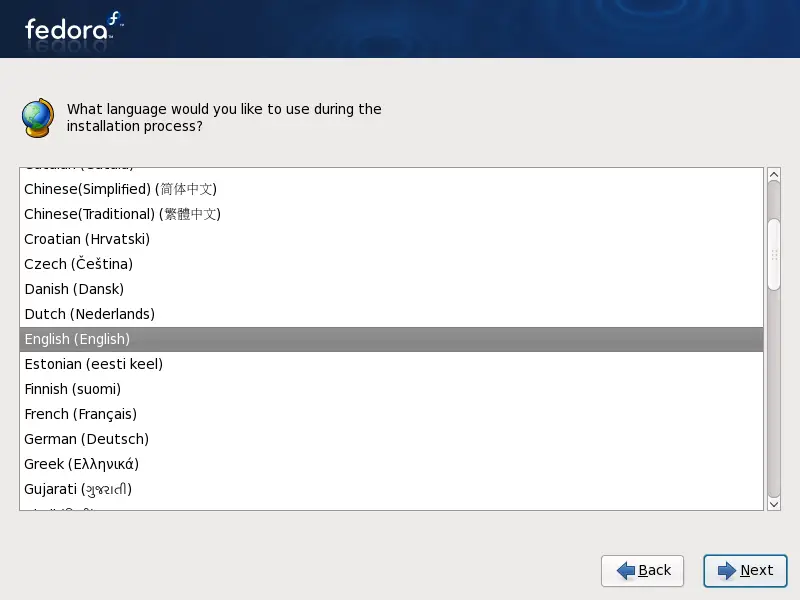
Select your language and proceed.
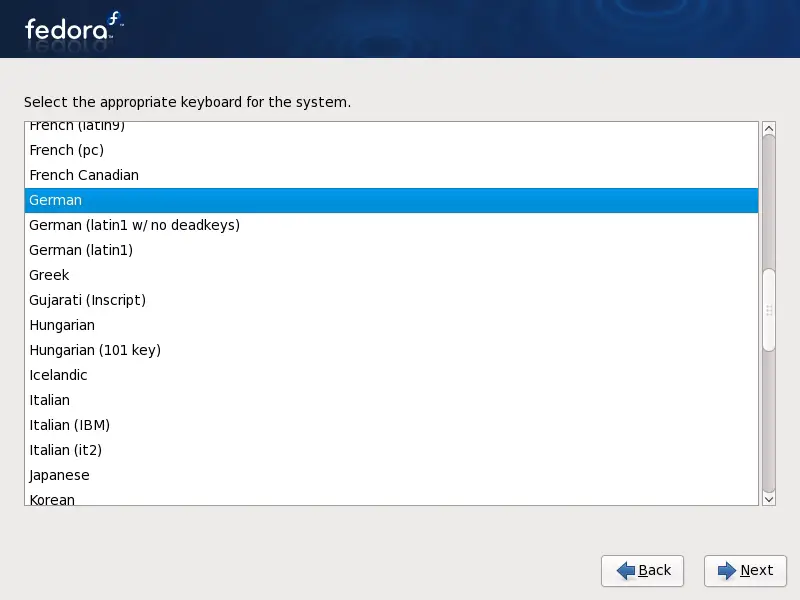
Choose your keyboard layout and proceed.
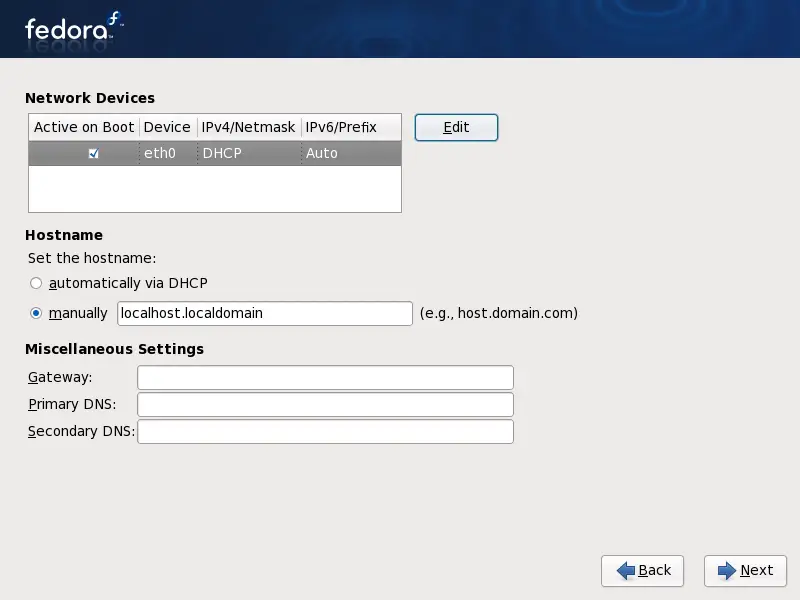
Here you can adjust the network settings.
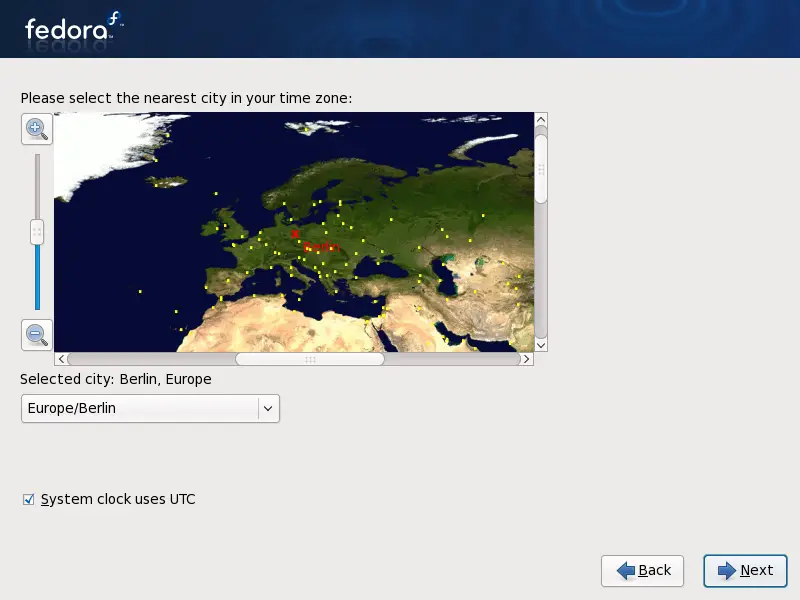
Select your time zone and configure the clock. Unmark the checkbox if there are other operating systems installed, that expect the clock to be set to local time - e.g. Windows.
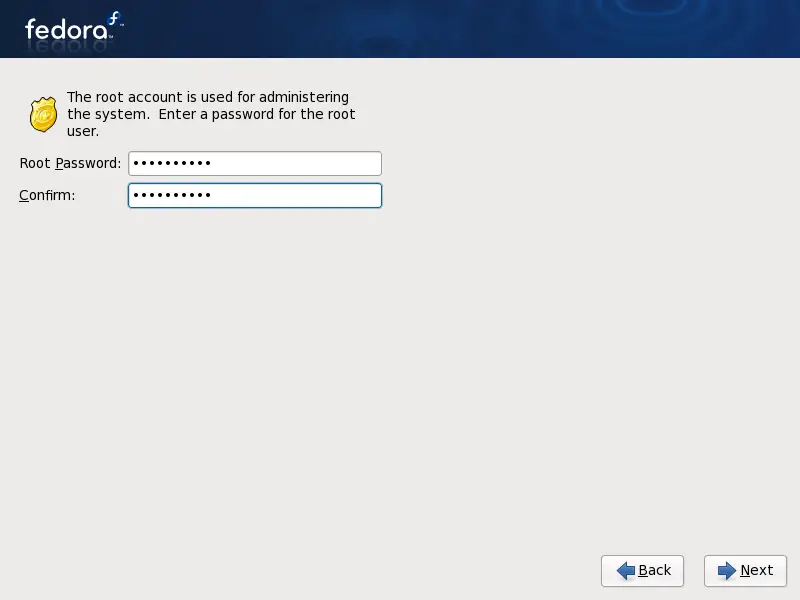
Choose a password for the root account and confirm it.
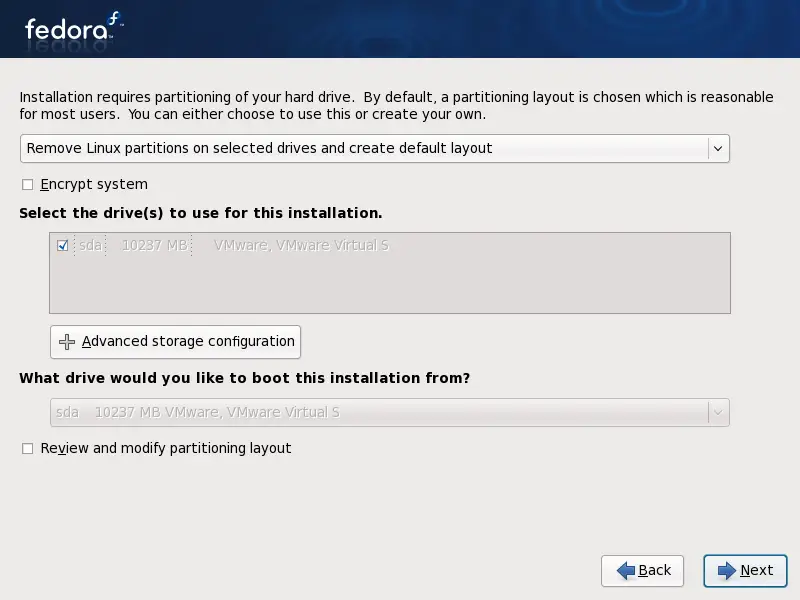
Here you can select/edit the partitioning layout.
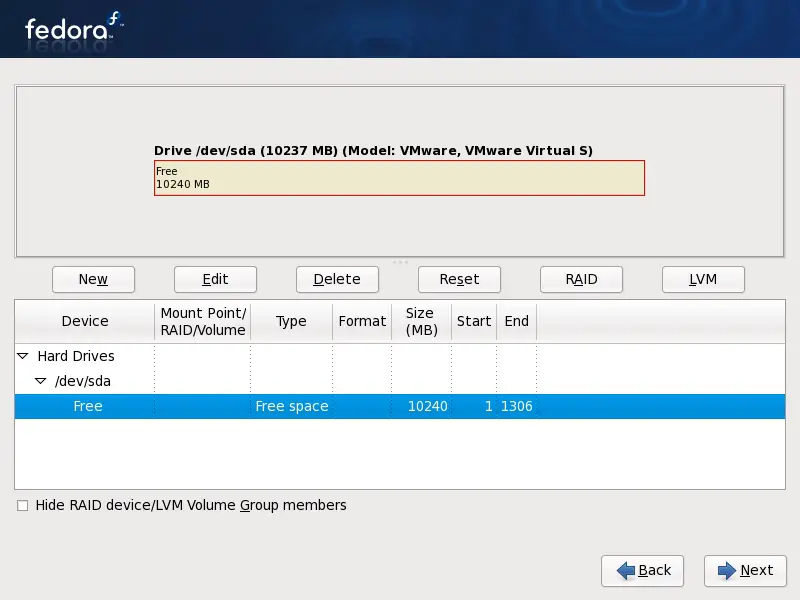
If you chose the manual setup, you'll see this and the next window.
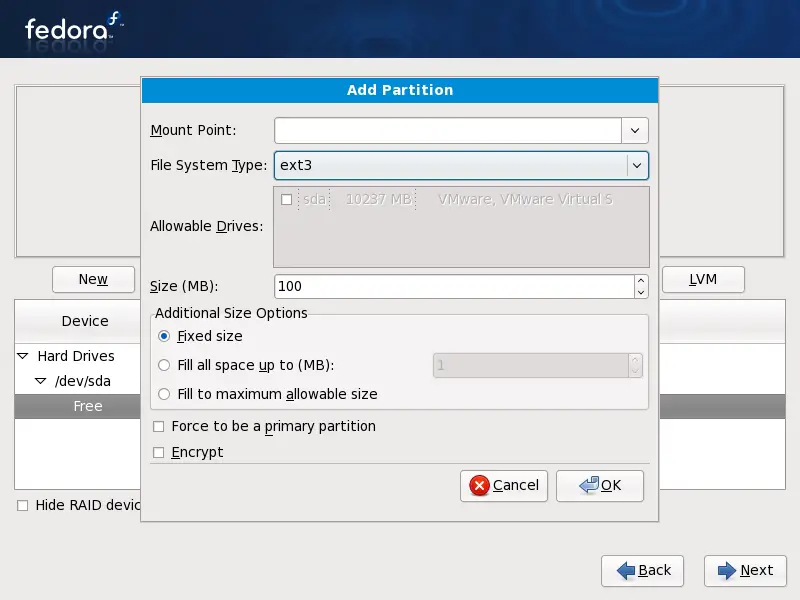
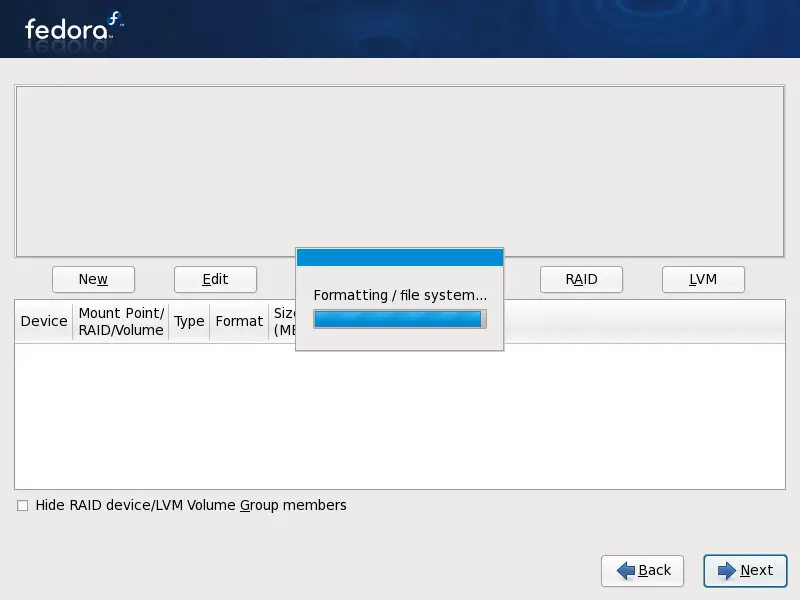
Afterwards the partitions are being formatted:
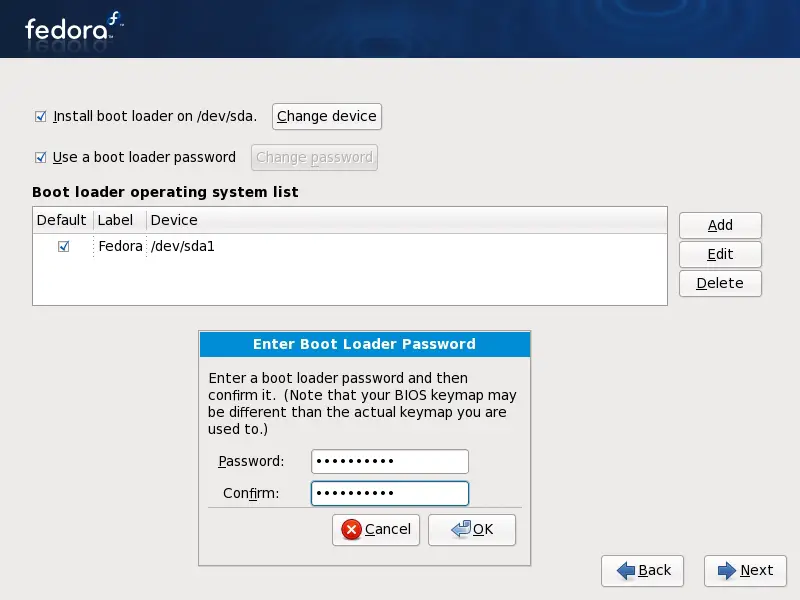
In this window you can adjust the settings for the bootloader.
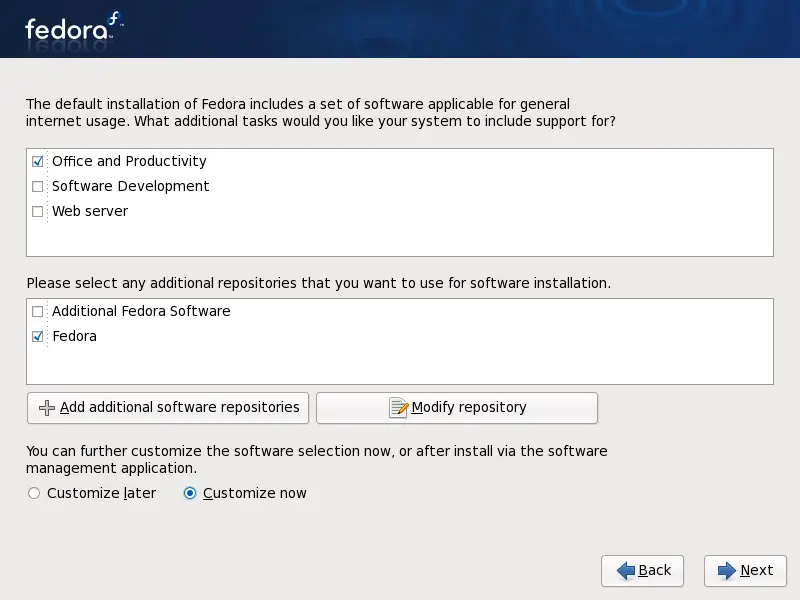
Here you can select predefined collections of software. You can also make a custom selection if you mark the corresponding radio button.
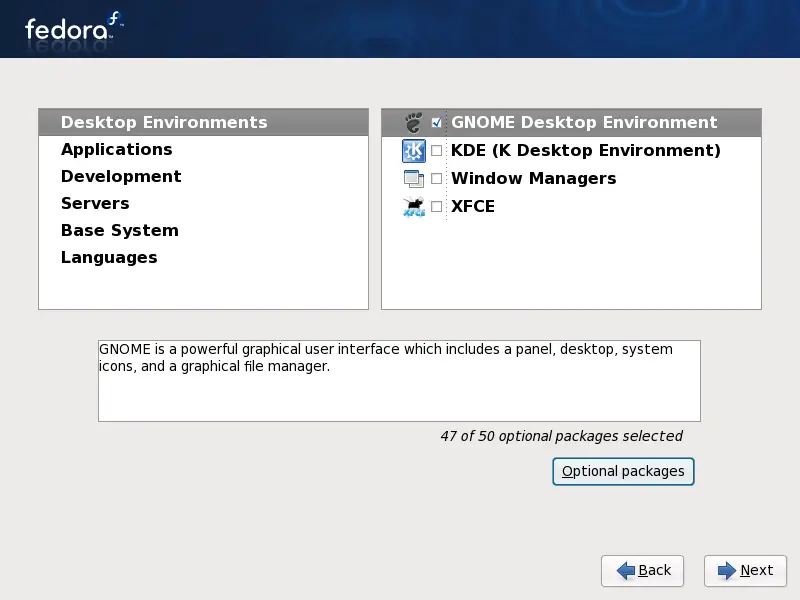
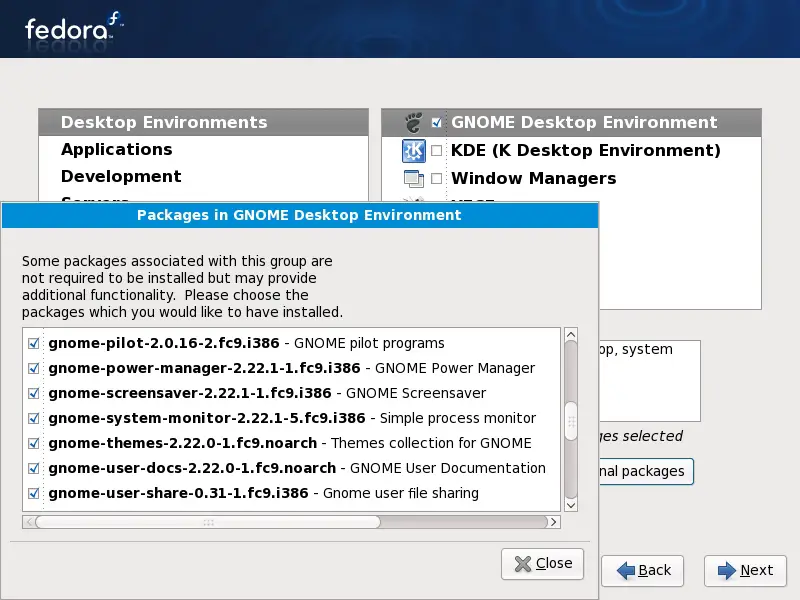
If you chose the custom selection you'll see this and a few following windows. Select a main group on the left and afterwards one of its subgroups on the right. Now click on "Optional Packages" - you'll see...
...this window with a detailed package list. Select or deselect packages as you like.
Click "Next" if your selection is complete.
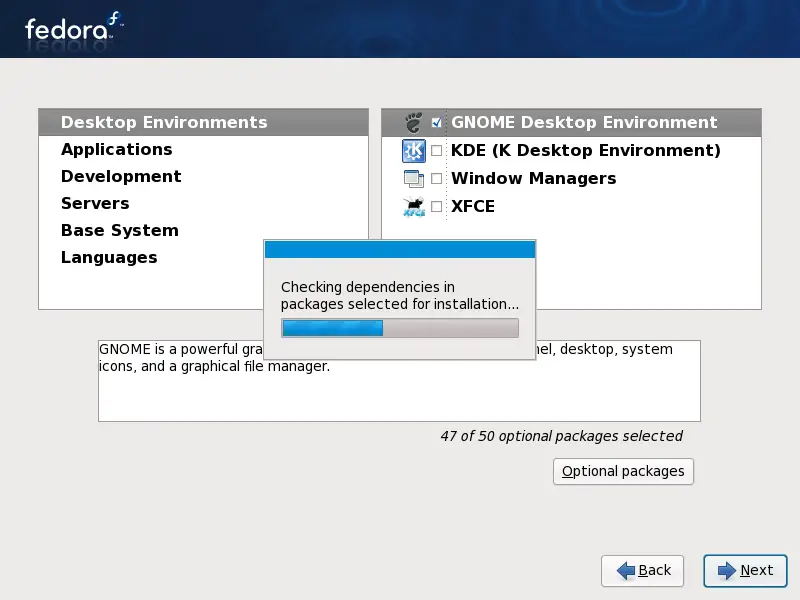
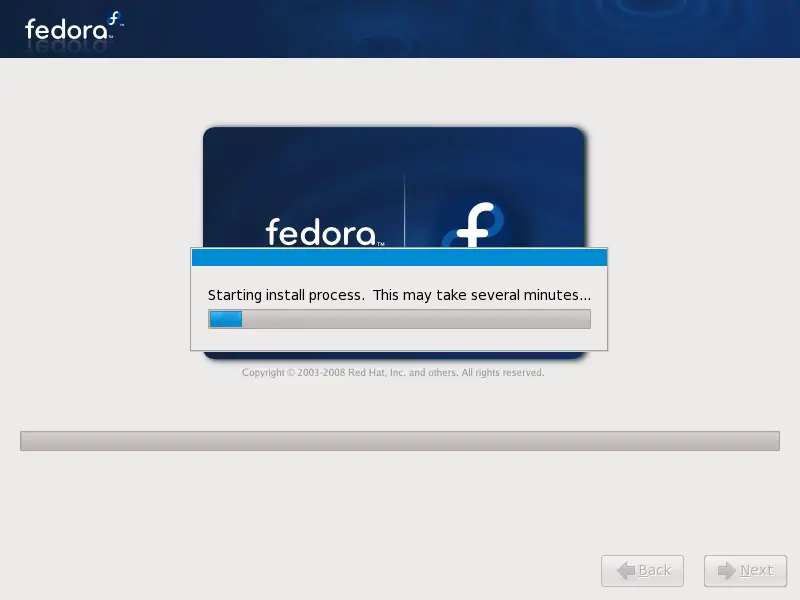
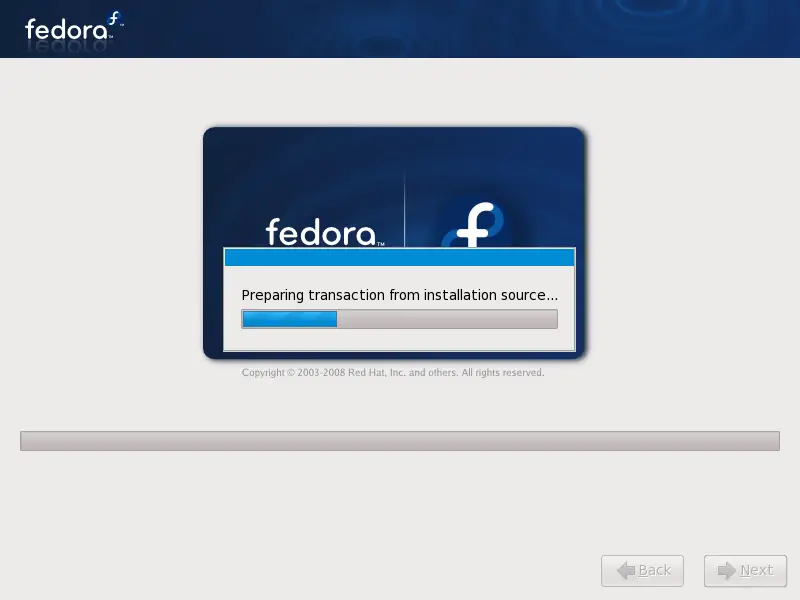
The system is being installed - this will take a few minutes.
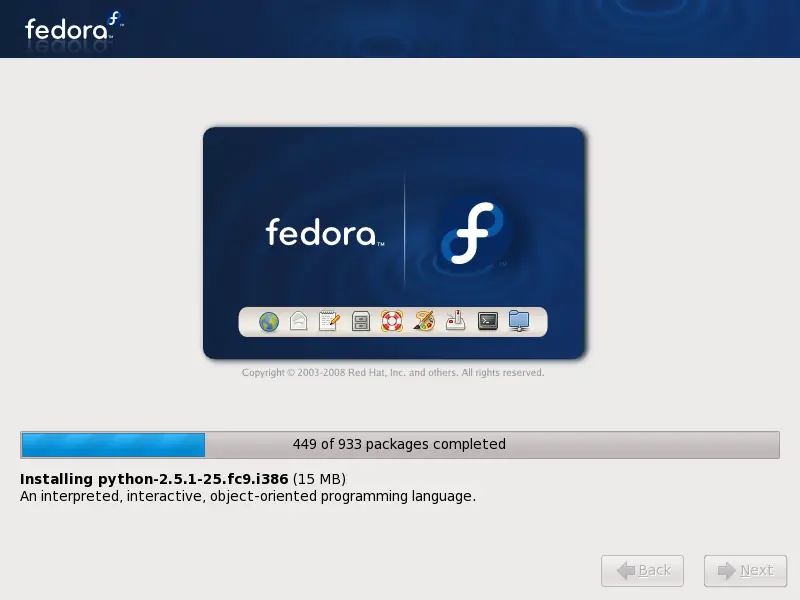
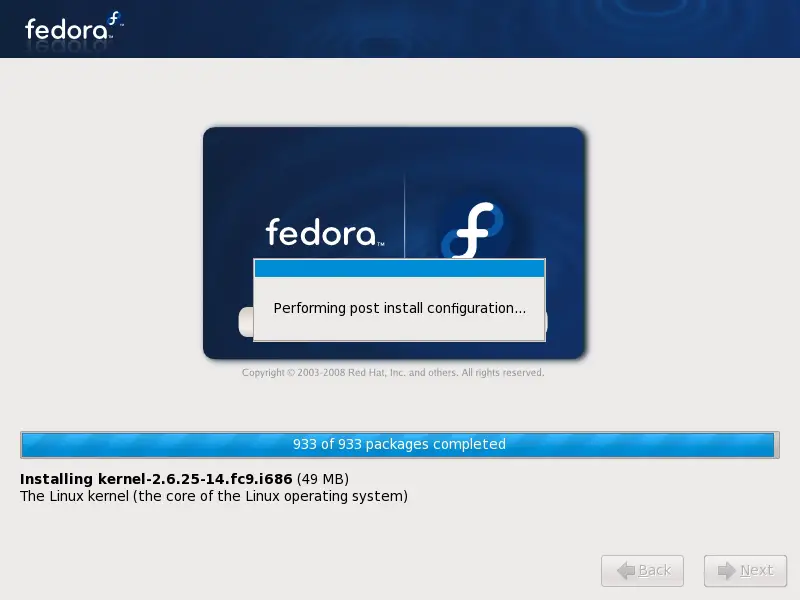
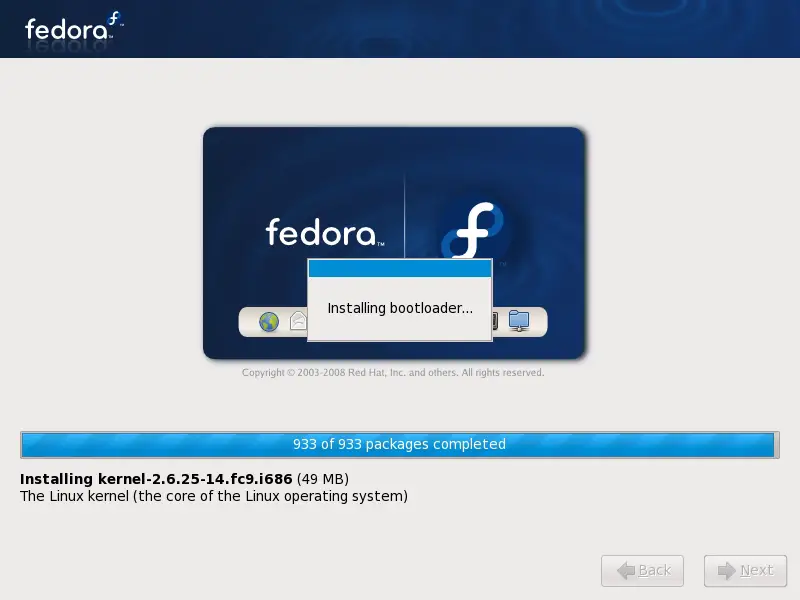
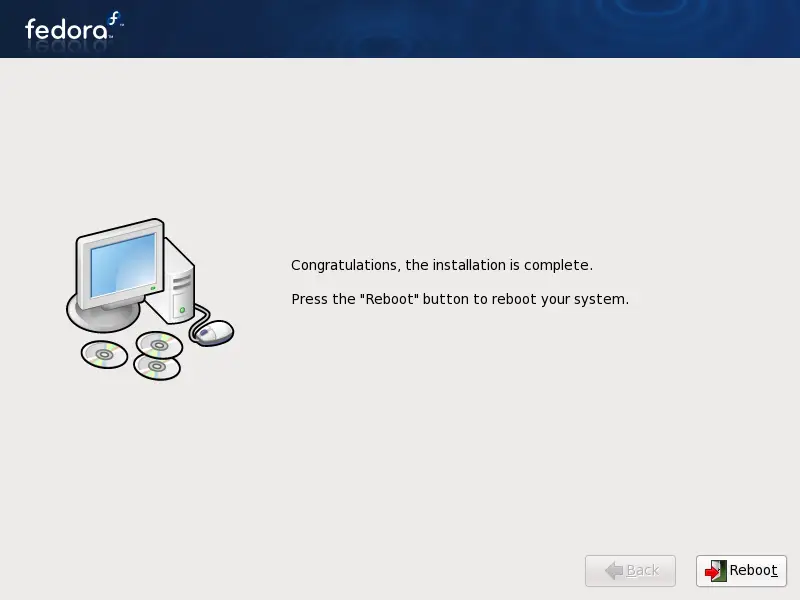
The installation is complete. Remove the install media and reboot the system.