
HowtoForge - Linux Howtos in English English|HowtoForge.de - Linux-Howtos auf Deutsch Deutsch

Telaen Howto - Easy php webmail interface

Submitted by mariuz (Contact Author) (Forums) on Tue, 2006-02-07 15:50. :: Other

Today i found a really good wembail interface and i want to share how easy is to install it compared with other webmail packages.


Telaen is a webmail interface written in PHP. It does not require any database and is compatible with POP3 or IMAP so it runs under any Server supporting PHP with Sendmail or QMAIL. Additional skins and languages can be easily integrated.

Download latest tar.gz package from sourceforge page http://sourceforge.net/projects/telaen

wget http://switch.dl.sourceforge.net/sourceforge/telaen/telaen_1.1.0.tar.gz

tar zxf telaen_1.1.0.tar.gz

mv telaen_1.1.0 webmail

cd webmail/

chown -R apache.apache *

Apache is running under apache user so now it has rights to write in

webmail's database directory

cd inc/

cp config.php.default config.php

cp config.security.php.default config.security.php

cp config.languages.php.default config.languages.php

Now you can load webmail in browser

http://localhost/webmail

If the pop/imap server is located on the same machine that is all !
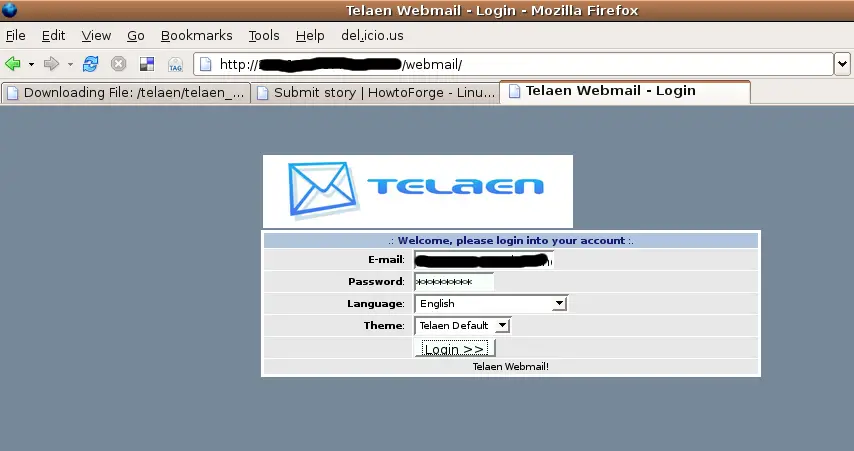
telaen_login

First page you will see is the one with user settings:
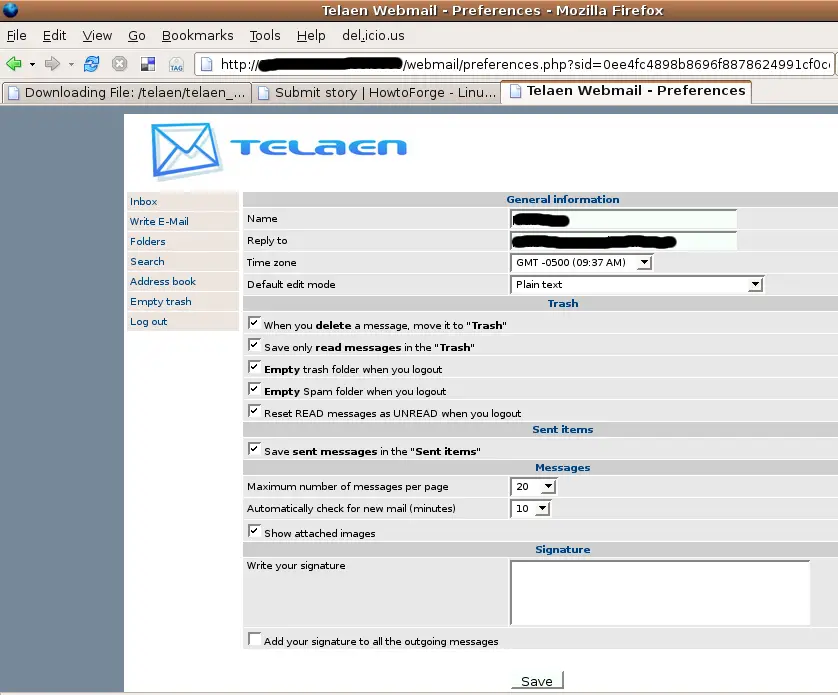
telaen_preferences

Then you can read your emails from inbox . Doh!
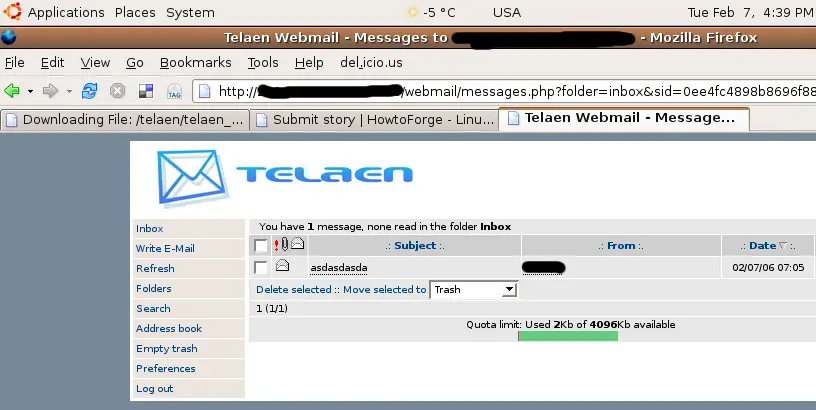
telaen_inbox

You can change the default pop/smtp server in config.php

vi config.php


Comment viewing options

Select your preferred way to display the comments and click "Save settings" to activate your changes.
Please do not use the comment function to ask for help! If you need help, please use our forum: http://www.howtoforge.com/forums
Comments will be published after administrator approval.
Submitted by angrykeyboarder (Contact Author) (Forums) on Thu, 2006-07-20 16:00.

Article text is now updated  with new telaen release


http://telaen.org/content/view/31/2/

Submitted by Anonymous (Contact Author) (Forums) on Sun, 2006-07-02 18:04.

I'll keep to http://ilohamail.org/ just as easy to install, and works super fast ... is just great ;)

Submitted by angrykeyboarder (Contact Author) (Forums) on Thu, 2006-07-20 16:01.
thanks i will check iloha mail soon
Submitted by Anonymous (Contact Author) (Forums) on Tue, 2006-04-11 14:10.
How this could be. I v been using uebimiau for yrs. But everything here is just a copy of that. chk out http://uebimiau.org/
Submitted by Anonymous (Contact Author) (Forums) on Sun, 2006-02-12 12:14.

I followed your howto and indeed it's that easy.

However, this webmail interface is not much of an interface, and it does have the issue I could not live with. It does not reflect the mailbox state accurately (ie. to really refresh the state - you must logoff and then logon again)

Thanks anyway.

Submitted by Anonymous (Contact Author) (Forums) on Wed, 2006-03-22 23:11.
It caches messages. Click the hyperlink on the left saying "Refresh" rather than the browser refresh to refresh the cache.
Submitted by angrykeyboarder (Contact Author) (Forums) on Fri, 2006-02-17 17:59.

yes it does have some bugs

i was amazed of how easy was to setup compared to horde
