
How To Set Up WebDAV With Apache2 On Debian Etch - Page 3
7 Configure A Linux Client (GNOME) To Connect To The WebDAV Share
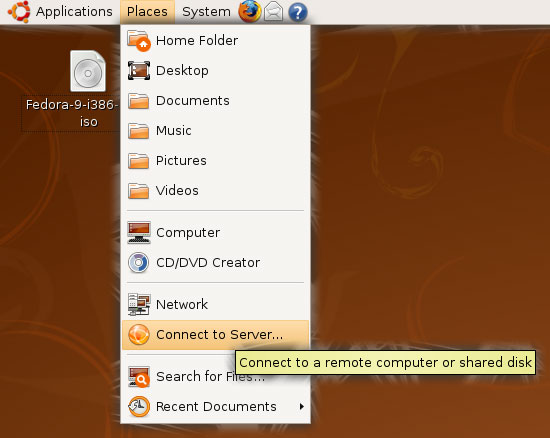
If you want to connect to the WebDAV share from a GNOME desktop, go to Places > Connect to Server...:
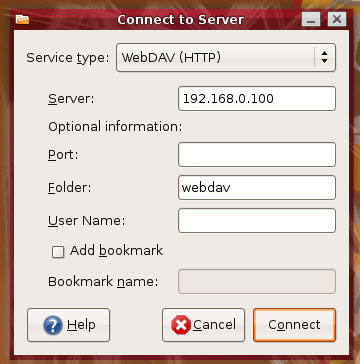
Select WebDAV (HTTP) as the Service type, type in the Server (192.168.0.100 in this example) and then the Folder (webdav). Do not fill in a User Name yet because otherwise the connection will fail. Click on Connect afterwards:
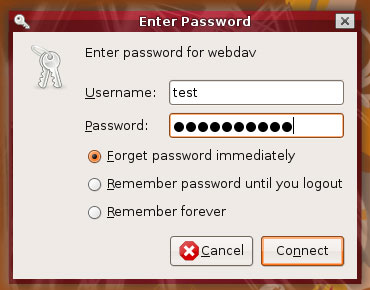
Now you are being prompted for a user name and password. Type in test along with the password, then click on Connect:
You might get the following error...
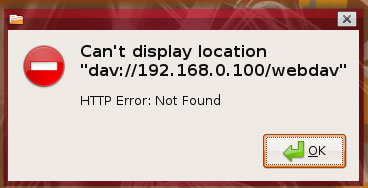
... but at the same time the WebDAV share should appear on the desktop, which means you can ignore the error:
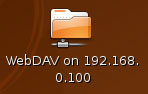
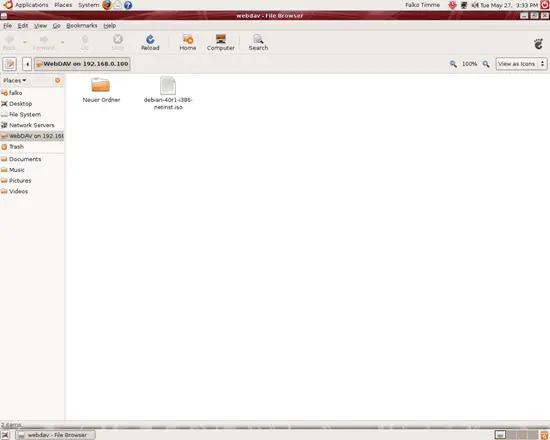
Double-click on the icon to open the WebDAV share:
8 Links
- WebDAV: http://www.webdav.org
- Apache: http://httpd.apache.org
- Debian: http://www.debian.org





