Server Monitoring With Icinga On Debian Squeeze
Version 1.0
Author: Falko Timme  Follow me on Twitter
Icinga is an enterprise grade open source monitoring system which keeps watch over networks and any conceivable network resource, notifies the user of errors and recoveries and generates performance data for reporting. It is a fork of Nagios. This tutorial explains how to install Icinga on a Debian Squeeze server to monitor this server and another Debian Squeeze server.
I do not issue any guarantee that this will work for you!
1 Preliminary Note
In this tutorial I use the following servers:
- server1.example.com (IP: 192.168.0.100): Icinga server; this server has Apache, MySQL, Postfix, and Courier-IMAP/-POP3 installed that I want to monitor. I have a virtual host named www.example.com on this server.
- server2.example.com (IP: 192.168.0.101): Icinga client; this server has Apache, MySQL, Postfix, and Dovecot-IMAP/-POP3 installed that I want to monitor.
2 Installing Icinga On The Icinga Host (server1)
server1.example.com:
Icinga is available in the Debian Squeeze repositories, but it is an old version (1.0.2). We can get a newer version (1.4.2) by adding the following repository to our sources:
echo "deb http://icinga.snow-crash.org/ icinga-squeeze main" > /etc/apt/sources.list.d/icinga.list
Run
apt-get update
to update the package database.
Icinga can now be installed as follows:
apt-get install icinga icinga-phpapi
You will be asked the following questions:
Apache servers to configure for icinga: <-- apache2
Please provide the password to be created with the "icingaadmin" user. Icinga web administration password: <-- icingaadmin_password
Re-enter password to verify: <-- icingaadmin_password
Workgroup/Domain Name: <-- WORKGROUP
Configure database for icinga-idoutils with dbconfig-common? <-- No
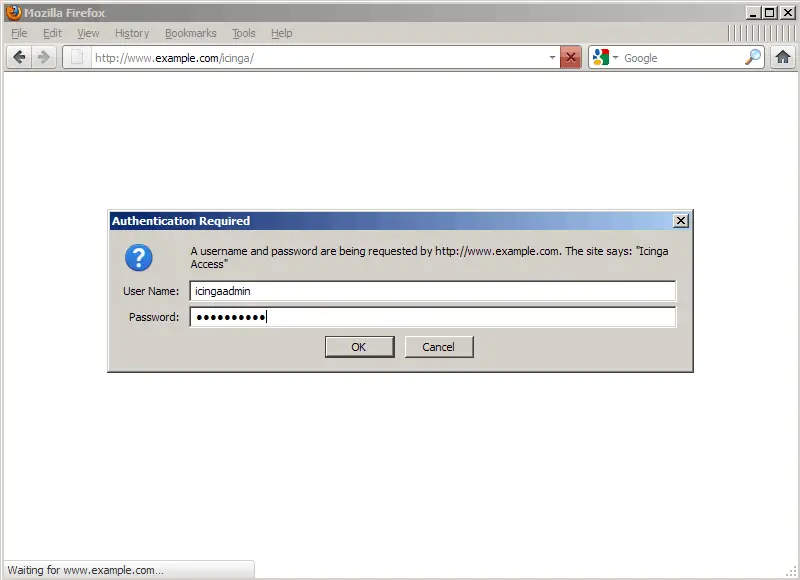
Afterwards you can access Icinga under http://www.example.com/icinga/. You will be asked for a username (icingaadmin) and the password you specified during installation:
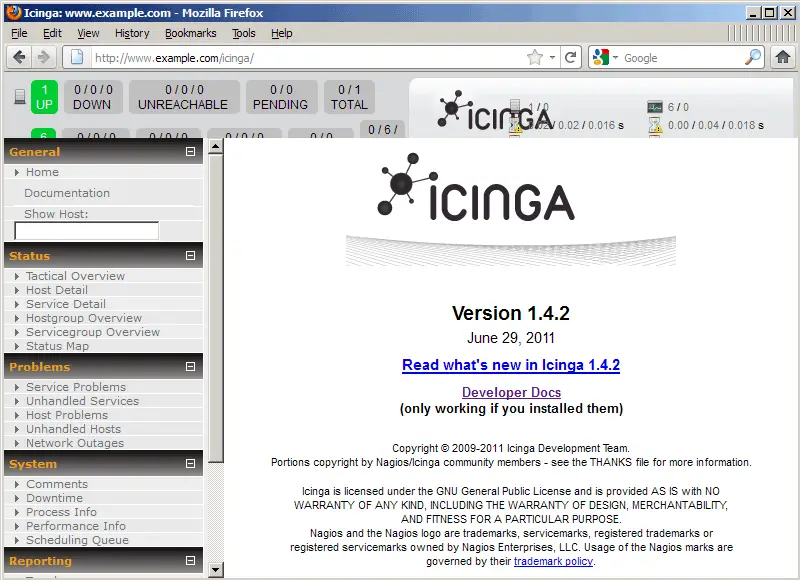
This is how the Icinga web interface looks:
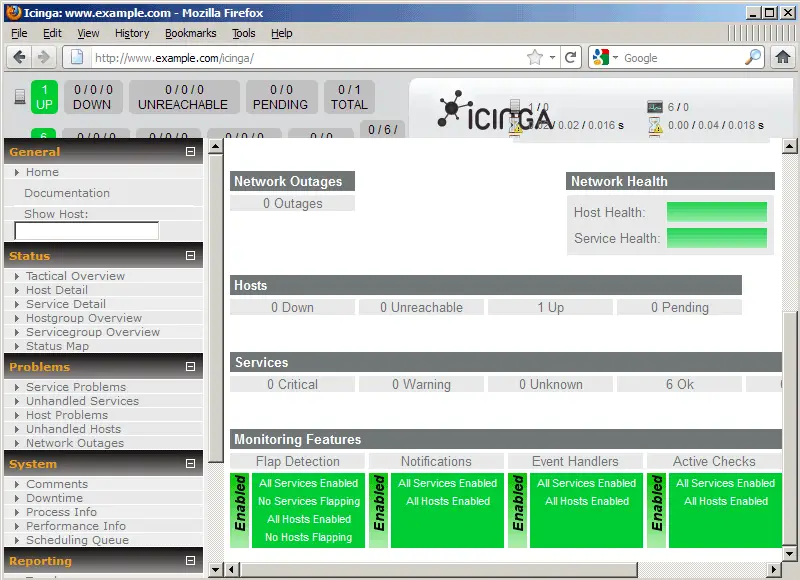
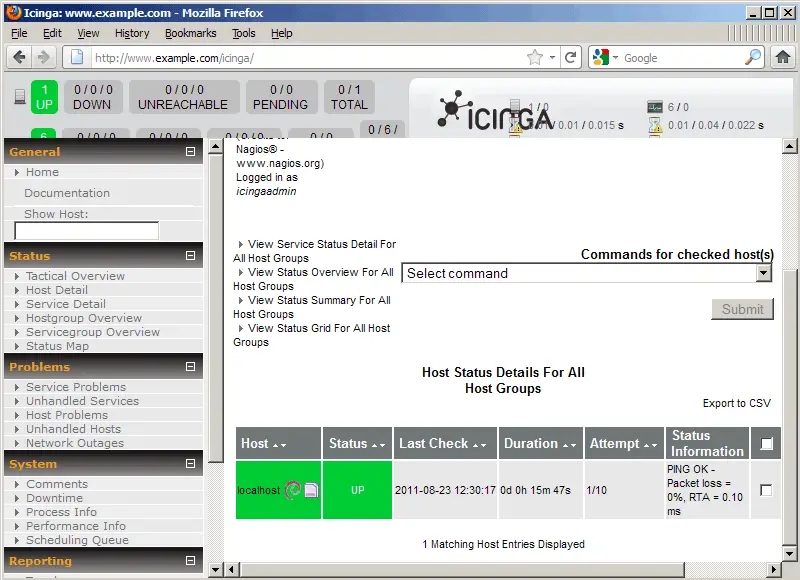
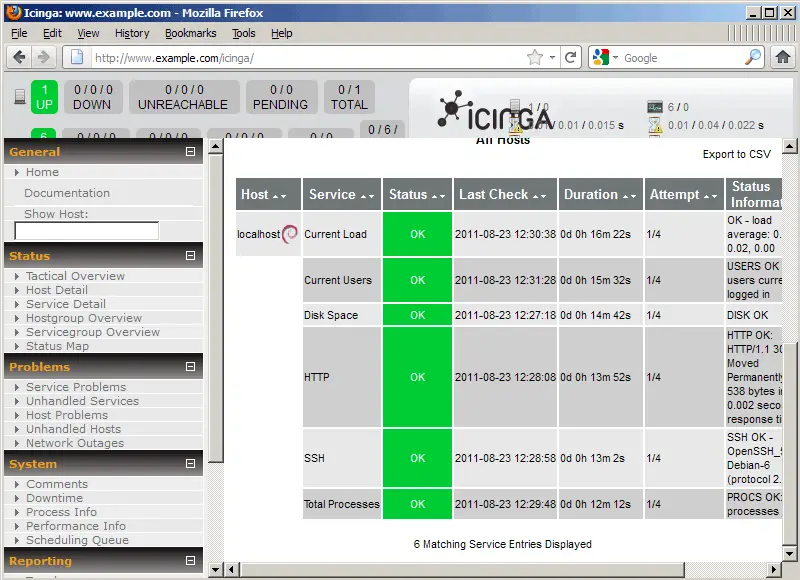
If you look around, you will notice that there are already a few service checks enabled for localhost (= server1.example.com):