
Increasing the security of PPTP by adding two-factor authentication to poptop - Page 3
On this page
Configuring the Token Client
Download and install a WiKID Token client. You can manually validate yourself as a user from the WiKIDAdmin web interface. Once validated, select the Domain associated with the PPTP VPN:

Enter the PIN:

And you will get back the one-time passcode. The OTP is time-bounded, but the time can be set on the WiKID server to whatever you want:

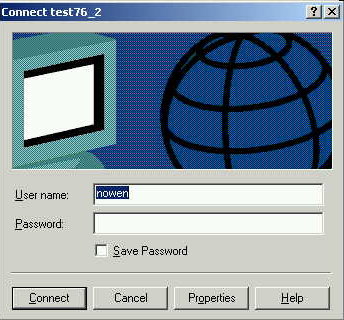
Now, bring up the PPTP connection we created earlier and enter the WiKID one-time passcode into the password box along with the appropriate username:
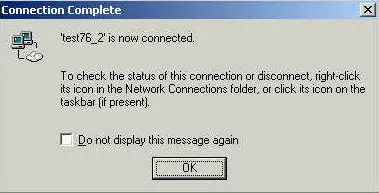
You should see a "Connecting..." window followed by a notice that you are connected:
Congratulations!
If you are getting an error, check both /var/log/messages on the pptp server and the WiKID logs via the WiKIDAdmin web interface for potential problems.





