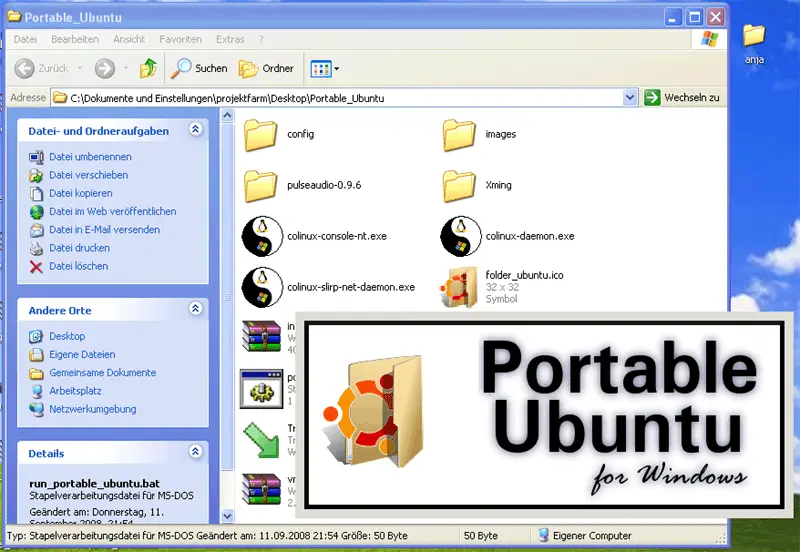
Running Ubuntu On Windows XP With Portable Ubuntu
Version 1.0
Author: Falko Timme
Portable Ubuntu for Windows is an Ubuntu system running as a Windows application. All Ubuntu applications appear as a window on the Windows desktop, and you can even copy&paste between Ubuntu and Windows applications (in both directions). You can also copy Portable Ubuntu to your thumb drive and carry it with you (you don't need to "install" Portable Ubuntu on Windows - all you need is the Portable Ubuntu folder). This guide shows how to use Portable Ubuntu on a Windows XP desktop.
I do not issue any guarantee that this will work for you!
1 Preliminary Note
I want to mention two important details here that might be useful later on for the usage of Portable Ubuntu:
- First, the default username is pubuntu and the default password is 123456
- You can access the Windows C: drive from Portable Ubuntu as /mnt/C.
2 Using Portable Ubuntu
On your Windows XP desktop, open a browser and go to http://portableubuntu.sourceforge.net/:
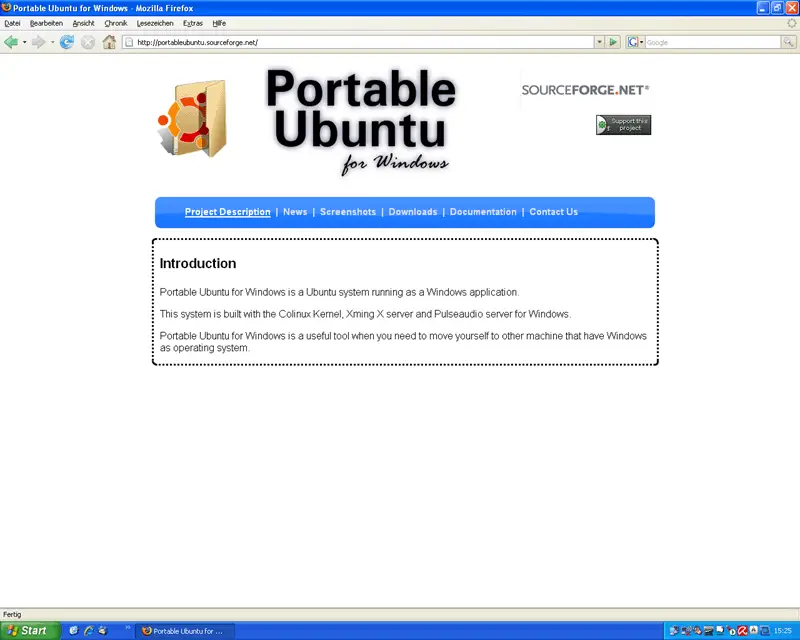
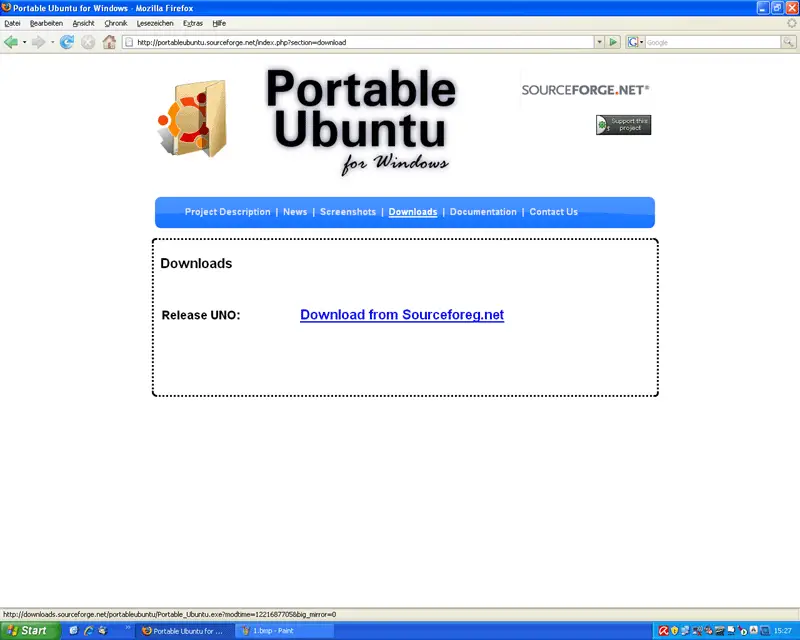
Go to Downloads and click on the download link:
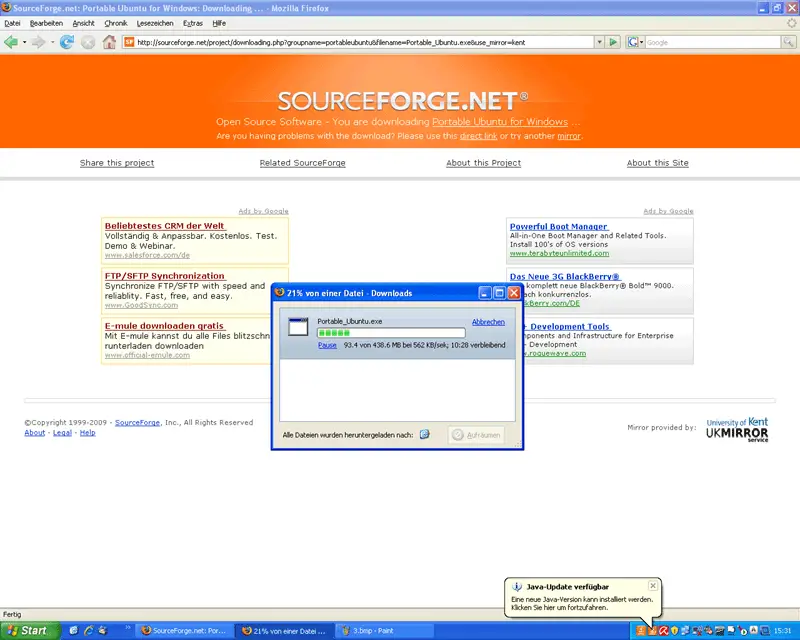
This will take you to a SourceForge page, and the download should start automatically (if not, select another SourceForge mirror). Save the file somewhere on your system (in this example, I'm storing it directly on the Desktop):
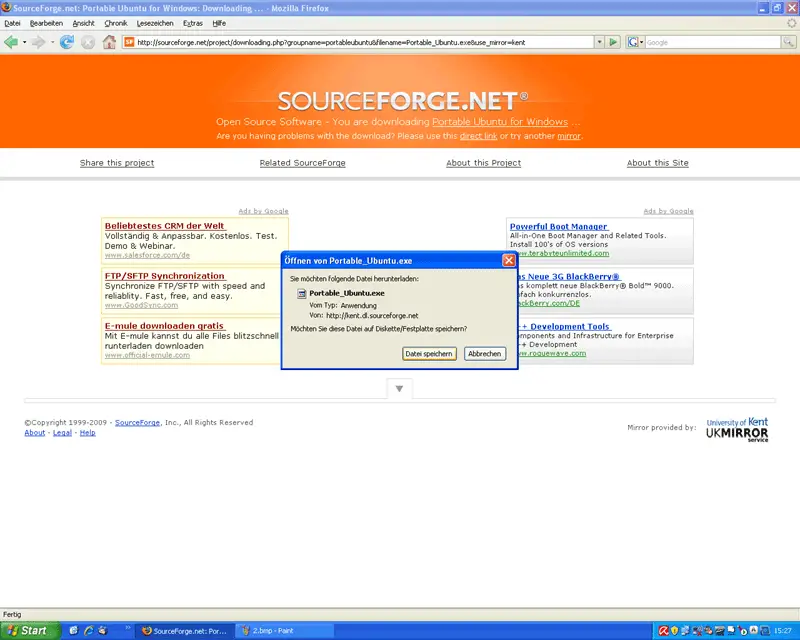
The filesize is 438MB, so the download can take a while:
Afterwards, you should find the downloaded file (it is an archive) on your Desktop. Double-click it...

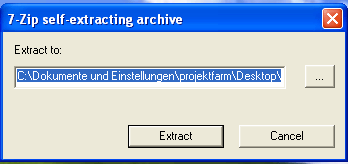
... and select a location that the archive should be extracted to:
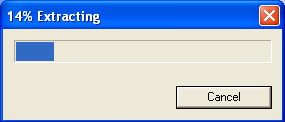
Then uncompress the archive:
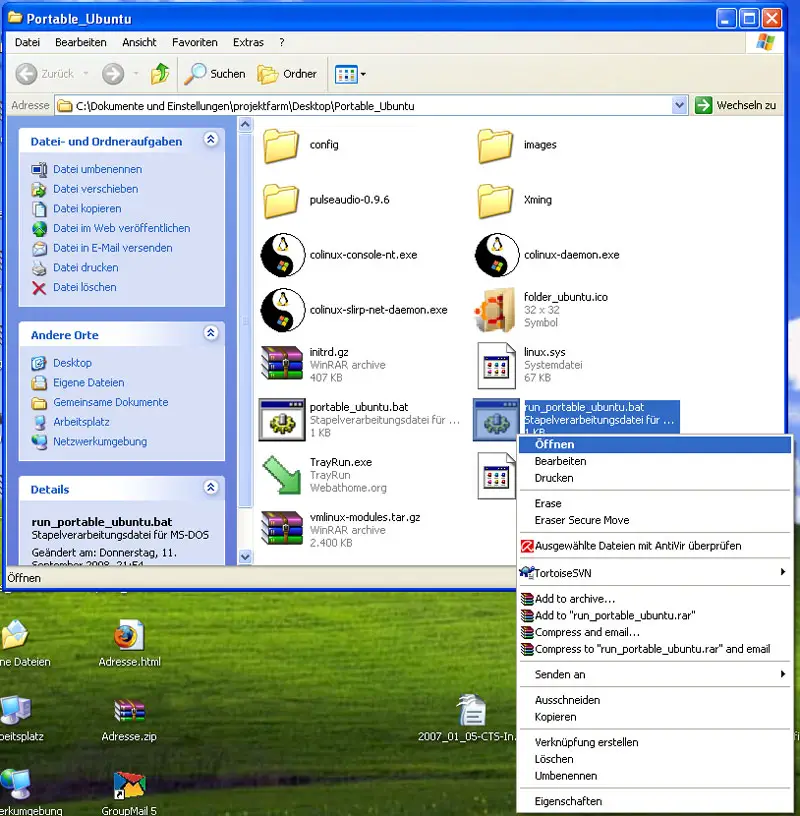
After the archive has been uncompressed, you should find a folder called Portable_Ubuntu:

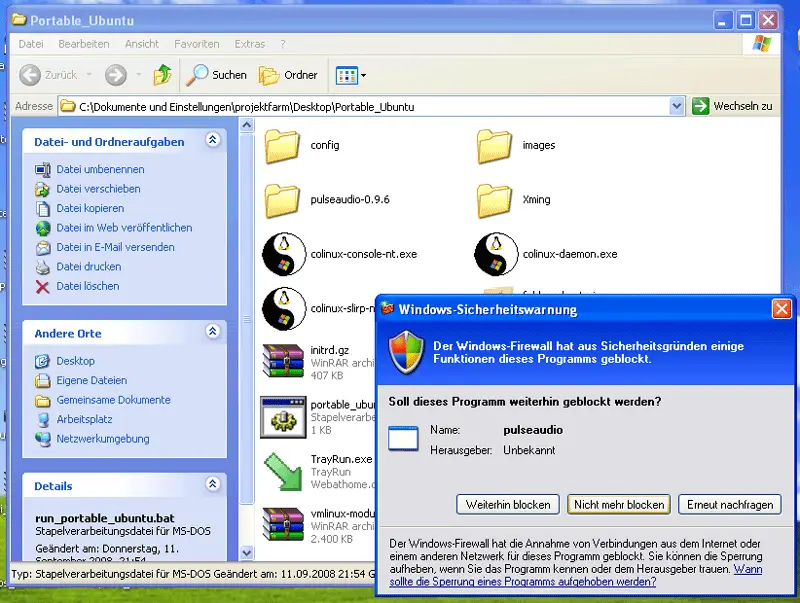
Go to that folder. To start Portable Ubuntu, right-click the run_portable_ubuntu.bat file and select Open from the menu:
If you are using the Windows firewall, you might have to unblock two or three applications that are needed to run portable Ubuntu:
Afterwards, you should see Portable Ubuntu start up: