
Running The Chromium Browser On Ubuntu 8.04 With CrossOver Chromium
Version 1.0
Author: Falko Timme
Chromium is an open-source browser project that is the basis for Google's Chrome browser. Right now, Chromium doesn't support Linux natively, but Codeweavers has created a Linux port called CrossOver Chromium that can be installed free of charge. This guide shows how to install CrossOver Chromium on Ubuntu 8.04.
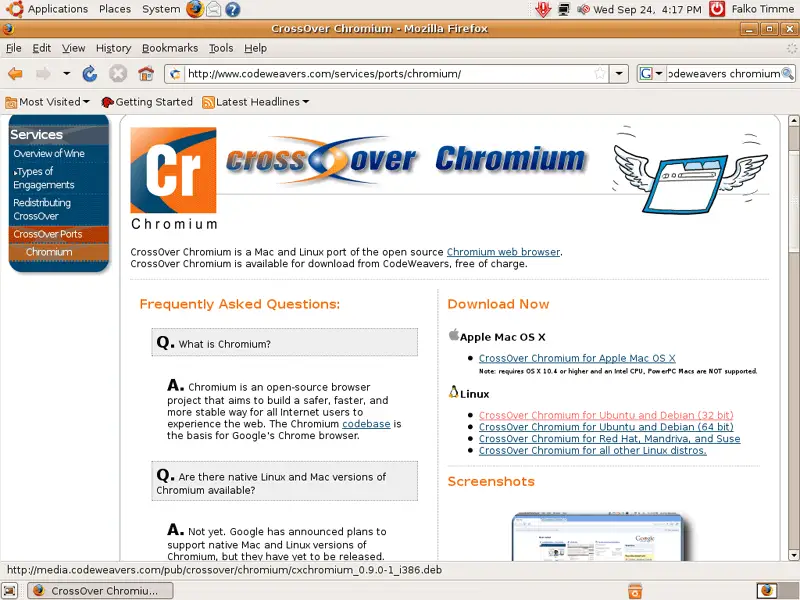
Open Firefox and go to http://www.codeweavers.com/services/ports/chromium/. Select the Chromium package for Ubuntu and Debian:
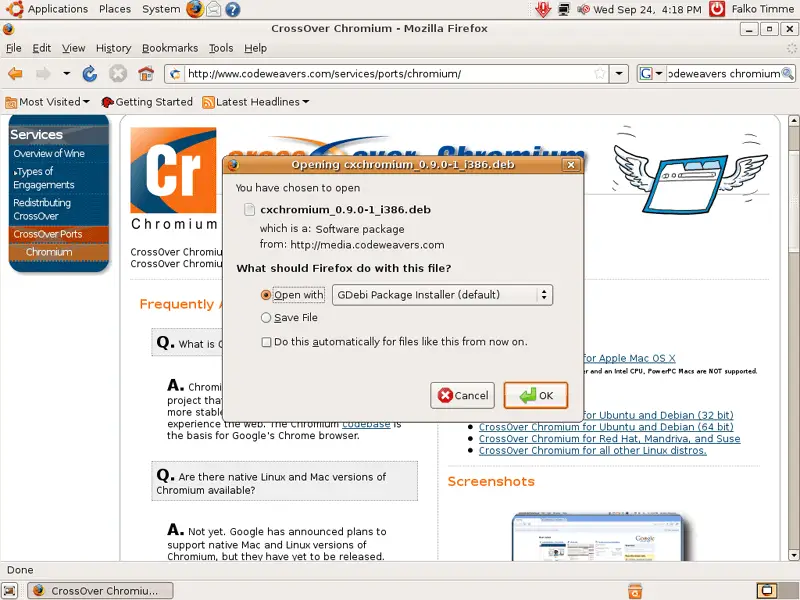
In the Firefox download dialogue, select Open with GDebi Package Installer (default):
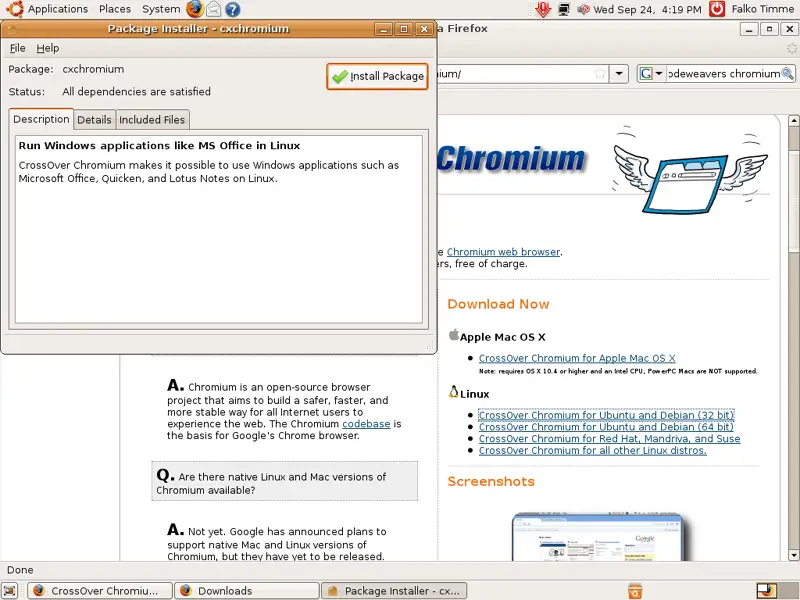
After the Package Installer has started, click on the Install Package button:
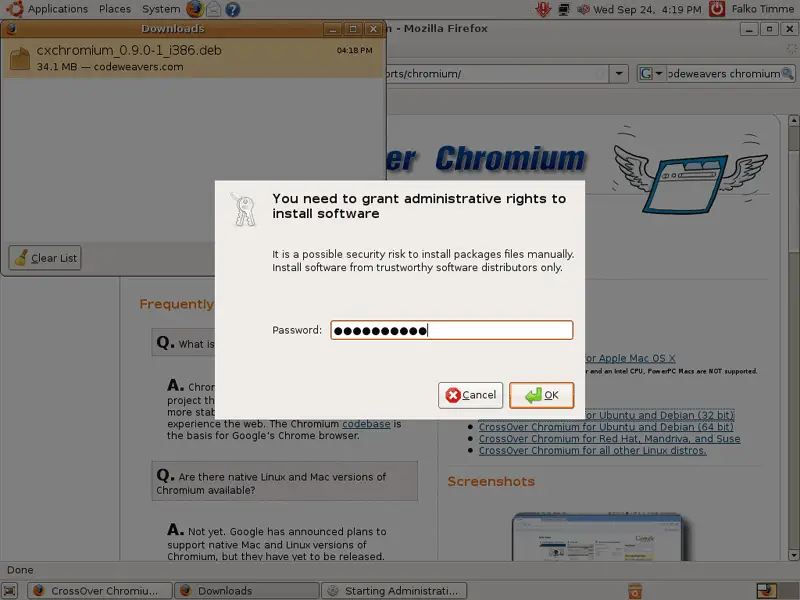
Type in your password:
CrossOver Chromium is now being installed:
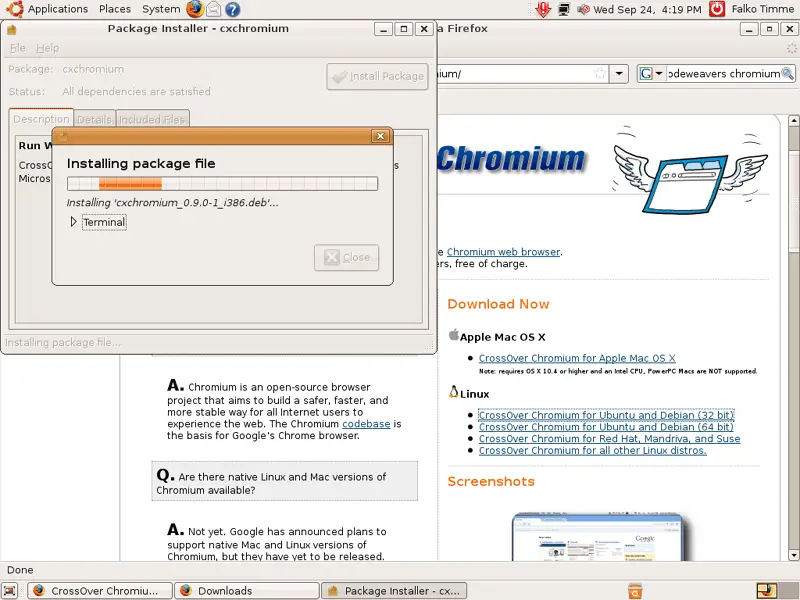
Afterwards, click on Close and leave the Package Installer:
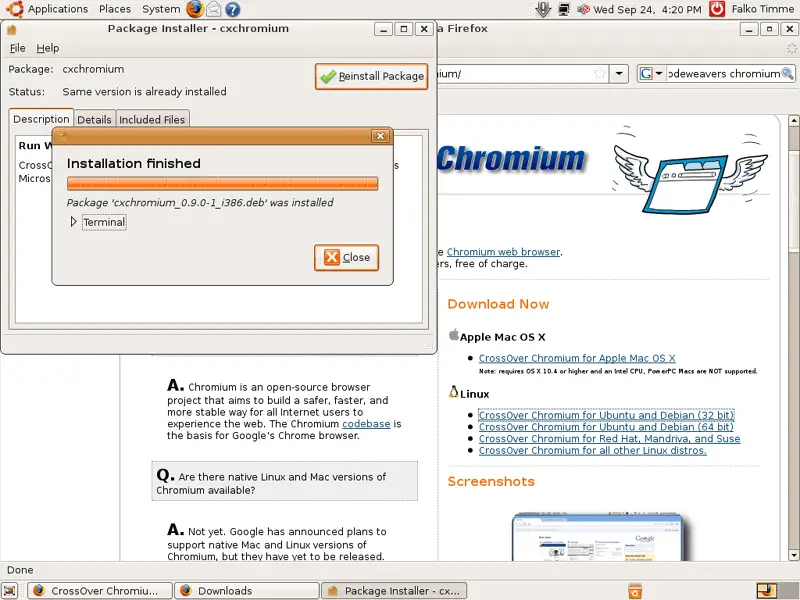
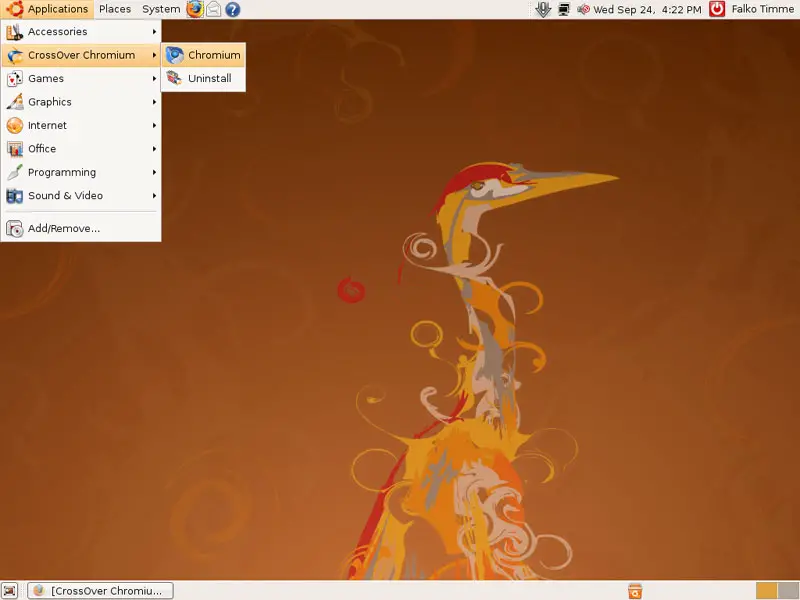
You can now start Chromium by going to Applications > Crossover Chromium > Chromium:
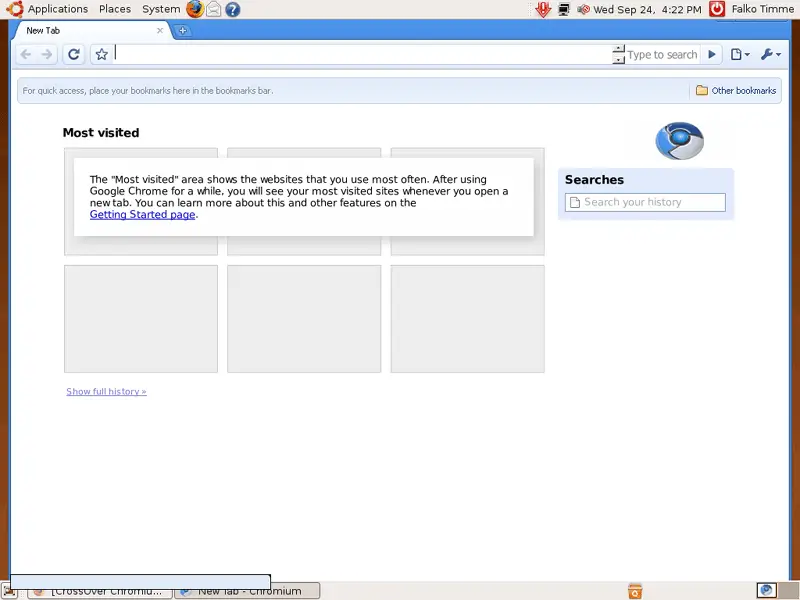
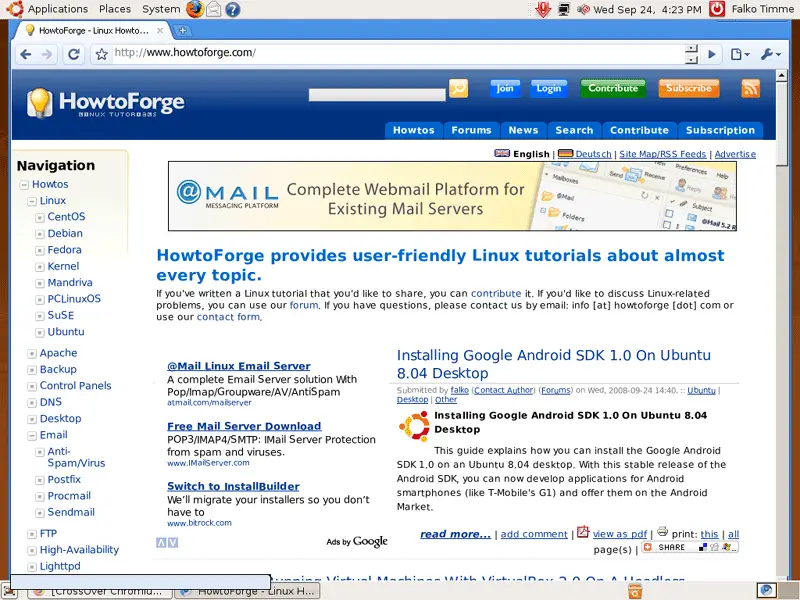
This is what Chromium looks like:
Links
- CrossOver Chromium: http://www.codeweavers.com/services/ports/chromium/
- Chromium: http://code.google.com/chromium/
- Ubuntu: http://www.ubuntu.com/





