Email Classification (Incl. Spam Classification) With POPFile On Ubuntu Feisty Fawn
Version 1.0
Author: Falko Timme
This article shows how you can install and use POPFile to classify incoming emails on an Ubuntu Feisty Fawn desktop. It is a POP3 proxy that fetches your mails from your mail server, classifies them and passes them on to your email client. Of course, POPFile must be trained to properly classify emails. From the POPFile web site: "POPFile is an automatic mail classification tool. Once properly set up and trained, it will scan all email as it arrives and classify it based on your training. You can give it a simple job, like separating out junk e-mail, or a complicated one-like filing mail into a dozen folders. Think of it as a personal assistant for your inbox."
This document comes without warranty of any kind!
1 Preliminary Note
In order to use POPFile with your email client, a few settings must be changed in the email client. I'll demonstrate this on the basis of the Evolution email client, but of course, you can use any other email client (e.g. Thunderbird) as well - the modifications are very similar.
2 Installing POPFile
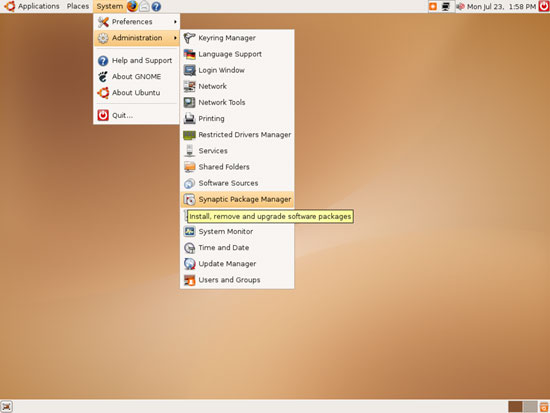
Open the Synaptic Package Manager (System > Administration > Synaptic Package Manager):
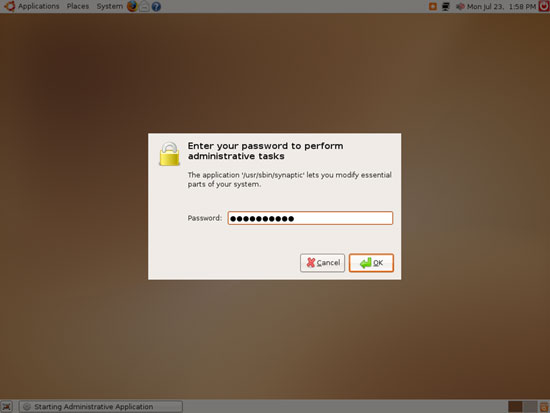
Type in your password:
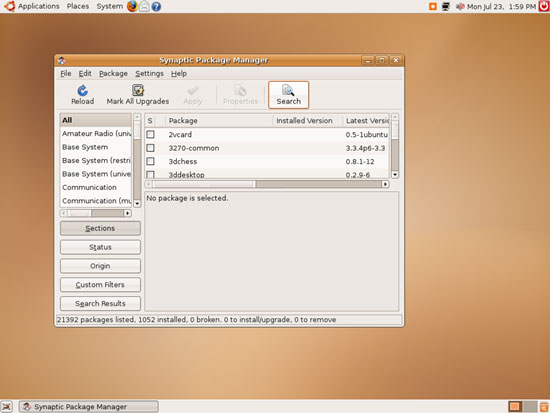
Click on the Search button:
Search for popfile:
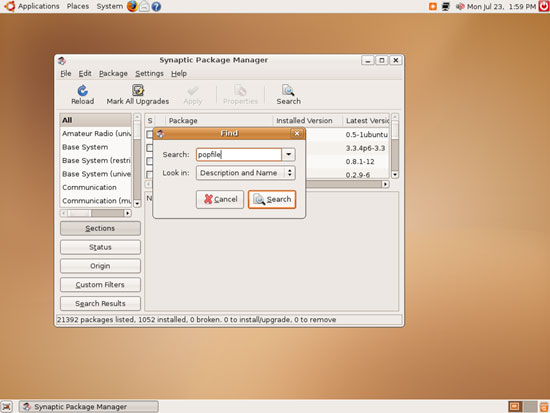
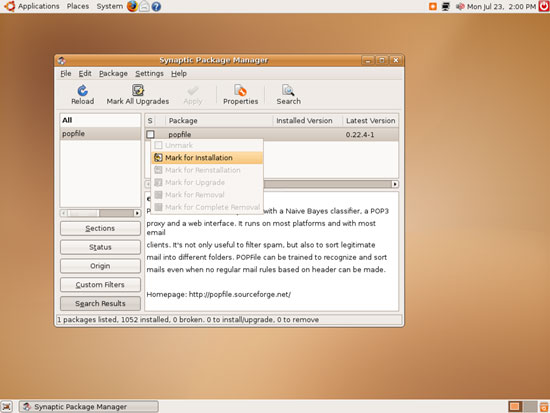
The search should find a package called popfile. Click on it and select Mark for Installation from the menu:
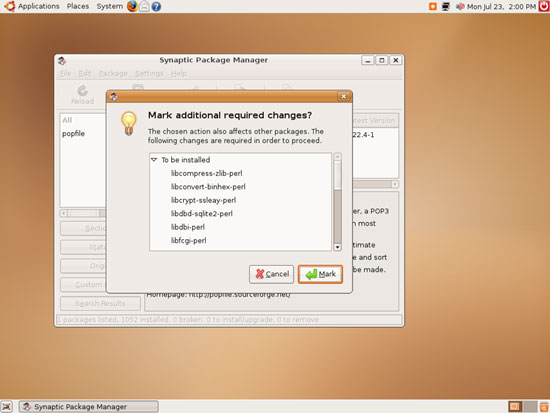
POPFile needs a few other packages. Accept the other packages by clicking on Mark:
Then click on Apply:
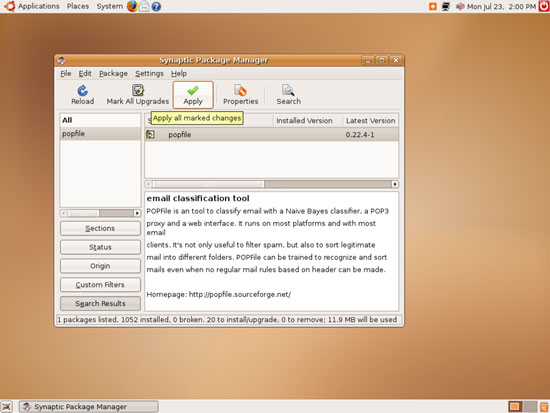
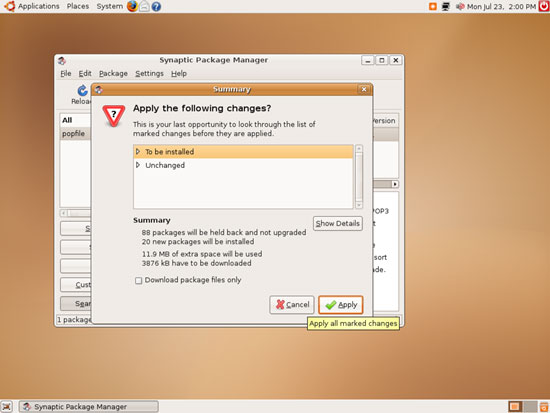
Confirm your selection by clicking on Apply again:
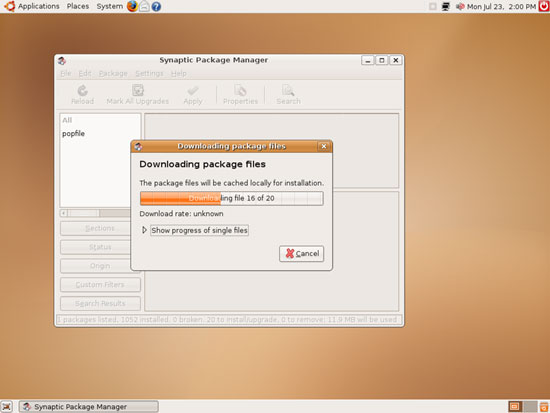
The packages are now being downloaded and installed:
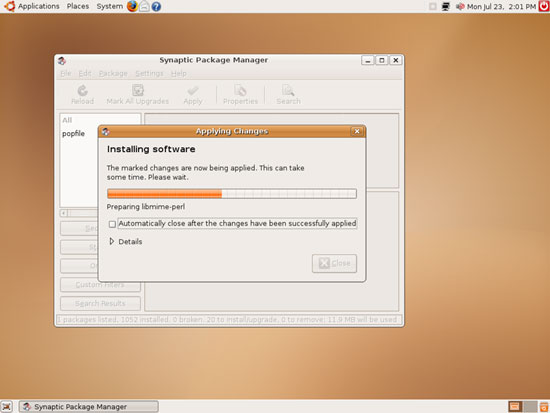
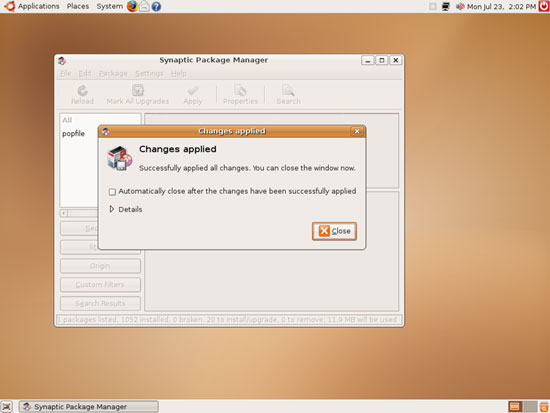
Click on Close afterwards and leave the Synaptic Package Manager: