
The Perfect Setup - OpenSuSE 10.2 (32-bit) - Page 4
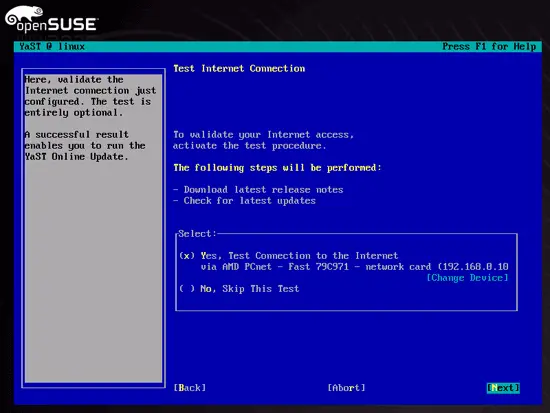
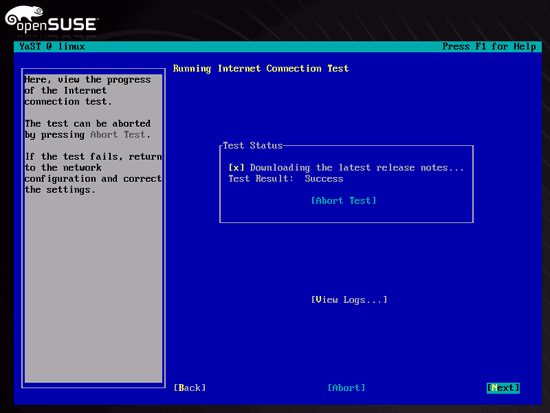
Now the internet connection of the system is tested and you may download the latest updates from a SuSE mirror and install them. Be patient here, this might take a few minutes.
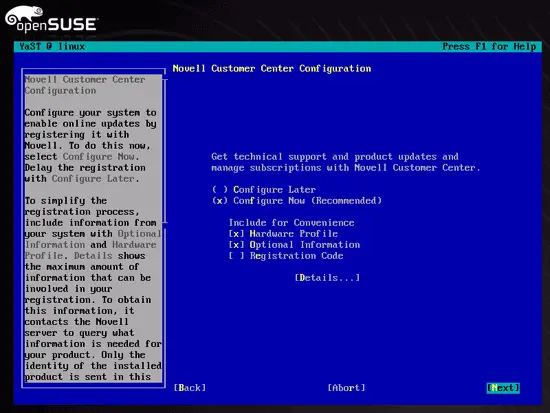
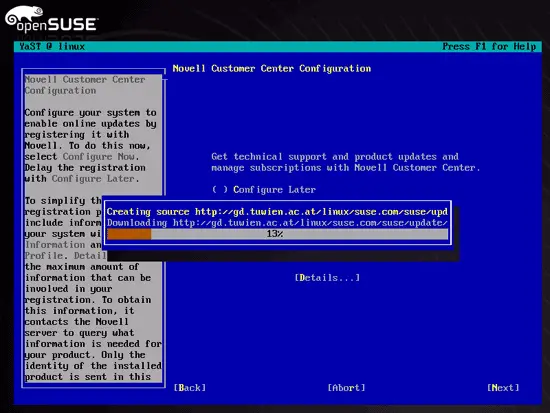
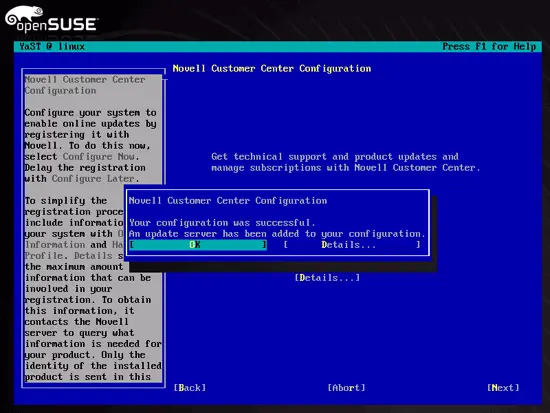
Now configure the Novell Customer Center (formerly known as Online Update) function and install the latest updates, if available:
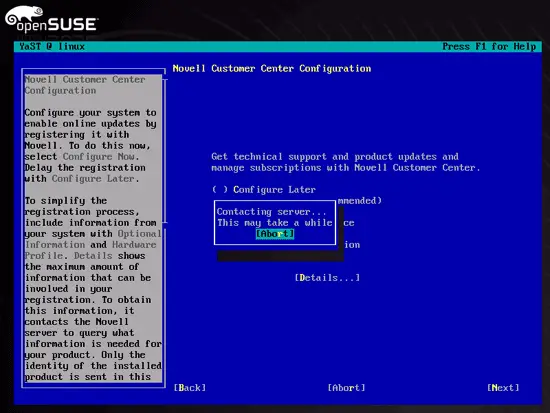
An update server is contacted, and the system downloads a list of available packages from this update server:
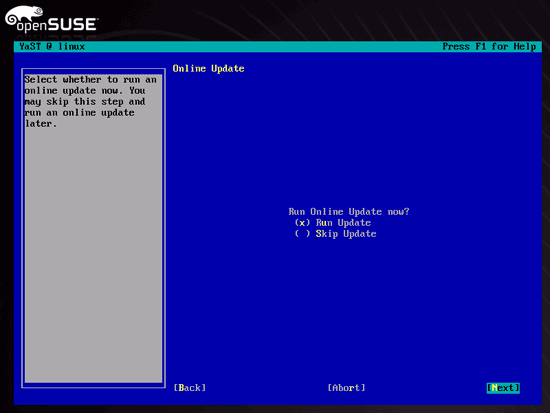
To download and install the latest updates, select Run Update:
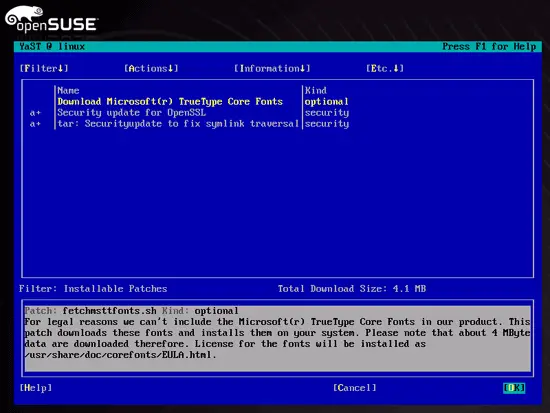
Select the packages you want to update and hit OK:
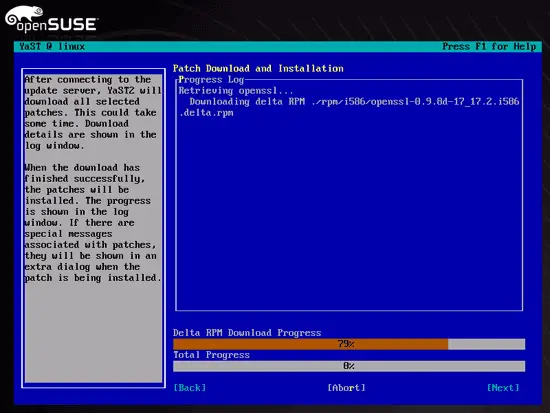
The packages are downloaded and installed:
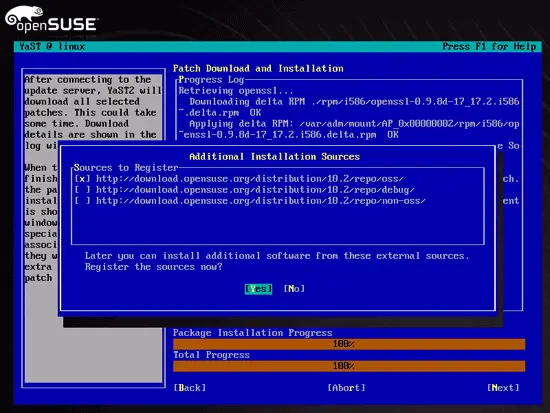
When you are asked for Additional Installation Sources, just select the oss repository:
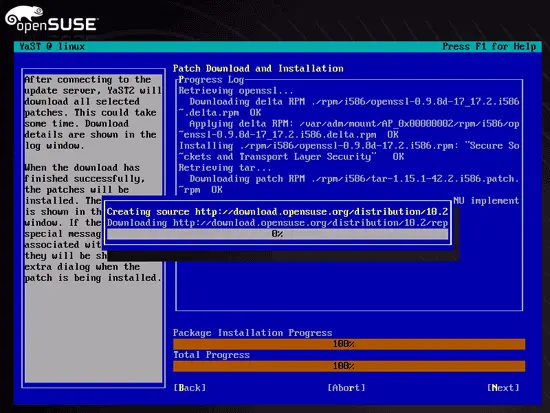
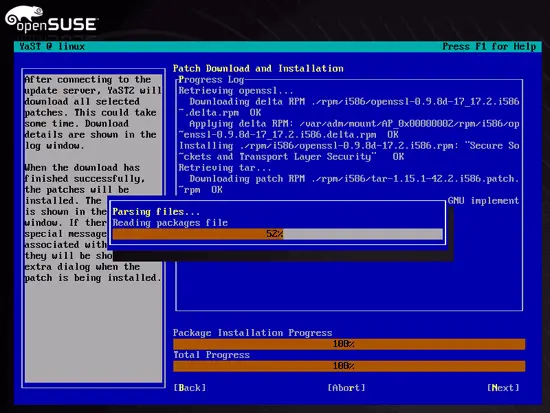
Next the list of available packages is downloaded from the oss repository:
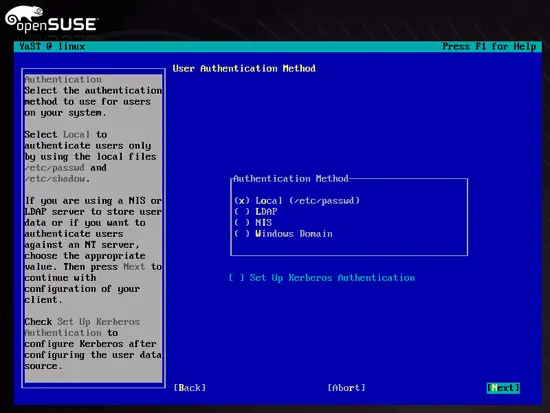
When asked how users should authenticate, choose Local (/etc/passwd):
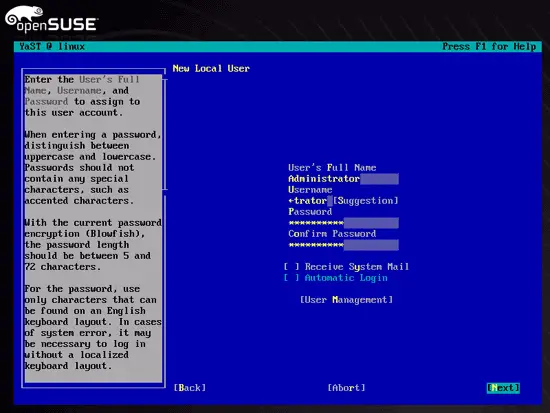
Create a second user other than root (e.g. administrator - do not use the name admin as it is already reserved on the system):
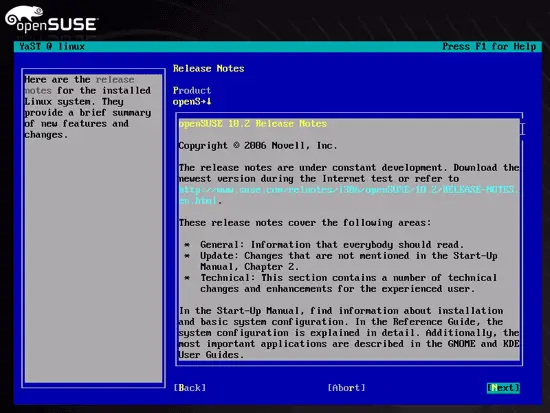
Read the release notes (if you like...) and hit Next:
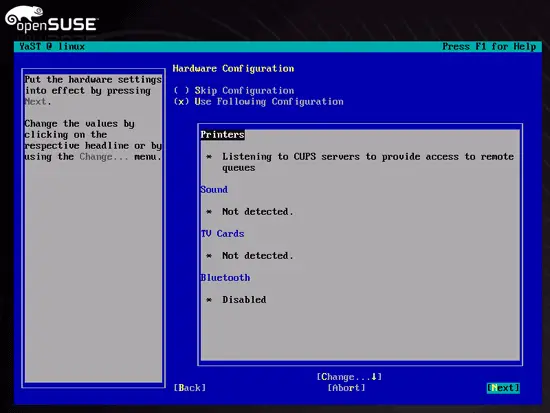
Finally YaST performs a hardware check (graphics cards, printers, sound, TV cards and Bluetooth). You can accept the results of this check as this hardware is not important for a server.
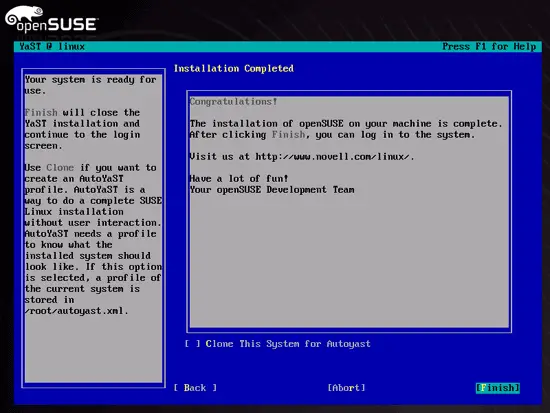
Congratulations! Your base installation is complete.
On to the next step...





