This tutorial exists for these OS versions
- Ubuntu 20.04 (Focal Fossa)
- Ubuntu 18.04 (Bionic Beaver)
- Ubuntu 17.10 (Artful Aardvark)
- Ubuntu 17.04 (Zesty Zapus)
- Ubuntu 16.10 (Yakkety Yak)
- Ubuntu 16.04 (Xenial Xerus)
On this page
The Perfect Server - Ubuntu 8.10 [ISPConfig 3]
Version 1.1
Author: Falko Timme
This tutorial shows how to prepare an Ubuntu 8.10 server for the installation of ISPConfig 3, and how to install ISPConfig 3. ISPConfig 3 is a webhosting control panel that allows you to configure the following services through a web browser: Apache web server, Postfix mail server, MySQL, MyDNS nameserver, PureFTPd, SpamAssassin, ClamAV, and many more.
Please note that this setup does not work for ISPConfig 2! It is valid for ISPConfig 3 only!
I do not issue any guarantee that this will work for you!
In order to learn how to use ISPConfig 3, I strongly recommend to download the ISPConfig 3 Manual.
On nearly 300 pages, it covers the concept behind ISPConfig (admin, resellers, clients), explains how to install and update ISPConfig 3, includes a reference for all forms and form fields in ISPConfig together with examples of valid inputs, and provides tutorials for the most common tasks in ISPConfig 3. It also lines out how to make your server more secure and comes with a troubleshooting section at the end.
1 Requirements
To install such a system you will need the following:
- the Ubuntu 8.10 server CD, available here: ftp://releases.ubuntu.com/releases/8.10/ubuntu-8.10-server-i386.iso (i386) or ftp://releases.ubuntu.com/releases/8.10/ubuntu-8.10-server-amd64.iso (x86_64)
- a fast Internet connection.
2 Preliminary Note
In this tutorial I use the hostname server1.example.com with the IP address 192.168.0.100 and the gateway 192.168.0.1. These settings might differ for you, so you have to replace them where appropriate.
3 The Base System
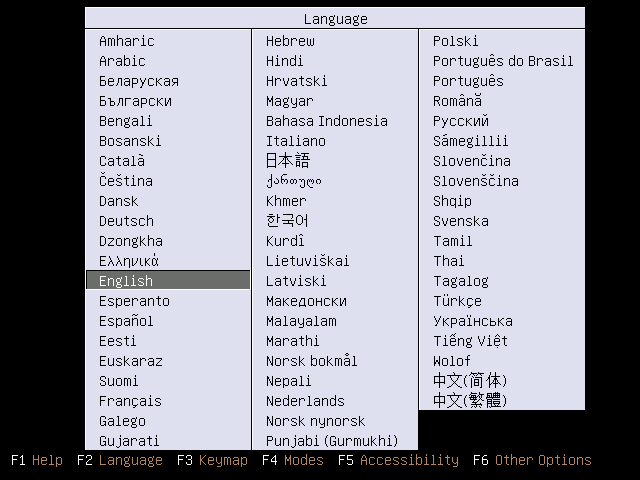
Insert your Ubuntu install CD into your system and boot from it. Select your language:
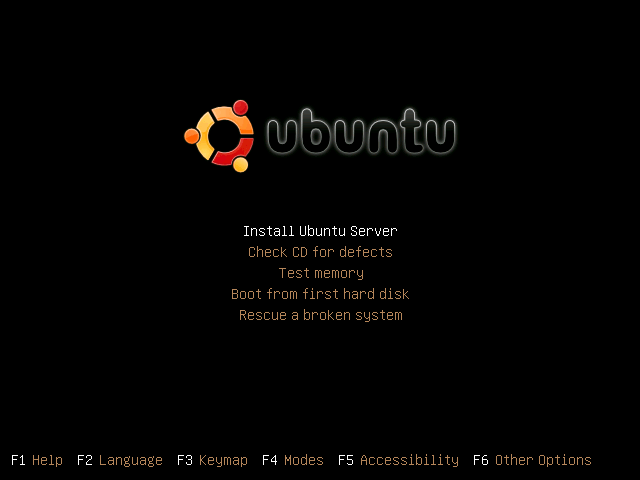
Then select Install Ubuntu Server:
Choose your language again (?):
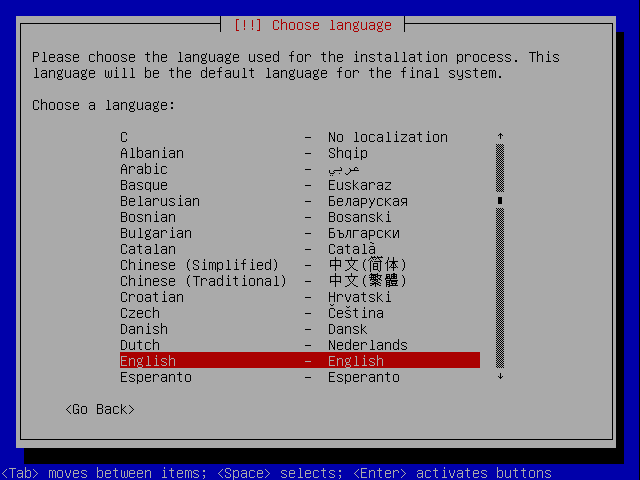
Then select your location:
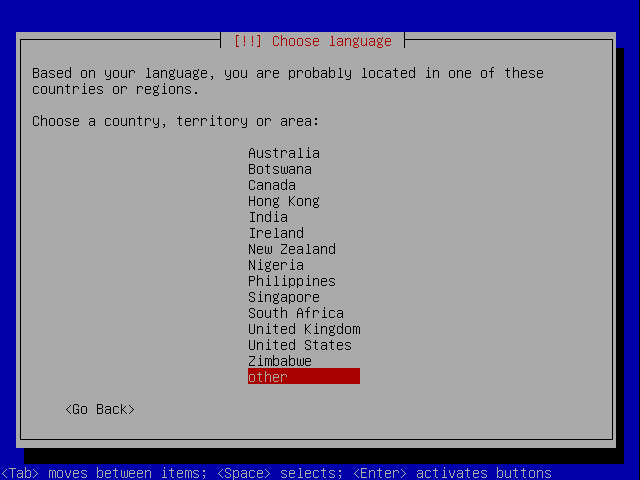
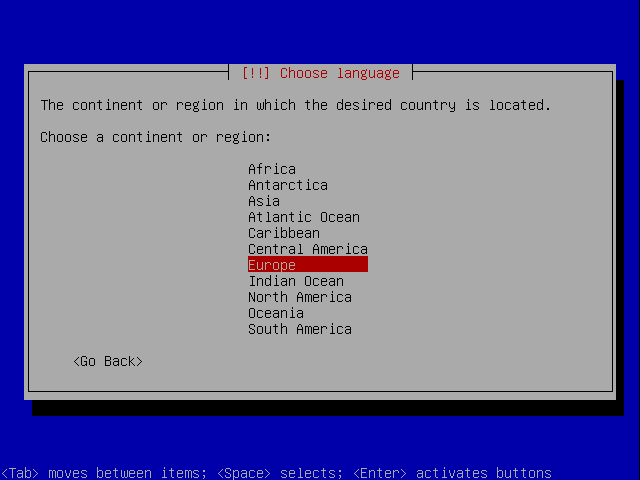
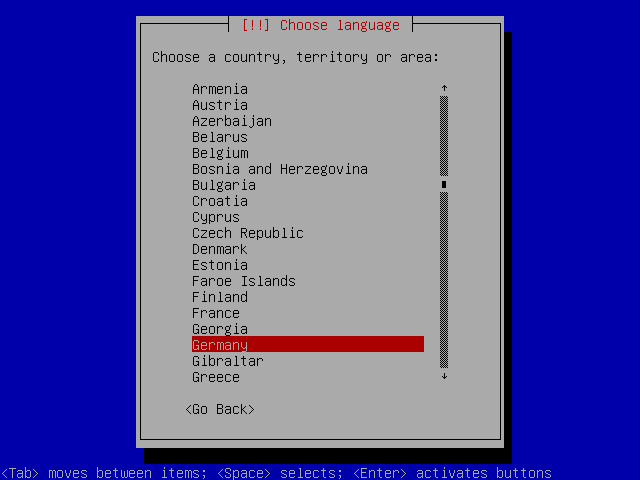
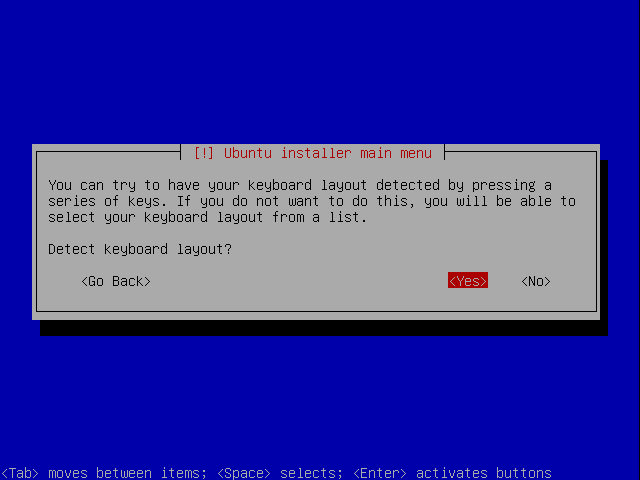
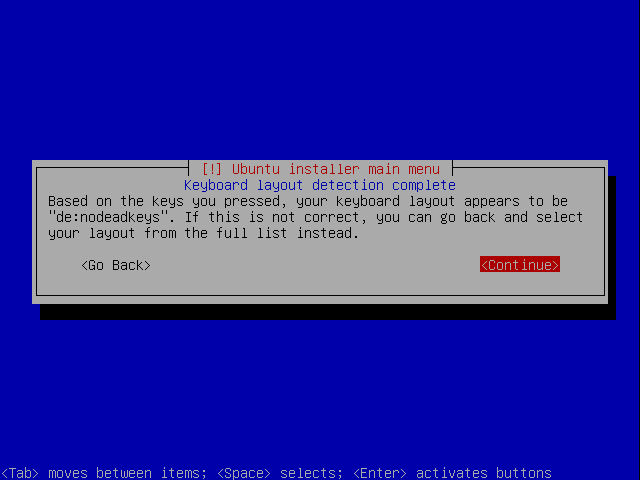
Choose a keyboard layout (you will be asked to press a few keys, and the installer will try to detect your keyboard layout based on the keys you pressed):
The installer checks the installation CD, your hardware, and configures the network with DHCP if there is a DHCP server in the network: