The Perfect Server - Ubuntu Maverick Meerkat (Ubuntu 10.10) [ISPConfig 2]
Version 1.0
Author: Falko Timme
 Follow me on Twitter
This tutorial shows how to set up an Ubuntu Maverick Meerkat (Ubuntu 10.10) server that offers all services needed by ISPs and hosters: Apache web server (SSL-capable), Postfix mail server with SMTP-AUTH and TLS, BIND DNS server, Proftpd FTP server, MySQL server, Courier POP3/IMAP, Quota, Firewall, etc. In the end you should have a system that works reliably, and if you like you can install the free webhosting control panel ISPConfig 2 (i.e., ISPConfig runs on it out of the box).
I will use the following software:
- Web Server: Apache 2.2.16 with PHP 5.3.3, Python, Ruby, and WebDAV
- Database Server: MySQL 5.1.49
- Mail Server: Postfix
- DNS Server: BIND9
- FTP Server: proftpd
- POP3/IMAP: I will use Maildir format and therefore install Courier-POP3/Courier-IMAP.
- Webalizer for web site statistics
Please note that this setup does not work for ISPConfig 3! It is valid for ISPConfig 2 only!
I want to say first that this is not the only way of setting up such a system. There are many ways of achieving this goal but this is the way I take. I do not issue any guarantee that this will work for you!
1 Requirements
To install such a system you will need the following:
- the Ubuntu 10.10 server CD, available here: http://releases.ubuntu.com/releases/10.10/ubuntu-10.10-server-i386.iso (i386) or http://releases.ubuntu.com/releases/10.10/ubuntu-10.10-server-amd64.iso (x86_64)
- a fast Internet connection.
2 Preliminary Note
In this tutorial I use the hostname server1.example.com with the IP address 192.168.0.100 and the gateway 192.168.0.1. These settings might differ for you, so you have to replace them where appropriate.
3 The Base System
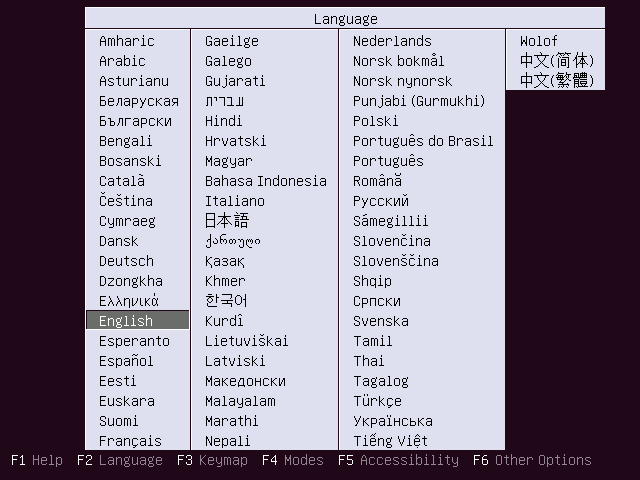
Insert your Ubuntu install CD into your system and boot from it. Select your language:
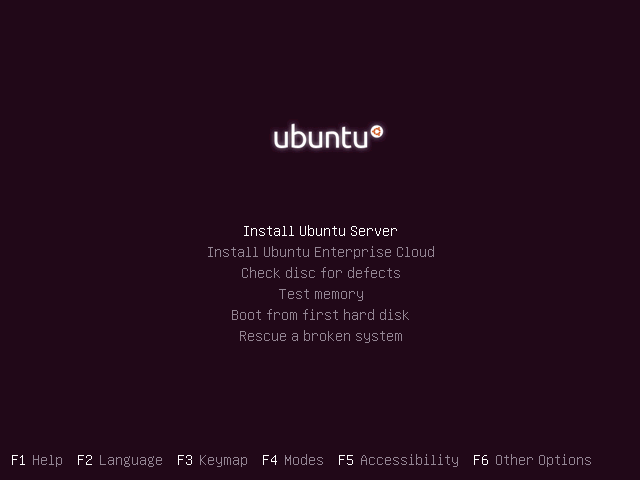
Then select Install Ubuntu Server:
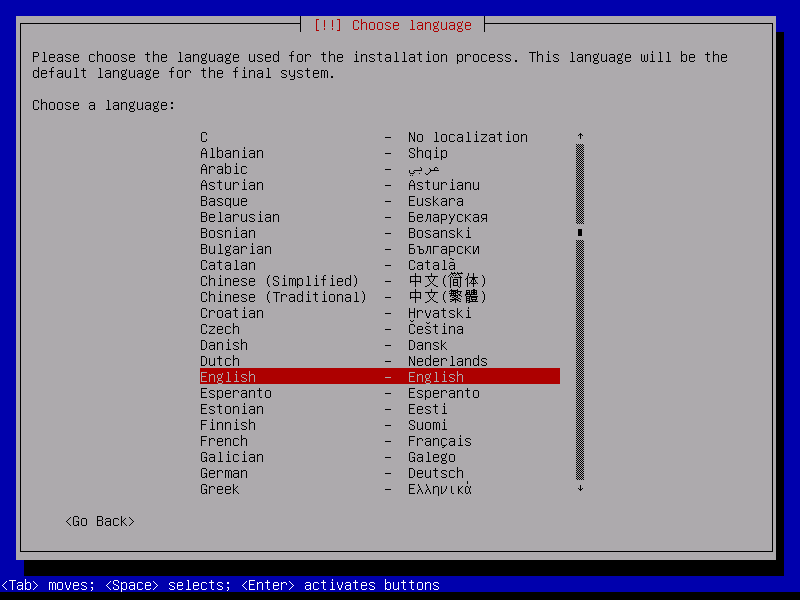
Choose your language again (?):
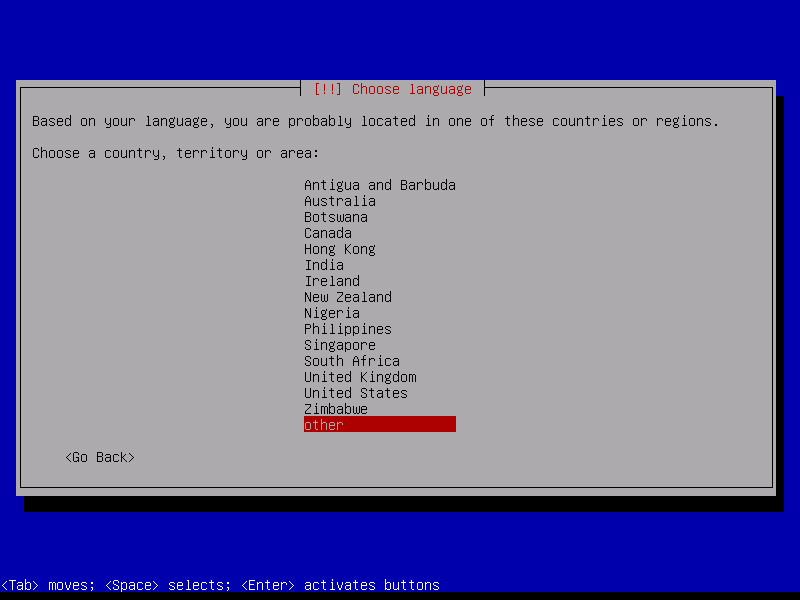
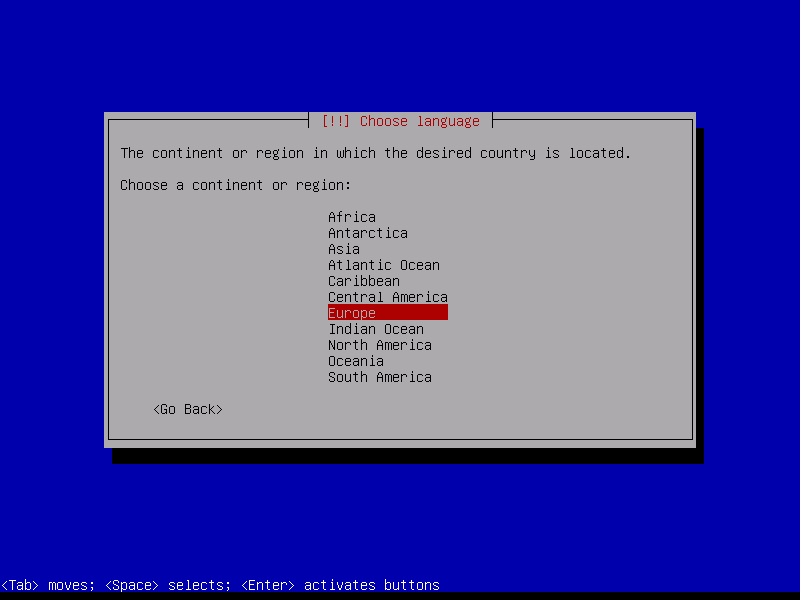
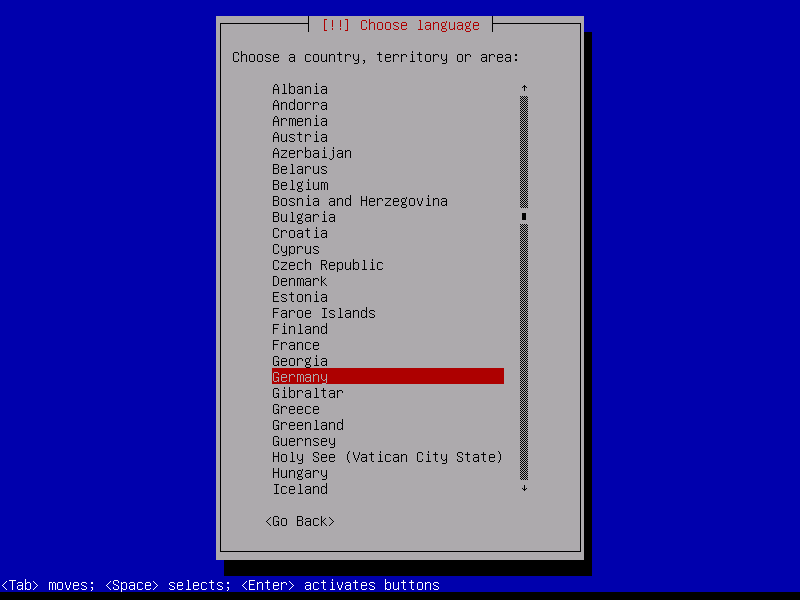
Then select your location:
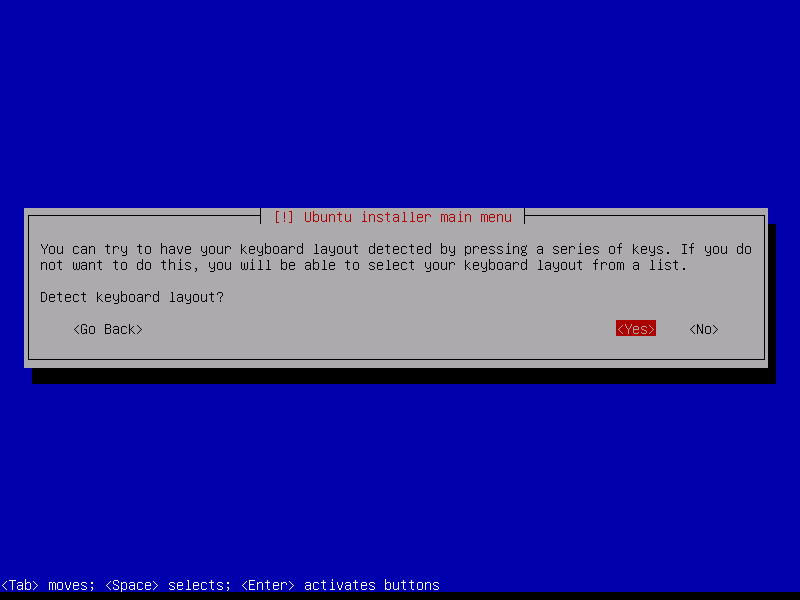
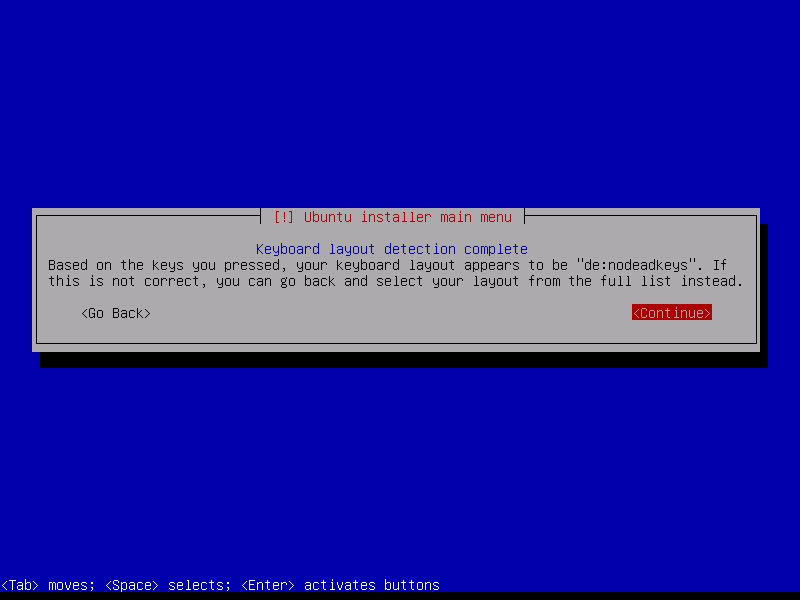
Choose a keyboard layout (you will be asked to press a few keys, and the installer will try to detect your keyboard layout based on the keys you pressed):
The installer checks the installation CD, your hardware, and configures the network with DHCP if there is a DHCP server in the network: