Osmo Personal Organizer On Fedora 8
Version 1.0
Author: Oliver Meyer <o [dot] meyer [at] projektfarm [dot] de>
This document describes how to install and use Osmo on Fedora 8. Taken from the Osmo web page: "Osmo is a handy personal organizer, which includes calendar, tasks manager and address book modules. It was designed to be a small, easy to use and good looking PIM tool to help to manage personal information. In its current state the organizer is quite convenient to use - for example, the user can perform nearly all operations using the keyboard. Also, a lot of parameters are configurable to meet the user's preferences. On the technical side, Osmo is GTK+ based tool which uses a plain XML database to store all personal data."
This howto is a practical guide without any warranty - it doesn't cover the theoretical backgrounds. There are many ways to set up such a system - this is the way I chose.
1 Install Osmo
Install the following package with yum or your preferred yum-frontend.
- Osmo
2 Using Osmo
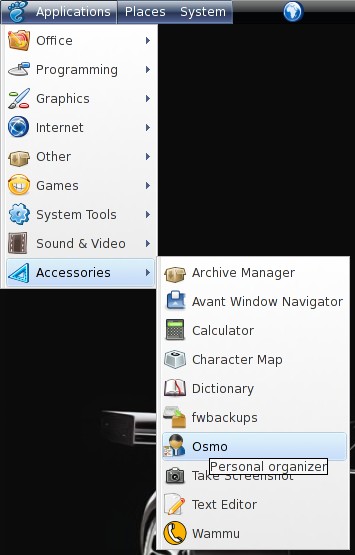
Osmo is available within the gnome application menu.
2.1 Calendar
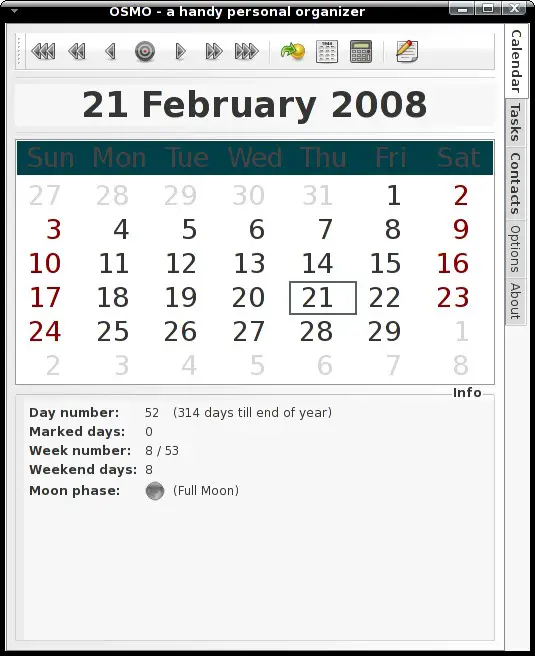
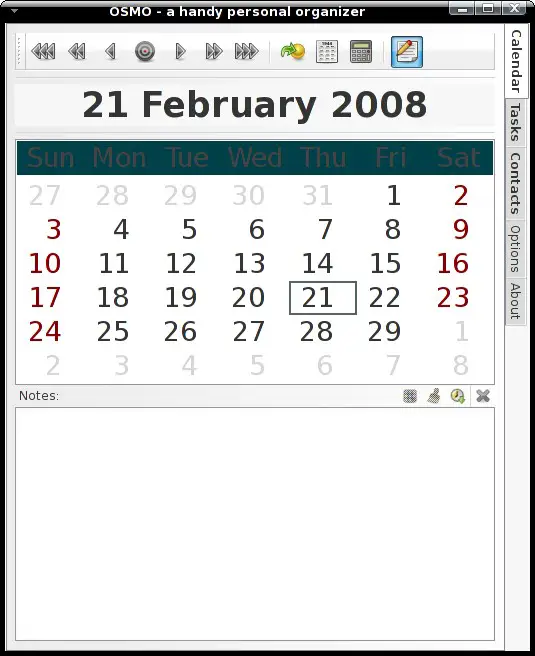
The calendar is available on the first tab. You can simply switch between days, months or years with the black arrows on the top - if you want to jump to a certain date you can use the "jump to date" function (yellow ball with green arrow) next to the black arrows.
2.1.1 Dayinfo
You'll see the dayinfo on the bottom half. It contains information about the day and also about tasks for this day.
2.1.2 Notes
When you click on the "pen & paper" symbol at the top, the bottom half will switch to a little applet for notes.
2.1.3 Full Year Calendar
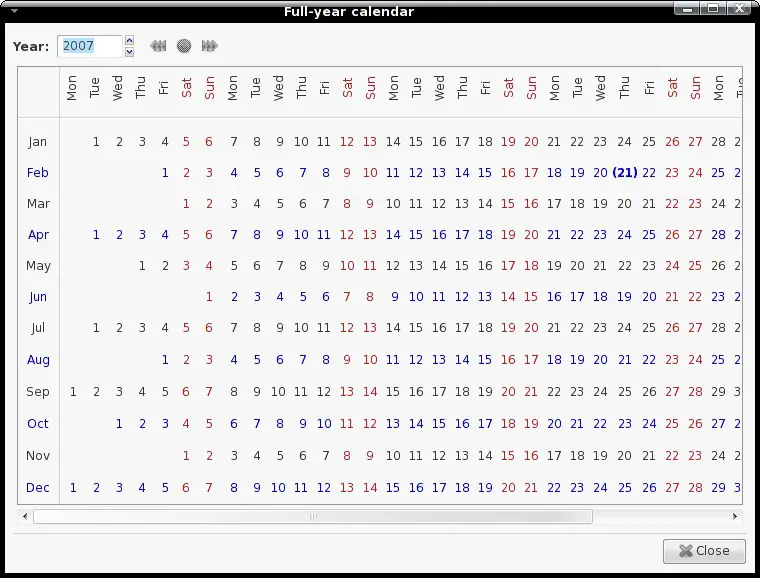
The icon next to the "jump to file" symbol provides a full year calendar.
2.1.4 Date Calculator
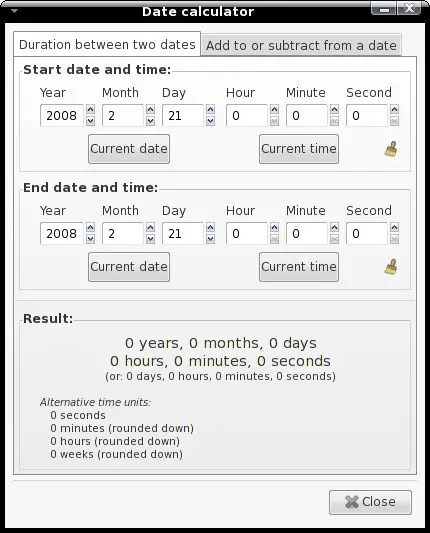
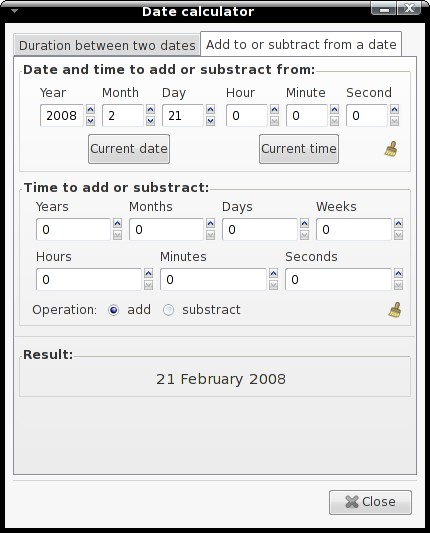
When you click on the calculator-button, a date calculator appears. You can calculate the difference between two dates, subttract a time from a date or add a time to a date.
2.2 Tasks
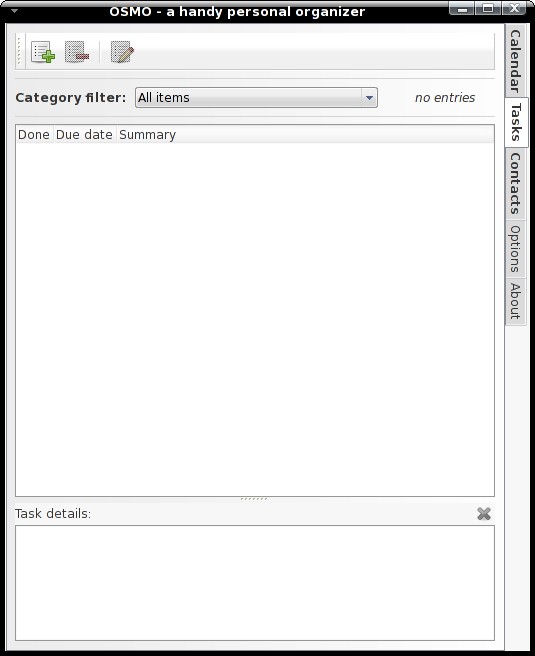
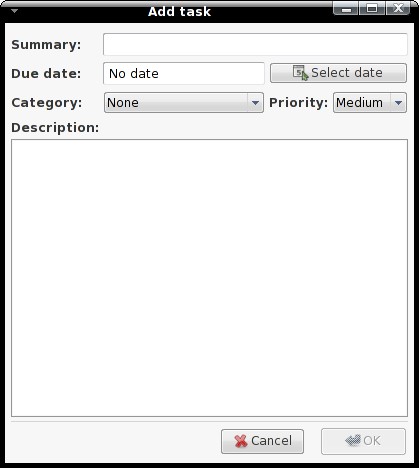
On the second tab, which contains the tasks, you can, as the name implies, manage your tasks.