How To Enable NTFS Write Support (ntfs-3g) On Ubuntu Feisty Fawn
Version 1.0
Author: Falko Timme
Normally Linux systems can only read from Windows NTFS partitions, but not write to them which can be very annoying if you have to work with Linux and Windows systems. This is where ntfs-3g comes into play. ntfs-3g is an open source, freely available NTFS driver for Linux with read and write support. This tutorial shows how to install and use ntfs-3g on an Ubuntu Feisty Fawn desktop to read from and write to Windows NTFS drives and partitions.
This document comes without warranty of any kind! I want to say that this is not the only way of setting up such a system. There are many ways of achieving this goal but this is the way I take. I do not issue any guarantee that this will work for you!
1 Preliminary Note
I have tried this on an Ubuntu Feisty Fawn desktop with an external NTFS USB hard drive.
2 Installing ntfs-3g
Open the Synaptic Package Manager (System > Administration > Synaptic Package Manager):
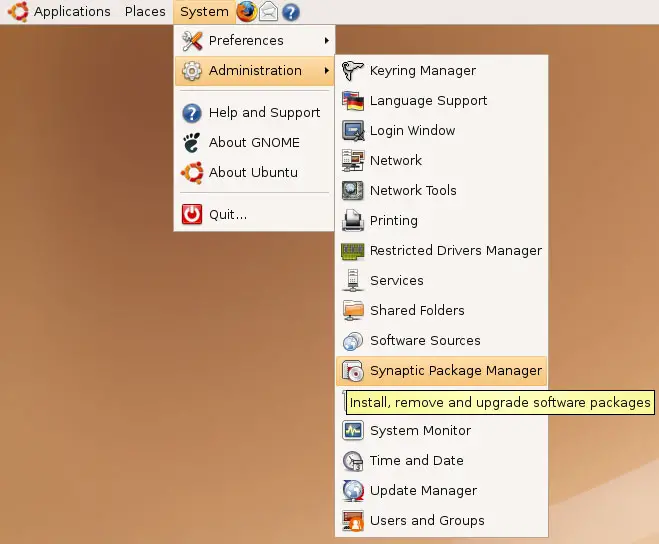
You might have to type in your password to be granted access to Synaptic.
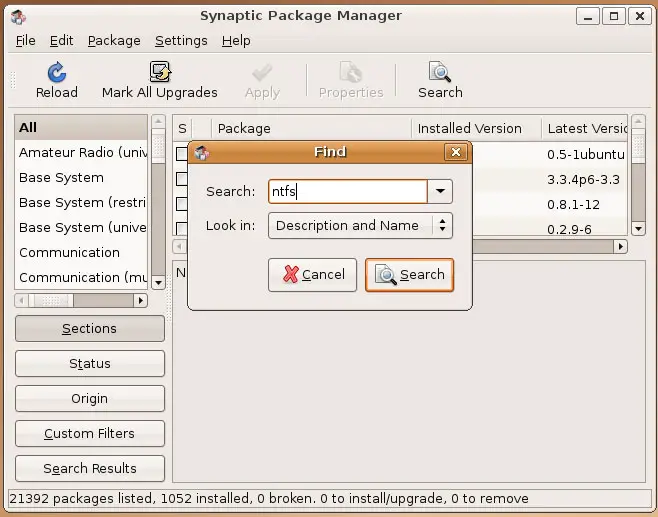
After the Synaptic Package Manager has started, click on the Search button and search for ntfs:
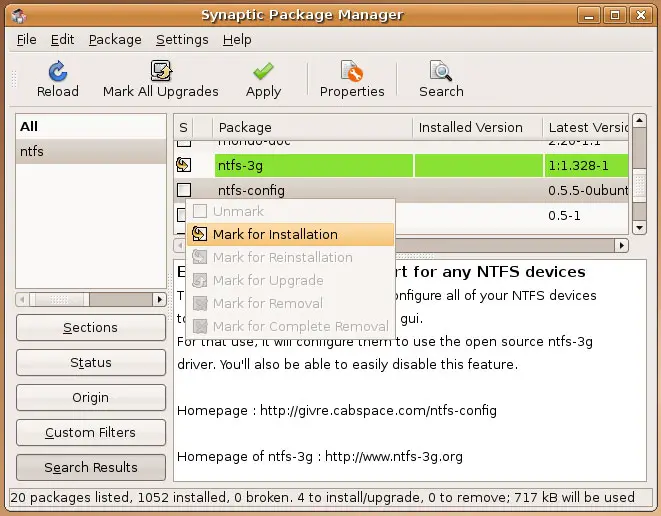
On the results page, click on the package ntfs-3g and select Mark for Installation:
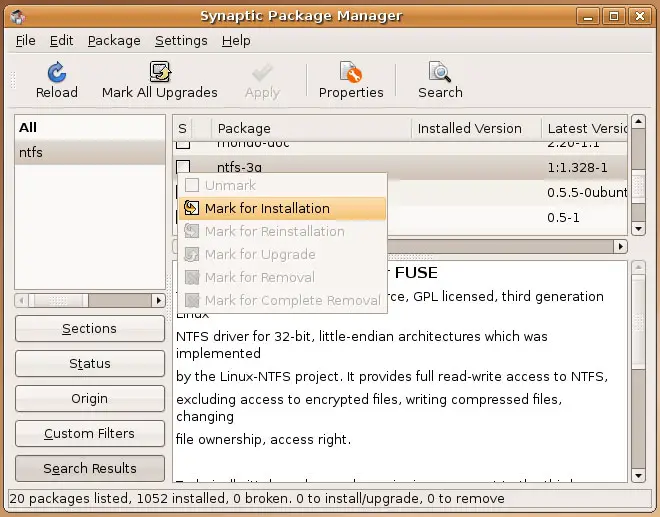
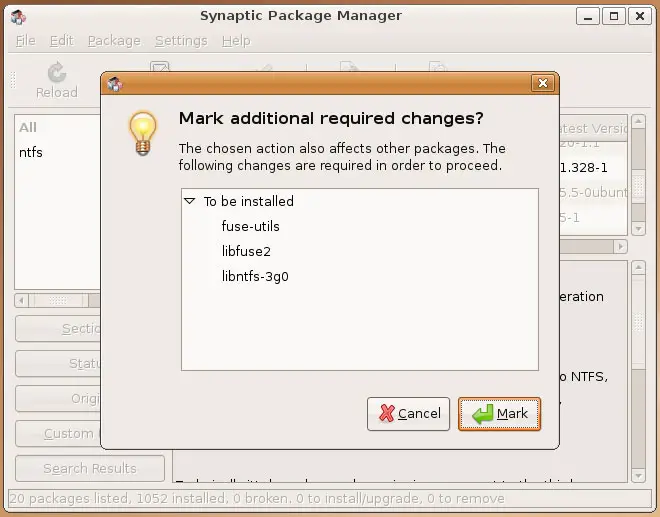
ntfs-3g has some required dependencies that must be installed as well; accept these packages by clicking on Mark.
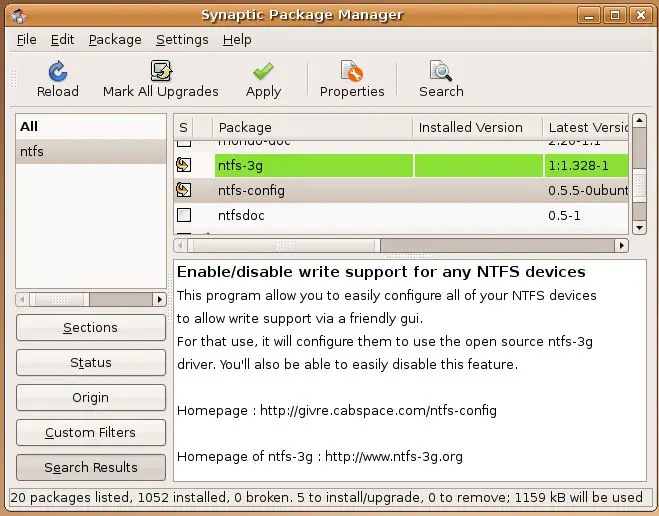
Then mark ntfs-config for installation as well:
Click on the Apply button to install the selected packages:
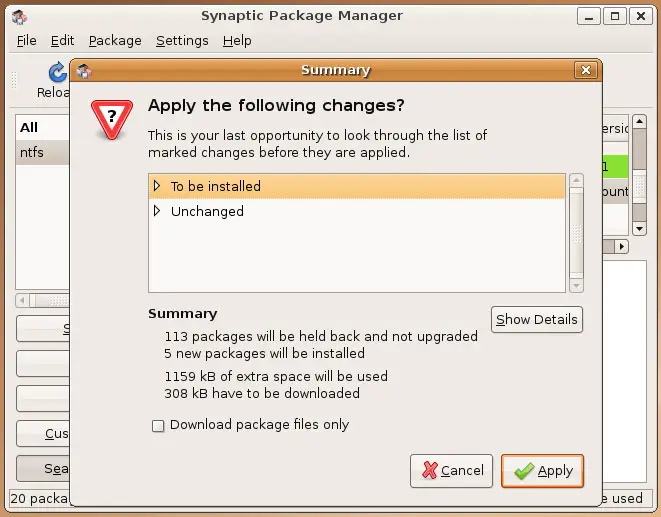
Confirm your selection by clicking on Apply again:
The packages are being downloaded and installed:
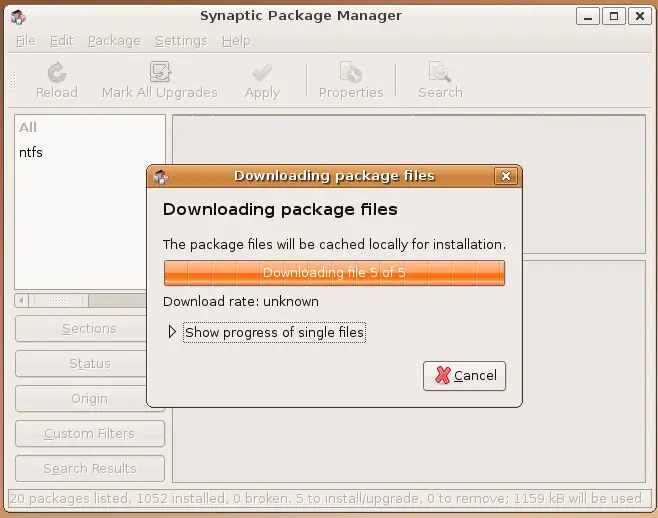
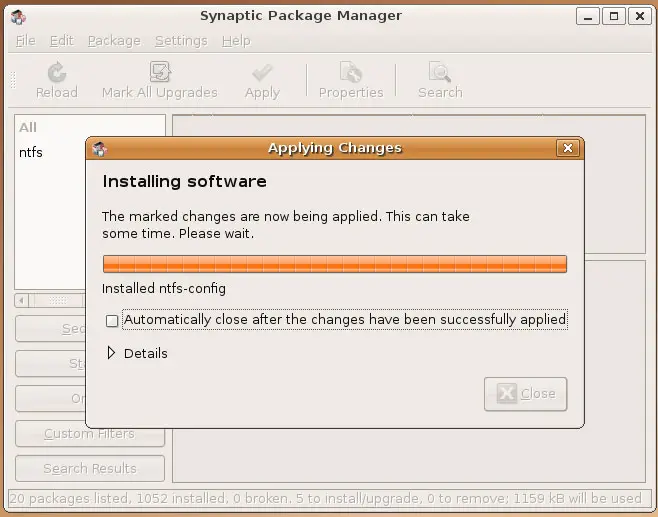
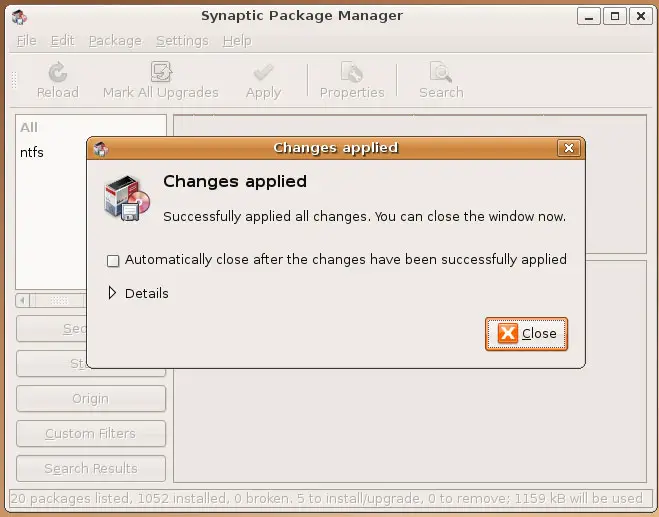
Afterwards, you can close the Synaptic Package Manager: