Nagios Installation On Ubuntu 10.04 (Lucid Lynx) - Page 2
This tutorial exists for these OS versions
- Ubuntu 22.04 (Jammy Jellyfish)
- Ubuntu 20.04 (Focal Fossa)
- Ubuntu 18.04 (Bionic Beaver)
- Ubuntu 16.04 (Xenial Xerus)
- Ubuntu 15.04 (Vivid Vervet)
- Ubuntu 14.04 LTS (Trusty Tahr)
On this page
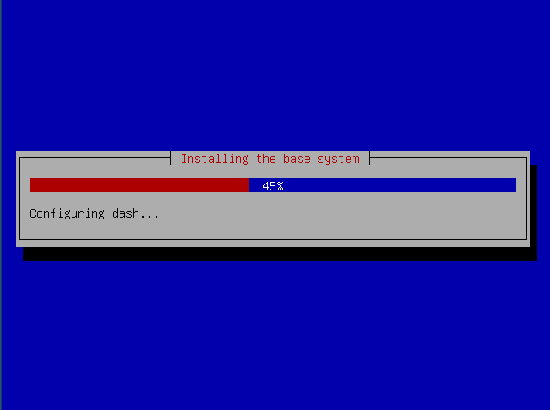
Now your base system will begin to be installed:
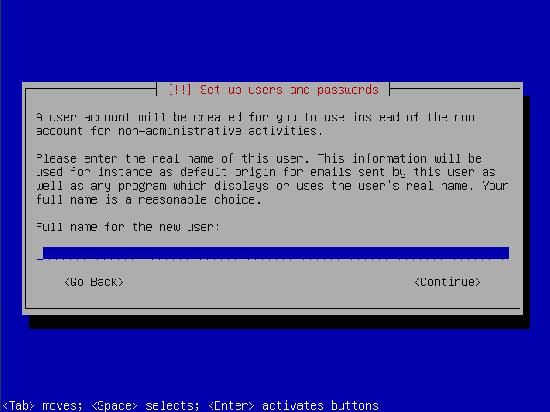
Now type the full name for your new user:
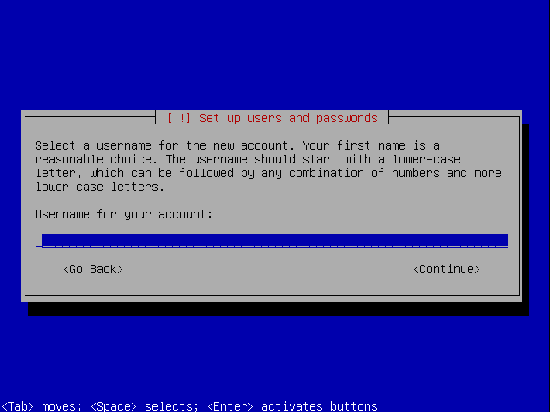
Now type the username for your new user:
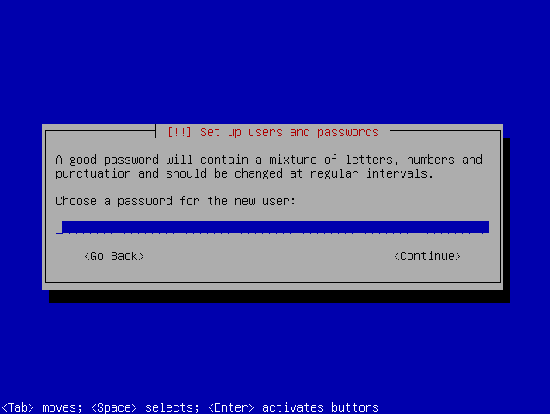
Now type your password for the new user:
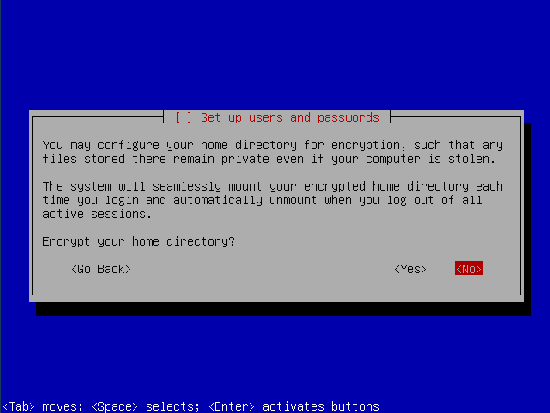
Now you will be presented with the option to encrypt your home directories. I do not do this.
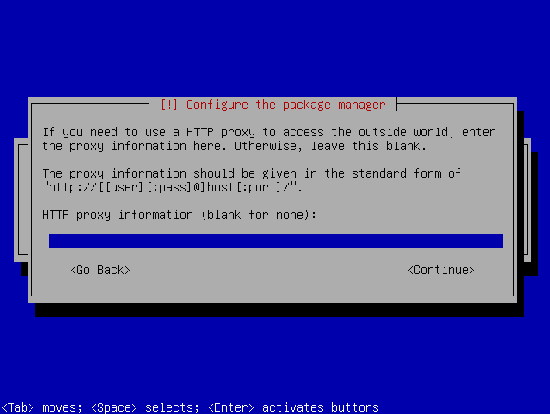
Enter your HTTP Proxy information if you have one:
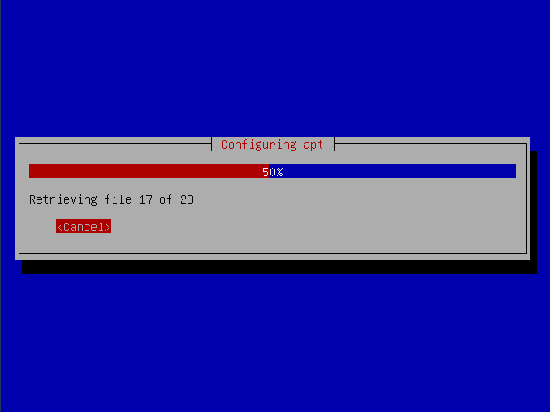
The system will continue installing necessary packages:
Do not install automatic updates. It's always much easier to track down a problem if you know exactly what was installed on the system... especially when it comes to updates or patches.
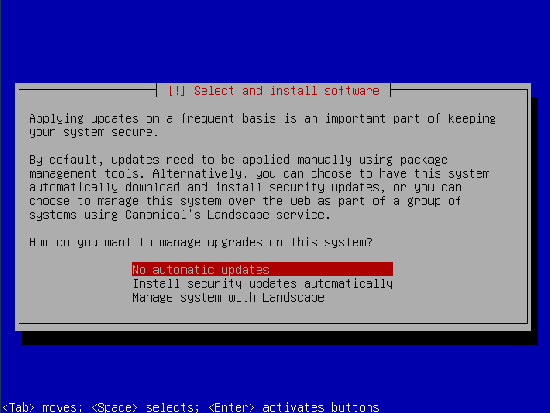
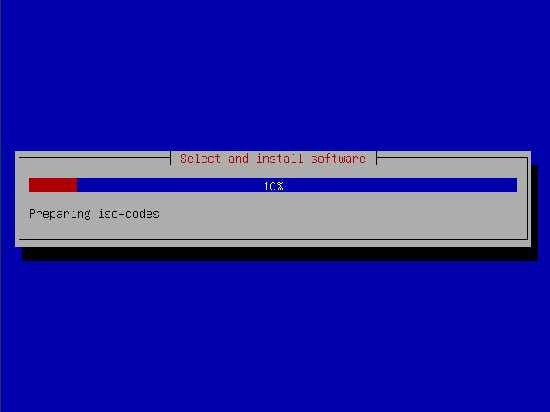
Now we are getting ready to select our basic install packages:
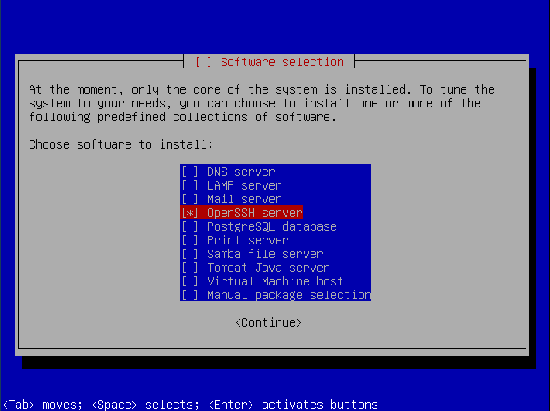
Select OpenSSH Server and continue:
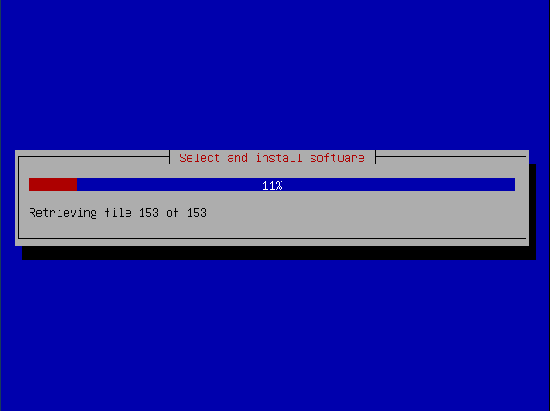
Now the rest of the packages will be installed:
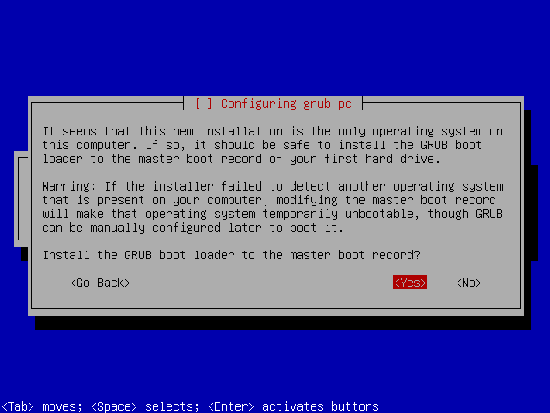
Select Yes to install the Grub boot loader:
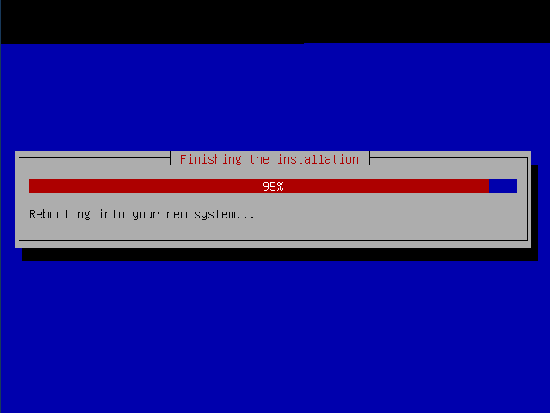
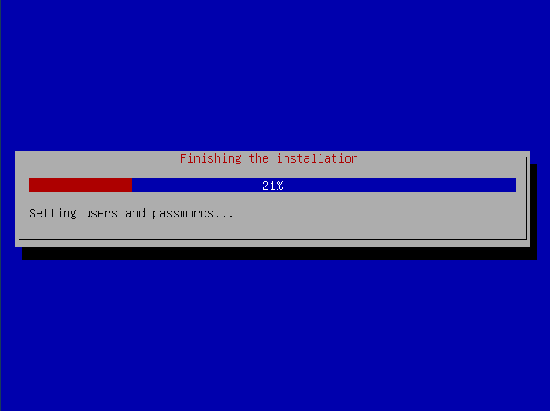
Now we are almost complete with the install:
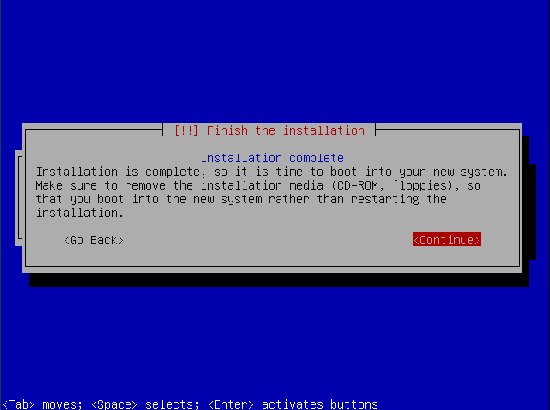
Now select Continue to restart your server:
Now your server is rebooting: