
Mounting ISO Images With Furius ISO Mount On Ubuntu 8.04 Desktop
Version 1.0
Author: Falko Timme
Furius ISO Mount is a tool that lets you mount and unmount ISO images on your desktop, calculate the checksums (MD5 and SHA1) of the ISO images, and burn them onto a CD or DVD (using external programs like Brasero or Nautilus). It comes with a graphical user interface and is extremely easy to use. This guide shows how to install it on an Ubuntu 8.04 desktop.
I do not issue any guarantee that this will work for you!
1 Installation
Open Firefox and go to http://www.marcus-furius.com/?page_id=14. Click on the download link for the furiusisomount .deb package:
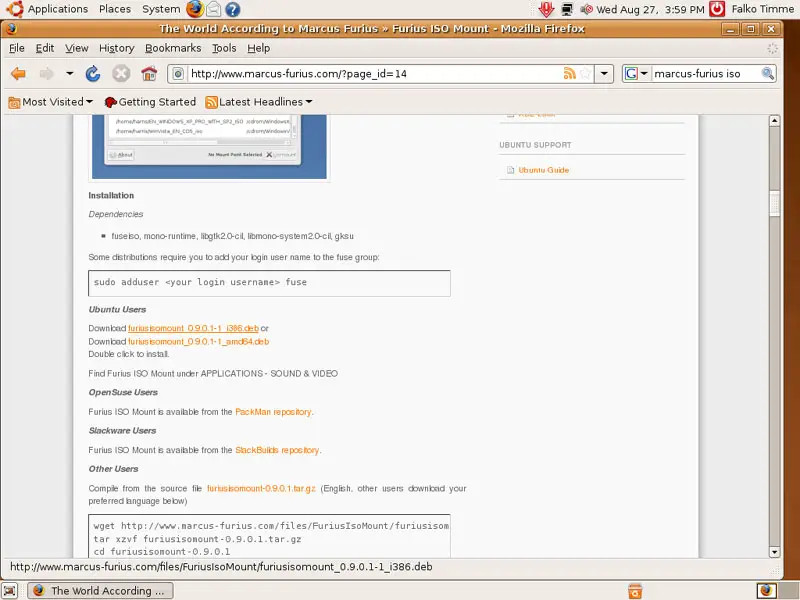
Select Open with GDebi Package Installer (default) in the Firefox download dialogue:
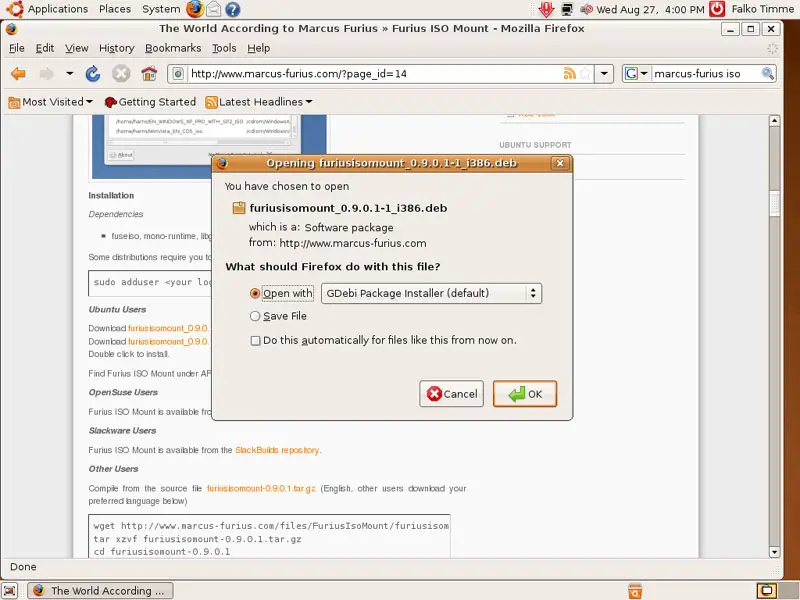
The Package Installer starts. Click on Install Package:
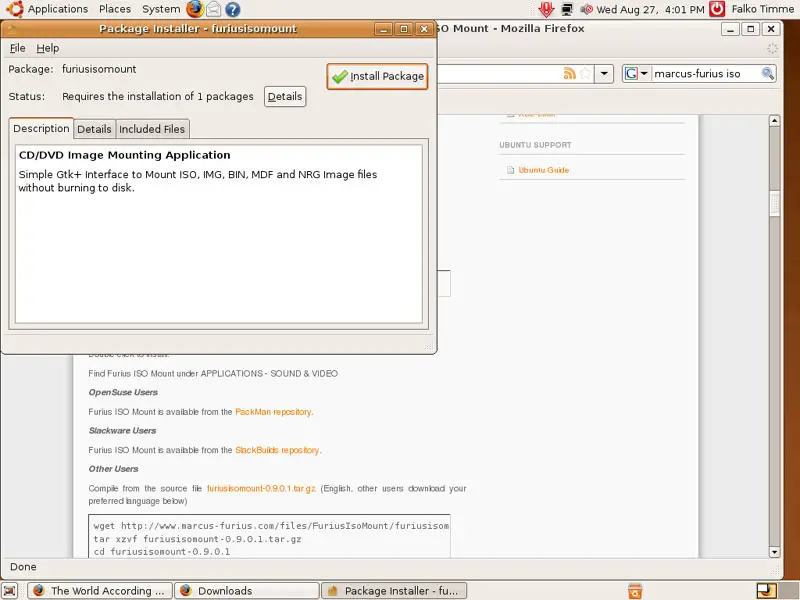
Type in your password:
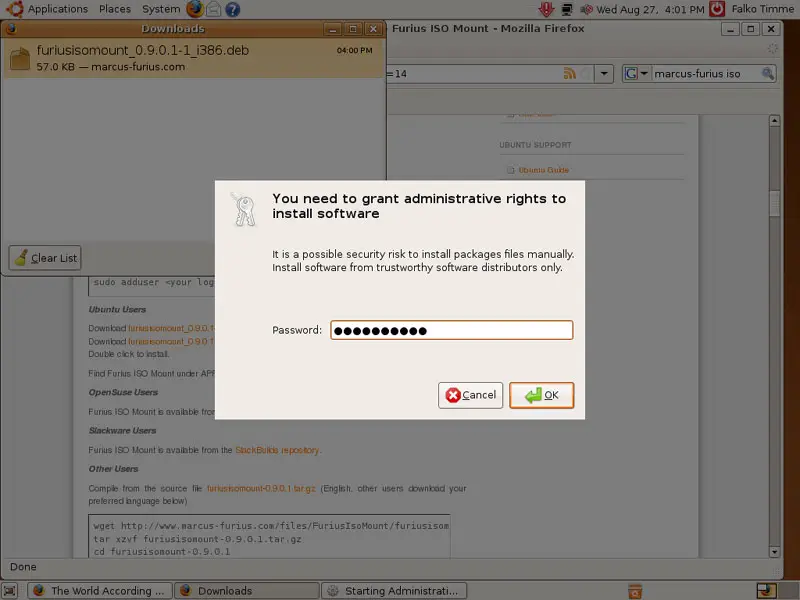
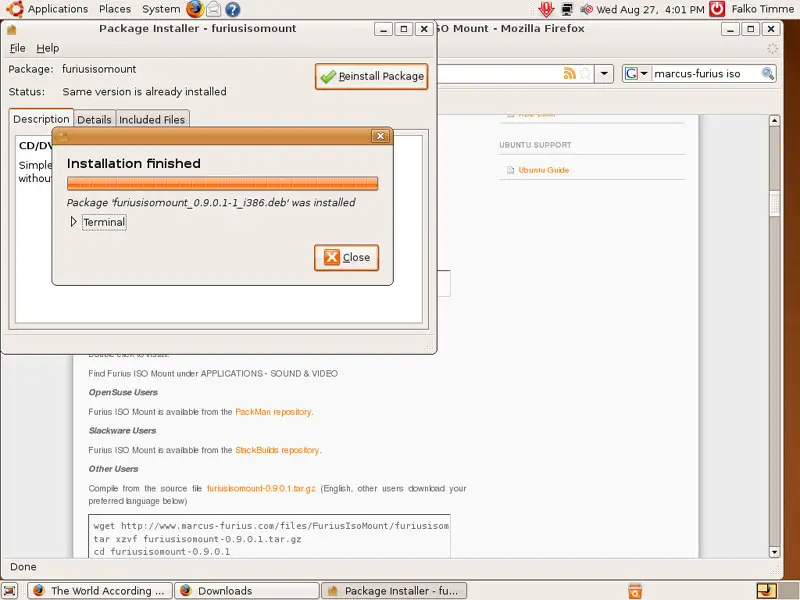
Afterwards, the package and its dependencies are installed:
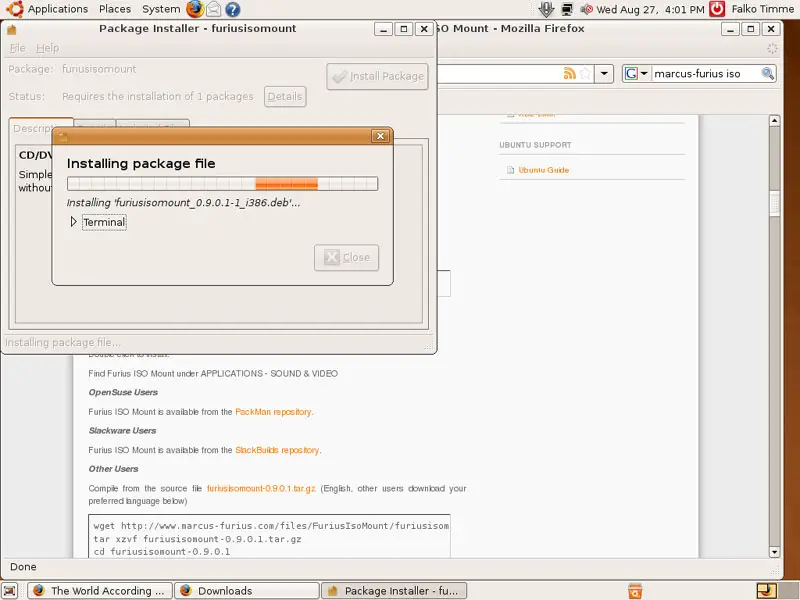
Click on Close afterwards and leave the Package Installer:
2 Usage
You can find Furius ISO Mount under Applications > Sound & Video > Furius ISO Mount:
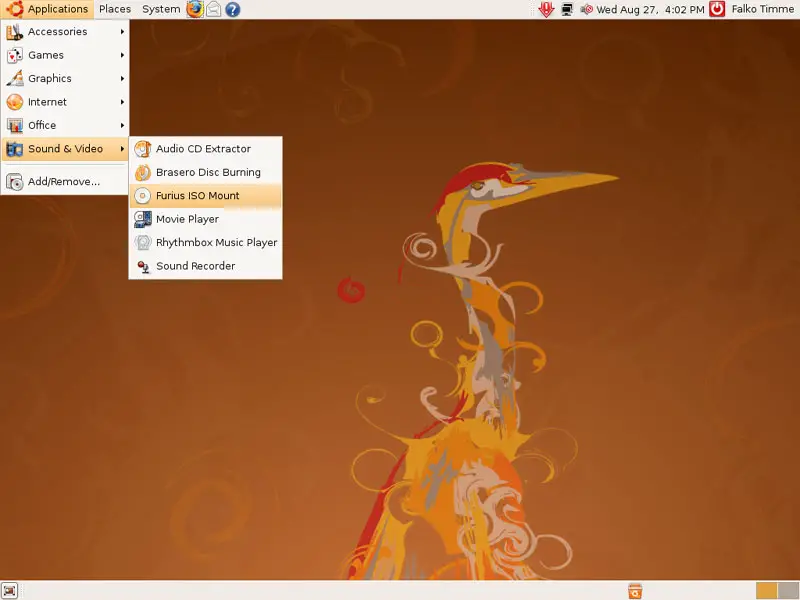
This is how it looks. To mount an ISO image, click on the Browse... button...
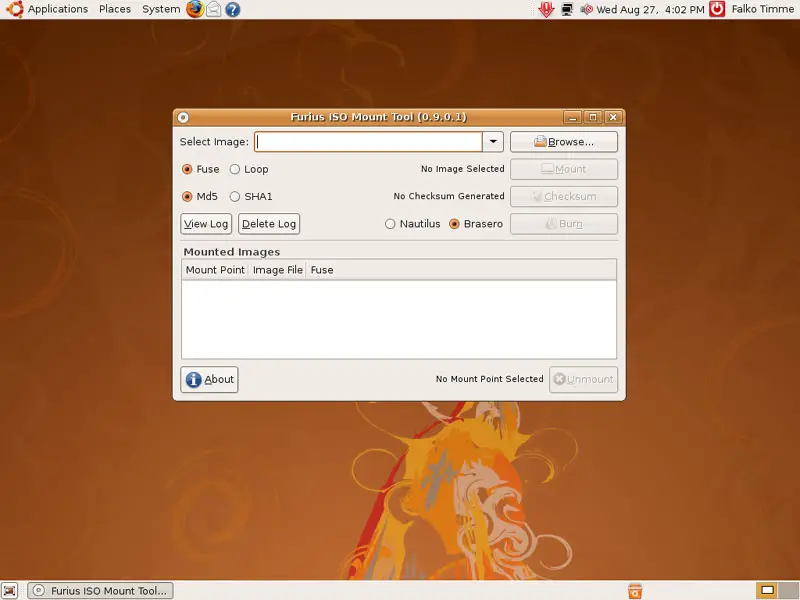
... and select an ISO image from the file system:
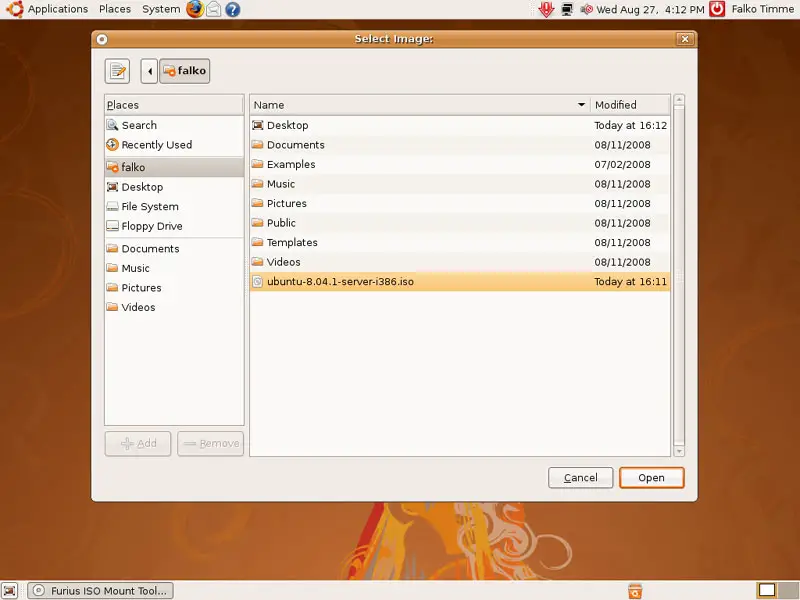
Then select if you want to Fuse-mount or Loop-mount it (doesn't really matter which one you choose) and click on the Mount button:
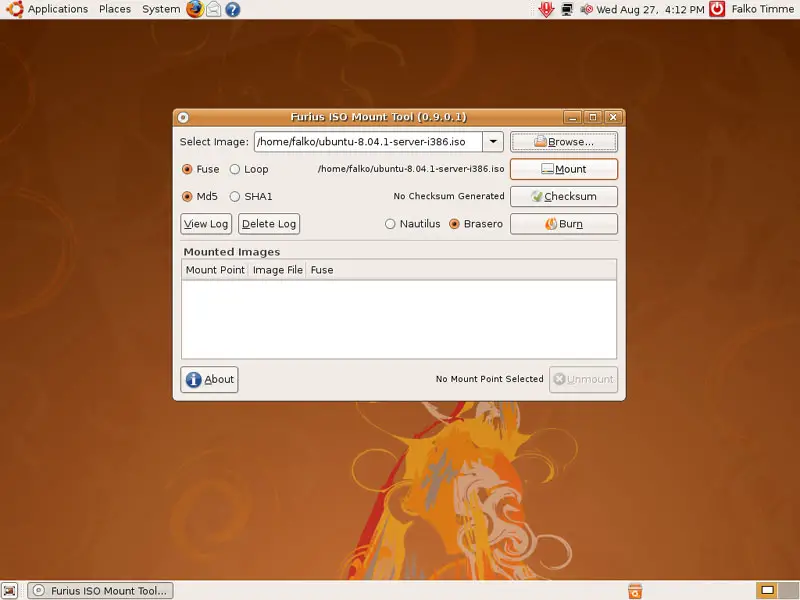
You should then see an icon for the new mount on your desktop. Double-click on it...
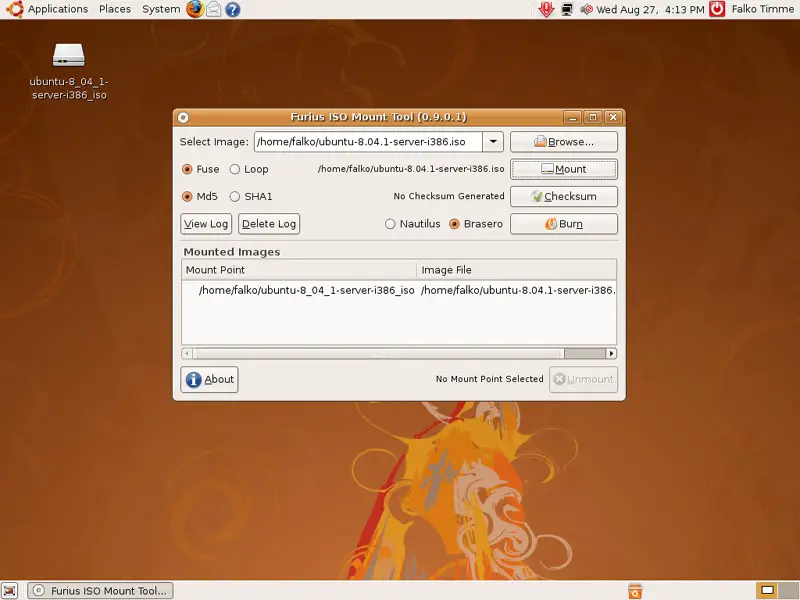
... and you can browse its contents in a file browser:
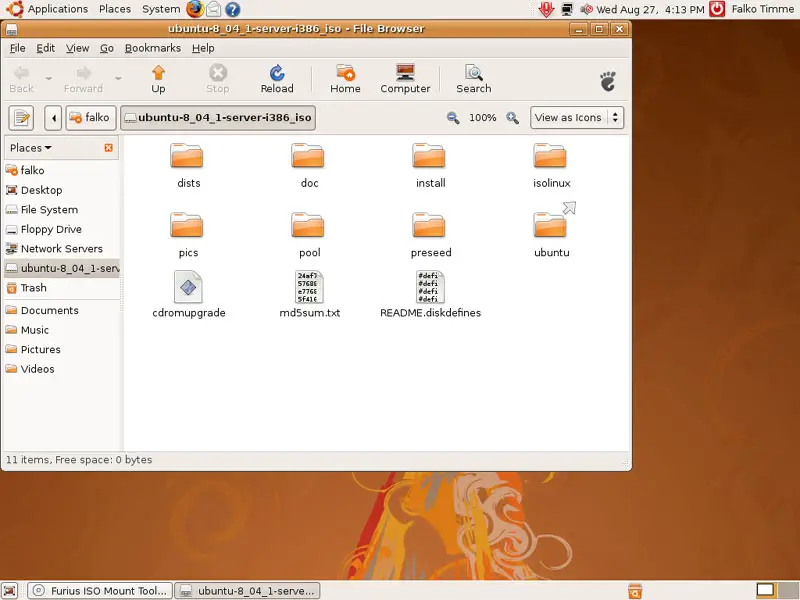
To unmount the ISO image, mark it in the Mounted Images area and click on Unmount. The desktop icon for the mount will then disappear.
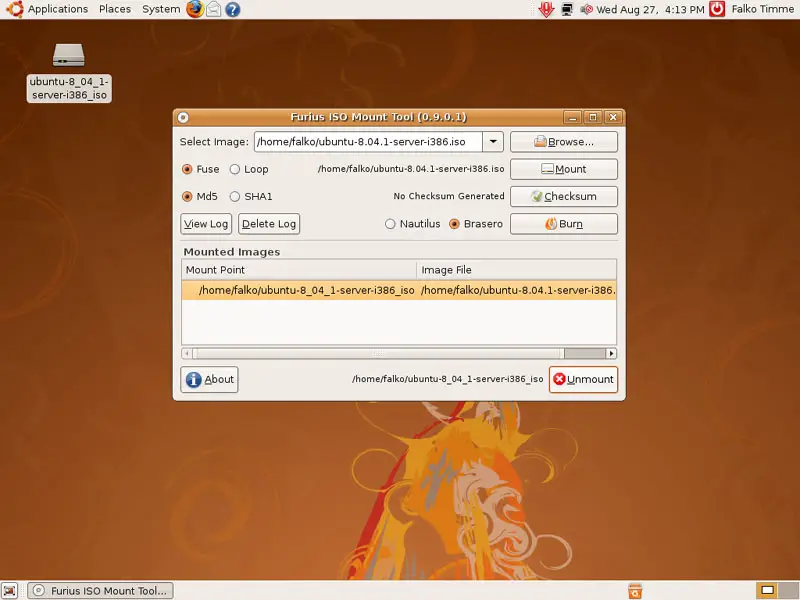
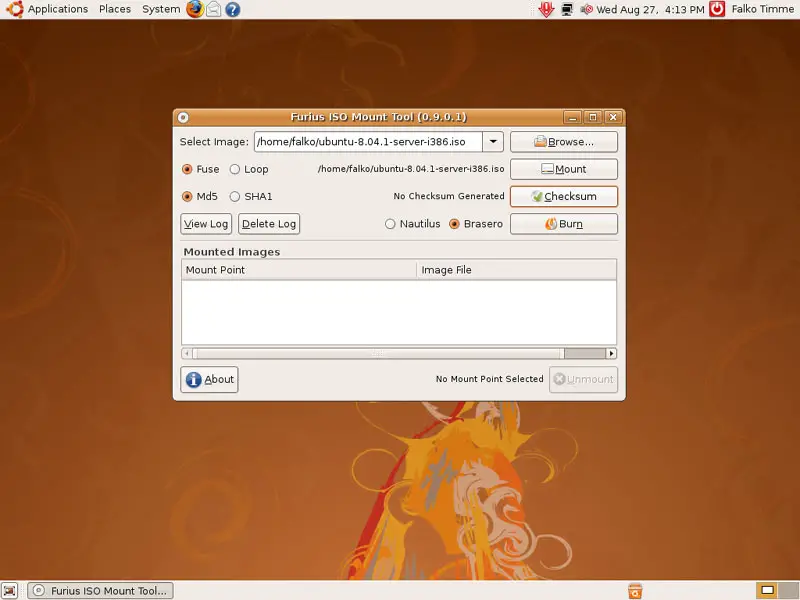
To calculate the MD5 or SHA1 checksum of the ISO image, select MD5 or SHA1 and click on Checksum:
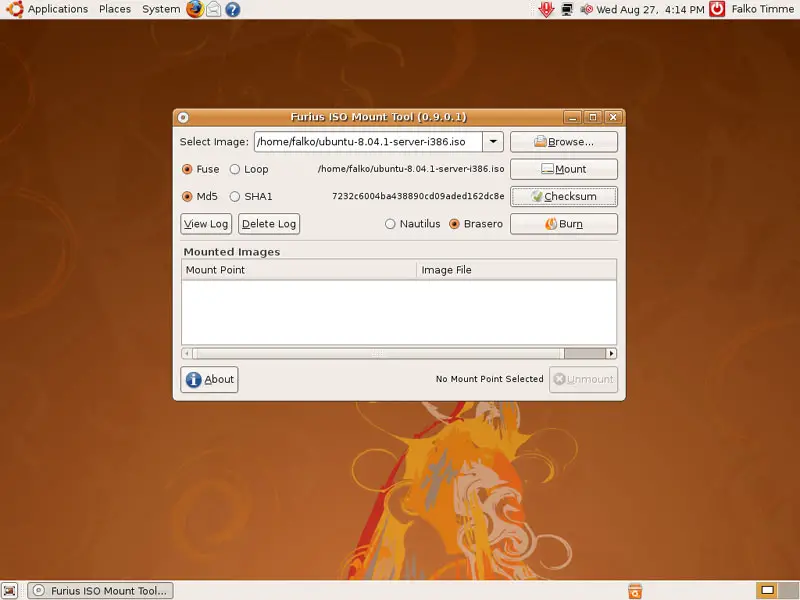
After a few moments you should see the checksum left of the Checksum button:
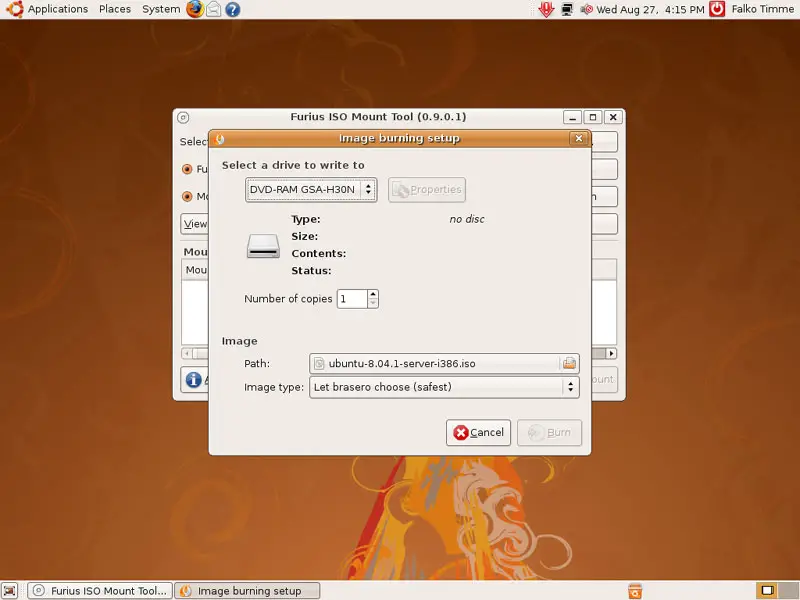
To burn the ISO image onto a CD or DVD, select your preferred burning application (Nautilus or Brasero) and click on Burn:
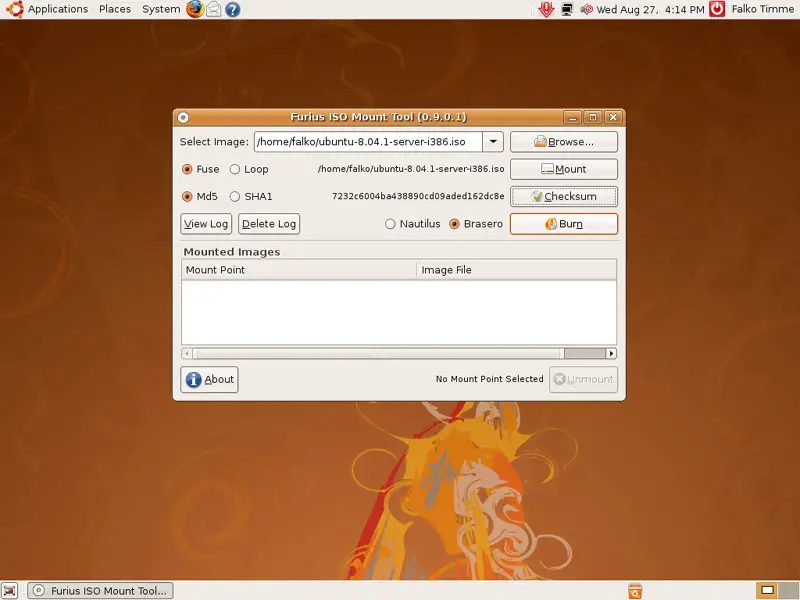
Your selected burning aplication will then start, and you can burn the ISO image:
3 Links
- Furius ISO Mount: http://www.marcus-furius.com/?page_id=14
- Ubuntu: http://www.ubuntu.com





