
Managing OpenVZ With The Vtonf Control Panel On CentOS 5.2
Version 1.0
Author: Falko Timme
Vtonf is a free web-based control panel (released under the GPL license) for managing virtual private servers (VPS) based on OpenVZ. It makes it very easy to create and manage OpenVZ VMs even for people with little technical knowledge. Right now, Vtonf is available only for RedHat, Fedora, and CentOS (support for Debian is planned), therefore I describe its installation and usage on a CentOS 5.2 server.
I do not issue any guarantee that this will work for you!
1 Preliminary Note
Make sure that you have OpenVZ set up on your CentOS 5.2 server, for example as shown in this tutorial: Installing And Using OpenVZ On CentOS 5.2
I've tried this on an i386 system; I don't know if Vtonf works on x86_64 systems as well - the INSTALL file that comes with Vtonf says no, but the Vtonf wiki doesn't mention anything like this...
2 Installing Vtonf
Before we install Vtonf, we must install some prerequisites:
yum install vzpkg expect
Then go to http://www.vtonf.com/downloads.html and download and install the latest Vtonf package, e.g. as follows:
cd /tmp
wget http://mesh.dl.sourceforge.net/sourceforge/vtonf/vtonfinstaller.1.0-beta1.tar.gz
tar xvfz vtonfinstaller.1.0-beta1.tar.gz
cd vtonfinstaller.1.0-beta1
./install
You will be asked a few questions:
Do you wish to start the installation procedure (y/n)? : <-- y
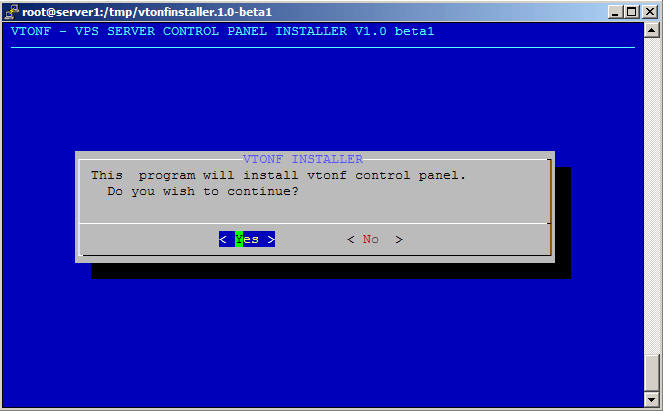
Select Yes to continue:
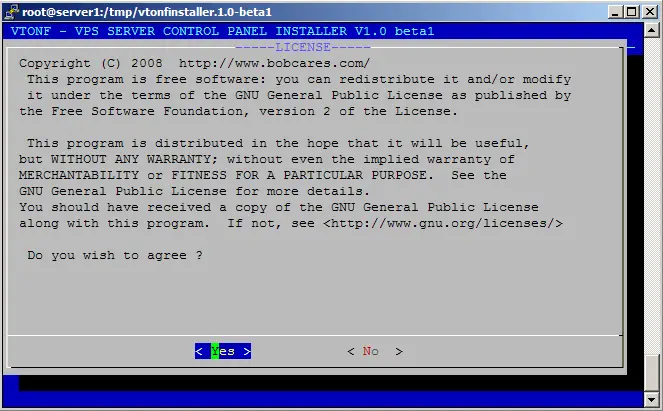
Accept the Vtonf license:
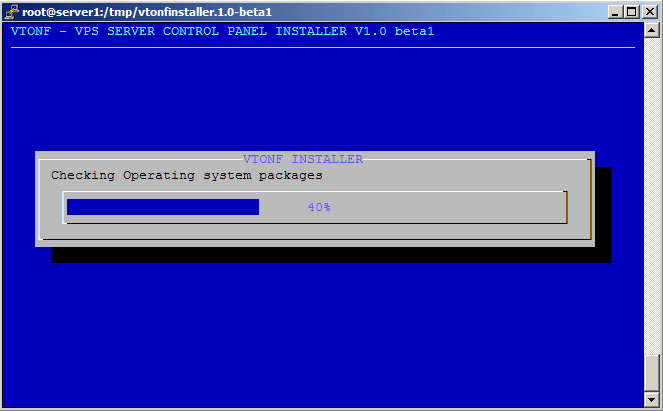
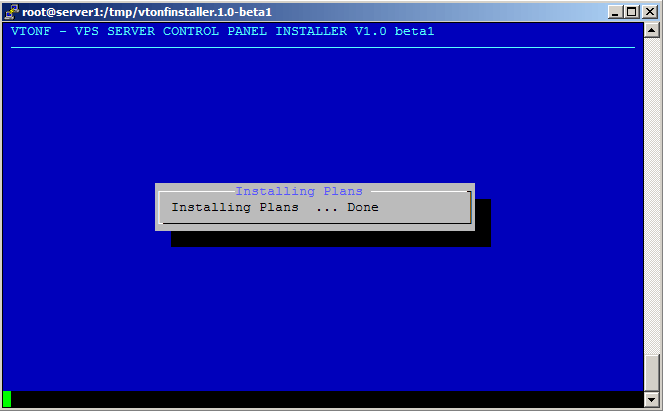
Afterwards Vtonf is being installed:
Type in a user name...
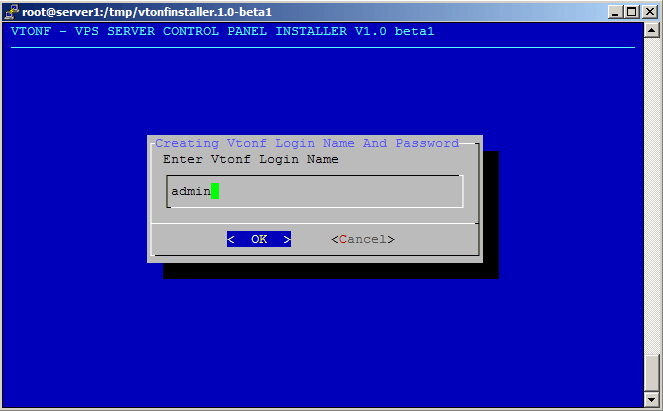
... and a password that you want to use to log into the Vtonf control panel:
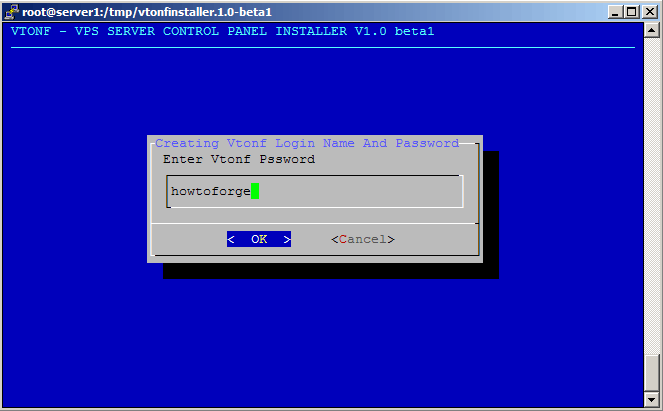
Afterwards, the Vtonf installation finishes like this:
Vtonf control panel installation completed. Please login to the control panel from the following information
http://192.168.0.100:8001/
Login Name : admin
Password : howtoforge


        Visit our forum : http://www.vtonf.com/forum/index.php

        Get support : http://www.vtonf.com/support.html

~~~~~~~~~~~~~~~~~~~~~~~~~~~~~~~~~~~~~~~~~~~~~~~~~~~~~~~~~~~~~~~~~~~~~~~~~~~~~~~~
                                                                              ~~~~~~~~~~~~~~~~~~~~~~~~~~~~
As you see, the installer tells you the URL where you can find the Vtonf control panel (http://192.168.0.100:8001/ in my case).





