
Managing A Headless VirtualBox Installation With phpvirtualbox (Fedora 17)
Version 1.0
Author: Falko Timme  Follow me on Twitter
phpvirtualbox is a web-based VirtualBox front-end written in PHP that allows you to access and control remote VirtualBox instances. It tries to resemble the VirtualBox GUI as much as possible to make work with it as easy as possible. It is a nice replacement for the VirtualBox GUI if you run VirtualBox on headless servers (like in the tutorial VBoxHeadless - Running Virtual Machines With VirtualBox 4.1 On A Headless Fedora 17 Server). This tutorial explains how to install phpvirtualbox on a Fedora 17 server to manage a locally installed, headless VirtualBox.
I do not issue any guarantee that this will work for you!
1 Preliminary Note
I'm assuming that a headless VirtualBox is already installed on the local Fedora 17 server, e.g. as described in the tutorial VBoxHeadless - Running Virtual Machines With VirtualBox 4.1 On A Headless Fedora 17 Server.
I'm running all the steps in this tutorial with root privileges, so make sure you're logged in as root.
2 Installing phpvirtualbox
First create a system user called vbox and add it to the vboxusers group:
useradd -m vbox -G vboxusers
Create a password for the vbox user:
passwd vbox
Create the file /etc/default/virtualbox and put the line VBOXWEB_USER=vbox in it (so that the VirtualBox SOAP API which is called vboxwebsrv runs as the user vbox):
vi /etc/default/virtualbox
VBOXWEB_USER=vbox |
Next create the system startup links for vboxwebsrv and restart it:
systemctl enable vboxweb-service.service
systemctl restart vboxweb-service.service
We need a web server with PHP support to serve phpvirtualbox - I'm using Apache2 here. Install Apache2 and PHP5 as follows:
yum install httpd php php-mysql php-pear apr apr-util-sqlite apr-util-ldap apr-util wget
Now configure your system to start Apache at boot time...
systemctl enable httpd.service
... and start Apache:
systemctl start httpd.service
I want to serve phpvirtualbox from Apache's default virtual host with the document root /var/www/html (I will install it in /var/www/html/phpvirtualbox) - if you have a different document root, you must adjust the following steps:
cd /var/www/html
wget http://phpvirtualbox.googlecode.com/files/phpvirtualbox-4.1-7.zip
Unzip phpvirtualbox and rename the phpvirtualbox-4.1-7 to phpvirtualbox for ease of use:
unzip phpvirtualbox-4.1-7.zip
mv phpvirtualbox-4.1-7 phpvirtualbox
Next go to the /var/www/html/phpvirtualbox/ directory...
cd /var/www/html/phpvirtualbox/
... and create the file config.php by copying it from config.php-example:
cp config.php-example config.php
Open config.php and fill in the password you created earlier for the vbox system user:
vi config.php
[...] /* Username / Password for system user that runs VirtualBox */ var $username = 'vbox'; var $password = 'secret'; [...] |
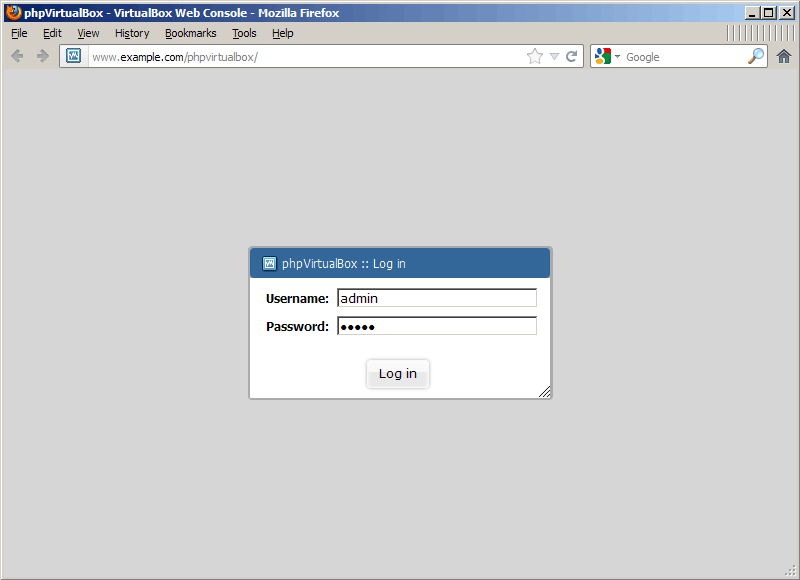
That's it already - you can now open a browser and access phpvirtualbox as follows:
http://www.example.com/phpvirtualbox/
The default username is admin, the password is admin as well:
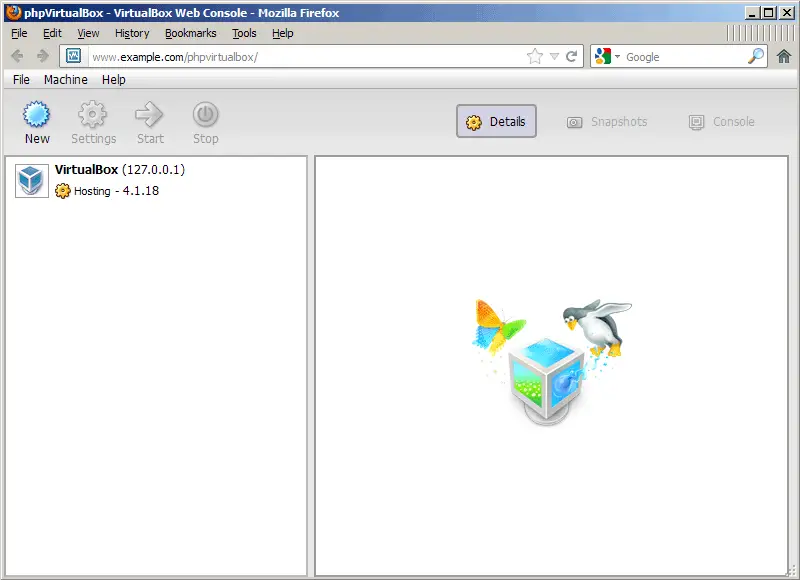
This is how phpvirtualbox looks - much like the native VirtualBox GUI:
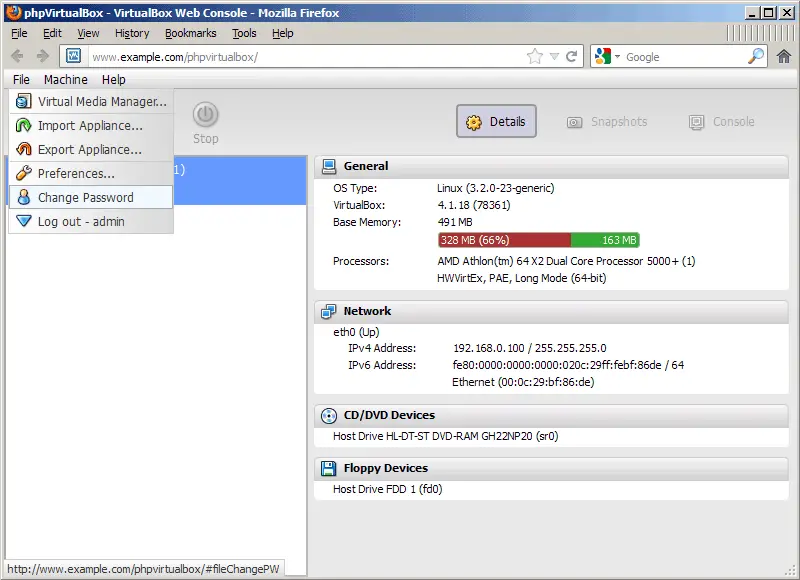
The first thing you should do is change the admin password. Go to File > Change Password:
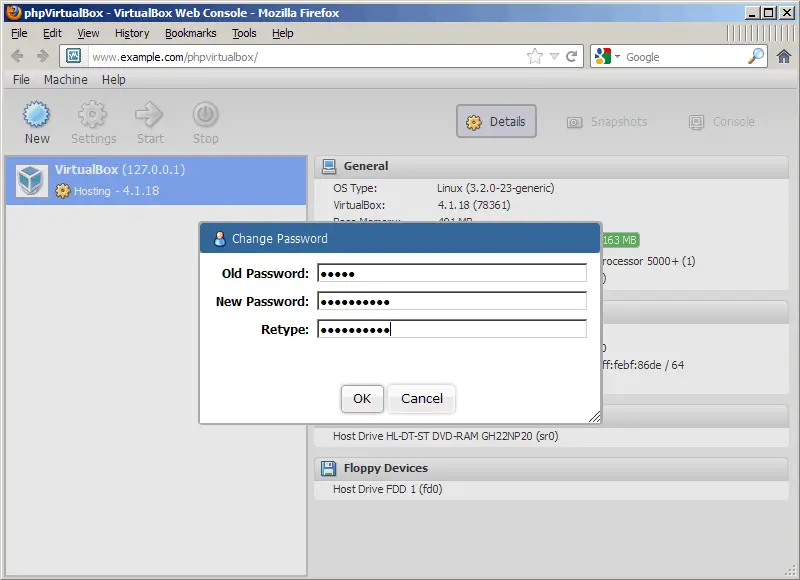
Type in the old password and specify a new one:
If you know the native VirtualBox GUI, it's now very easy to use phpvirtualbox. For example, if you want to create a new virtual machine, you have the same wizard as you have in the VirtualBox GUI:
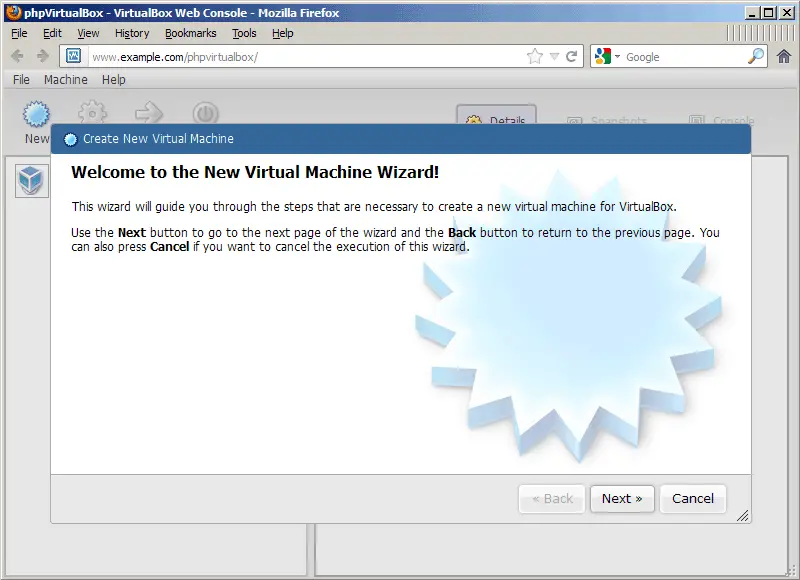
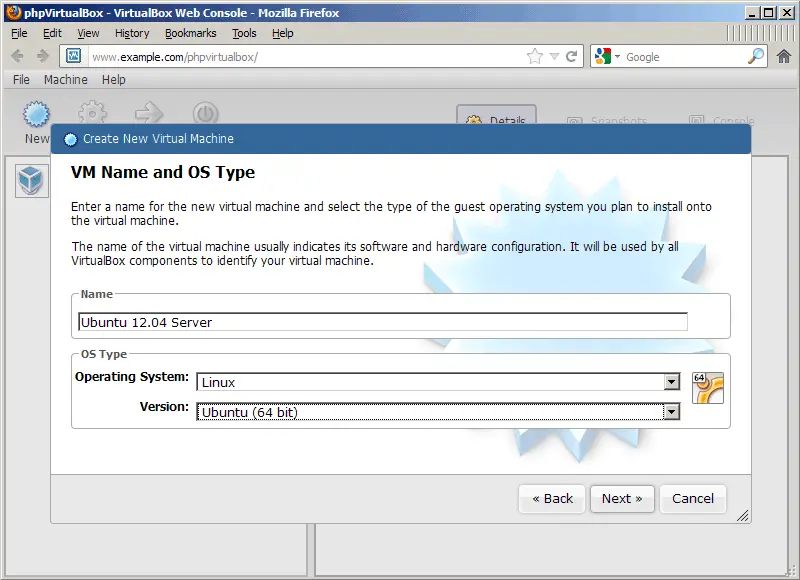
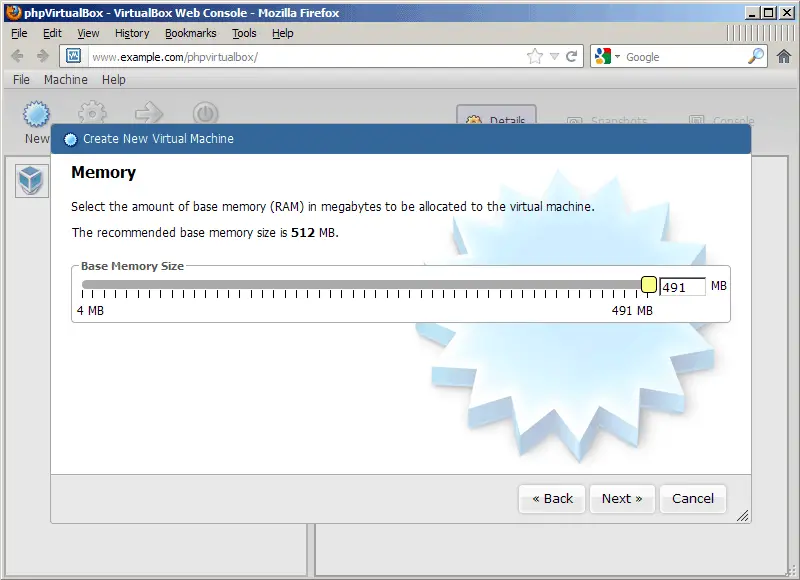
(I'm leaving a few sceenshots out so you don't feel bored...)
In the end you have a new VM. Click on the Start button to run that VM:
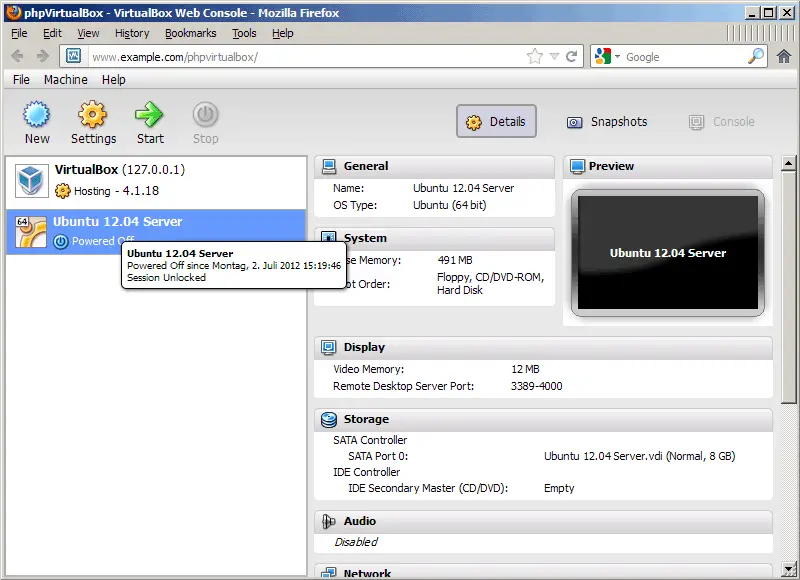
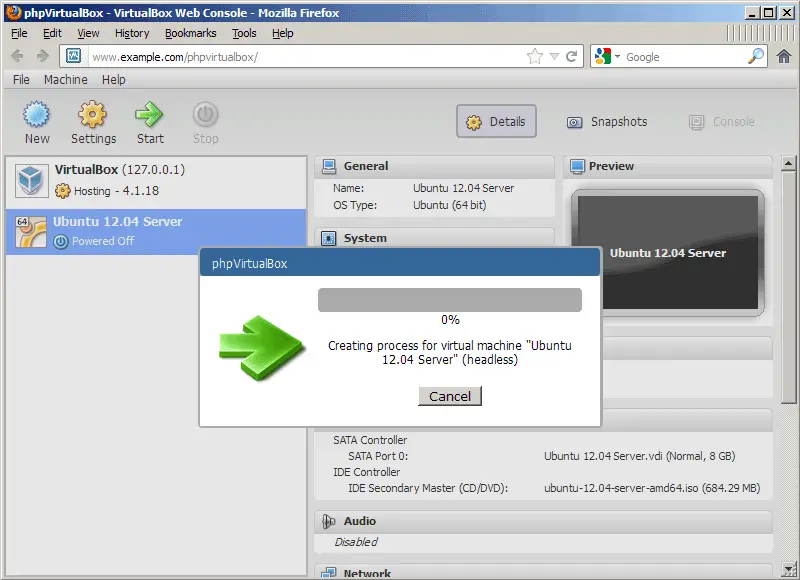
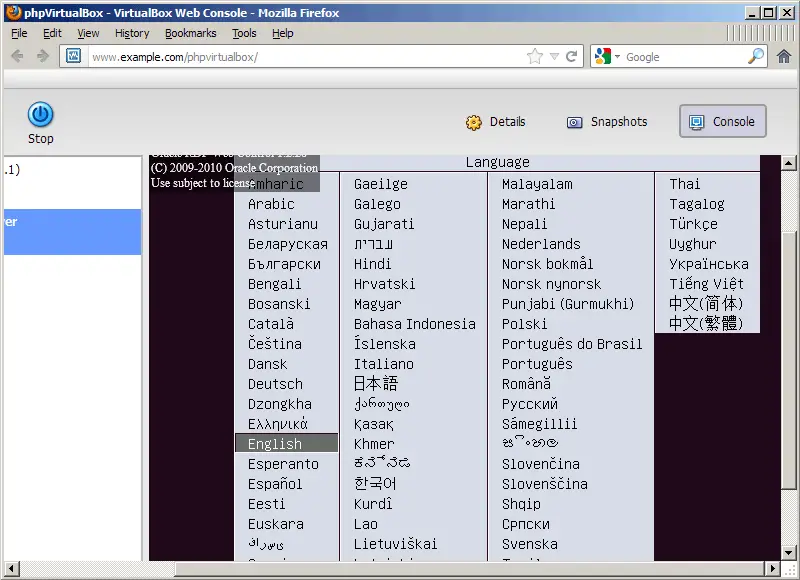
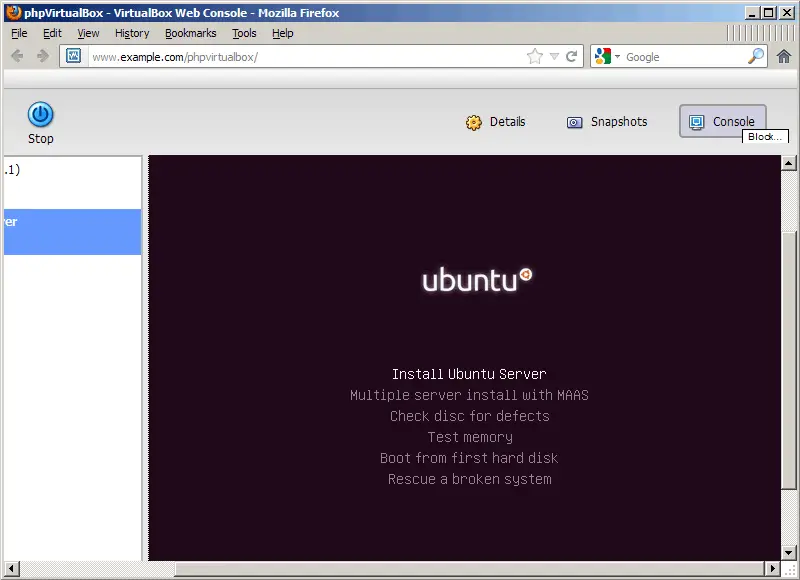
Even though phpvirtualbox is a web front-end, you still get the VM console that you know from the VirtualBox GUI - pretty cool:
3 Links
- phpvirtualbox: http://code.google.com/p/phpvirtualbox/
- VirtualBox: http://www.virtualbox.org/
- Fedora: http://fedoraproject.org/





