
Installing Lighttpd With PHP5 And MySQL Support On Mandriva 2008.0
Version 1.0
Author: Falko Timme
Lighttpd is a secure, fast, standards-compliant web server designed for speed-critical environments. This tutorial shows how you can install Lighttpd on a Mandriva 2008.0 server with PHP5 support (through FastCGI) and MySQL support.
I do not issue any guarantee that this will work for you!
1 Preliminary Note
In this tutorial I use the hostname server1.example.com with the IP address 192.168.0.100. These settings might differ for you, so you have to replace them where appropriate.
2 Installing MySQL 5.0
First we install MySQL 5.0 like this:
urpmi MySQL MySQL-client
By default, networking is not enabled in Mandriva 2008's MySQL package. We can change this by commenting out the line skip-networking in /etc/my.cnf:
vi /etc/my.cnf
[...] # Don't listen on a TCP/IP port at all. This can be a security enhancement, # if all processes that need to connect to mysqld run on the same host. # All interaction with mysqld must be made via Unix sockets or named pipes. # Note that using this option without enabling named pipes on Windows # (via the "enable-named-pipe" option) will render mysqld useless! # #skip-networking [...] |
Afterwards, we start MySQL:
/etc/init.d/mysqld start
Now check that networking is enabled. Run
netstat -tap | grep mysql
The output should look like this:
[root@server1 ~]# netstat -tap | grep mysql
tcp        0      0 *:mysql-im                  *:*                         LISTEN      4393/mysqlmanager
tcp        0      0 *:mysql                     *:*                         LISTEN      4399/mysqld
[root@server1 ~]#
Next, run
mysqladmin -u root password yourrootsqlpassword
mysqladmin -h server1.example.com -u root password yourrootsqlpassword
to set a password for the user root (otherwise anybody can access your MySQL database!).
3 Installing Lighttpd
Lighttpd is available as a Mandriva package, therefore we can install it like this:
urpmi lighttpd
If you already have Apache installed, you should stop it now and remove Apache's system startup links so that it cannot interfere with Lighttpd (you can run the following two commands even if you don't know if you have Apache installed):
/etc/init.d/httpd stop
chkconfig httpd off
Then we start Lighttpd:
/etc/init.d/lighttpd start
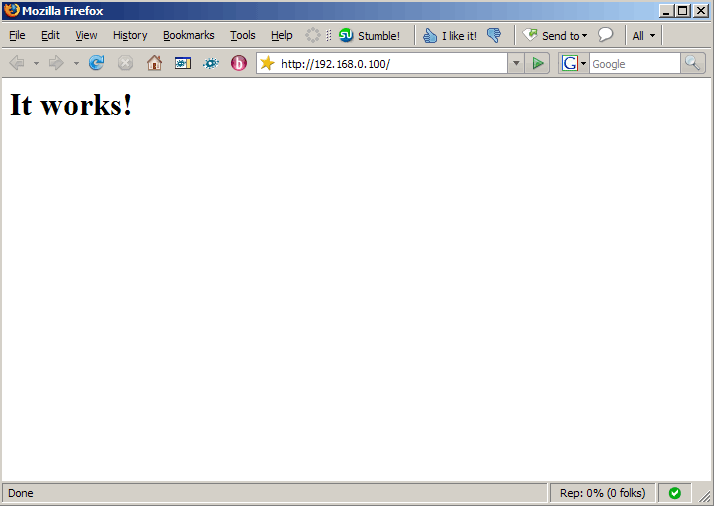
Now direct your browser to http://192.168.0.100, and you should see the Mandriva placeholder page, served by Lighttpd:
Lighttpd's default document root is /var/www/html on Mandriva, and the configuration file is /etc/lighttpd/lighttpd.conf.
4 Installing PHP5
We can make PHP5 work in Lighttpd through FastCGI. Therefore we install the package php-fcgi:
urpmi php-fcgi





