
Installing LedgerSMB (Open Source Accounting Application) On Debian Etch - Page 2
On this page
6 Configuring LedgerSMB
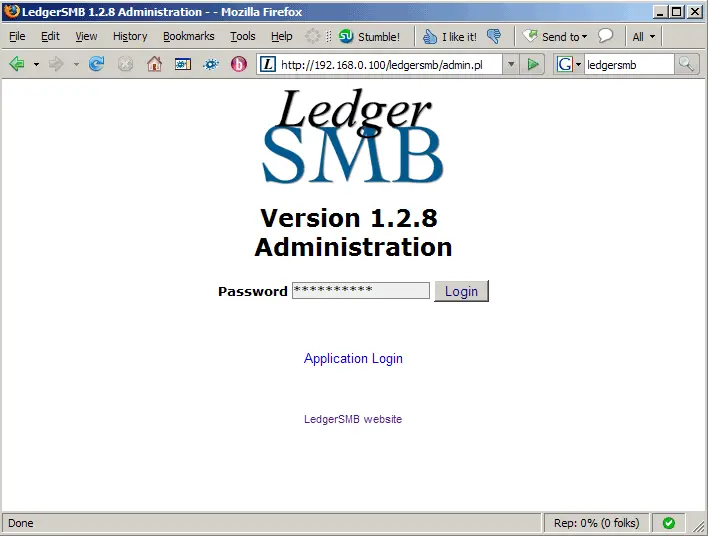
Now that LedgerSMB is installed, we can start to configure it. This can be done through a web browser. Go http://192.168.0.100/ledgersmb/admin.pl (or whatever IP address/hostname you use) and type in MYPASSWORD (or the password that you replaced MYPASSWORD with):
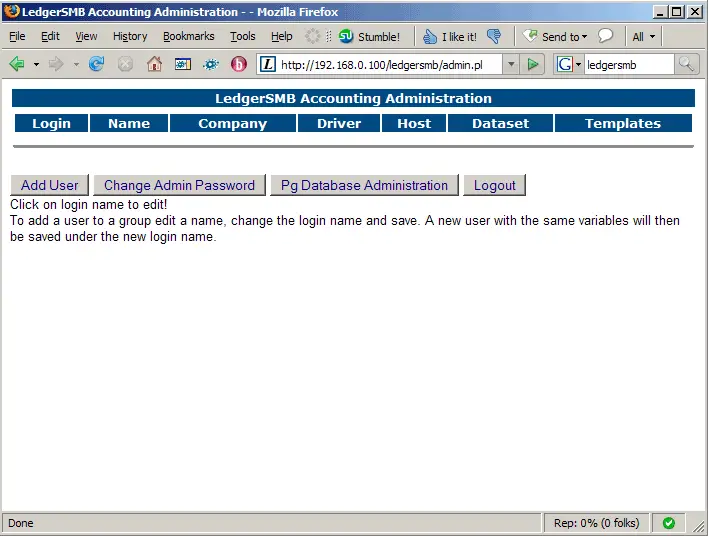
After the login, you will see the following page. Click on the Pg Database Administration button:
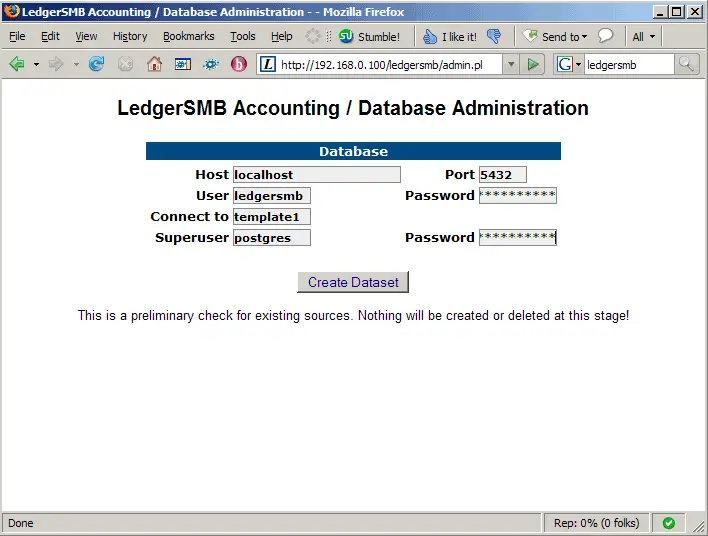
Fill in the user and superuser along with their passwords:
- User: ledgersmb
- Password: MYPASSWORD
- Superuser: postgres
- Password: POSTGRESPASSWORD
Then click on Create Dataset:
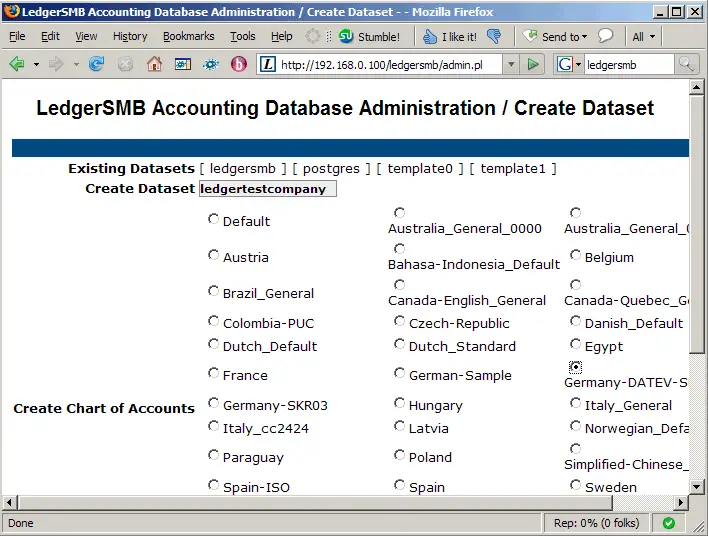
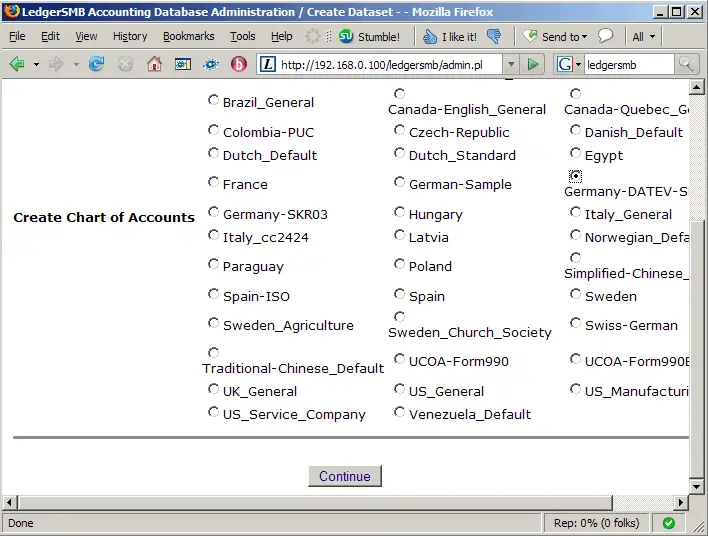
On the next page, in the Create Dataset field, fill in a string that identifies your company (e.g. ledgertestcompany), and select a chart of accounts:
Click on Continue afterwards:
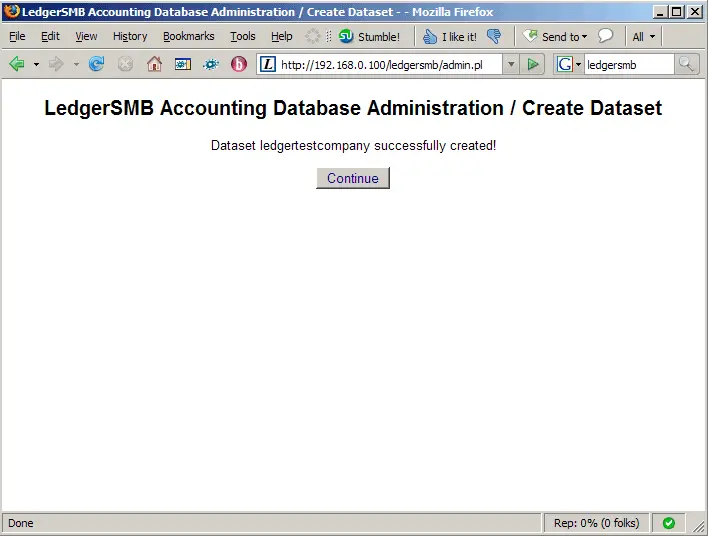
You should now get the message that your dataset has successfuly been created. Click on Continue:
Back on the overview page, click on the Add User button:
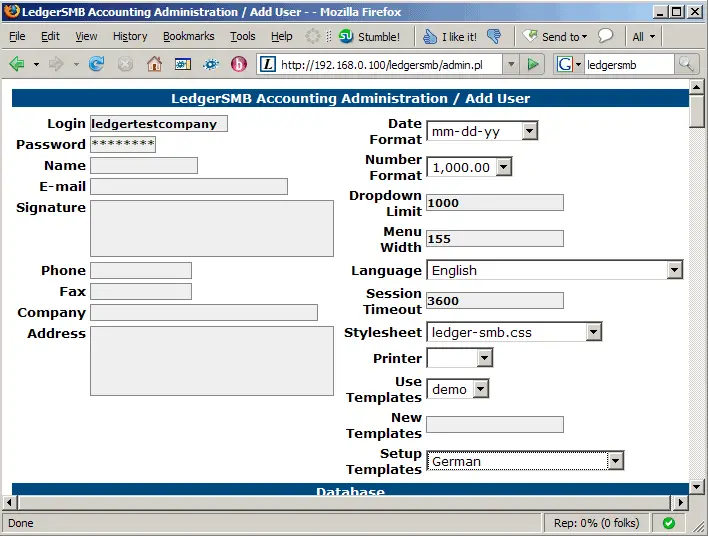
In the Login field, type in the name of the dataset you've just created (e.g. ledgertestcompany) and a password (this is the password you'll later on need to log in to LedgerSMB). In the Setup Templates field, select your country:
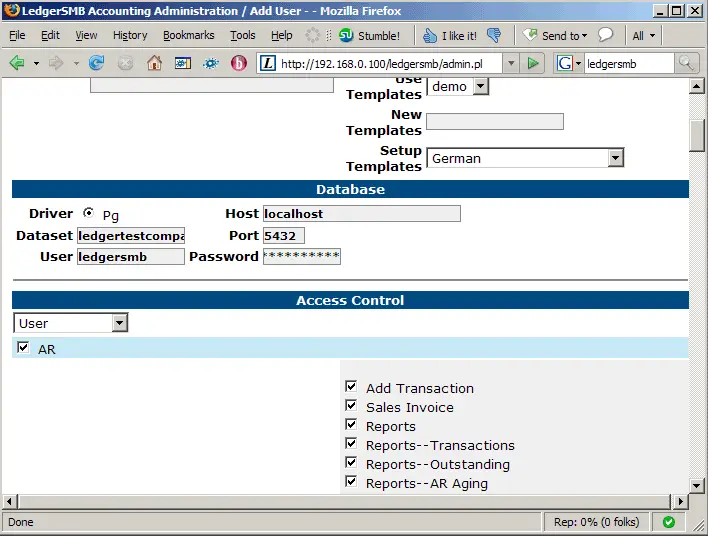
Further down the page, fill in your database details (the same as in /usr/local/ledgersmb/ledgersmb.conf). In the Dataset field, fill in the name of your dataset (e.g. ledgertestcompany) to tie this database to your dataset. Then save the page:
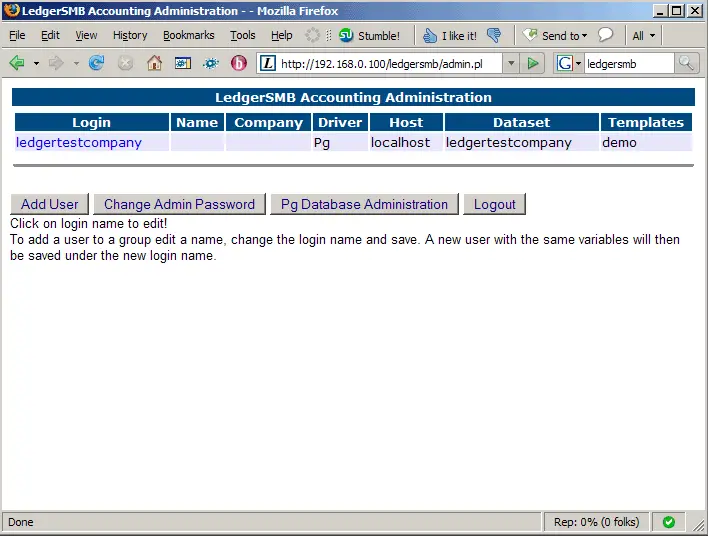
On the overview page, you should now see the new user. Click on Logout:
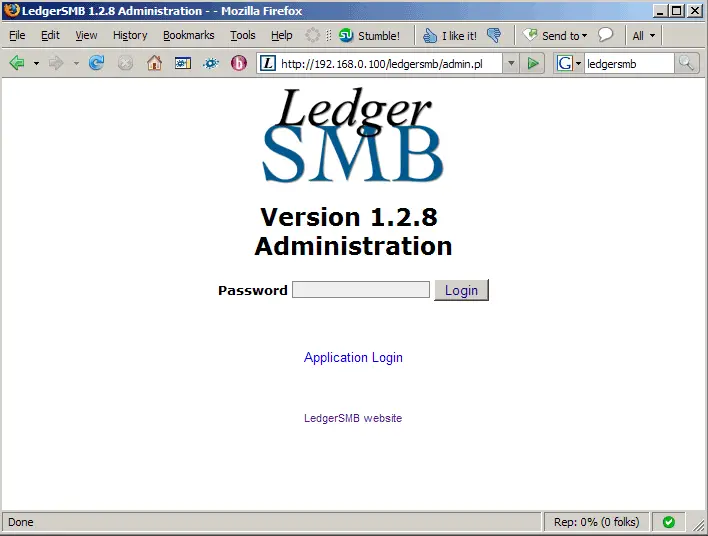
On the login page, click on the Application Login link to get to the normal LedgerSMB pages (not the administration):
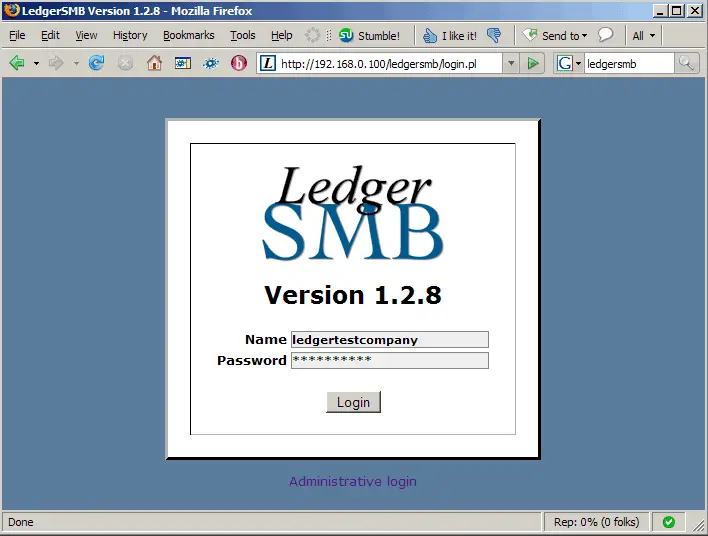
Now log in with the username and password you've just created on the Add User page:
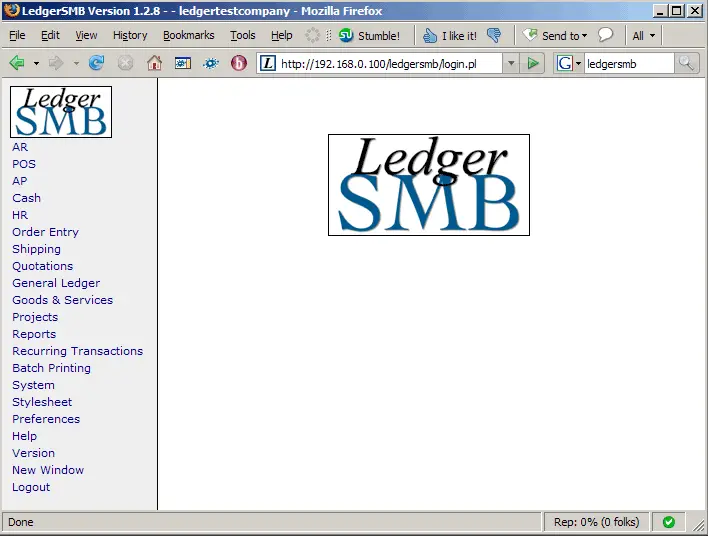
This is how LedgerSMB looks. You can now start to work with it.
7 Links
- LedgerSMB: http://www.ledgersmb.org
- Debian: http://www.debian.org





