
How To Run Your Own Name Server With ISPConfig And providerdomain.de (Schlund) - Page 3
On this page
4 Create The Zone java-experience.com In ISPConfig
Now we want to create a zone for the domain java-experience.com on our ISPConfig server. ns1.hits4all.de will be the primary name server, ns10.schlundtech.de the secondary.
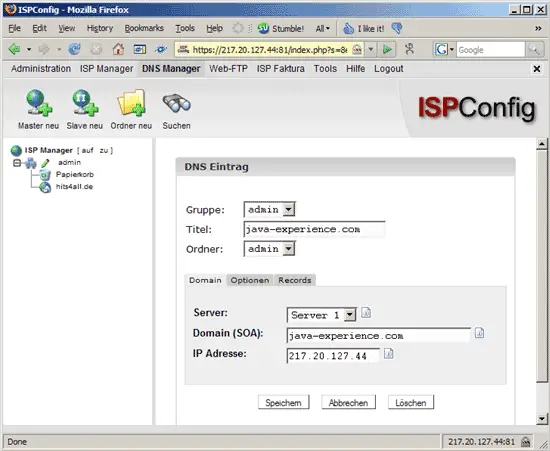
Again, we go to ISPConfig's DNS Manager and click on New Master (Master neu). Fill in the form as follows:
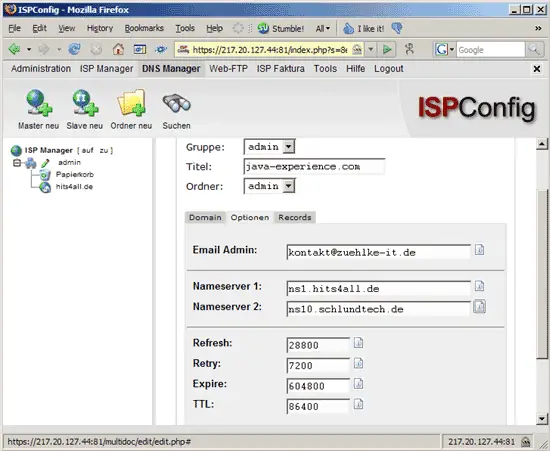
On the Options (Optionen) tab, fill in an administrative email address for the zone plus ns1.hits4all.de as the primary name server and ns10.schlundtech.de as the secondary:
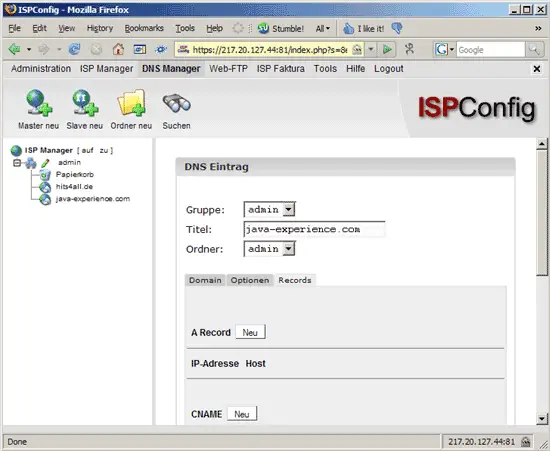
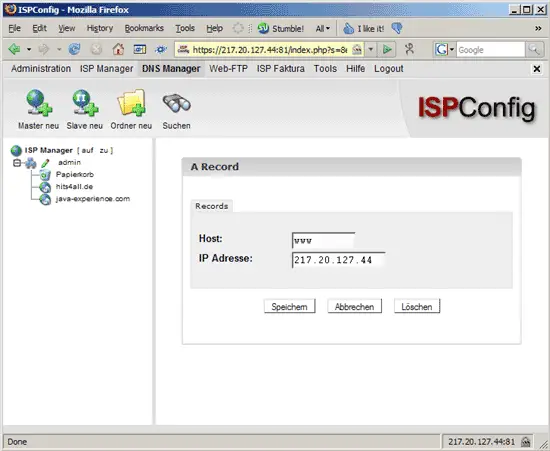
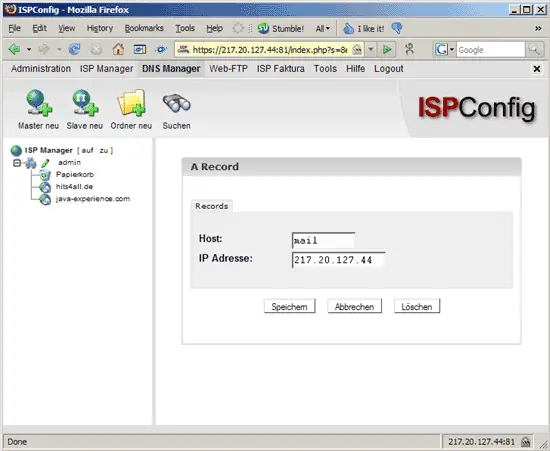
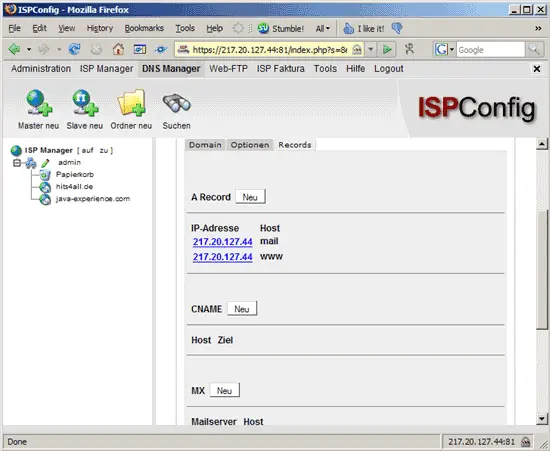
On the Records tab, we can now create A records for www.java-experience.com and mail.java-experience.com:
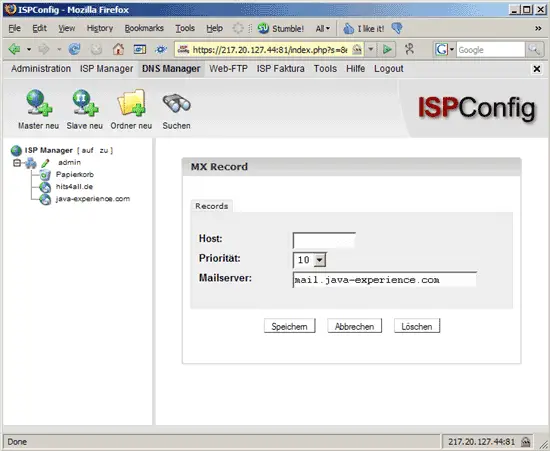
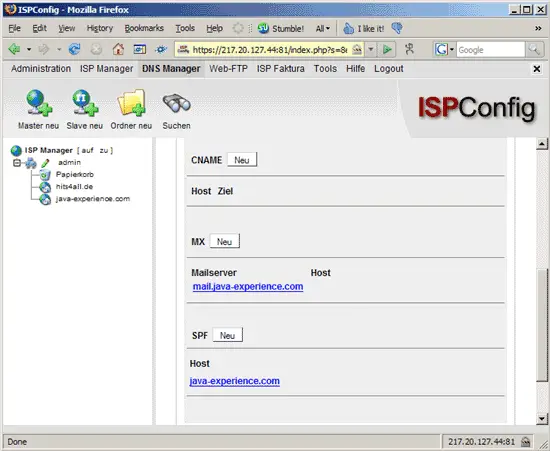
Next we create an MX record for java-experience.com:
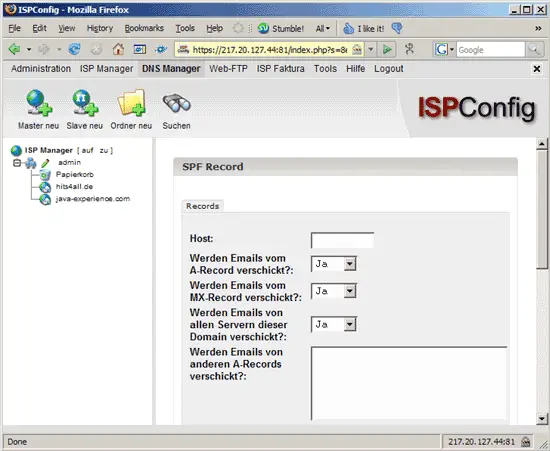
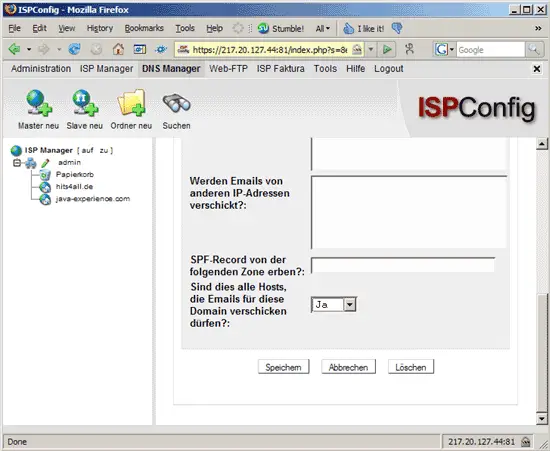
And finally we add an SPF record:
That's it for the ISPConfig part, now we need to tell providerdomain.de about the new name servers for java-experience.com.





