Installing Windows XP As A KVM Guest On Ubuntu 8.10 Desktop
Version 1.0
Author: Falko Timme
There's a bug in virt-install and virt-manager on Ubuntu 8.10 that does not let you run Windows XP as a guest under KVM. During the Windows installation, the guest needs to be rebooted, and then you get the following error, and Windows XP refuses to boot: "A disk read error occured. Press Ctrl+Alt+Del to restart". This guide shows how you can solve the problem and install Windows XP as a KVM guest on Ubuntu 8.10.
I do not issue any guarantee that this will work for you!
1 Preliminary Note
The procedure described here works only if you have virt-manager installed on the KVM host, not on a remote system. virt-manager doesn't support remote installations yet. This means you cannot use this procedure on a headless Ubuntu 8.10 KVM host.
The resulting Windows XP guest will use an image file for storage - with this procedure you cannot use hard drive partitions/LVM partitions for the storage of the guest.
I'm using the username administrator here - replace it with your own username.
I'm assuming that KVM is already installed (e.g. as shown here: Virtualization With KVM On Ubuntu 8.10).
2 Installing Virt-Manager/Virt-Viewer
Open a terminal and install virt-manager and virt-viewer:
sudo apt-get install virt-manager virt-viewer
3 Creating An ISO From The Windows XP CD
Insert the Windows XP CD into your CD drive. Then run the following command to create an ISO file (/home/winxp.iso) from it:
sudo dd if=/dev/cdrom of=/home/winxp.iso
4 Creating A Storage Image File For The Guest
Next we create an image file that will be used to store the guest. I will name the guest vm8, so the image file I create is /home/administrator/vm8.img, and it will be 12GB of size:
dd if=/dev/zero of=/home/administrator/vm8.img bs=1024k count=12000
5 Running KVM To Create The Guest
What we do next is we run the kvm command (instead of virt-manager) to create the Windows XP guest and abort the installation right after the Windows installer has formatted the hard drive. Afterwards, we can use virt-manager to complete the installation.
kvm -m 512 -cdrom /home/winxp.iso -boot d /home/administrator/vm8.img
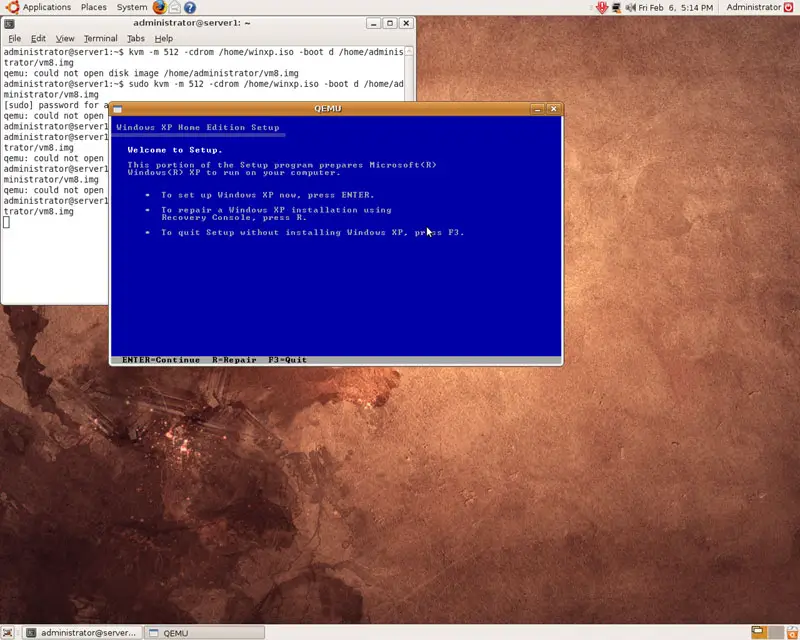
A QEMU window will pop up with the Windows XP installer:
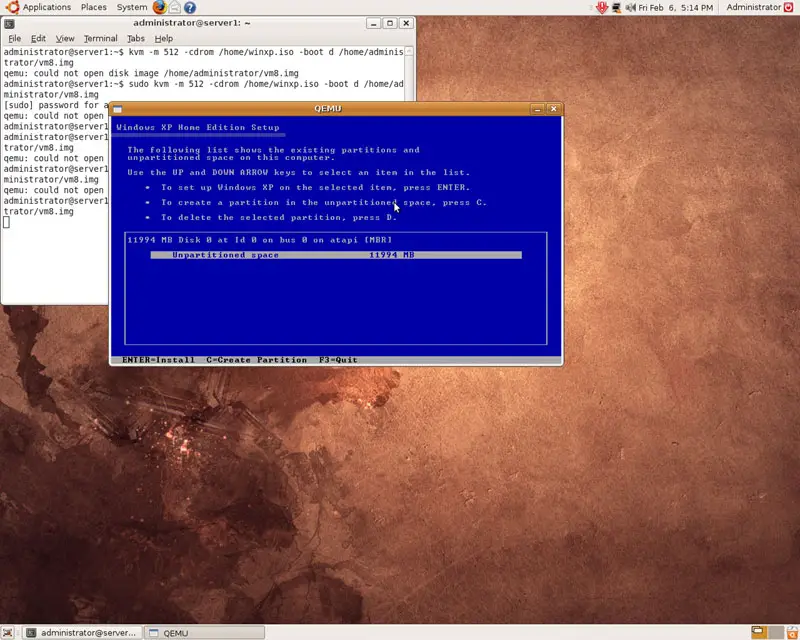
Select the hard drive to be used for the installation (that's the image file we've just created):
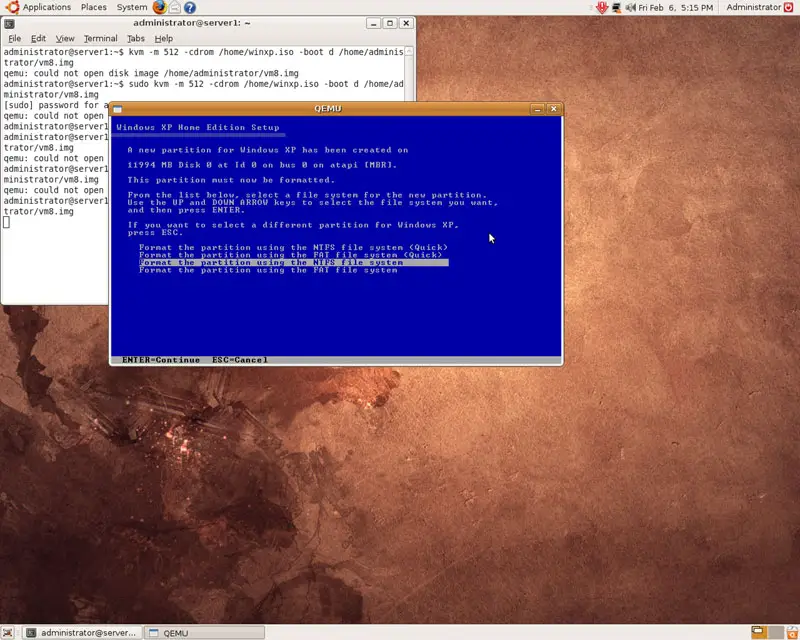
Then select Format the partition using the NTFS file system:
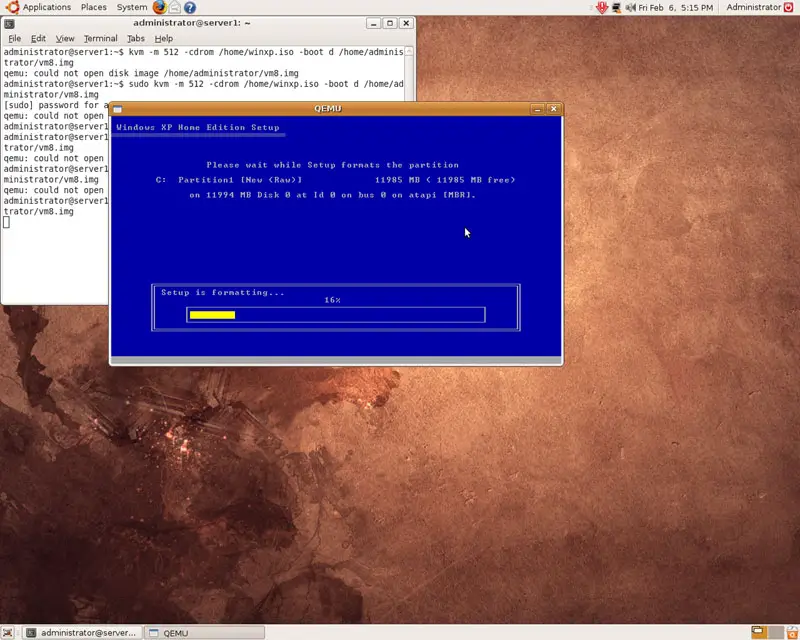
The partition is now being formatted. Right after the formatting has finished, close the QEMU window to stop the installation: