
Installing Webuzo Wordpress Stack
1.1) Webuzo Wordpress (Recommended)
What is Webuzo Wordpress Stack?
Webuzo Wordpress Stack is a free-quick-install package that allows bundling of all software (dependency) necessary to run Wordpress for development or production purposes. It includes the latest updated version of Wordpress and is pre-configured and ready-to-run. You can download the latest version of Webuzo Wordpress stack for Windows, Linux and OS X at http://webuzo.com/apps/php/blogs/WordPress.
1.2) Installing Wordpress Through Webuzo
Webuzo provides pre-loaded Softaculous Auto-installer which allows quick install of Wordpress within minutes.
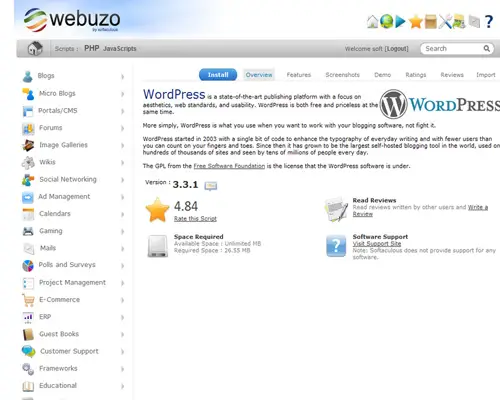
i) Select Wordpress from the long list of categories and simply click install:
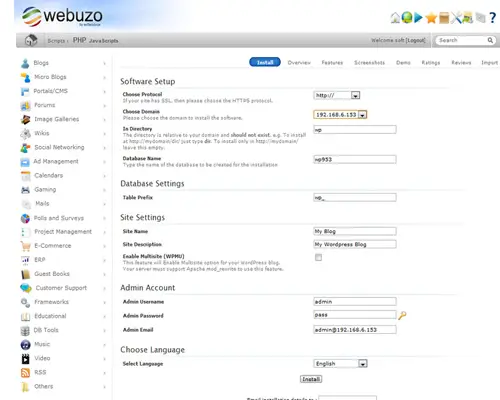
ii) Click install:
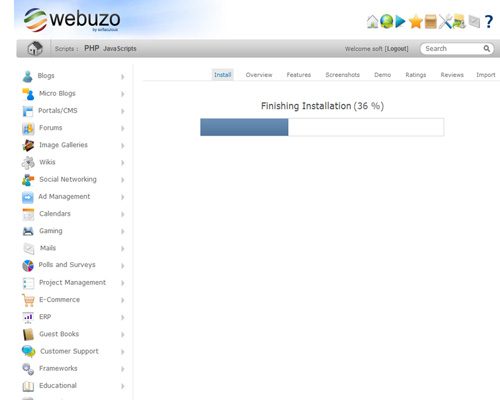
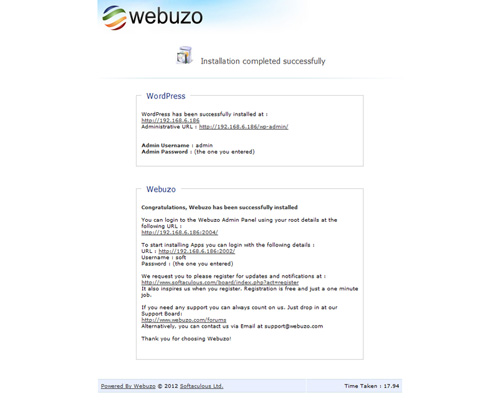
iii) That's it.
iv) Access the admin/enduser panel:
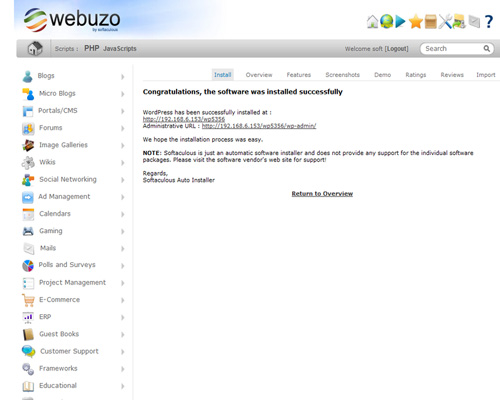
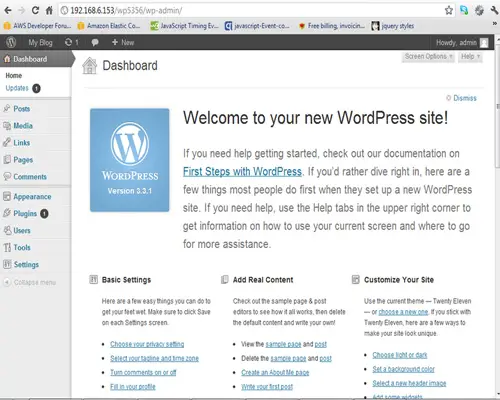
v) Wordpress is now set up and ready to be used.
2.1) Webuzo Wordpress Virtual Machine
Deploy Webuzo Wordpress Virtual Machine
Webuzo allows to deploy Wordpress on its Virtual Machine within minutes.
Here is a quick guide:
i) Download & extract the latest version of Webuzo Wordpress Virtual Appliance from http://webuzo.com/apps/php/blogs/WordPress.
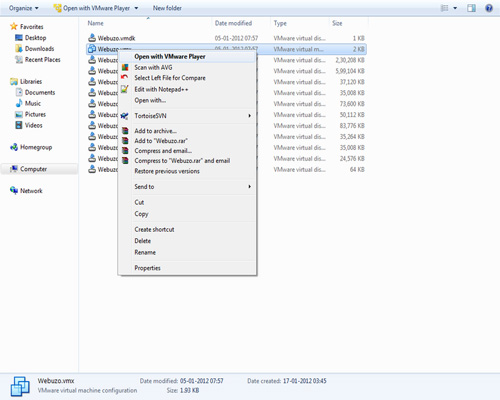
ii) Open the file with the VM player of your choice.
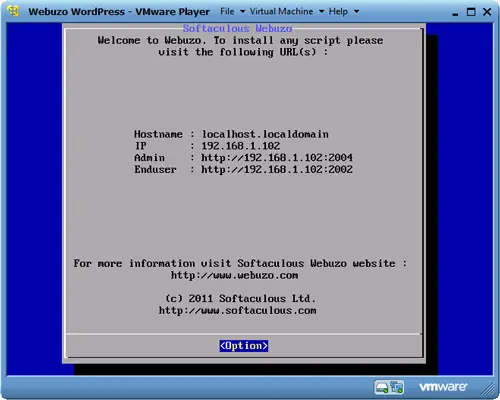
iii) Webuzo Admin / Enduser Panel:
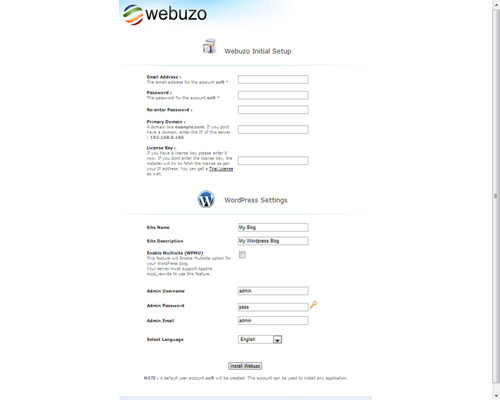
iv) Configure Wordpress on the VM:
v) Congratulations, Webuzo is up and running.

2.2) Manual Wordpress Installation
You will find the manual guide to install Wordpress here.





