Installing SugarCRM Community Edition On Fedora 10
Version 1.0
Author: Falko Timme
SugarCRM is a webbased CRM solution written in PHP. SugarCRM is available in different flavours called "Editions" ("Community" (free), "Professional", and "Enterprise"). For a detailed overview of the different editions, have a look at the SugarCRM website. In this tutorial I will describe the installation of the free Community Edition on Fedora 10. With the modules My Portal, Calendar, Activities, Contacts, Accounts, Leads, Opportunities, Cases, Bugtracker, Documents and Email, SugarCRM Community Edition offers everything that can be expected from a CRM solution.
1 Preliminary Note
In this tutorial I use the hostname server2.example.com with the IP address 192.168.0.101. These settings might differ for you, so you have to replace them where appropriate.
I will install SugarCRM in Apache's default vhost (document root /var/www/html) in the directory /var/www/html/sugarcrm. You might have to adjust this on your system.
2 Install The MySQL Database Server
Install unzip to be able to unpack the SugarCRM package later:
yum install unzip
Install MySQL:
yum install mysql mysql-server
Then we create the system startup links for MySQL (so that MySQL starts automatically whenever the system boots) and start the MySQL server:
chkconfig --levels 235 mysqld on
/etc/init.d/mysqld start
Run
mysqladmin -u root password yourrootsqlpassword
mysqladmin -h server2.example.com -u root password yourrootsqlpassword
to set a password for the user root (otherwise anybody can access your MySQL database!).
3 Install The Apache Webserver And PHP
yum install httpd php php-devel php-gd php-imap php-ldap php-mysql php-odbc php-pear php-xml php-xmlrpc php-eaccelerator php-magickwand php-magpierss php-mapserver php-mbstring php-mcrypt php-mhash php-mssql php-shout php-snmp php-soap php-tidy curl curl-devel perl-libwww-perl ImageMagick libxml2 libxml2-devel
Afterwards we need to check two settings in /etc/php.ini:
vi /etc/php.ini
Make sure that the memory_limit is at least 64M and set the upload_max_filesize to 20M:
[...] ;memory_limit = 32M ; Maximum amount of memory a script may consume (16MB) memory_limit = 64M [...] ; Maximum allowed size for uploaded files. ;upload_max_filesize = 2M upload_max_filesize = 20M [...] |
Now configure your system to start Apache at boot time:
chkconfig --levels 235 httpd on
Start Apache:
/etc/init.d/httpd start
4 Install SugarCRM
You can download SugarCRM Community Edition from http://www.sugarforge.org/frs/?group_id=6 or http://www.sugarcrm.com/crm/download/sugar-suite.html. Pick the latest .zip file (version 5.2.0a at the time of this wrinting) and install it as follows:
mkdir /var/www/html/sugarcrm
cd /tmp
wget http://www.sugarforge.org/frs/download.php/5087/SugarCE-5.2.0a.zip
unzip SugarCE-5.2.0a.zip
cd SugarCE-Full-5.2.0a/
mv * /var/www/html/sugarcrm/
chown -R apache:apache /var/www/html/sugarcrm
Start the webbased SugarCRM installer by opening the URL http://server2.example.com/sugarcrm or http://192.168.0.101/sugarcrm in your browser.
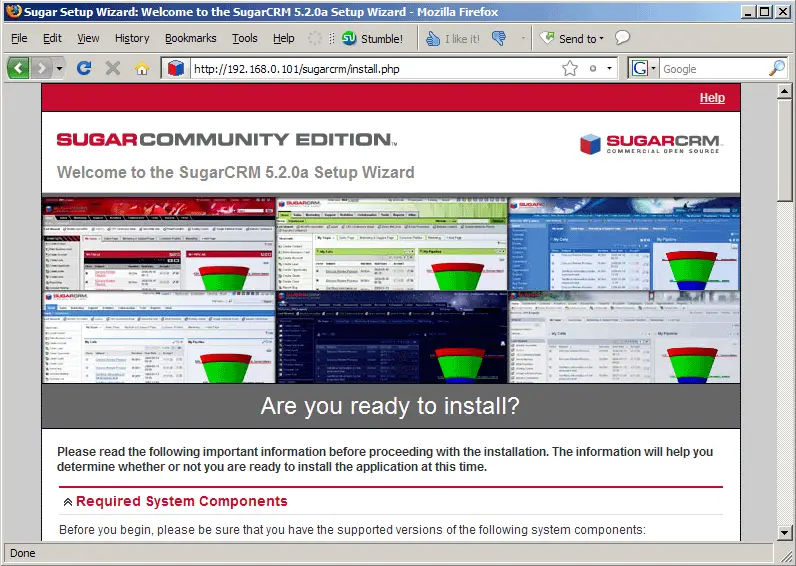
The SugarCRM setup wizard comes up:
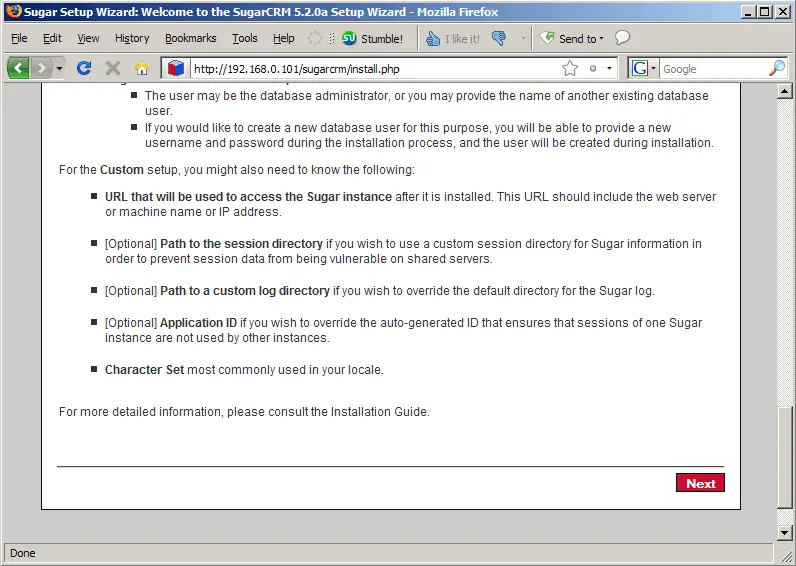
Scroll down and click on the Next button:
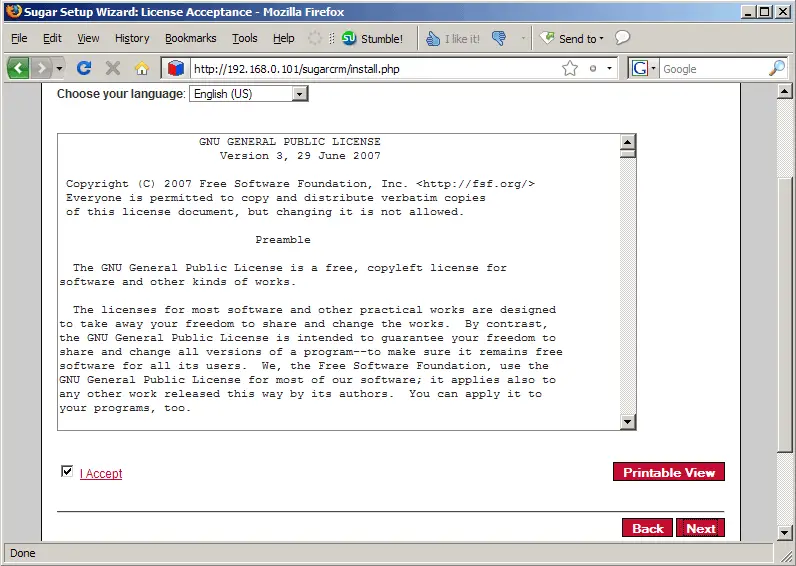
Accept the license (GPL) and click on Next:
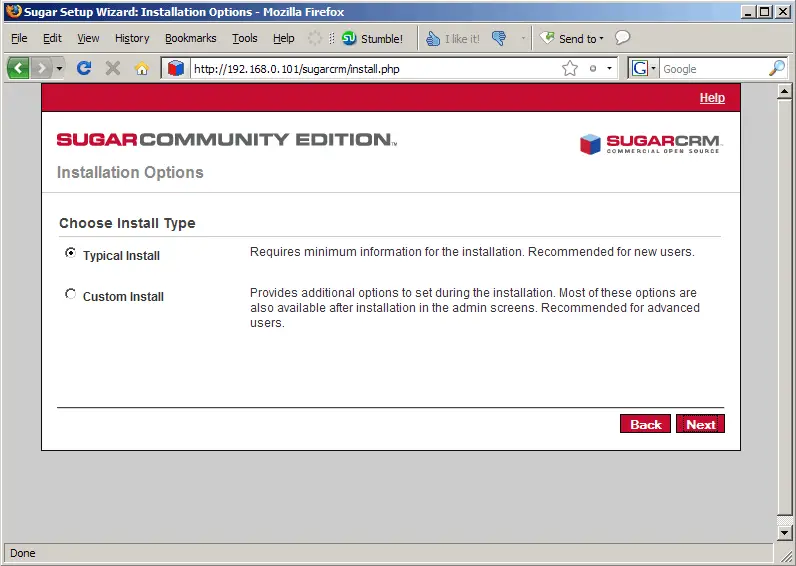
Select Typical Install and click on Next:
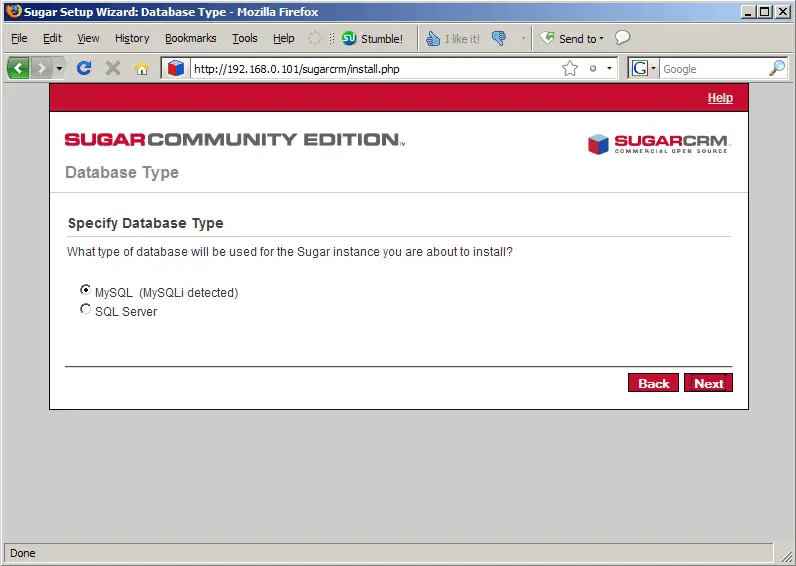
Select the database type (MySQL):