Installing Apple's Safari Browser On Ubuntu 7.10 With PlayOnLinux
Version 1.0
Author: Falko Timme
This guide explains how you can install Apple's Safari browser on Ubuntu 7.10. As there is no Linux version of Safari, we will run it under Wine. We will use a tool called PlayOnLinux to install Safari under Wine. With PlayOnLinux you can install lots of Windows games and some Windows applications (such as Office 2003, IE6, MS Money, etc.) on Linux. Installing Safari on Linux is good for people such as web designers who have switched to Linux but still need to test their web sites in other browsers.
I do not issue any guarantee that this will work for you!
1 Installing PlayOnLinux
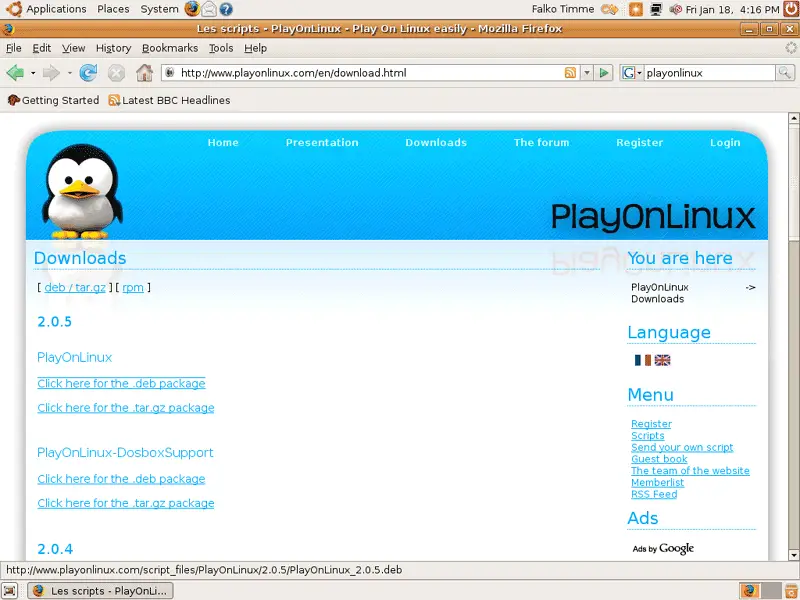
Open Firefox and go to http://www.playonlinux.com/en/download.html. Click on the link reading Click here for the .deb package:
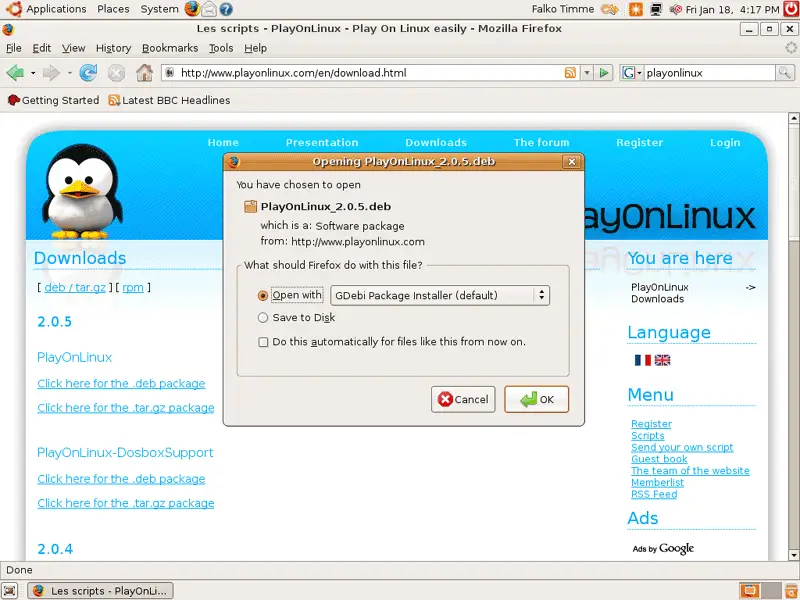
In the Firefox download dialogue, select Open with GDebi Package Installer (default):
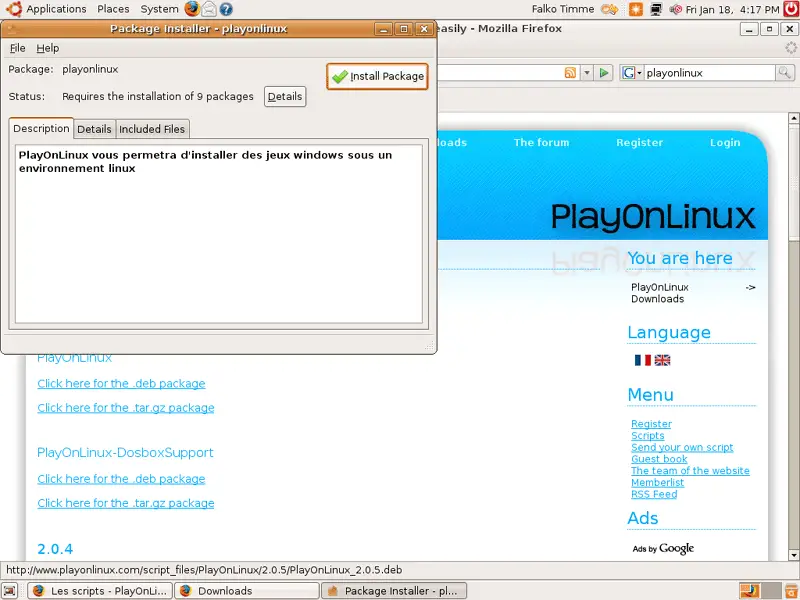
After the download has finished, the Package Installer comes up. Click on the Install Package button:
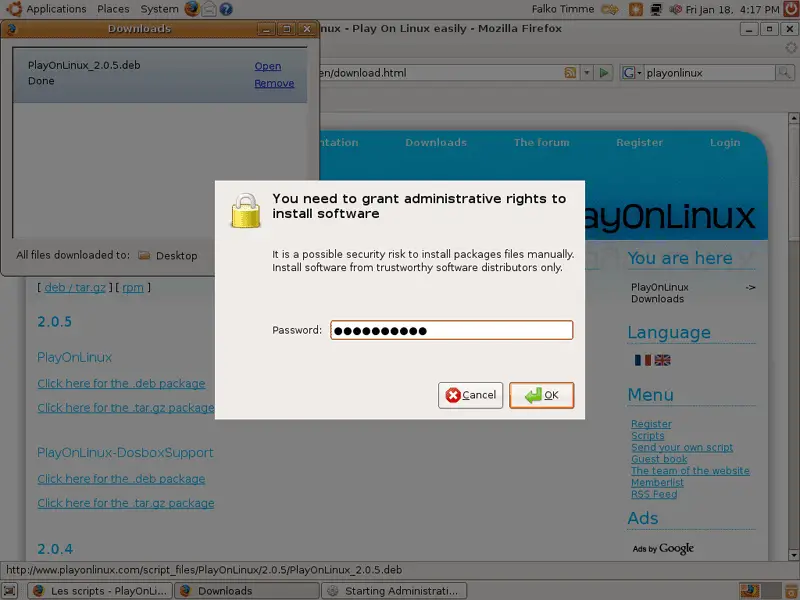
Type in your password:
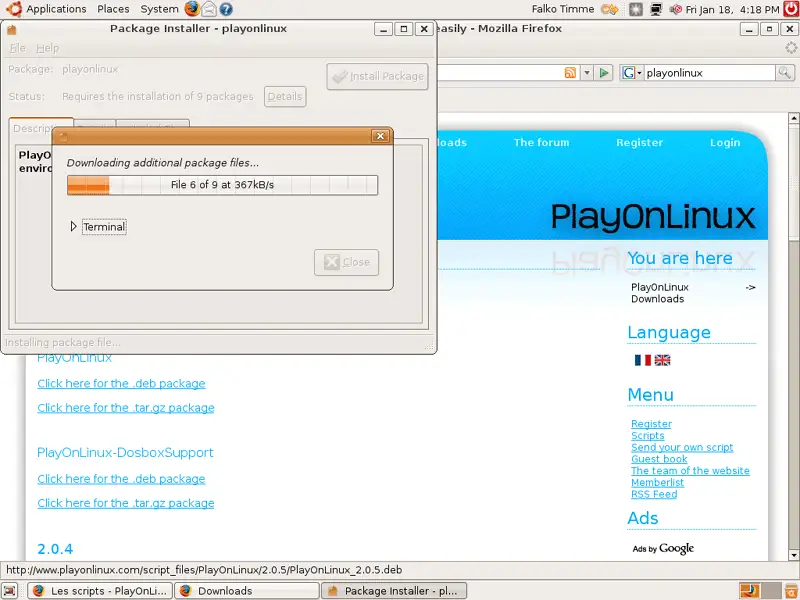
Afterwards, the dependencies of PlayOnLinux are being downloaded and installed:
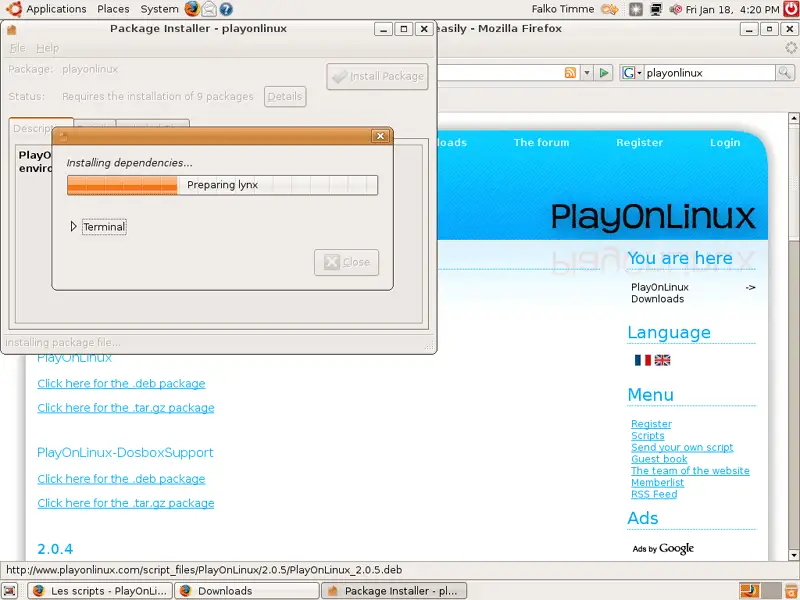
Next, PlayOnLinux is being installed:
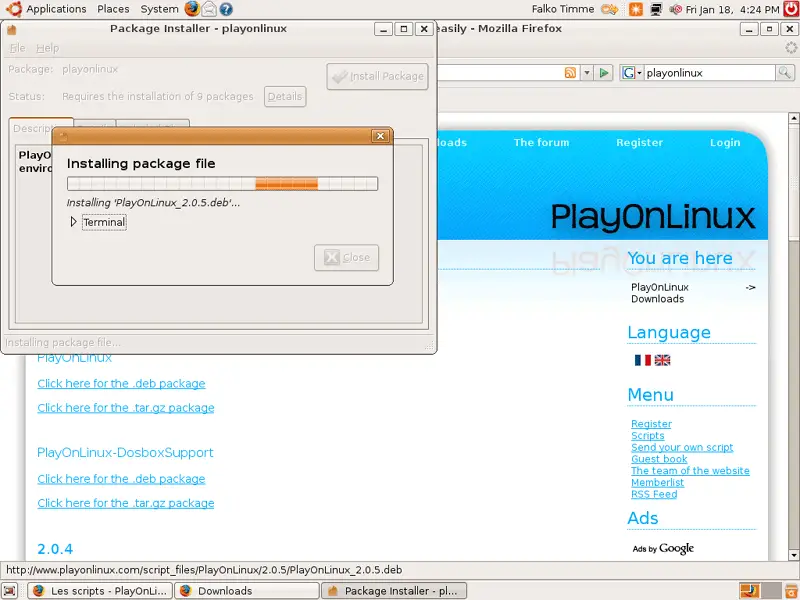
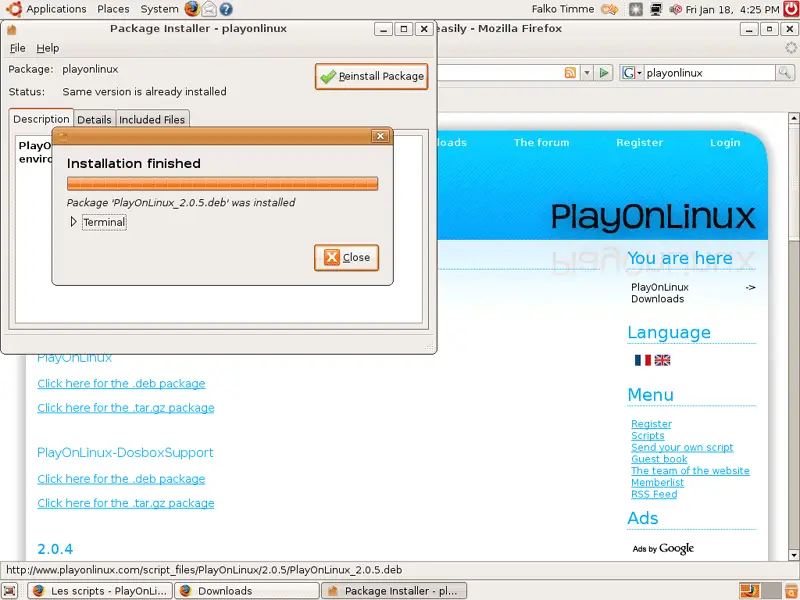
After the installation you can click on Close and leave the Package Installer:
2 Starting PlayOnLinux For The First Time
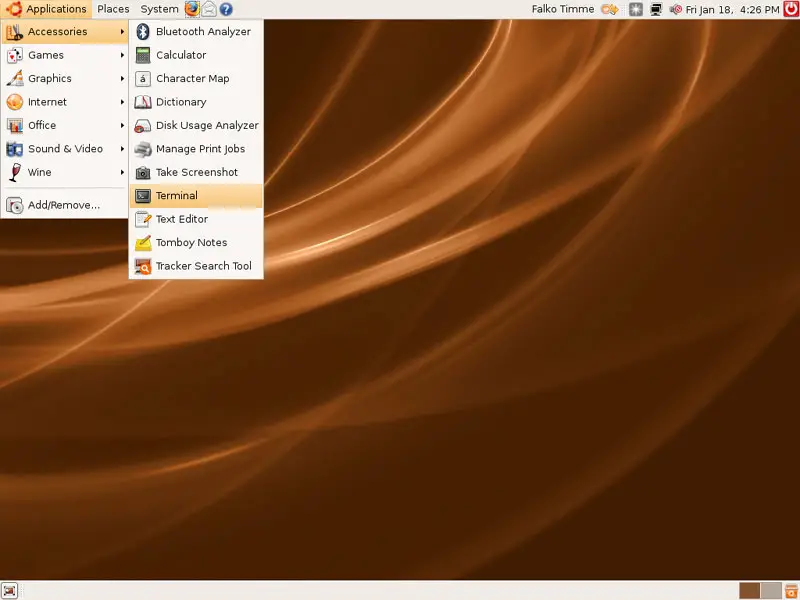
Now open a terminal (Applications > Accessories > Terminal):
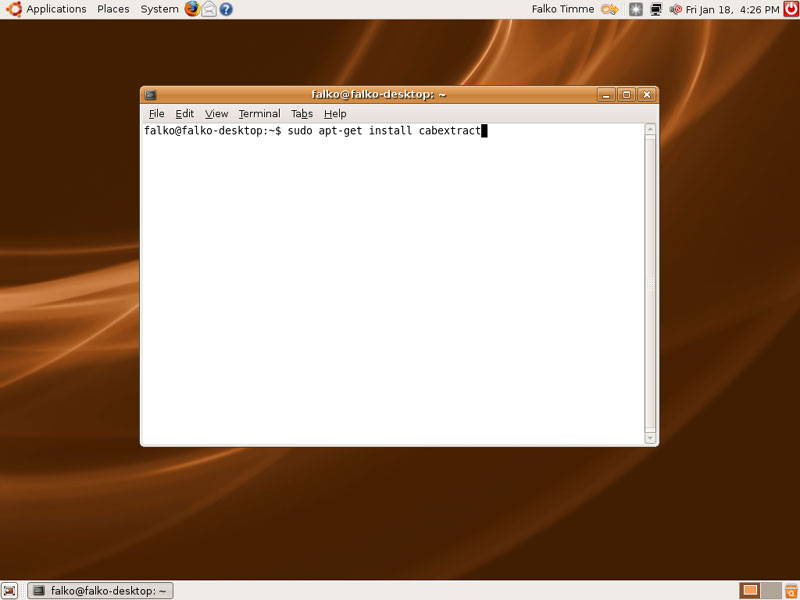
We install the package cabextract (which is needed to extract .exe files) like this:
sudo apt-get install cabextract
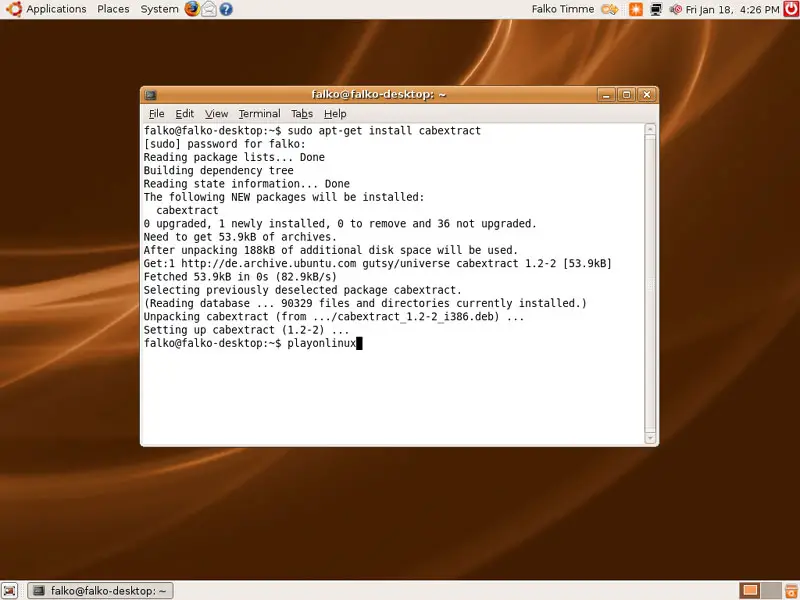
Afterwards, we start PlayOnLinux by typing:
playonlinux
If 3D aceleration isn't enabled on your desktop and you get a warning like in the below image, you can click it away. It's not important (at least for Safari - this might be different if you want to install Windows games which I haven't tried):
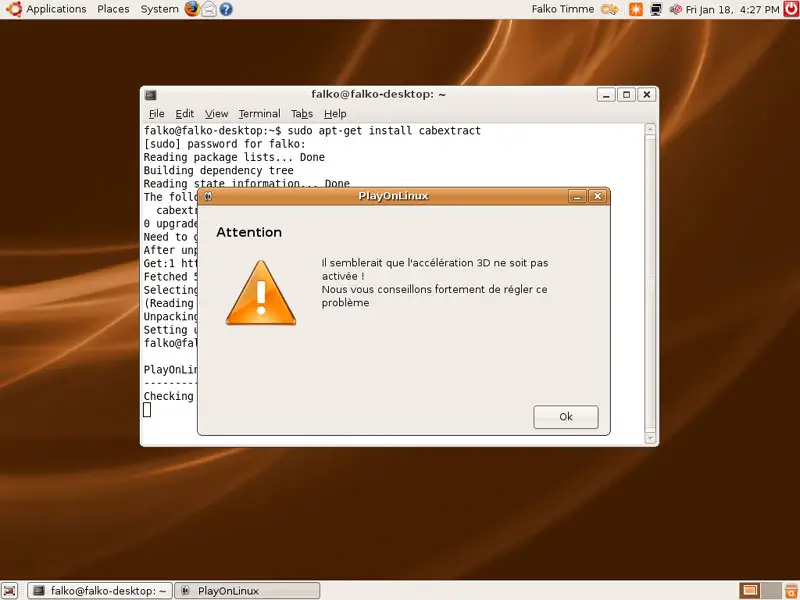
Now PlayOnLinux is being initialized. Click your way through the following dialogues (which are in French - we will change PlayOnLinux' language soon):
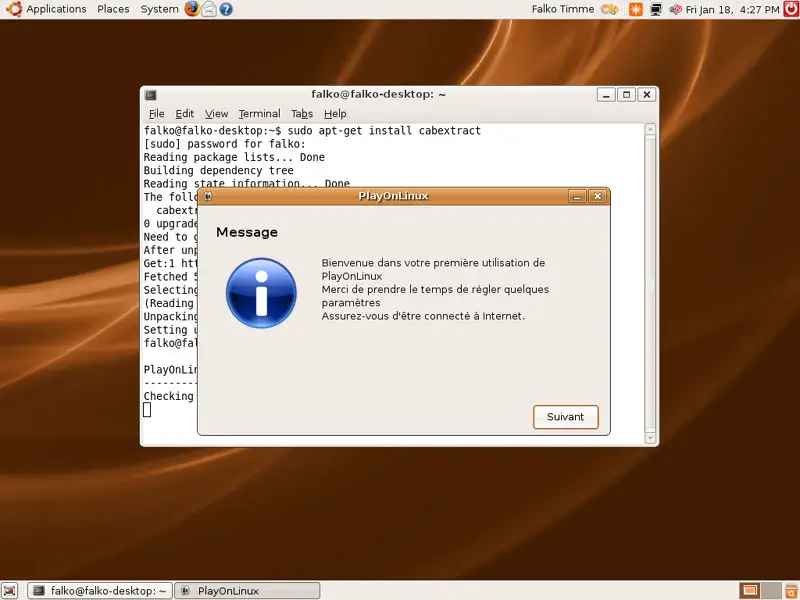
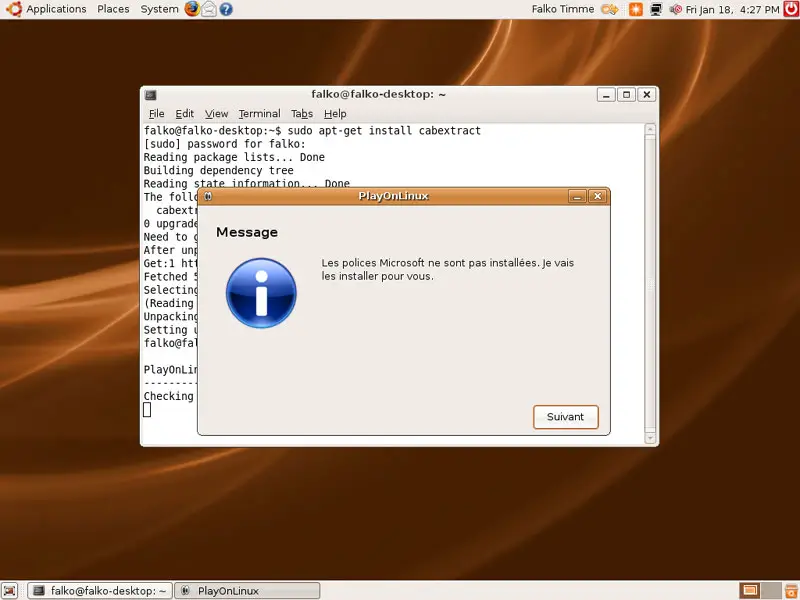
Click on Télecharger (means Download in French):
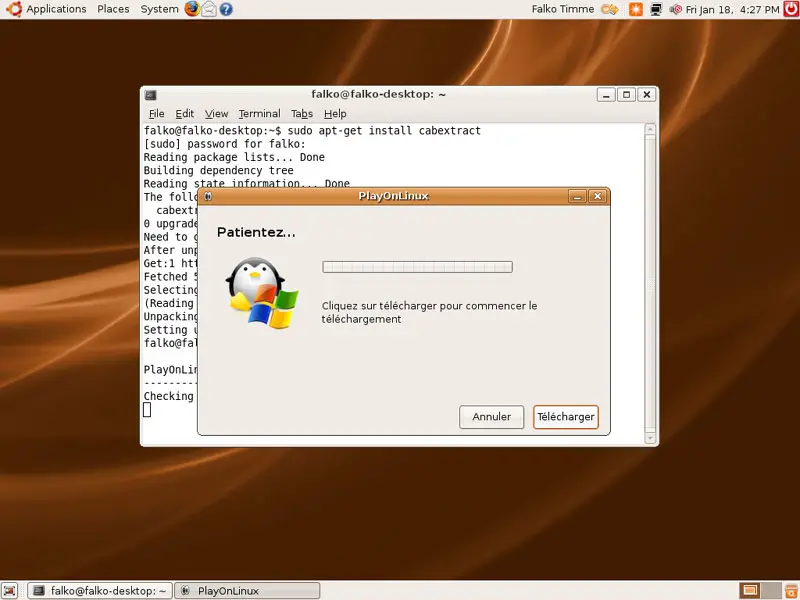
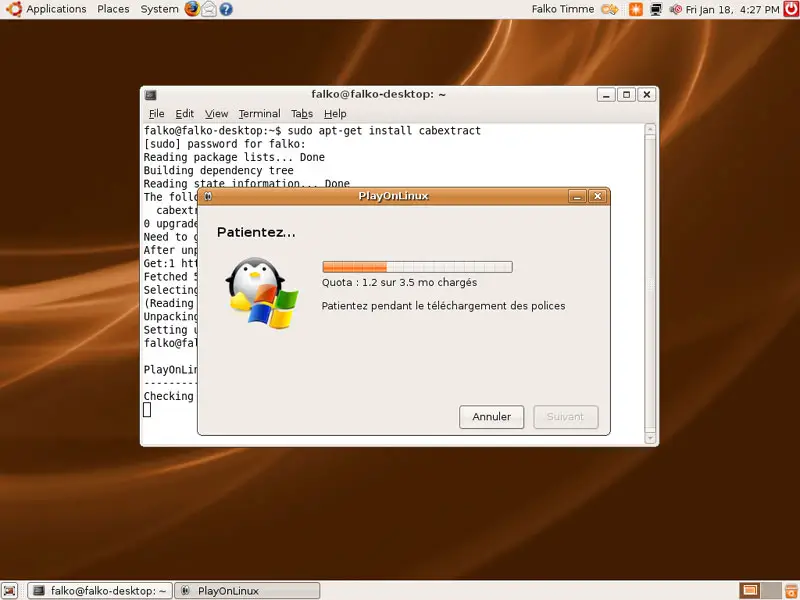
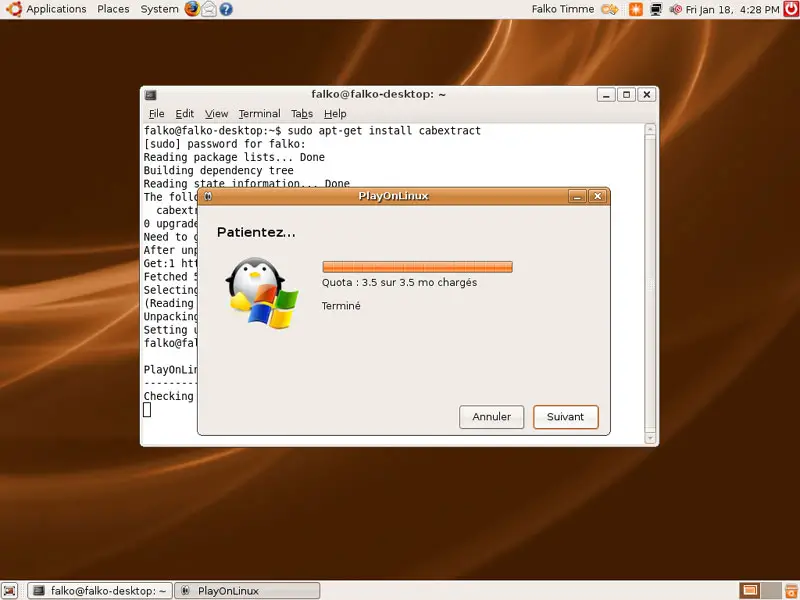
Click on Suivant (means Next):
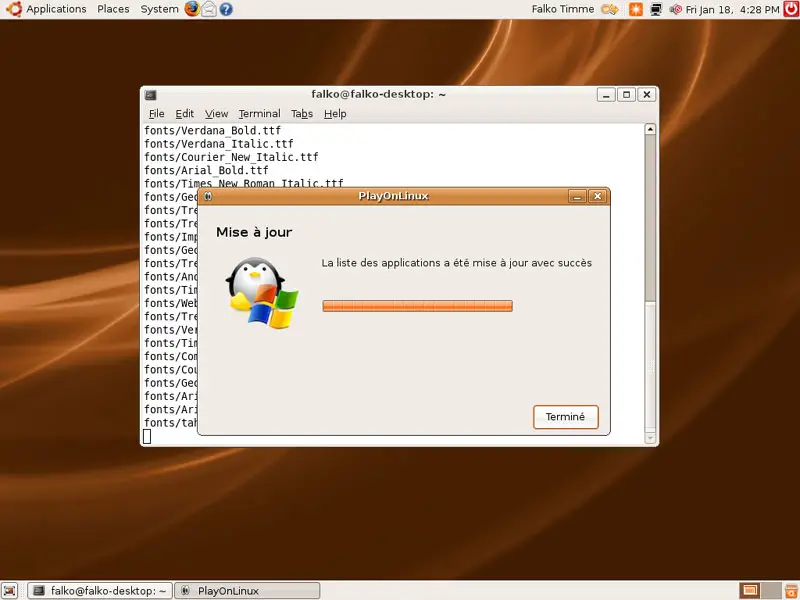
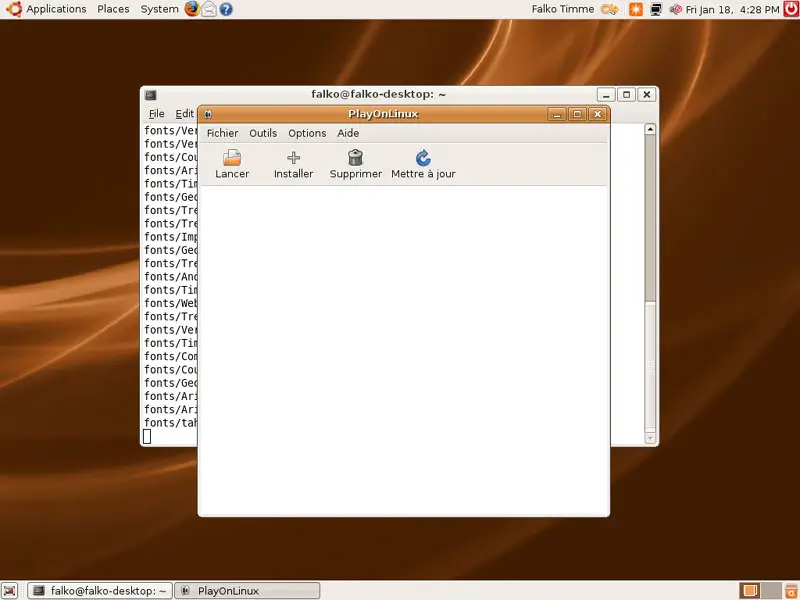
Finally, we get to the PlayOnLinux window: