
Installing Moovida Media Center On Ubuntu 9.04
Version 1.0
Author: Falko Timme  Follow me on Twitter
This tutorial explains how you can install the Moovida media center on an Ubuntu 9.04 desktop. Moovida is a media center "bringing the best of the internet to your TV screen. Automatically creating your own digital library you can browse from your sofa with a remote control. The elegant and easy to use interface automatically displays artwork and fan art throughtout and gives you access to movie synopsis and artist info."
This document comes without warranty of any kind! I do not issue any guarantee that this will work for you!
Installing Moovida
To install Moovida, open a terminal (Applications > Accessories > Terminal):
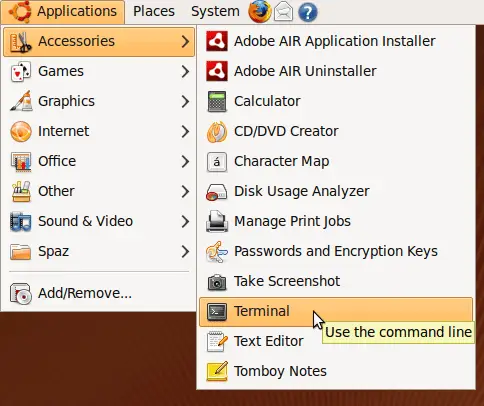
Before we install Moovida, we must make sure that Elisa (another media center which is incompatible with Moovida) is uninstalled. Therefore we run
sudo aptitude purge '~nelisa'
Afterwards we open /etc/apt/sources.list...
sudo gedit /etc/apt/sources.list
... and add the Moovida repository to the file:
[...] deb http://ppa.launchpad.net/moovida-packagers/ppa/ubuntu jaunty main |
Then we add the keys of the new repository and update our package database:
gpg --keyserver keyserver.ubuntu.com --recv 26C2E075 && \
gpg --export --armor 26C2E075 | sudo apt-key add - && \
sudo aptitude update
Now we can install Moovida as follows:
sudo aptitude install moovida
You can now find Moovida under Applications > Sound & Video > Moovida Media Center:
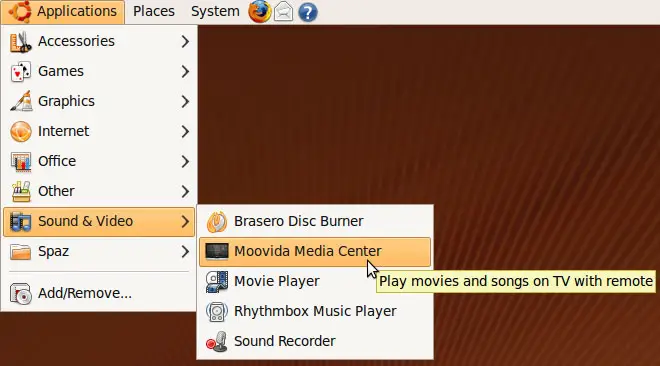
This is what it looks like when it starts:
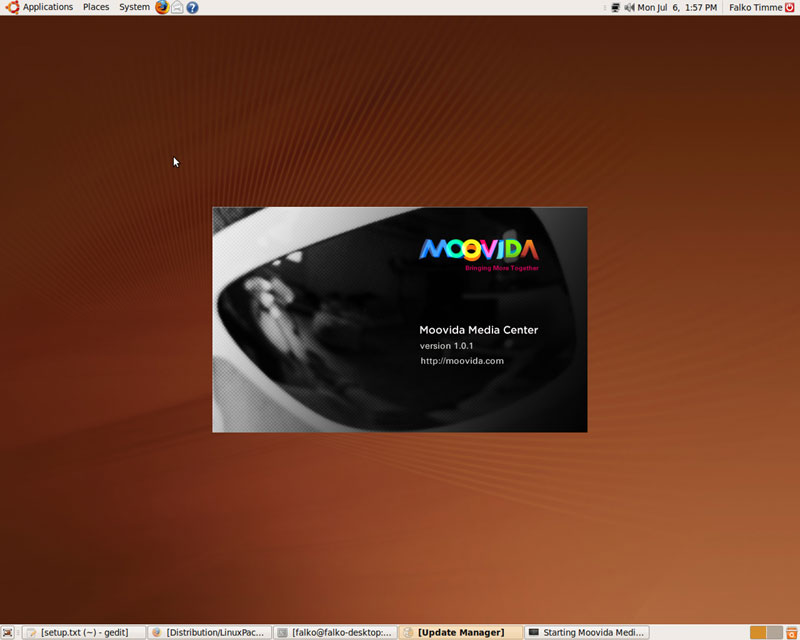
And finally, here's your new Moovida media center:
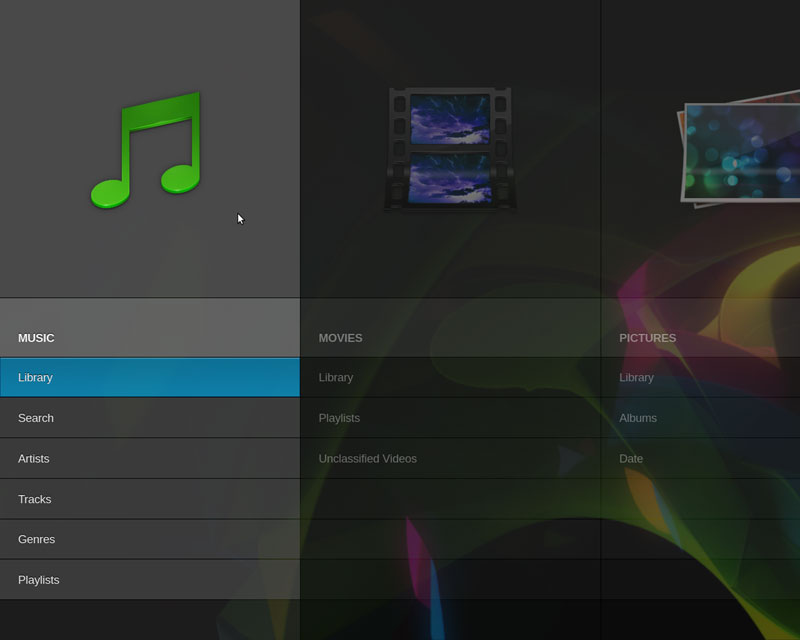
Links
- Moovida: http://www.moovida.com/
- Ubuntu: http://www.ubuntu.com/





