
Installing Lighttpd With PHP5 And MySQL Support On Fedora 12
Version 1.0
Author: Falko Timme  Follow me on Twitter
Lighttpd is a secure, fast, standards-compliant web server designed for speed-critical environments. This tutorial shows how you can install Lighttpd on a Fedora 12 server with PHP5 support (through FastCGI) and MySQL support.
I do not issue any guarantee that this will work for you!
1 Preliminary Note
In this tutorial I use the hostname server1.example.com with the IP address 192.168.0.100. These settings might differ for you, so you have to replace them where appropriate.
2 Installing MySQL 5
First we install MySQL 5 like this:
yum install mysql mysql-server
Then we create the system startup links for MySQL (so that MySQL starts automatically whenever the system boots) and start the MySQL server:
chkconfig --levels 235 mysqld on
/etc/init.d/mysqld start
Create a password for the MySQL user root (replace yourrootsqlpassword with the password you want to use):
mysqladmin -u root password yourrootsqlpassword
mysqladmin -h server1.example.com -u root password yourrootsqlpassword
3 Installing Lighttpd
Lighttpd is available as a Fedora package, therefore we can install it like this:
yum install lighttpd
Then we create the system startup links for Lighttpd (so that Lighttpd starts automatically whenever the system boots) and start it:
chkconfig --levels 235 lighttpd on
/etc/init.d/lighttpd start
Now direct your browser to http://192.168.0.100, and you should see the Lighttpd placeholder page:
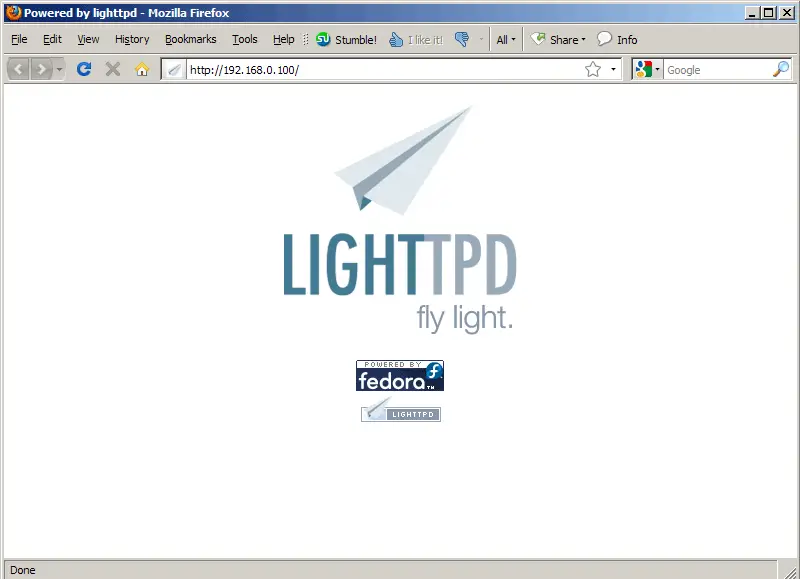
Lighttpd's default document root is /var/www/lighttpd on Fedora, and the configuration file is /etc/lighttpd/lighttpd.conf.
4 Installing PHP5
We can make PHP5 work in Lighttpd through FastCGI. Therefore we install the packages lighttpd-fastcgi and php-cli:
yum install lighttpd-fastcgi php-cli
5 Configuring Lighttpd And PHP5
To enable PHP5 in Lighttpd, we must modify two files, /etc/php.ini and /etc/lighttpd/lighttpd.conf. First we open /etc/php.ini and add the line cgi.fix_pathinfo = 1 right at the end of the file:
vi /etc/php.ini
[...] cgi.fix_pathinfo = 1 |
Then we open /etc/lighttpd/lighttpd.conf and uncomment "mod_fastcgi", in the server.modules stanza:
vi /etc/lighttpd/lighttpd.conf
[...]
server.modules              = (
#                               "mod_rewrite",
#                               "mod_redirect",
#                               "mod_alias",
                                "mod_access",
#                               "mod_trigger_b4_dl",
#                               "mod_auth",
#                               "mod_status",
#                               "mod_setenv",
                                "mod_fastcgi",
#                               "mod_proxy",
#                               "mod_simple_vhost",
#                               "mod_evhost",
#                               "mod_userdir",
#                               "mod_cgi",
#                               "mod_compress",
#                               "mod_ssi",
#                               "mod_usertrack",
#                               "mod_expire",
#                               "mod_secdownload",
#                               "mod_rrdtool",
                                "mod_accesslog" )
[...]
|
and then, further down the file, there's a fastcgi.server stanza which we uncomment as well:
[...]
#### fastcgi module
## read fastcgi.txt for more info
## for PHP don't forget to set cgi.fix_pathinfo = 1 in the php.ini
fastcgi.server             = ( ".php" =>
                               ( "localhost" =>
                                 (
                                   "socket" => "/var/run/lighttpd/php-fastcgi.socket",
                                   "bin-path" => "/usr/bin/php-cgi"
                                 )
                               )
                            )
[...]
|
Then we restart Lighttpd:
/etc/init.d/lighttpd restart
6 Testing PHP5 / Getting Details About Your PHP5 Installation
The document root of the default web site is /var/www/lighttpd. We will now create a small PHP file (info.php) in that directory and call it in a browser. The file will display lots of useful details about our PHP installation, such as the installed PHP version.
vi /var/www/lighttpd/info.php
<?php phpinfo(); ?> |
Now we call that file in a browser (e.g. http://192.168.0.100/info.php):
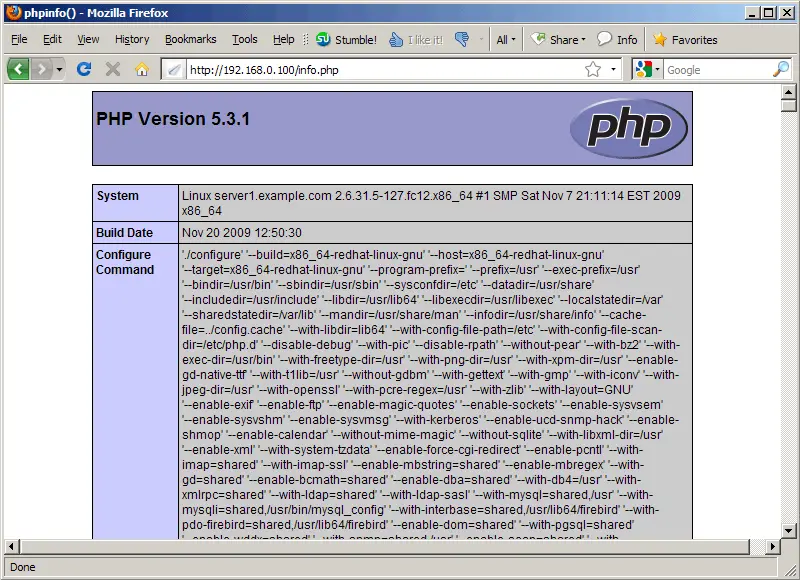
As you see, PHP5 is working, and it's working through FastCGI, as shown in the Server API line. If you scroll further down, you will see all modules that are already enabled in PHP5. MySQL is not listed there which means we don't have MySQL support in PHP5 yet.
7 Getting MySQL Support In PHP5
To get MySQL support in PHP, we can install the php-mysql package. It's a good idea to install some other PHP5 modules as well as you might need them for your applications. You can search for available PHP5 modules like this:
yum search php
Pick the ones you need and install them like this:
yum install php-mysql php-gd php-imap php-ldap php-odbc php-pear php-xml php-xmlrpc
Now restart Lighttpd:
/etc/init.d/lighttpd restart
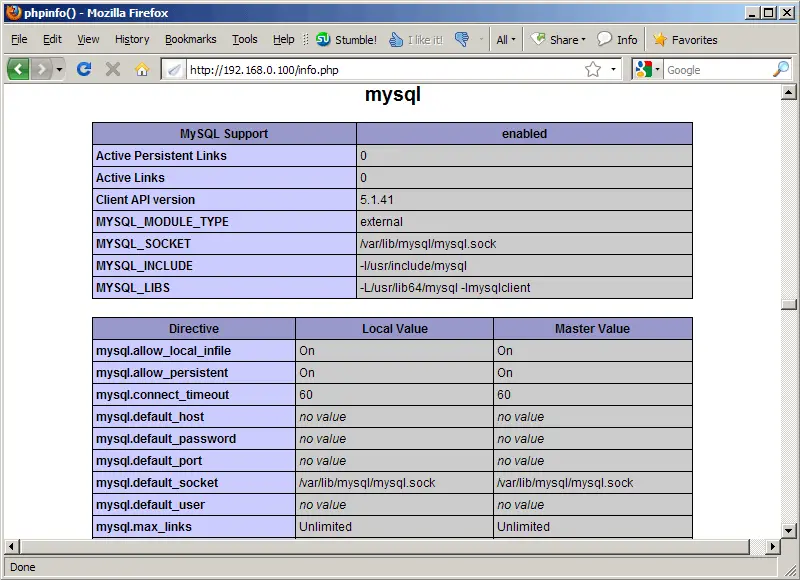
Now reload http://192.168.0.100/info.php in your browser and scroll down to the modules section again. You should now find lots of new modules there, including the MySQL module:
8 Links
- Lighttpd: http://www.lighttpd.net/
- PHP: http://www.php.net/
- MySQL: http://www.mysql.com/
- Fedora: http://fedoraproject.org/





