
Installing The eZ Publish CMS On An Ubuntu 7.10 Server
Version 1.0
Author: Falko Timme
eZ Publish is one of the most well known and widespread web content management systems. Because its setup is not trivial, this tutorial shows how to install it on an Ubuntu 7.10 (Gutsy Gibbon) server.
I do not issue any guarantee that this will work for you!
1 Preliminary Note
My Ubuntu 7.10 server has the hostname server1.example.com and the IP address 192.168.0.100 in this tutorial. I'm using Ubuntu's default Apache document root /var/www here - if you've set up a vhost with a different document root you'll have to adjust the paths where appropriate.
The requirements for an eZ Publish installation are listed here; I'll show how to fulfill these requirements and finally install eZ Publish.
Make sure that you are logged in as root (type in
sudo su
to become root), because we must run all the steps from this tutorial as the root user.
2 Installing MySQL 5.0
To install MySQL 5.0, we simply run:
apt-get install mysql-server mysql-client
You will be asked to provide a password for the MySQL root user - this password is valid for the user root@localhost as well as [email protected], so we don't have to specify a MySQL root password manually later on (as was the case with previous Ubuntu versions):
New password for the MySQL "root" user: <-- yourrootsqlpassword
3 Installing Apache2
eZ Publish works with Apache 1.3 and Apache 2. If we use Apache 2, we must install the prefork variant as follows:
apt-get install apache2 apache2-doc apache2-mpm-prefork apache2-utils libexpat1 ssl-cert
4 Installing PHP5
eZ Publish depends on a lot of PHP extensions/functions (see the requirements page), e.g. MySQL, zlib, DOM, session support, PCRE support, GD2 support, CLI support, mbstring, exif, curl, etc. which we can install as follows:
apt-get install libapache2-mod-php5 php5 php5-common php5-gd php5-curl php5-dev php5-idn php-pear php5-imagick php5-imap php5-mcrypt php5-memcache php5-mhash php5-ming php5-mysql php5-ps php5-pspell php5-recode php5-snmp php5-sqlite php5-tidy php5-xmlrpc php5-xsl php5-cli imagemagick
You will be asked the following question:
Continue installing libc-client without Maildir support? <-- Yes
Now we have to enable some Apache modules (SSL, rewrite, suexec, and include):
a2enmod ssl
a2enmod rewrite
a2enmod suexec
a2enmod include
Reload the Apache configuration:
/etc/init.d/apache2 force-reload
Now open the php.ini...
vi /etc/php5/apache2/php.ini
... and make sure that PHP has enough memory to run eZ Publish. It needs at least 64MB (the more the better), so you should have something like this in your php.ini:
[...] memory_limit = 128M ; Maximum amount of memory a script may consume (128MB) [...] |
In the same file, we need to specify the correct timezone for the server (you can find a list of all timezones here: http://de3.php.net/timezones), e.g. like this:
[...] [Date] ; Defines the default timezone used by the date functions date.timezone = Europe/Berlin [...] |
Afterwards we restart Apache:
/etc/init.d/apache2 restart
Next create the following file...
vi /var/www/info.php
<?php phpinfo(); ?> |
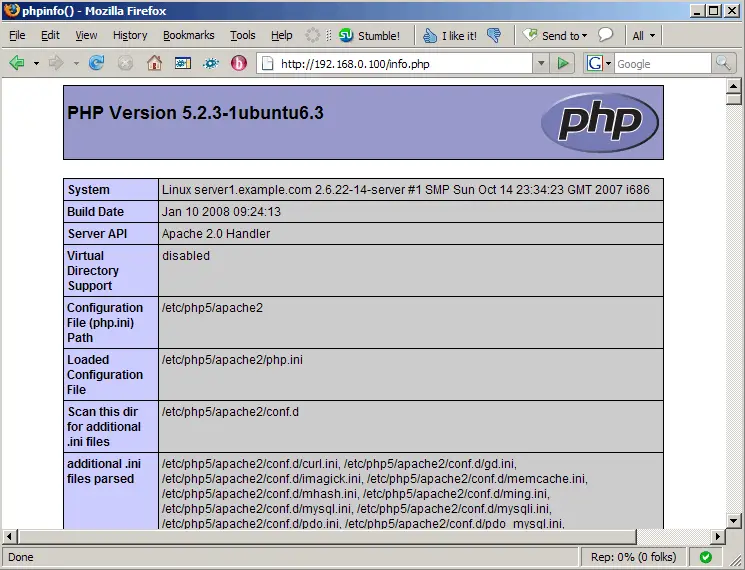
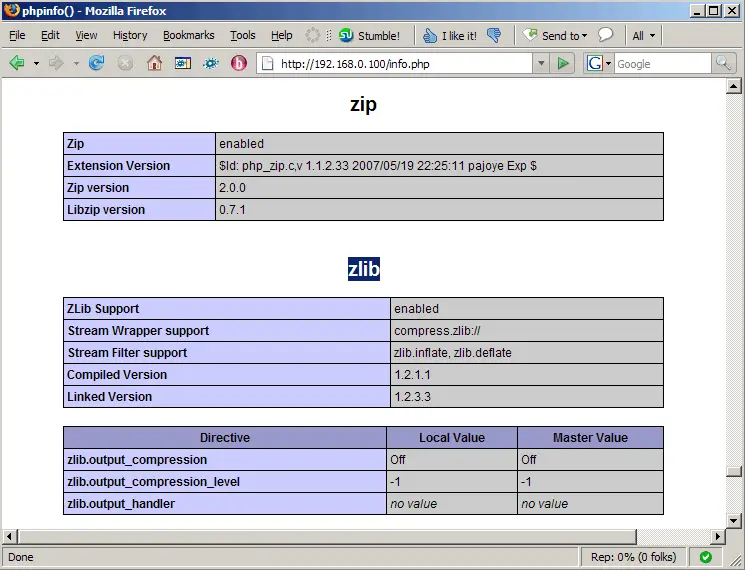
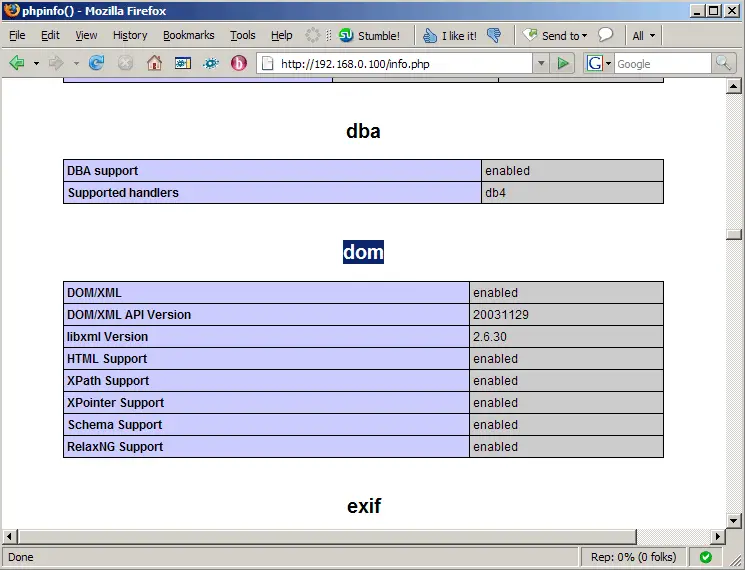
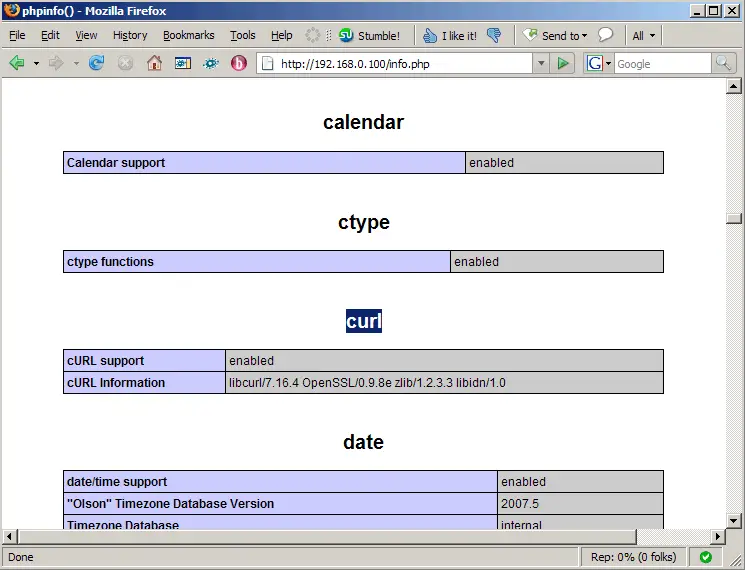
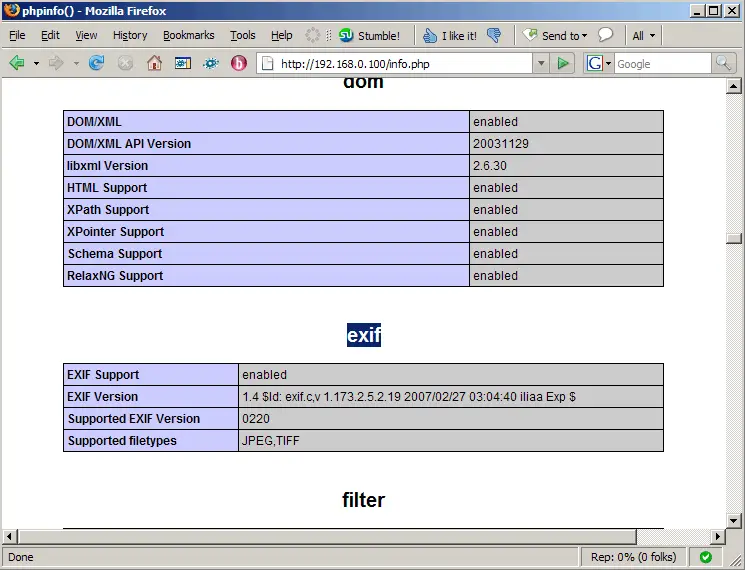
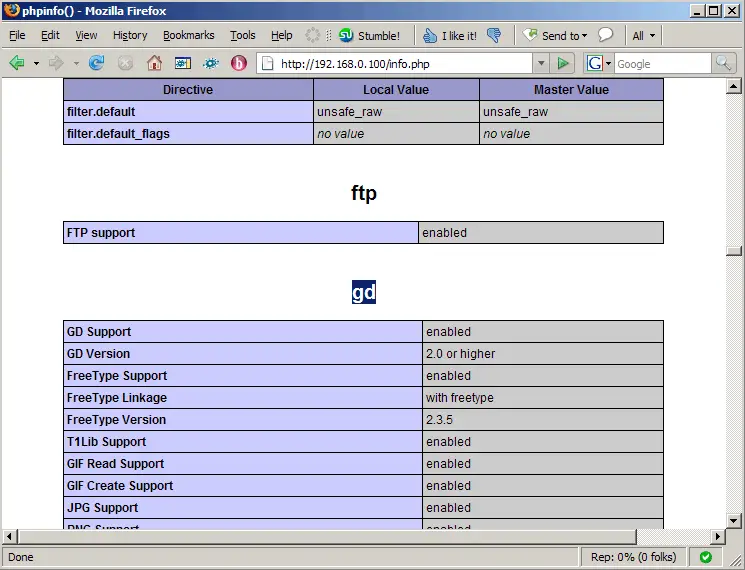
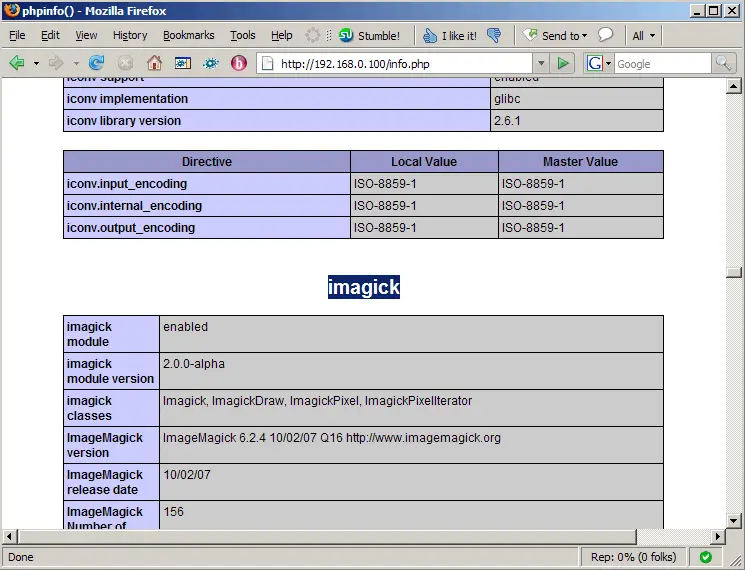
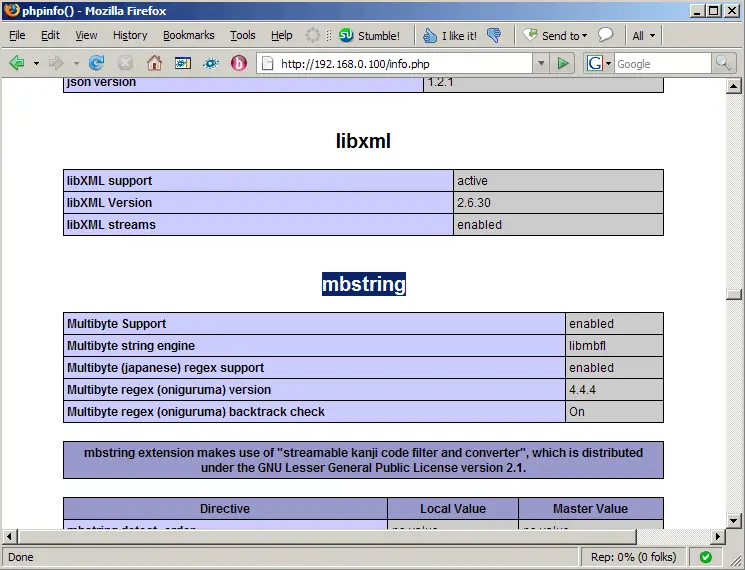
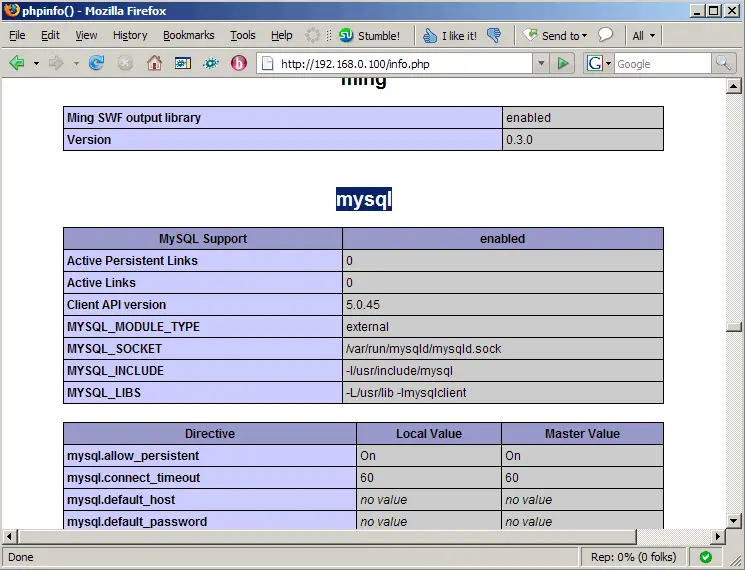
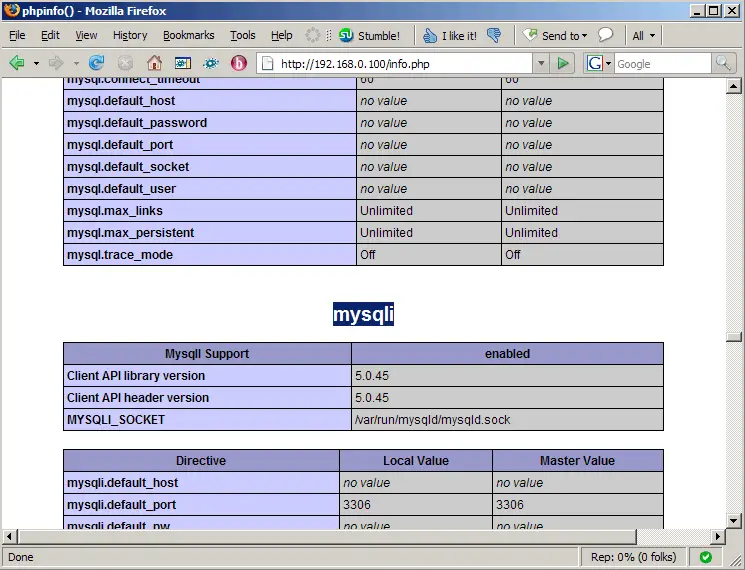
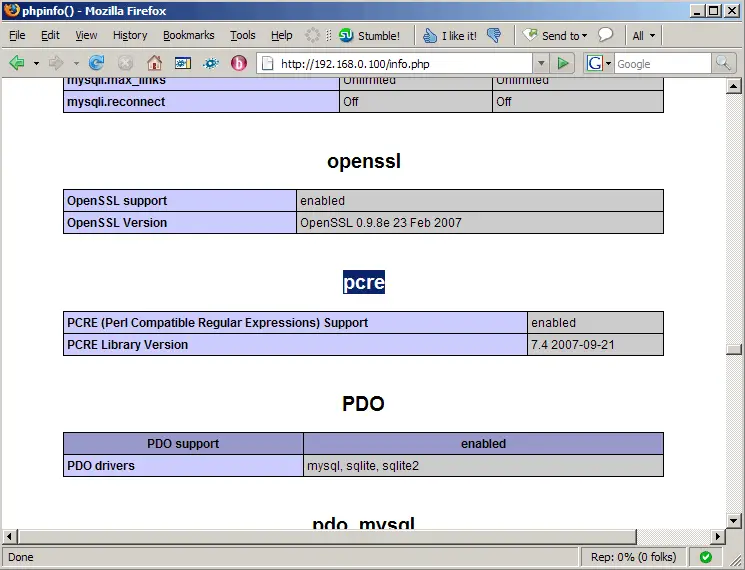
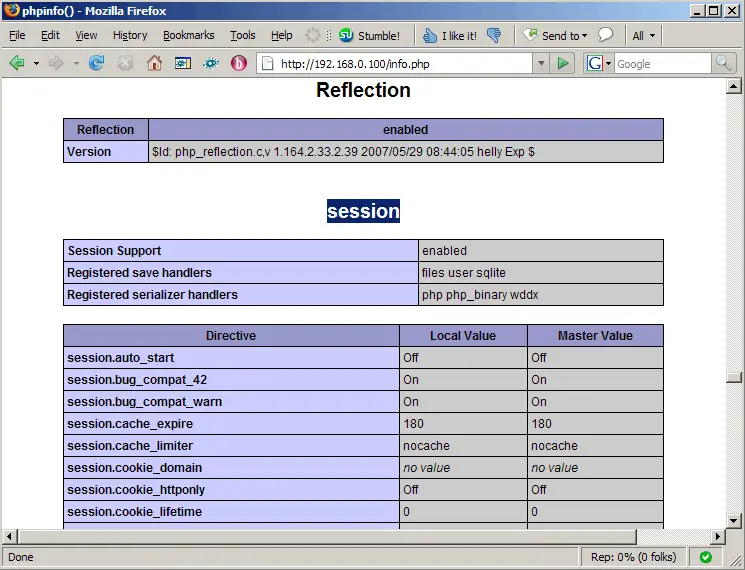
... and call it in a browser (e.g. http://192.168.0.100/info.php). In the output you should now find all required PHP extensions:
5 Installing eZ Components
eZ Components is a PHP components library needed by eZ Publish. We can install it as follows:
pear channel-discover components.ez.no
pear install -a ezc/eZComponents





