
Installing Drupal 6.4 On A Lighttpd Web Server (Debian Etch) - Page 2
On this page
3 Installing Drupal 6.4
We can install Drupal 6.4 to /var/www as follows:
cd /tmp
wget http://ftp.drupal.org/files/projects/drupal-6.4.tar.gz
tar xvfz drupal-6.4.tar.gz
mv drupal-6.4/* drupal-6.4/.htaccess /var/www
cd /var/www
cp sites/default/default.settings.php sites/default/settings.php
chown www-data:www-data sites/default/settings.php
chown www-data:www-data sites/default
Next we open sites/default/settings.php and set the variable $base_url:
vi sites/default/settings.php
[...] $base_url = 'http://www.example.com'; // NO trailing slash! [...] |
Then we log in to MySQL...
mysql -u root -p
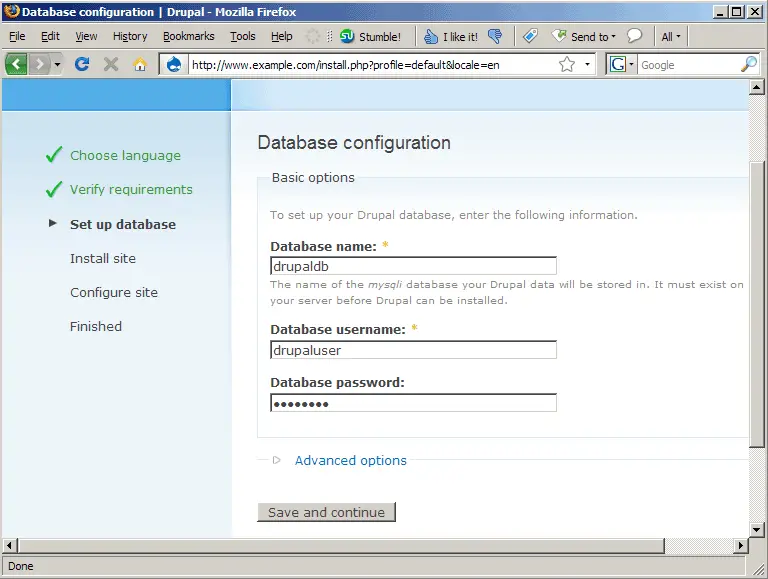
... and create a Drupal database (I name it drupaldb) and a database user for that database (I name it drupaluser and use the password password for it - please use a password of your choice on your installation):
CREATE DATABASE drupaldb;
GRANT SELECT, INSERT, UPDATE, DELETE, CREATE, DROP, INDEX, ALTER ON drupaldb.* TO 'drupaluser'@'localhost' IDENTIFIED BY 'password';
GRANT SELECT, INSERT, UPDATE, DELETE, CREATE, DROP, INDEX, ALTER ON drupaldb.* TO 'drupaluser'@'localhost.localdomain' IDENTIFIED BY 'password';
FLUSH PRIVILEGES;
quit;
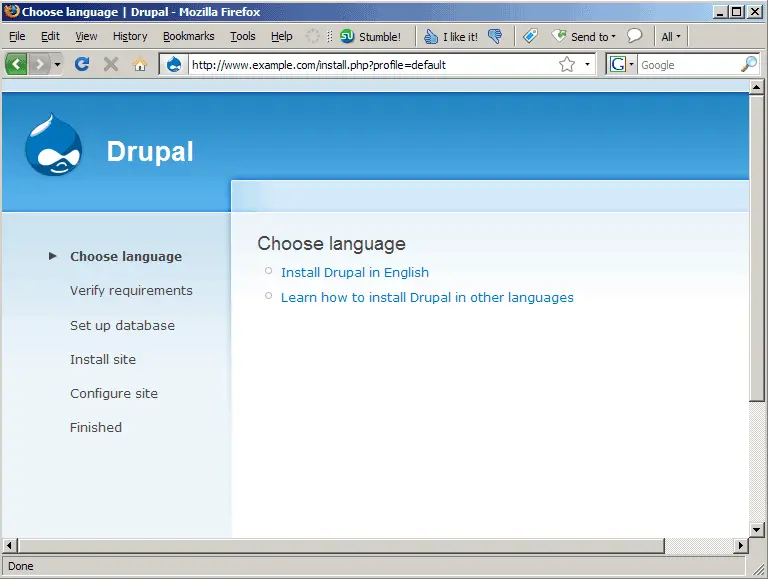
Next open a browser and go to http://www.example.com to start Drupal's installation wizard. Click on Install Drupal in English (use the other link if you want to install it in another language):
On the next page, fill in the database name (drupaldb) and the database user (drupaluser) and password, then click on Save and continue:
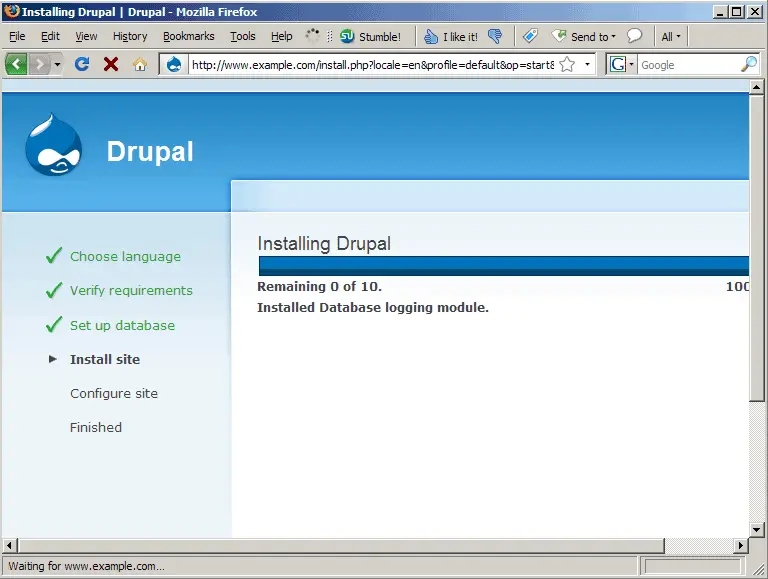
Some Drupal modules are now being installed:
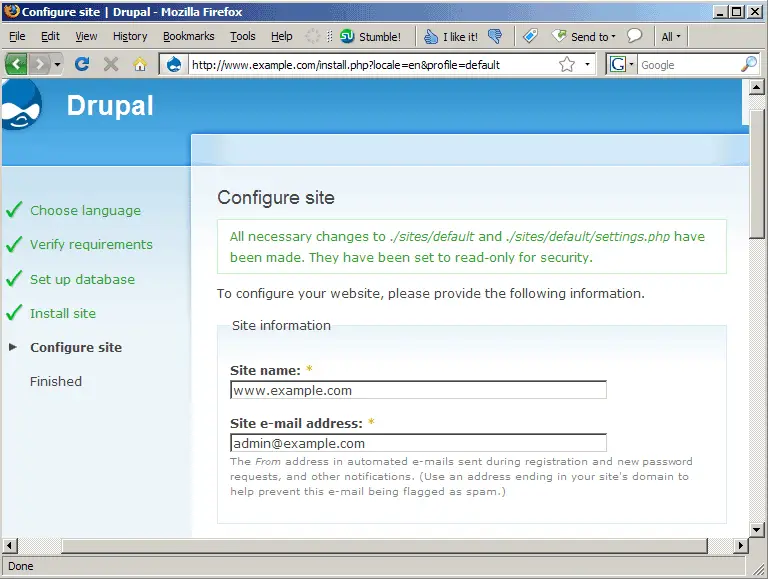
On the next page, fill in the site name (this can be the hostname (like www.example.com), but also a name of your choice like My Site - it will appear in the upper left corner of the web site where you now read Drupal) and the email address that you want Drupal to use for sending notifications:
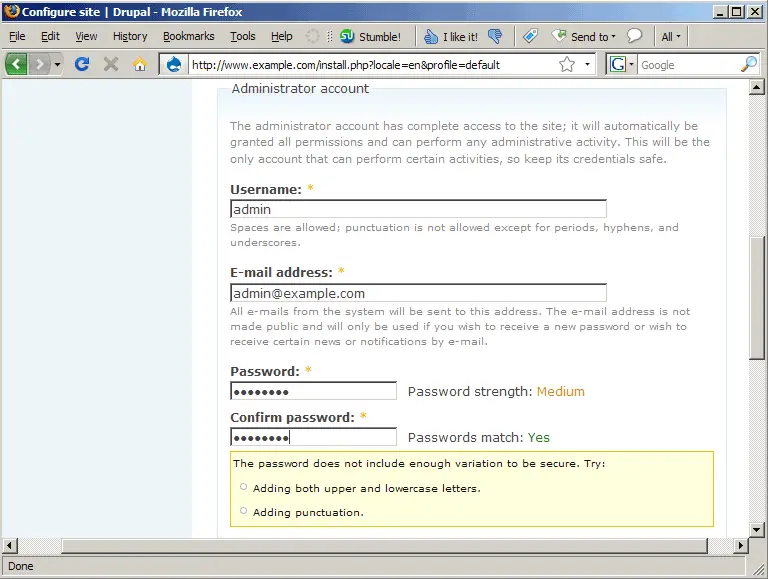
Then scroll down and fill in a username for the Drupal administrator (e.g. admin), the administrator's email address, and a password for the administrator:
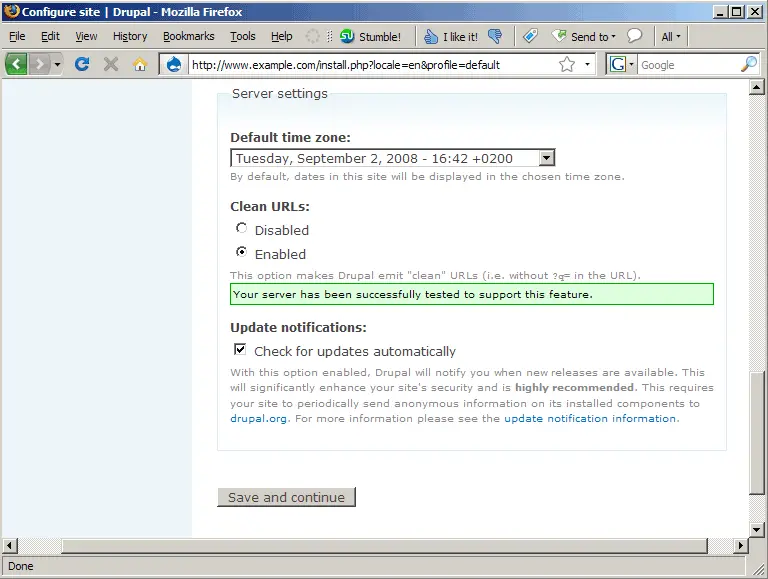
Scroll further down and adjust your time zone. If you did the setup in chapter two right, you should also see the green box saying Your server has been successfully tested to support this feature., and you can enable clean URLs. Click on Save and continue after you've made your changes:
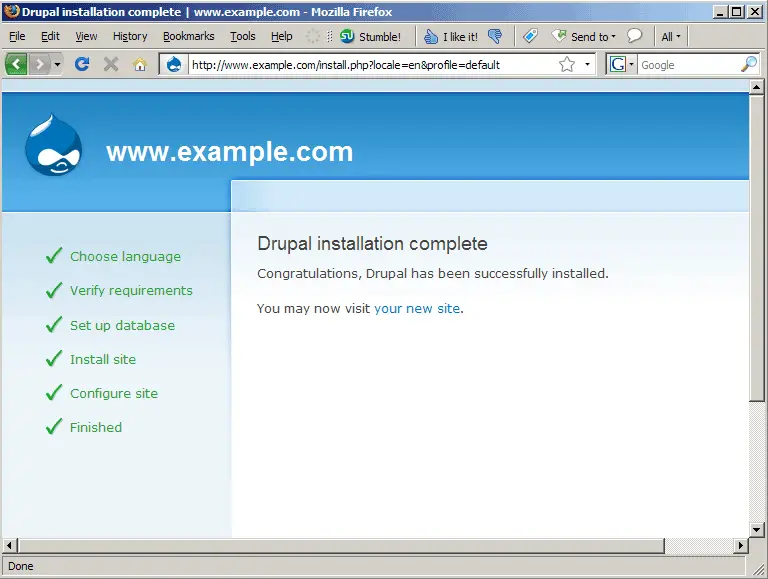
The Drupal setup is now complete. You can now go to http://www.example.com...
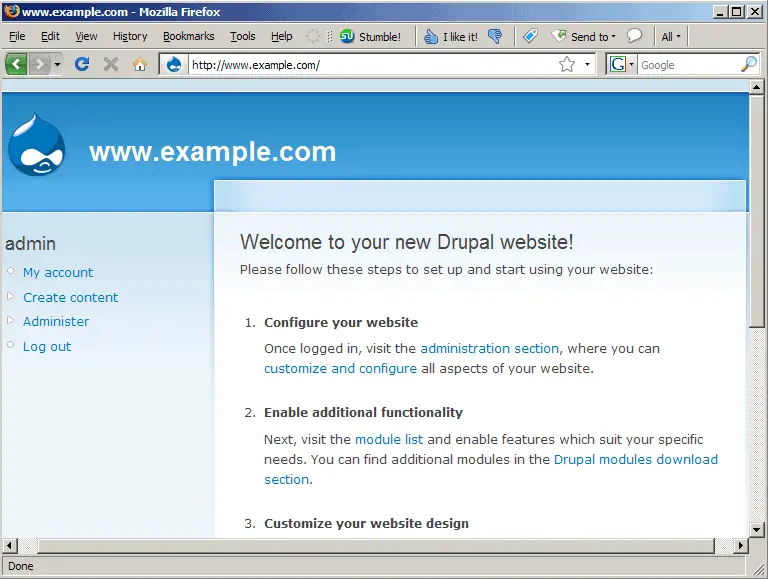
... and follow the on-screen instructions to configure your Drupal web site:
There's one thing left to do - we must create a cron job for Drupal. This cron job does stuff like cleaning up, etc. Run...
crontab -e
... and create the following cron job:
0 * * * * wget -O - -q -t 1 http://www.example.com/cron.php |
4 Links
- Drupal: http://drupal.org
- lighttpd: http://www.lighttpd.net
- Debian: http://www.debian.org





