
Installing Cherokee With PHP5 And MySQL Support On Fedora 12
Version 1.0
Author: Falko Timme  Follow me on Twitter
Cherokee is a very fast, flexible and easy to configure Web Server. It supports the widespread technologies nowadays: FastCGI, SCGI, PHP, CGI, TLS and SSL encrypted connections, virtual hosts, authentication, on the fly encoding, load balancing, Apache compatible log files, and much more. This tutorial shows how you can install Cherokee on a Fedora 12 server with PHP5 support (through FastCGI) and MySQL support.
I do not issue any guarantee that this will work for you!
1 Preliminary Note
In this tutorial I use the hostname server1.example.com with the IP address 192.168.0.100. These settings might differ for you, so you have to replace them where appropriate.
2 Installing MySQL 5
First we install MySQL 5 like this:
yum install mysql mysql-server
Then we create the system startup links for MySQL (so that MySQL starts automatically whenever the system boots) and start the MySQL server:
chkconfig --levels 235 mysqld on
/etc/init.d/mysqld start
Create a password for the MySQL user root (replace yourrootsqlpassword with the password you want to use):
mysqladmin -u root password yourrootsqlpassword
mysqladmin -h server1.example.com -u root password yourrootsqlpassword
3 Installing Cherokee
Cherokee is available as a Fedora package, therefore we can install it like this:
yum install cherokee
Next we create the system startup links for Cherokee and start it:
chkconfig --levels 235 cherokee on
/etc/init.d/cherokee start
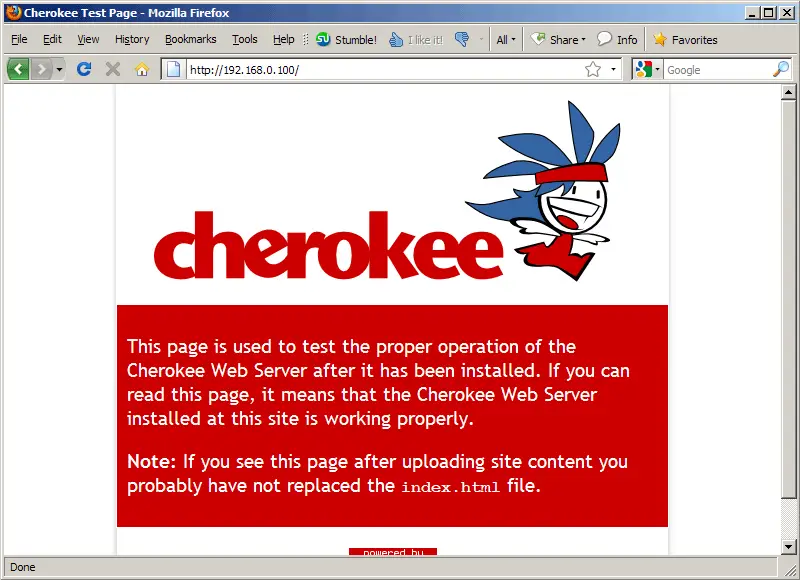
Now direct your browser to http://192.168.0.100, and you should see the Cherokee placeholder page:
Cherokee can be configured through a web-based control panel which we can start as follows:
cherokee-admin -b
(By default cherokee-admin binds only to 127.0.0.1 (localhost), which means you can only connect to it from the same system. With the -b parameter you can specify the network address to listen to. If no IP is provided, it will bind to all interfaces.)
Output should be similar to this one:
[root@server1 ~]# cherokee-admin -b

Login:
  User:              admin
  One-time Password: 2bvdNjMSjqUXLQu5

Web Interface:
  URL:               http://localhost:9090/

Cherokee Web Server 0.99.27 (Nov  7 2009): Listening on port ALL:9090, TLS
disabled, IPv6 disabled, using epoll, 4096 fds system limit, max. 2041
connections, caching I/O, single thread
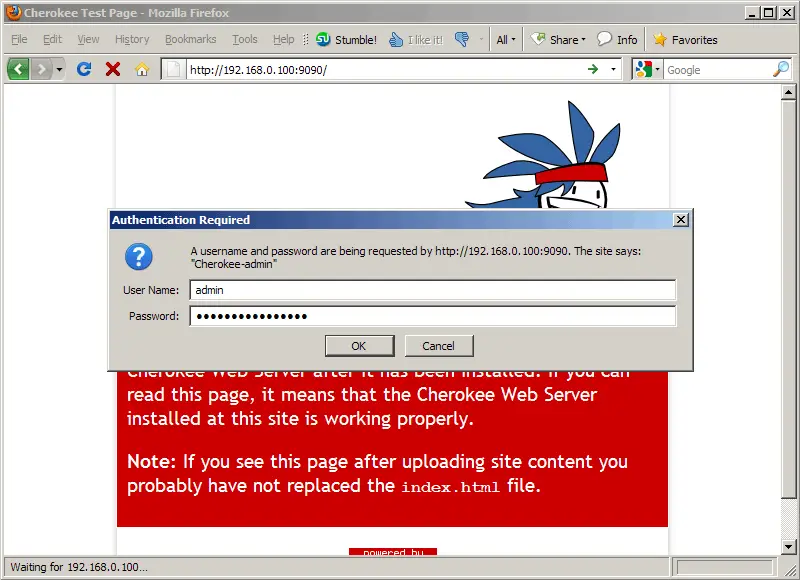
You need the username and password to log into the web interface which can be found on http://192.168.0.100:9090/:
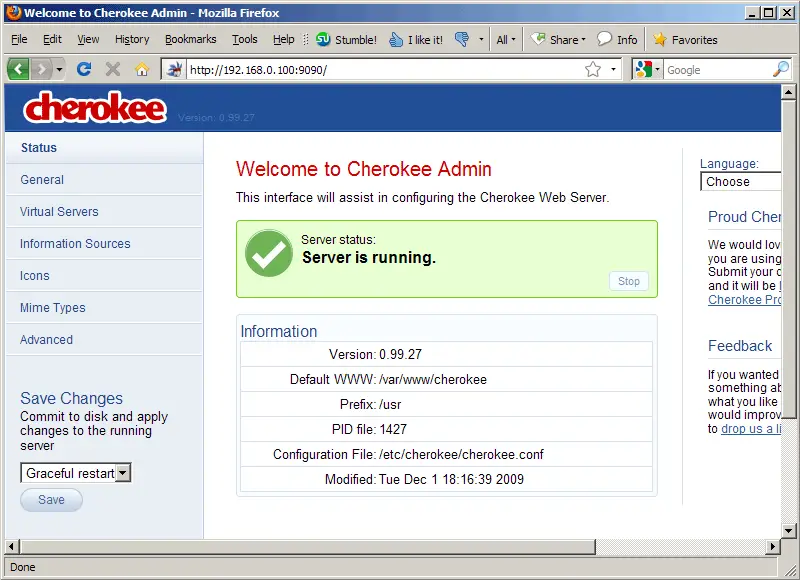
This is how the web interface looks:
To stop cherokee-admin, type CTRL+C on the shell.
4 Installing PHP5
We can make PHP5 work in Cherokee through FastCGI. Therefore we install the package php-cli:
yum install php-cli
5 Configuring PHP5
We must modify /etc/php.ini and add the line cgi.fix_pathinfo = 1 right at the end of the file:
vi /etc/php.ini
[...] cgi.fix_pathinfo = 1 |
Then we restart Cherokee:
/etc/init.d/cherokee restart





