
Installing Apache2 With PHP5 And MySQL Support On Debian Squeeze (LAMP)
This tutorial exists for these OS versions
- Debian 9 (Stretch)
- Debian 8 (Jessie)
- Debian 7 (Wheezy)
- Debian 5 (Lenny)
- Debian 6 (Squeeze)
On this page
LAMP is short for Linux, Apache, MySQL, PHP. This tutorial shows how you can install an Apache2 webserver on a Debian Squeeze server with PHP5 support (mod_php) and MySQL support.
I do not issue any guarantee that this will work for you!
1 Preliminary Note
In this tutorial, I use the hostname server1.example.com with the IP address 192.168.0.100. These settings might differ for you, so you have to replace them where appropriate.
2 Installing MySQL 5
First we install MySQL 5 like this:
apt-get install mysql-server mysql-client
You will be asked to provide a password for the MySQL root user - this password is valid for the user root@localhost as well as [email protected], so we don't have to specify a MySQL root password manually later on:
New password for the MySQL "root" user: <-- yourrootsqlpassword
Repeat password for the MySQL "root" user: <-- yourrootsqlpassword
3 Installing Apache2
Apache2 is available as a Debian package, therefore we can install it like this:
apt-get install apache2
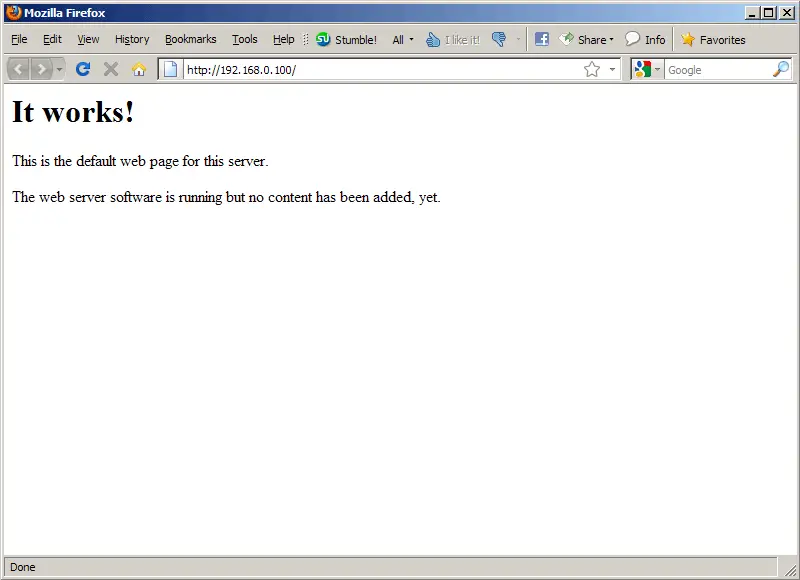
Now direct your browser to http://192.168.0.100, and you should see the Apache2 placeholder page (It works!):
Apache's default document root is /var/www on Debian, and the configuration file is /etc/apache2/apache2.conf. Additional configurations are stored in subdirectories of the /etc/apache2 directory such as /etc/apache2/mods-enabled (for Apache modules), /etc/apache2/sites-enabled (for virtual hosts), and /etc/apache2/conf.d.
4 Installing PHP5
We can install PHP5 and the Apache PHP5 module as follows:
apt-get install php5 libapache2-mod-php5
We must restart Apache afterwards:
/etc/init.d/apache2 restart





