
Installing Adobe AIR 1.5.1 For Linux On Ubuntu 9.04 (i386)
Version 1.0
Author: Falko Timme
Adobe AIR is a technology that lets you run Internet applications on the desktop. With AIR you do not need a browser to run such desktop applications. This tutorial explains how you can install Adobe AIR 1.5.1 for Linux on an Ubuntu 9.04 desktop and how you can install AIR applications.
I do not issue any guarantee that this will work for you!
1 Preliminary Note
I'm using the user name falko with the home directory /home/falko here - please adjust this appropriately.
2 Installing Adobe AIR
Open Firefox and go to http://get.adobe.com/air/.
Click on the Download now link...
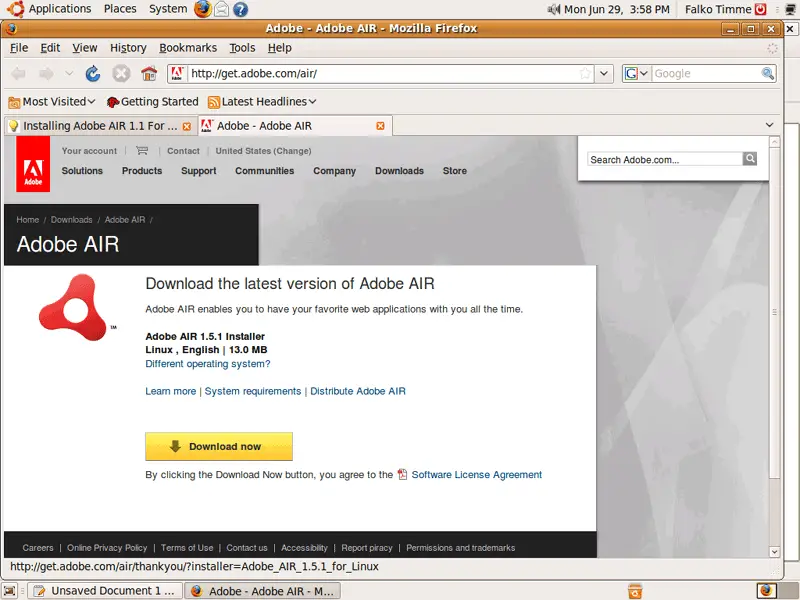
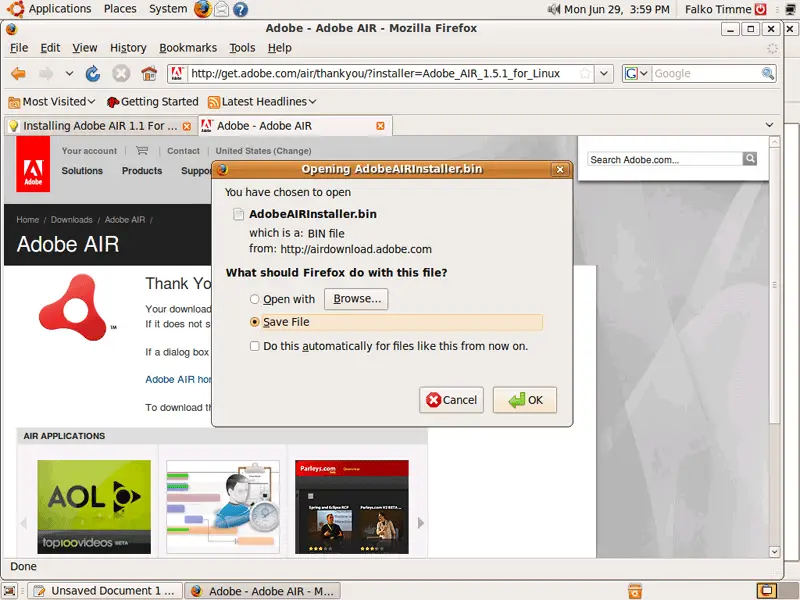
... and save the file to your hard disk (e.g. on the desktop):
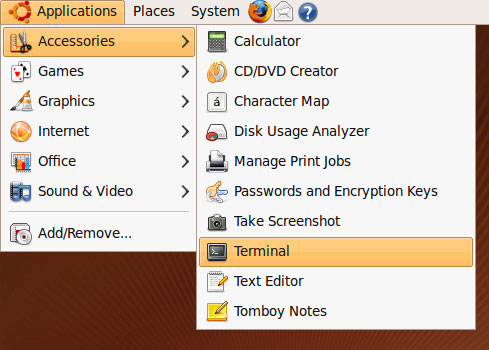
Next, open a terminal (Applications > Accessories > Terminal)...
... and go to the directory where you've saved the Adobe AIR installer (/home/falko/Desktop in my case):
cd /home/falko/Desktop
You can run
ls -l
to find out how the Adobe AIR installer is named (AdobeAIRInstaller.bin):
falko@falko-desktop:~/Desktop$ ls -l
total 13336
-rw-r--r-- 1 falko falko 13633748 2009-06-29 15:59 AdobeAIRInstaller.bin
falko@falko-desktop:~/Desktop$
Before we can start the installer, we must make it executable:
chmod 755 AdobeAIRInstaller.bin
Then we start the Adobe AIR installation:
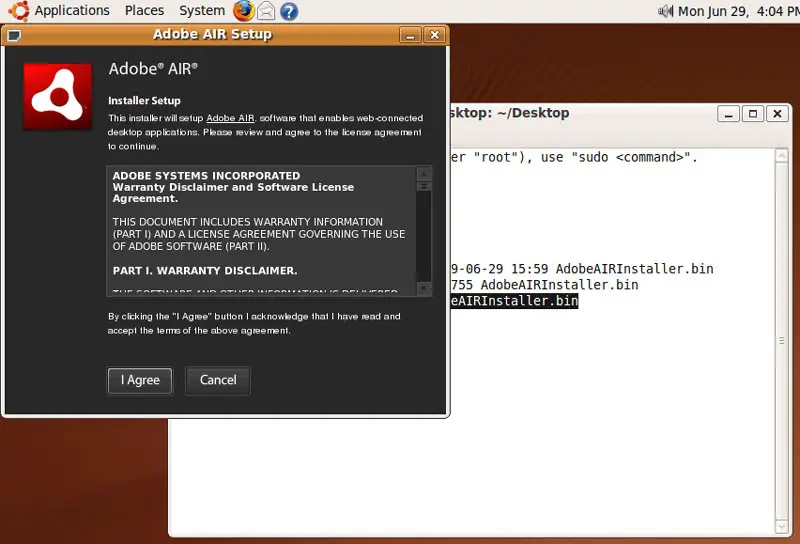
./AdobeAIRInstaller.bin
The Adobe AIR installation wizard starts. Accept the Adobe AIR license:
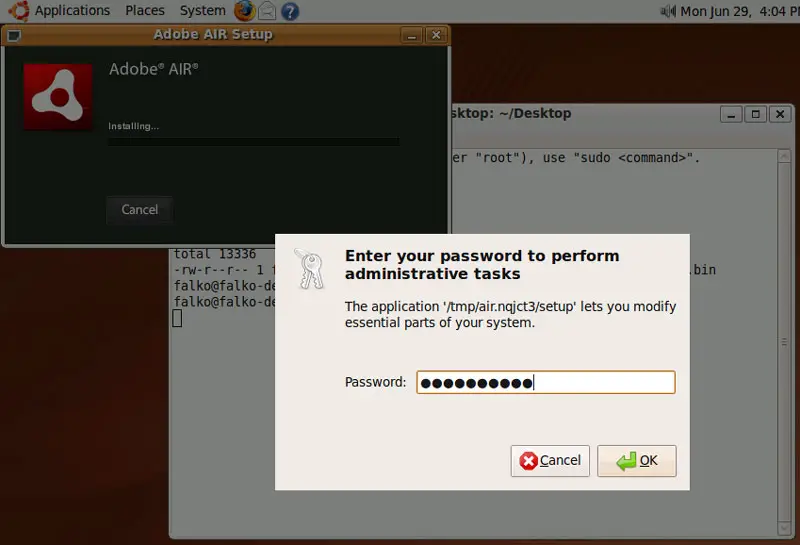
Next type in your password:
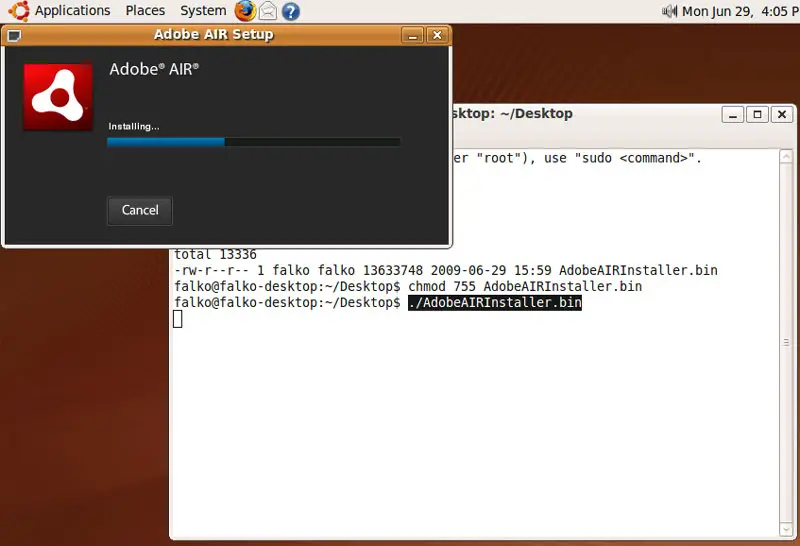
Adobe AIR is now being installed:
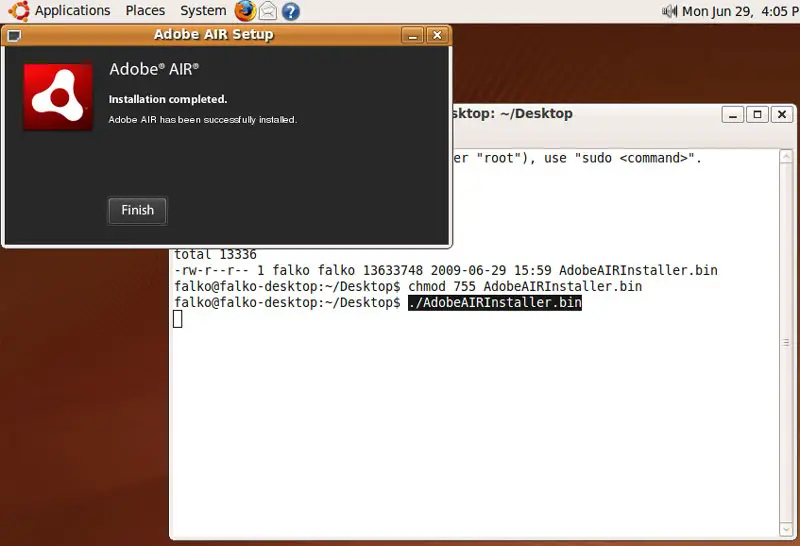
Click on Finish to leave the installation wizard:
Adobe AIR is now installed, so we can clean up the desktop by deleting the installer:
rm -f AdobeAIRInstaller.bin





