
On this page
Installing Adito/OpenVPN-ALS On CentOS
OpenVPN-ALS, formerly known as Adito, is not to be confused with OpenVPN. They both brilliant tools that work in completely different things, but in a similar way. Confused? Excellent…
OpenVPN-ALS (from now on known as Adito, because I find it less confusing) is a browser based SSL VPN that enables you to acess resources on your own network, even if you are behind a restrictive proxy and/or firewall.
First you need a basic install of CentOS. The absolute base system is plenty. One thing to note is that to get the best from this it cannot share space with another web server as it takes up port 443. Make sure Apache/Nginx et al are not installed.
The next step is to install a couple of essentials. OpenVPN-ALS is a java applications, so obviously you need a JRE (in fact you need a JDK), plus it uses Ant for building. The Adito project work purely in branches, to the trunk should be stable.
First get Oracle Java and install it. You can use the instructions here to help you. You will need to configure javac and jar as well.
sudo yum install subversion ant
Just to be sure run sudo update-alternatives -config java to make sure you are using the latest one:
[chris@adito ~]$ sudo update-alternatives --config java
There is 3 program that provides 'java'.

Selection Command
-----------------------------------------------
+ 1 /usr/lib/jvm/jre-1.5.0-gcj/bin/java
2 /usr/lib/jvm/jre-1.6.0-openjdk.x86_64/bin/java
* 3 /usr/java/jdk1.7.0_07/jre/bin/java

Enter to keep the current selection[+], or type selection number: 3
Now check out the current trunk:
sudo svn co https://openvpn-als.svn.sourceforge.net/svnroot/openvpn-als/adito/trunk /opt/openvpn-als
Adito needs the tools.jar file that is bundles with the JDK, so copy that into place. You can then go ahead and build.
sudo cp /usr/java/jdk1.7.0_07/lib/tools.jar /opt/openvpn-als/adito/lib/
cd /opt/openvpn-als
sudo ant install
This will generate a lot of output, but will eventually print something like:
[java] Starting installation wizard........................Point your browser to http://adito.chriscowley.local:28080.
[java]
[java] Press CTRL+C or use the 'Shutdown' option from the web interface to leave the installation wizard.
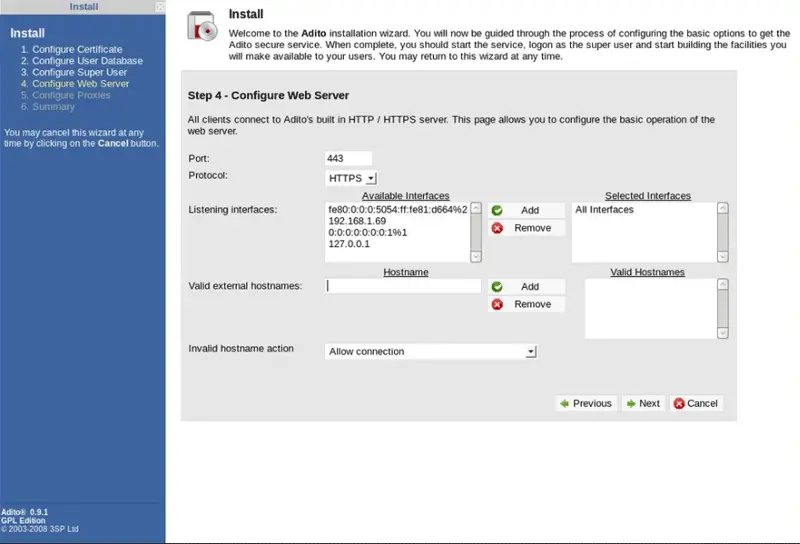
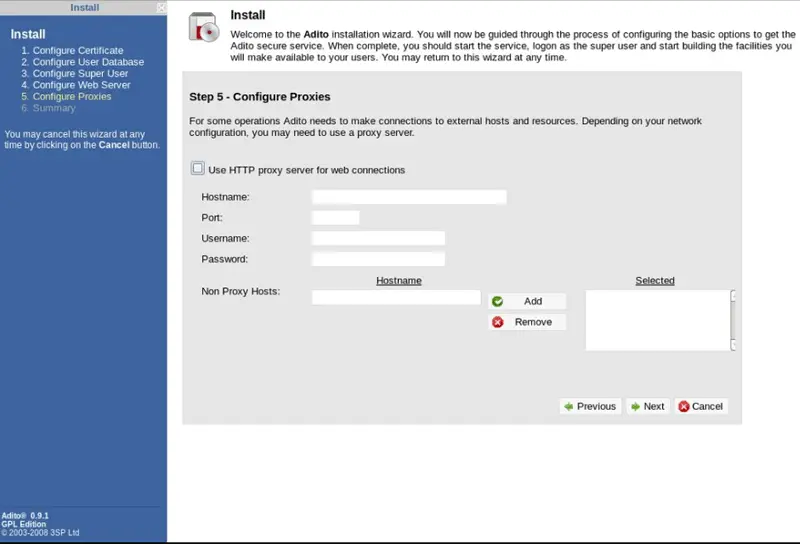
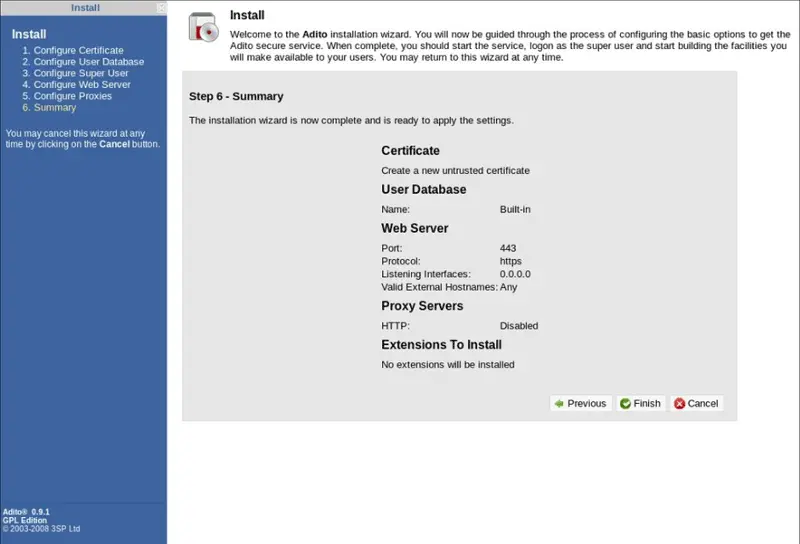
Go to the address it gives you and work your way through the wizard. At the end it will exit and tell you to restart the service.
You can return to your console and run
sudo ant install-agent<
sudo ant install-service
sudo /etc/init.d/adito start
sudo chkconfig adito on
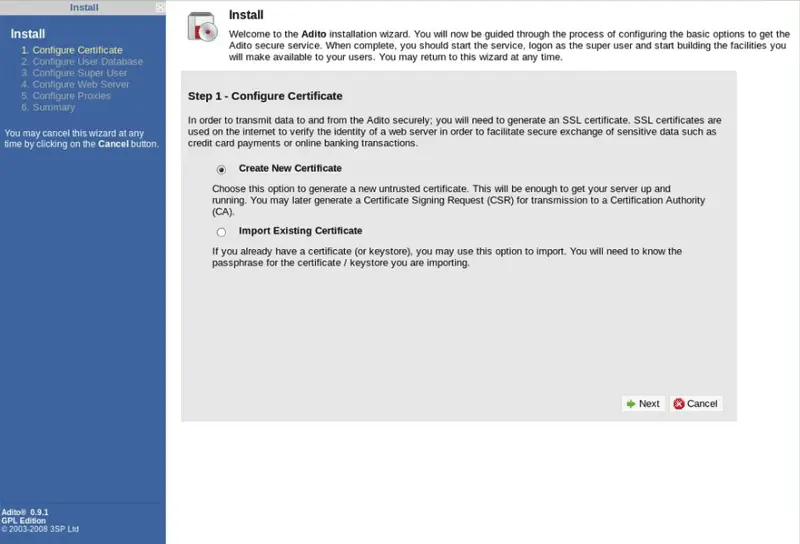
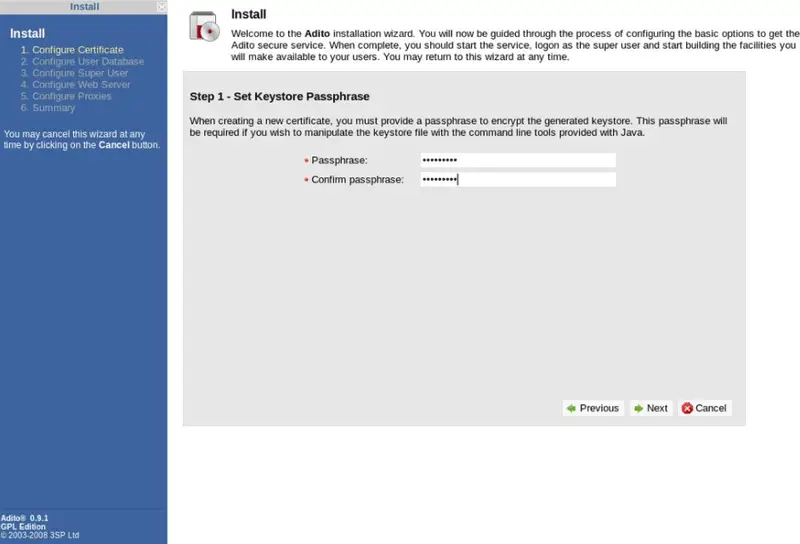
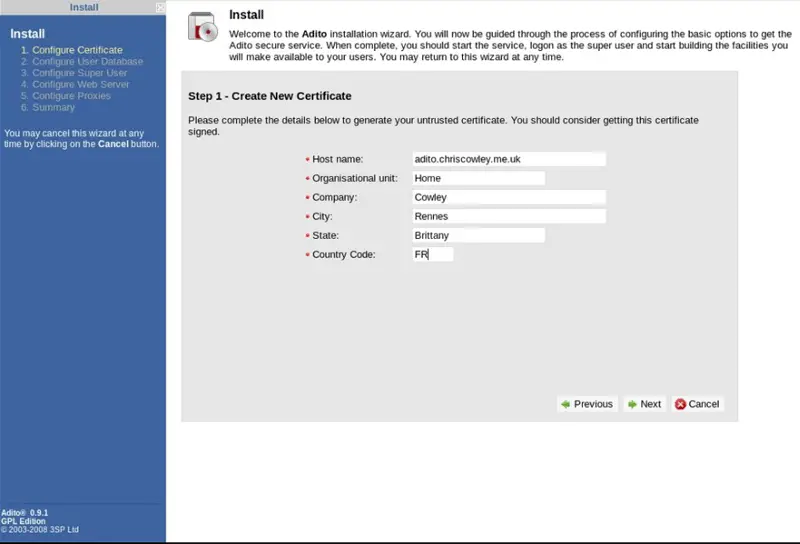
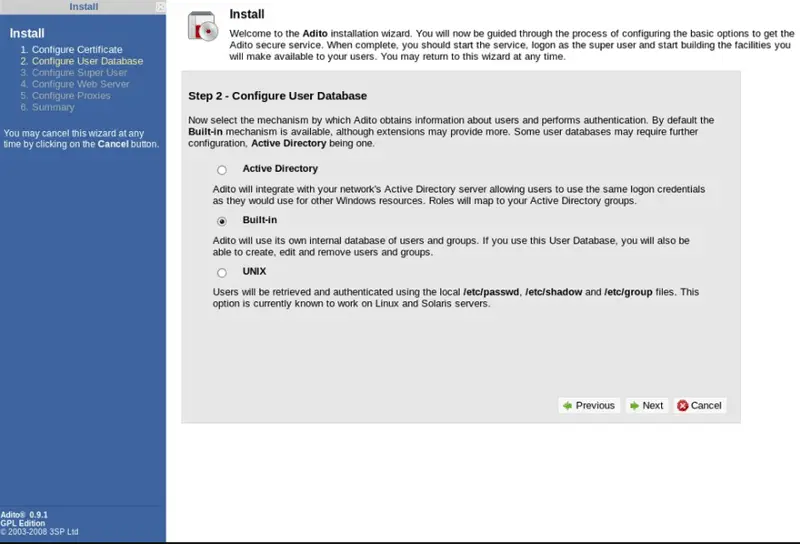
You can now log into it, but it will not do much as there are no applications installed. You need to check them out of Subversion, compile and upload them. You can do this on your local machine.
svn co https://openvpn-als.svn.sourceforge.net/svnroot/openvpn-als/adito-applications/
cd adito-aplications
There are quite a few there, but we will just do the portable Putty application.
cd adito-application-putty-portable-ssh
ant
The output will tell you the Zip file it has built which you can now upload. Go to the “Extension Manger” from the menu on the left. On the right you wil see “Upload Extension”. Choose the Zip file and you can configure it to connect to whatever Linux machine you want. “Putty SSH” will now be available in the list of installed applications.





