
Installing The Amazon MP3 Downloader On Ubuntu Gutsy Gibbon
Version 1.0
Author: Falko Timme
This short guide explains how to install the Amazon MP3 Downloader on Ubuntu 7.10 (Gutsy Gibbon). The Amazon MP3 Downloader is required for album purchases on Amazon.com, and makes downloading songs fast and easy.
I do not issue any guarantee that this will work for you!
Installing The Amazon MP3 Downloader
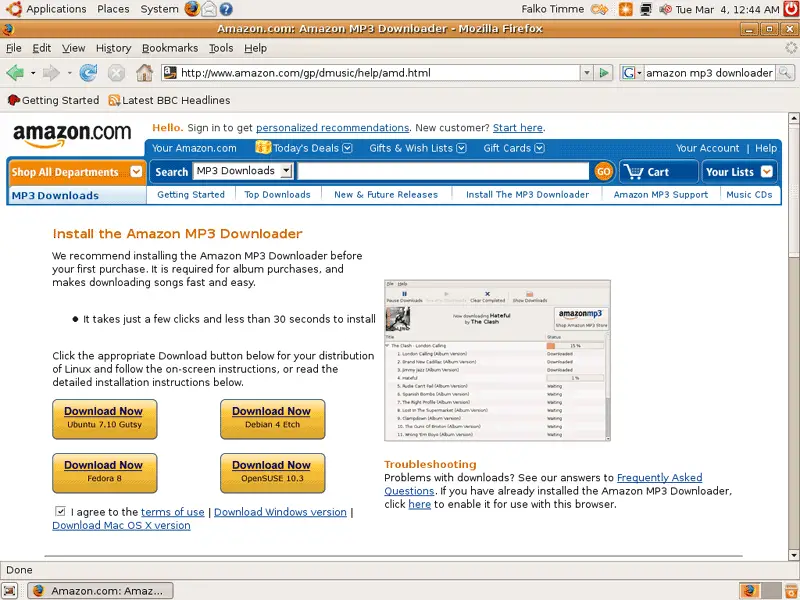
Open a browser (e.g. Firefox) and go to http://www.amazon.com/gp/dmusic/help/amd.html. Check the checkbox "I agree to the terms of use" and then click on the Download Now button for Ubuntu 7.10 Gutsy:
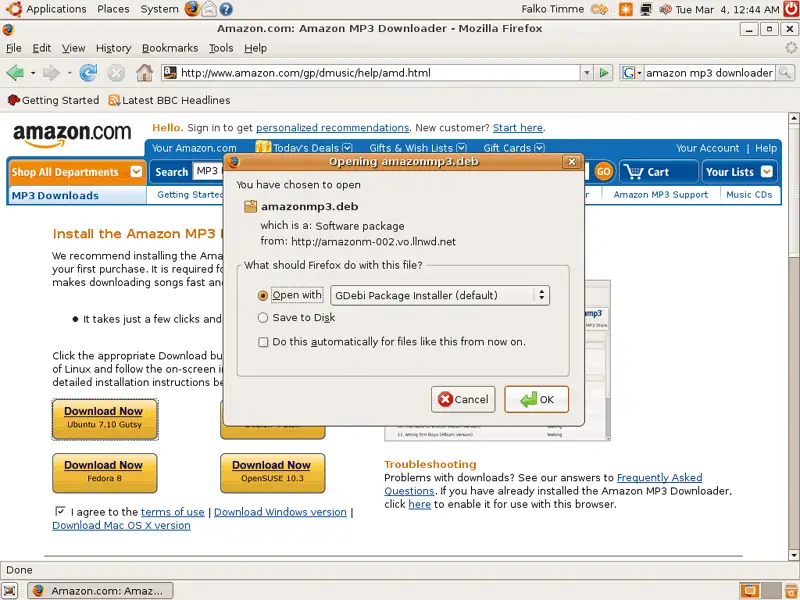
In the Firefox download dialogue, select Open with GDebi Package Installer (default):
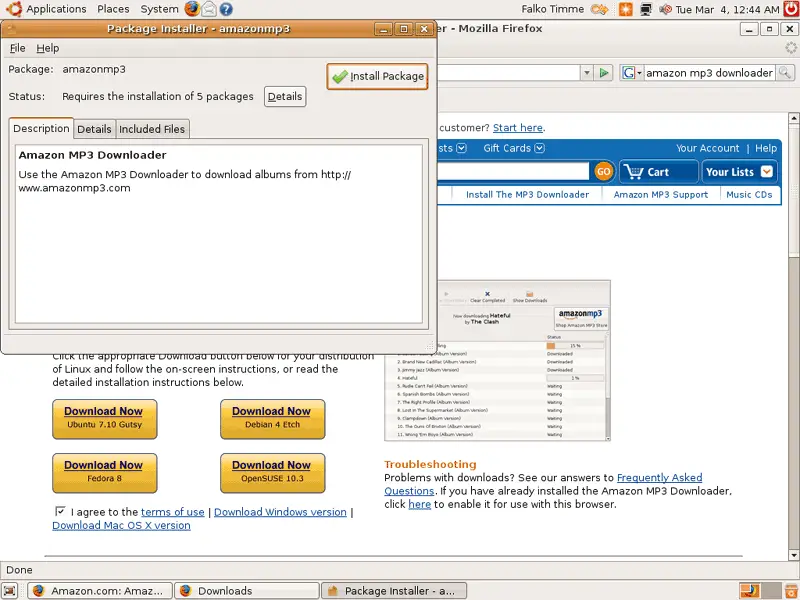
After the download has finished, the Package Installer starts. Click on the Install Package button:
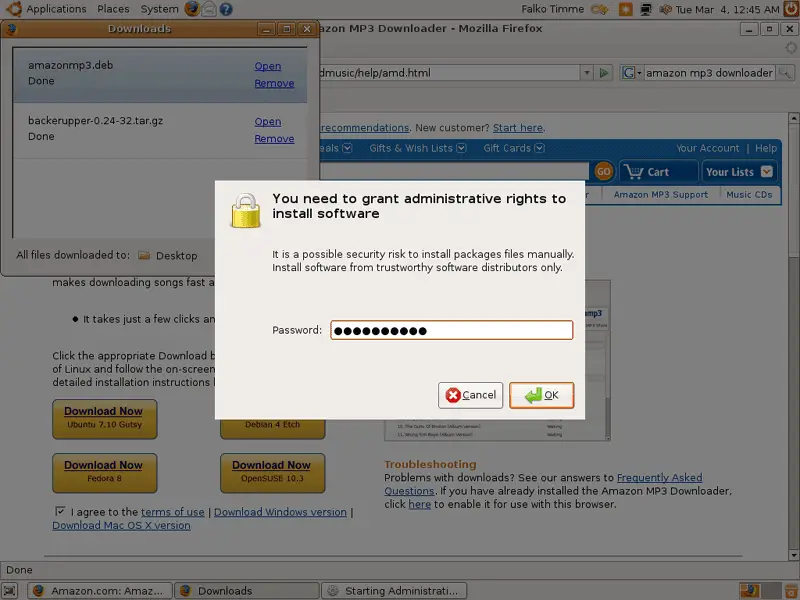
Type in your password:
Afterwards, the dependencies for the Amazon MP3 Downloader are being downloaded and installed...
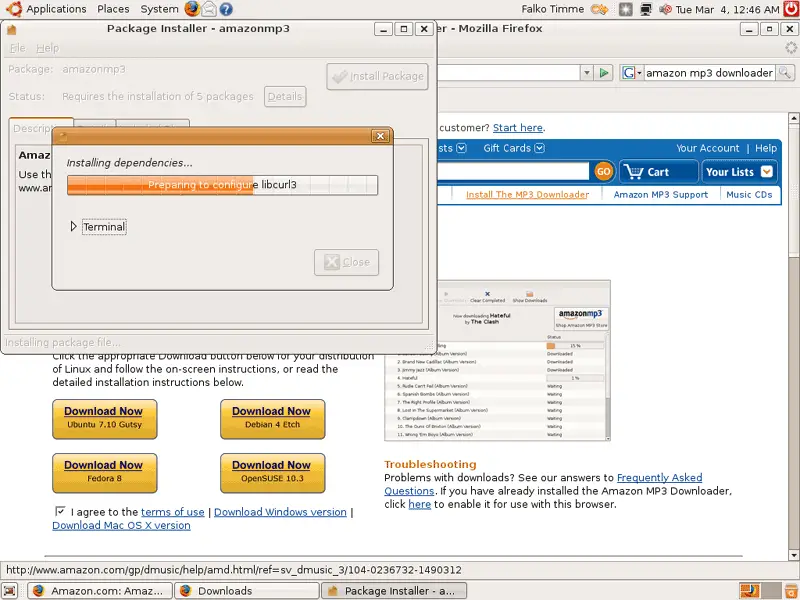
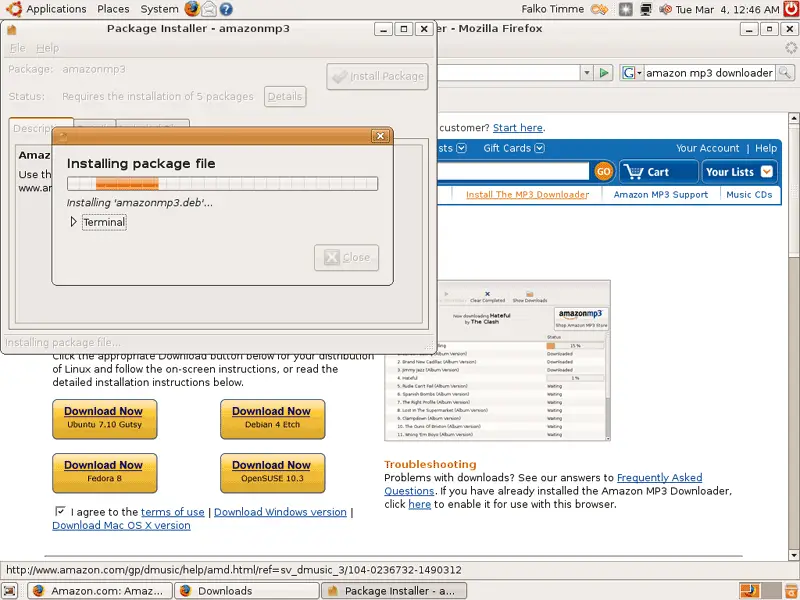
... and then it's the Amazon MP3 Downloader's turn:
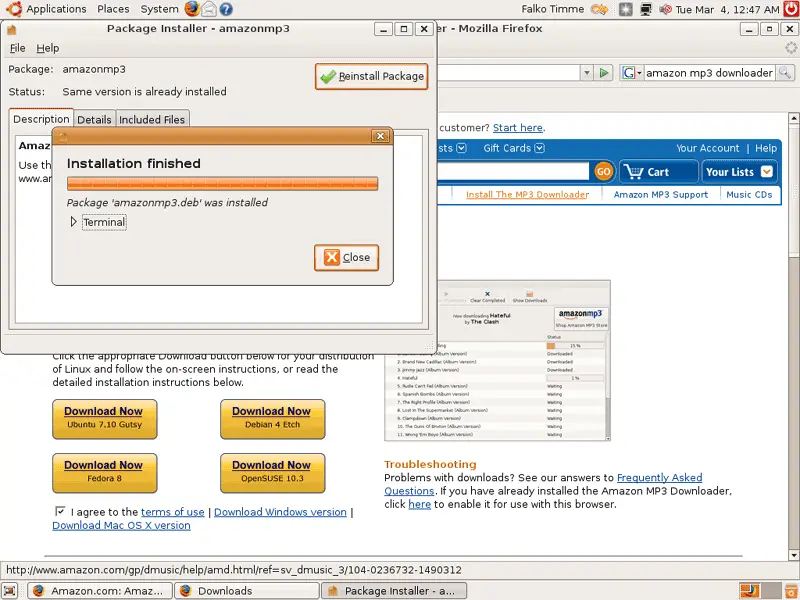
Click on Close after the installation and leave the Package Installer:
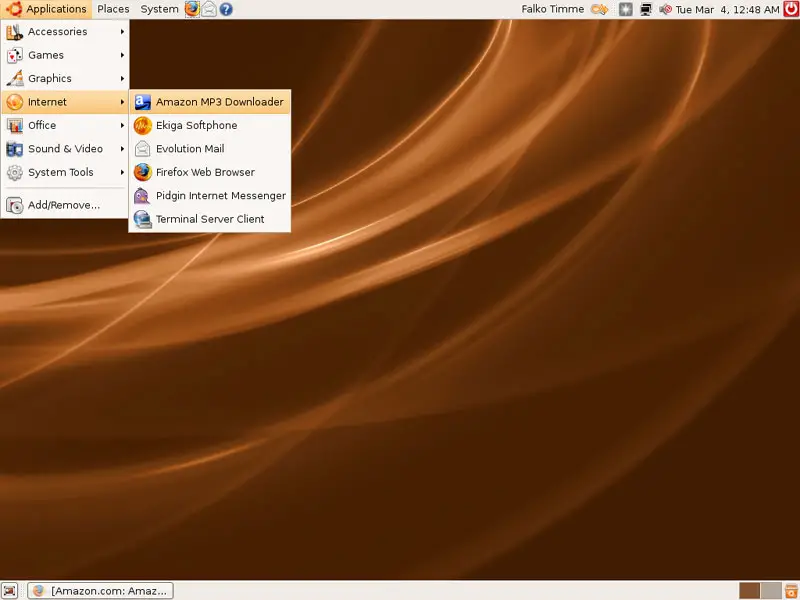
To launch the Amazon MP3 Downloader, go to Applications > Internet > Amazon MP3 Downloader:
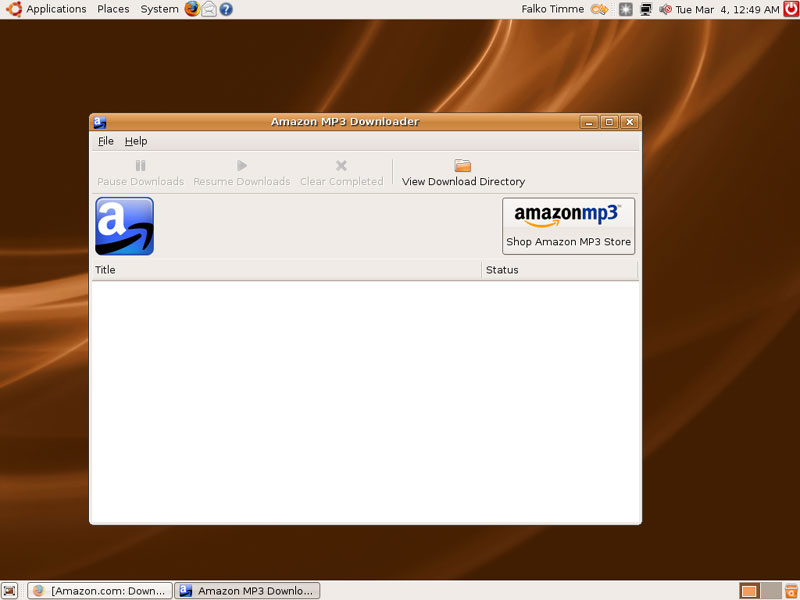
When you start the Amazon MP3 Downloader for the first time, an Amazon.com page will load in your browser confirming the successful installation of the Amazon MP3 Downloader:
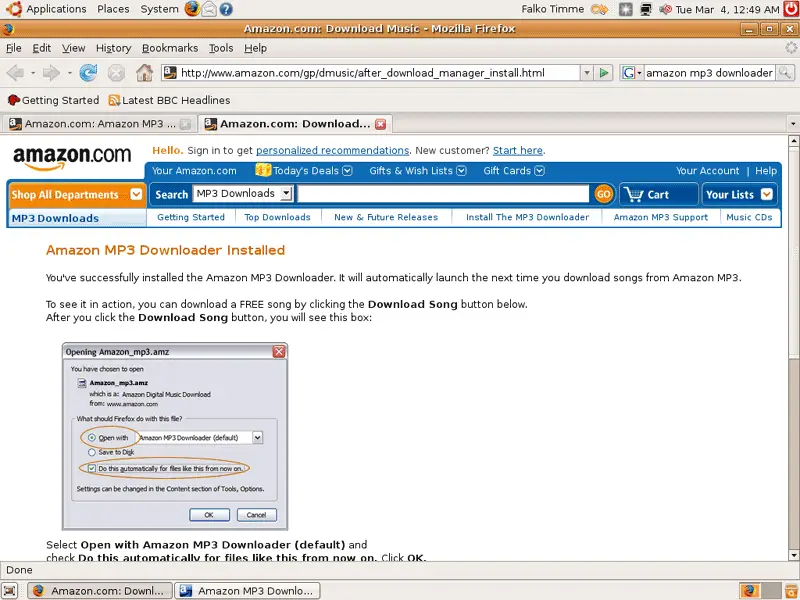
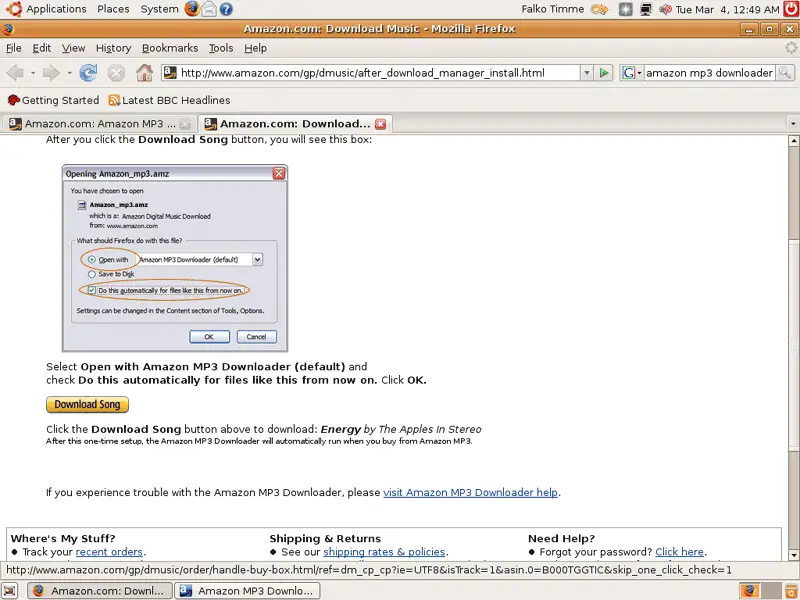
To see the Amazon MP3 Downloader in action, the same page gives you the opportunity to download a free MP3 song:
Links
- Amazon MP3 Downloader: http://www.amazon.com/gp/dmusic/help/amd.html
- Ubuntu: http://www.ubuntu.com





