
How To Upgrade Ubuntu 8.10 (Intrepid Ibex) To 9.04 (Jaunty Jackalope) (Desktop & Server)
Version 1.0
Author: Falko Timme
Yesterday the new Ubuntu 9.04 (Jaunty Jackalope) was released. This guide shows how you can upgrade your Ubuntu 8.10 desktop and server installations to Ubuntu 9.04.
This document comes without warranty of any kind! I do not issue any guarantee that this will work for you!
1 Desktop
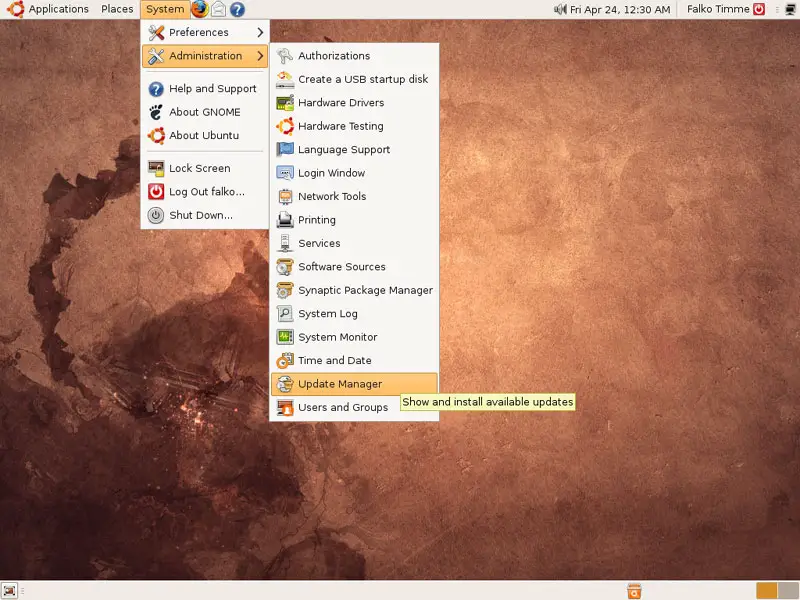
Start the Update Manager (System > Administration > Update Manager):
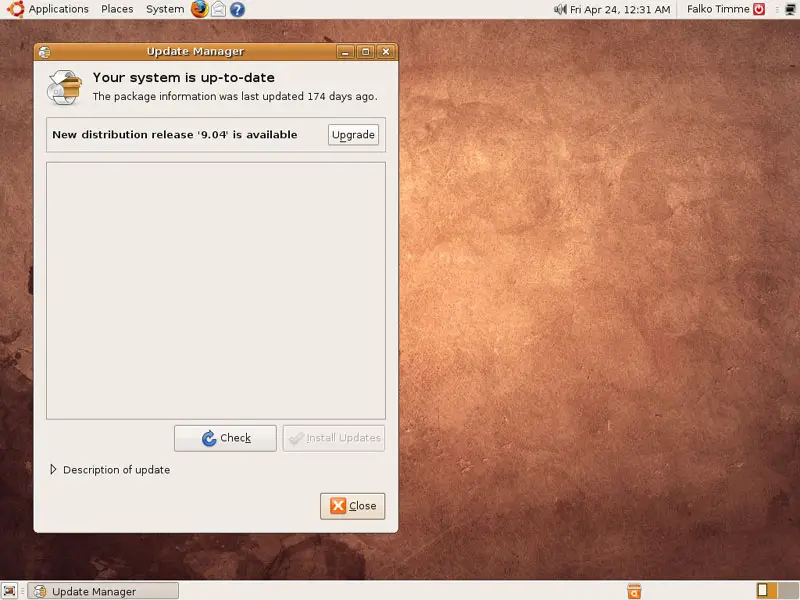
The Update Manager should show that a new distribution release (9.04) is available. Click on the Upgrade button to start the distribution upgrade:
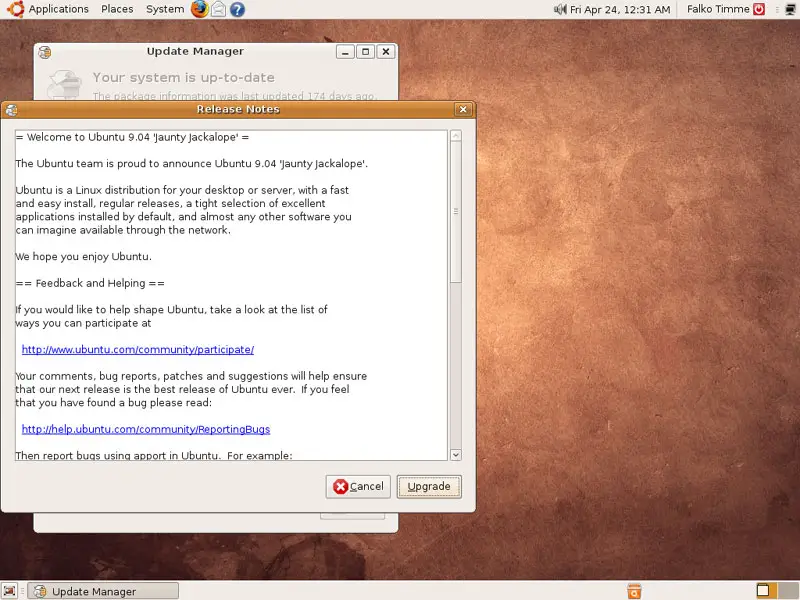
A window with the release notes for 9.04 comes up. Click on Upgrade again:
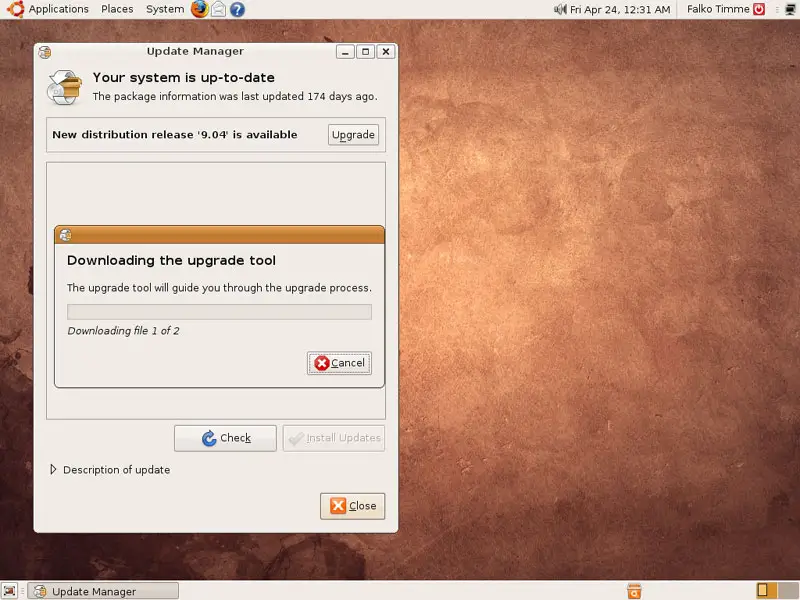
The upgrade tool is being downloaded:
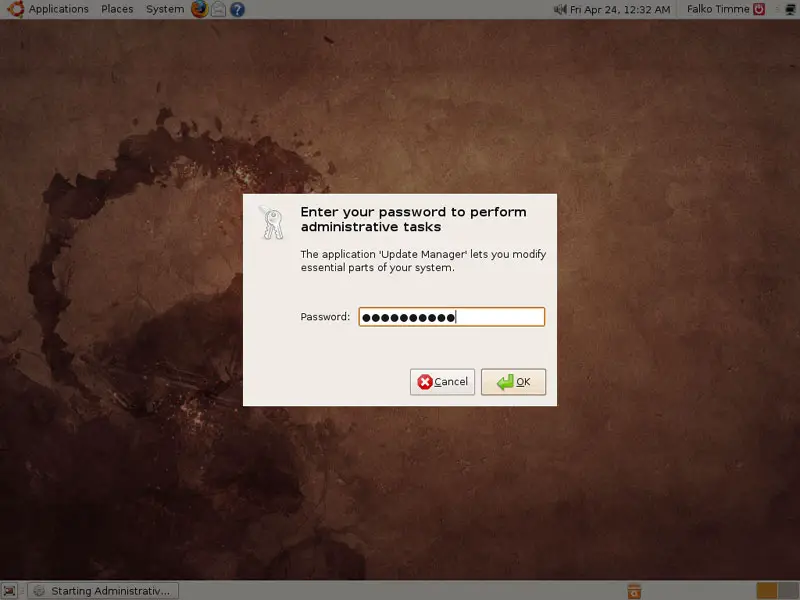
Type in your password:
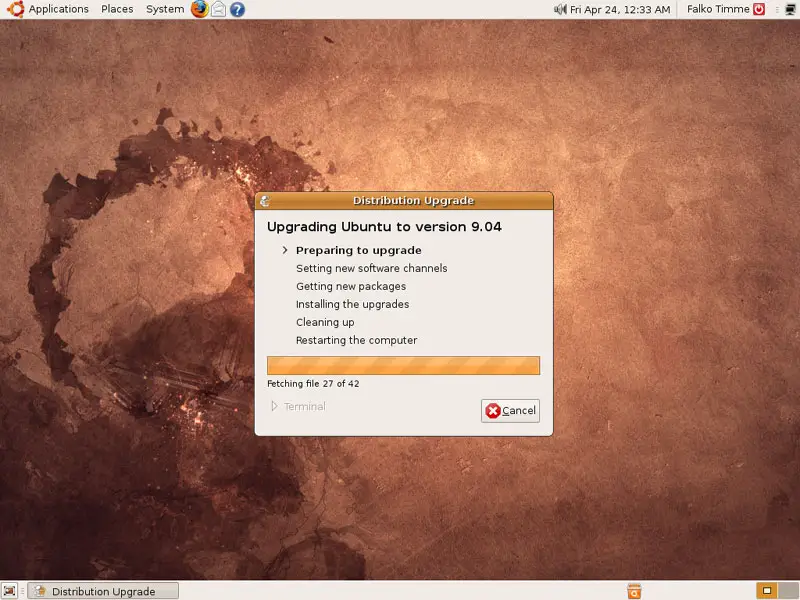
The upgrade is being prepared:
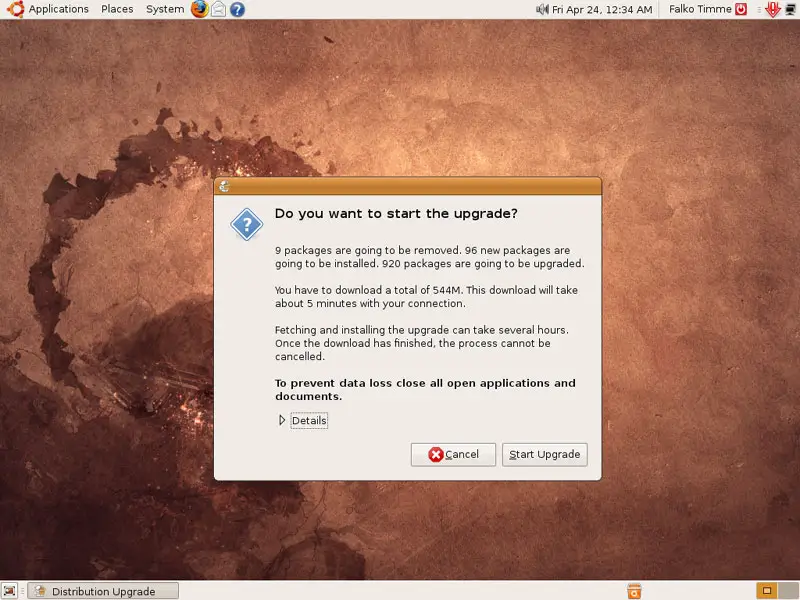
Click on Start Upgrade to finally begin with the upgrade process:
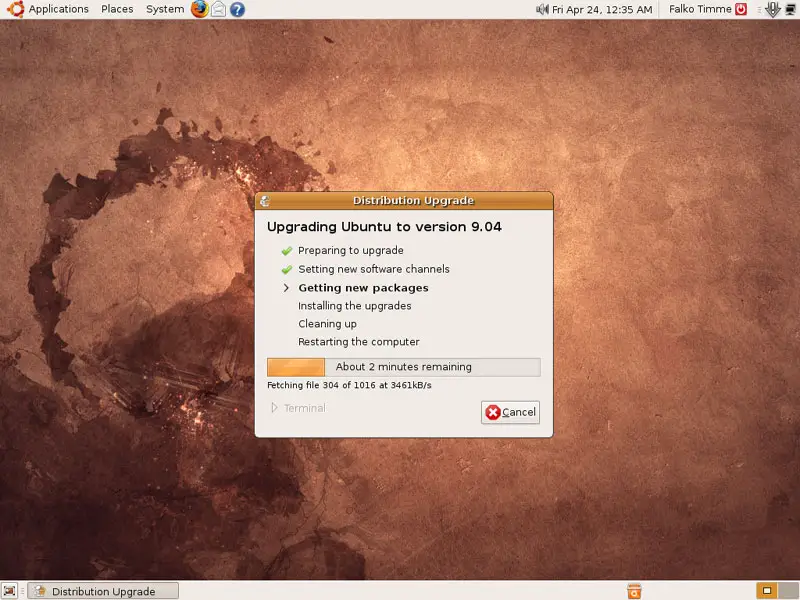
The upgrade packages are now being downloaded...
... and installed. This can take some time, so please be patient.
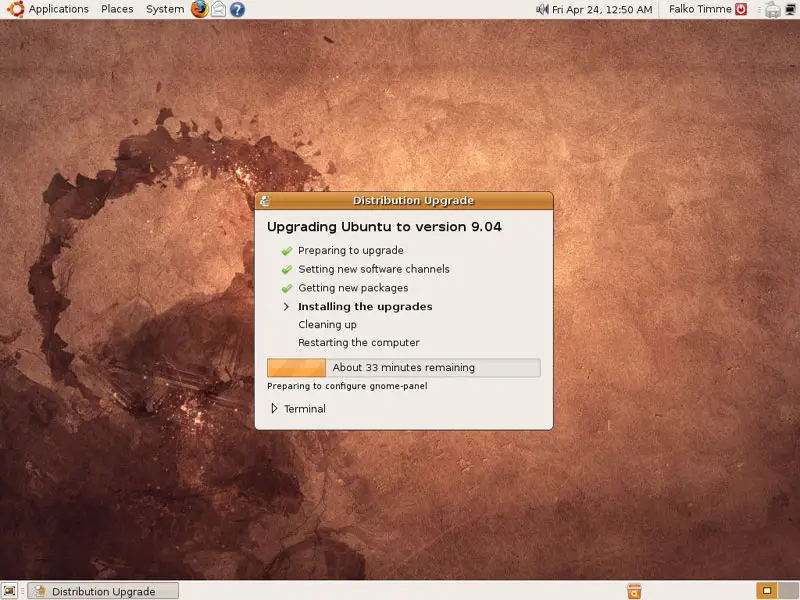
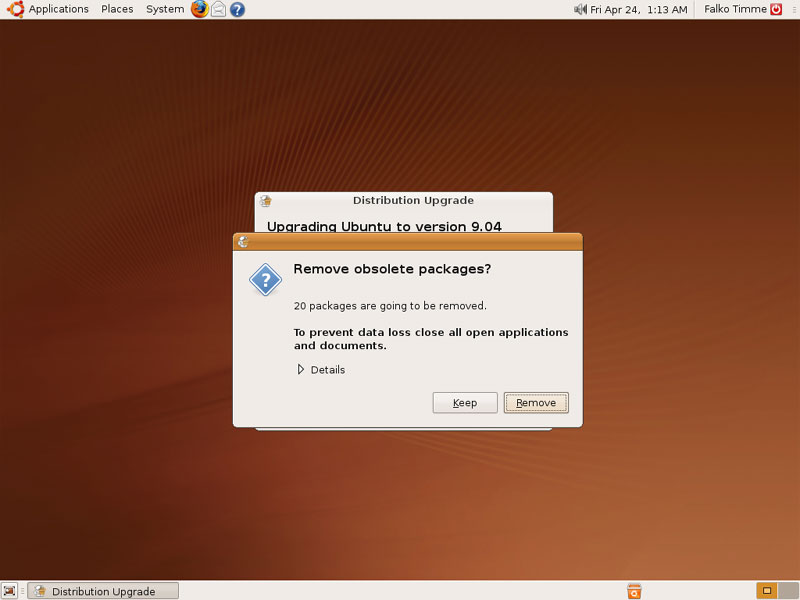
At the end of the upgrade process, you should remove obsolete packages:
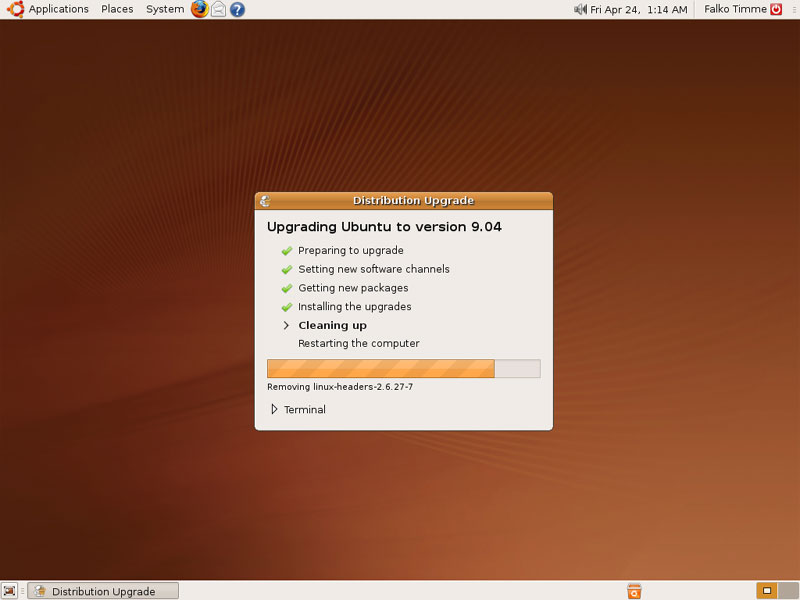
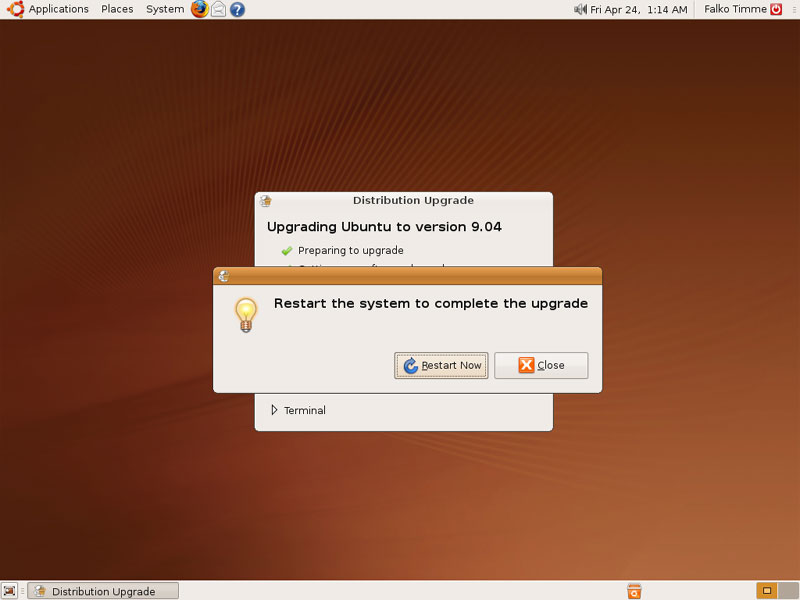
The system needs to be rebooted to complete the upgrade, therefore click on Restart Now:
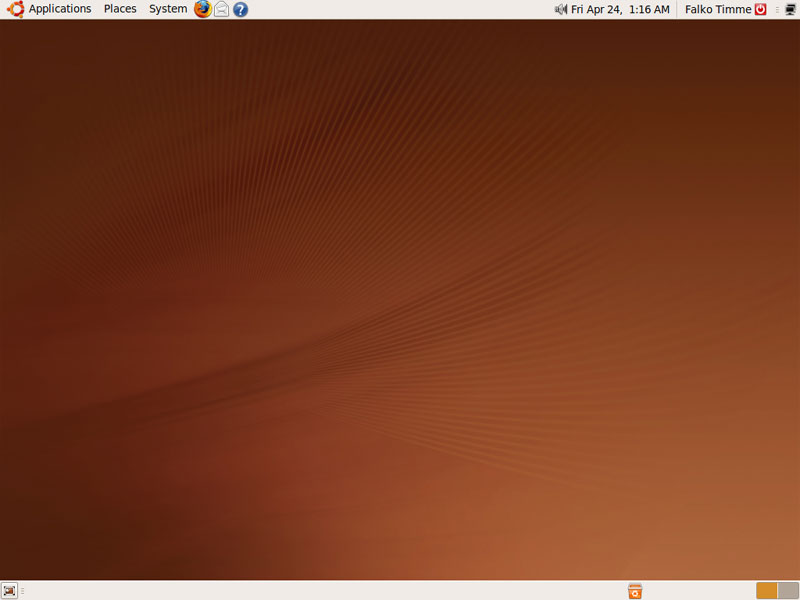
After the reboot, you can use your new Ubuntu 9.04 desktop:
2 Server
First become root:
sudo su
Then run
apt-get update
and install the package update-manager-core:
apt-get install update-manager-core
Open the file /etc/update-manager/release-upgrades...
vi /etc/update-manager/release-upgrades
... and make sure it has Prompt=normal in it:
[...] Prompt=normal |
Then run
do-release-upgrade
to start the distribution upgrade.
root@server1:~# do-release-upgrade
Checking for a new ubuntu release
Done Upgrade tool signature
Done Upgrade tool
Done downloading
extracting 'jaunty.tar.gz'
authenticate 'jaunty.tar.gz' against 'jaunty.tar.gz.gpg'
Reading cache
Checking package manager
Continue running under SSH?
This session appears to be running under ssh. It is not recommended
to perform a upgrade over ssh currently because in case of failure it
is harder to recover.
If you continue, a additional ssh daemon will be started at port
'9004'.
Do you want to continue?
Continue [yN] <-- y
Confirm that you want to do the upgrade:
Calculating the changes
Do you want to start the upgrade?
1 package is going to be removed. 29 new packages are going to be
installed. 392 packages are going to be upgraded.
You have to download a total of 236M. This download will take about 2
minutes with your connection.
Fetching and installing the upgrade can take several hours. Once the
download has finished, the process cannot be cancelled.
Continue [yN] Details [d] <-- y
At the end of the upgrade process, you should remove obsolete packages:
Remove obsolete packages?
28 packages are going to be removed.
Continue [yN] Details [d] <-- y
The server needs to be rebooted to complete the upgrade:
System upgrade is complete.
Restart required
To finish the upgrade, a restart is required.
If you select 'y' the system will be restarted.
Continue [yN] <-- y
After the reboot, your server is running Ubuntu 9.04.
3 Links
- Ubuntu: http://www.ubuntu.com/





