
How To Upgrade Kubuntu 10.04 (Lucid Lynx) To 10.10 (Maverick Meerkat)
Version 1.0
Author: Falko Timme  Follow me on Twitter
The new Kubuntu 10.10 (Maverick Meerkat) has just been released. This guide shows how you can upgrade your Kubuntu 10.04 desktop installation to Kubuntu 10.10.
This document comes without warranty of any kind! I do not issue any guarantee that this will work for you!
1 Upgrade
Go to Applications > System...
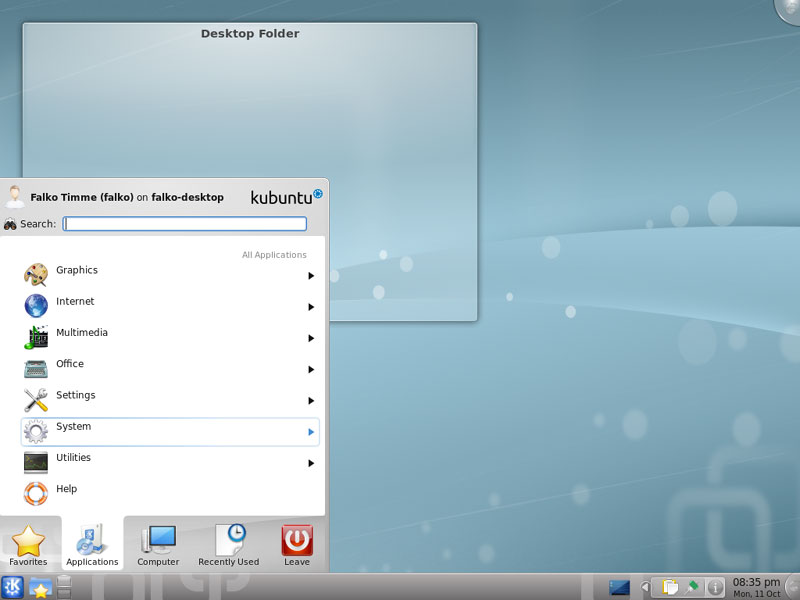
... and open a terminal:
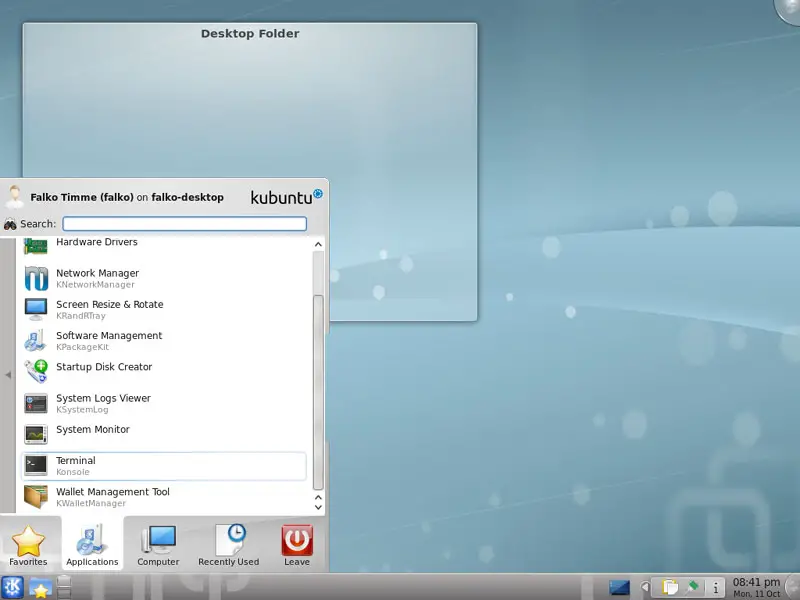
In the terminal, type
sudo su
to become root.
Then open /etc/update-manager/release-upgrades...
vi /etc/update-manager/release-upgrades
... and change the line Prompt=lts to Prompt=normal:
[...] Prompt=normal |
Close the terminal afterwards.
Now go to Applications > System > Software Management:
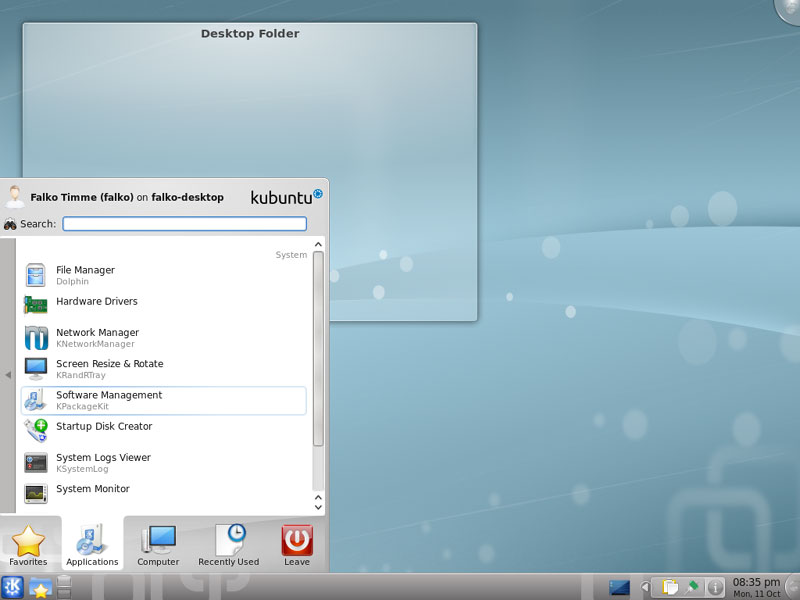
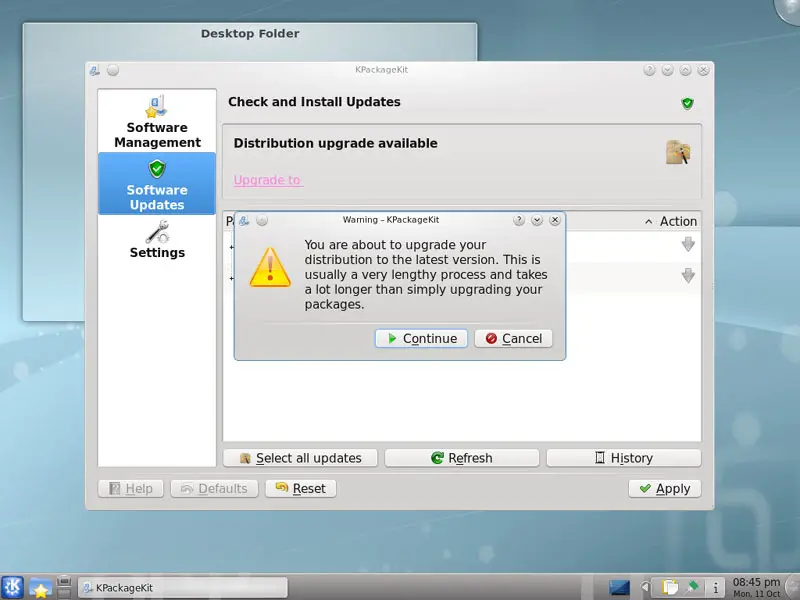
KPackageKit opens. In KPackagekit, go to Software Updates. You should find a message there that a distribution upgrade is available. Click on the upgrade link to start the upgrade to Kubuntu 10.10:
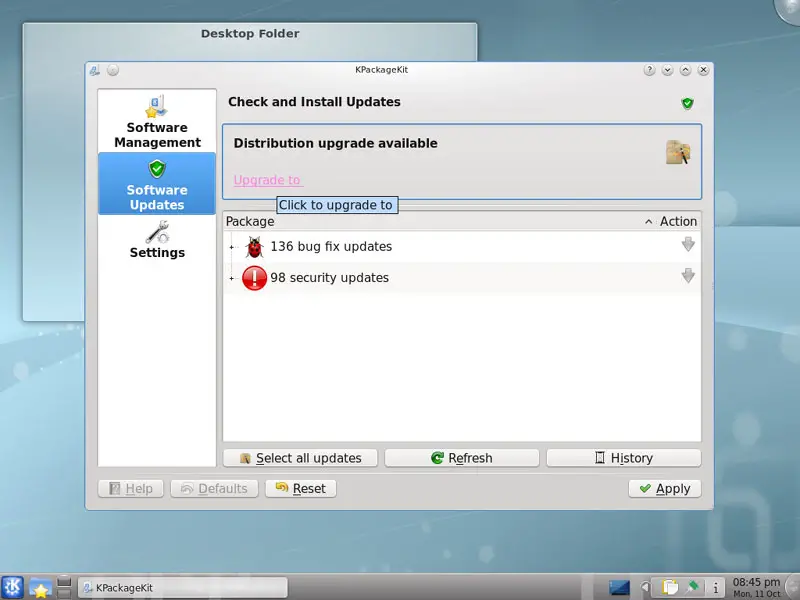
Click on Continue to confirm that you want to do the distribution upgrade:
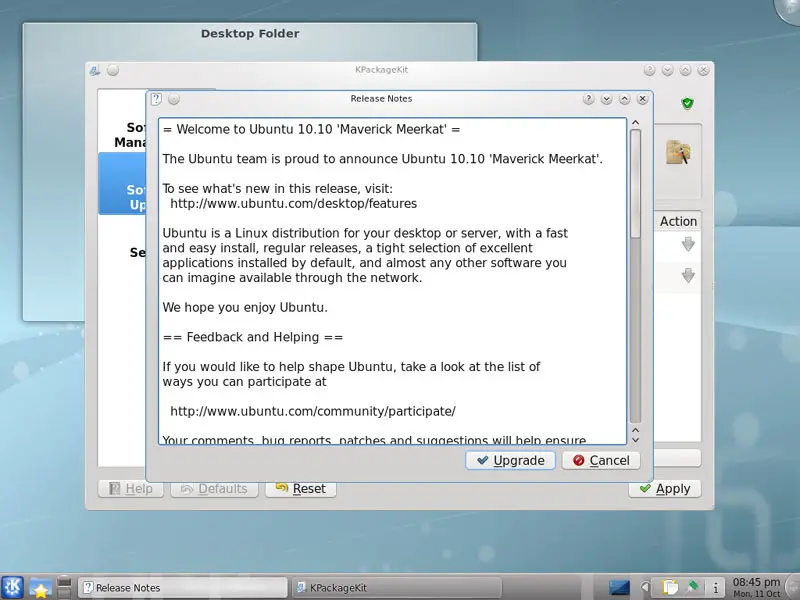
A window with the release notes for 10.10 comes up. Click on Upgrade:
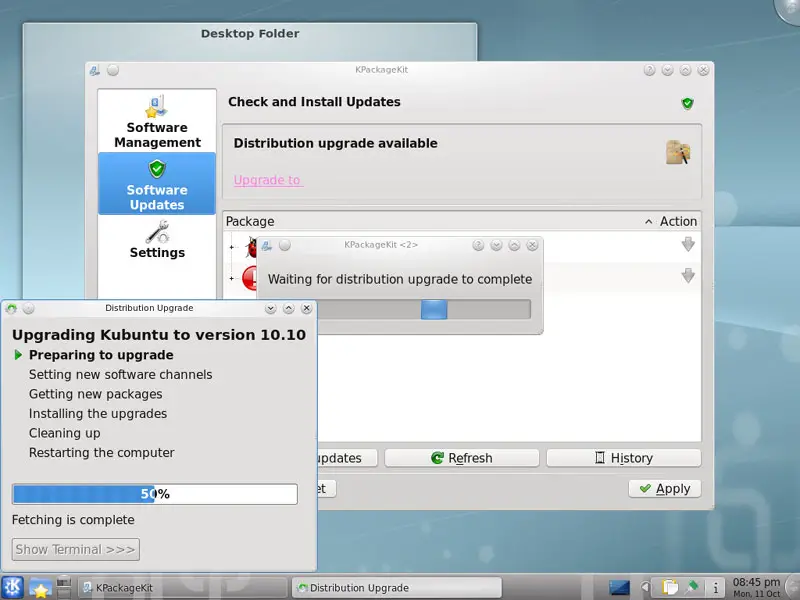
The upgrade tool is now being downloaded, and the upgrade is being prepared:
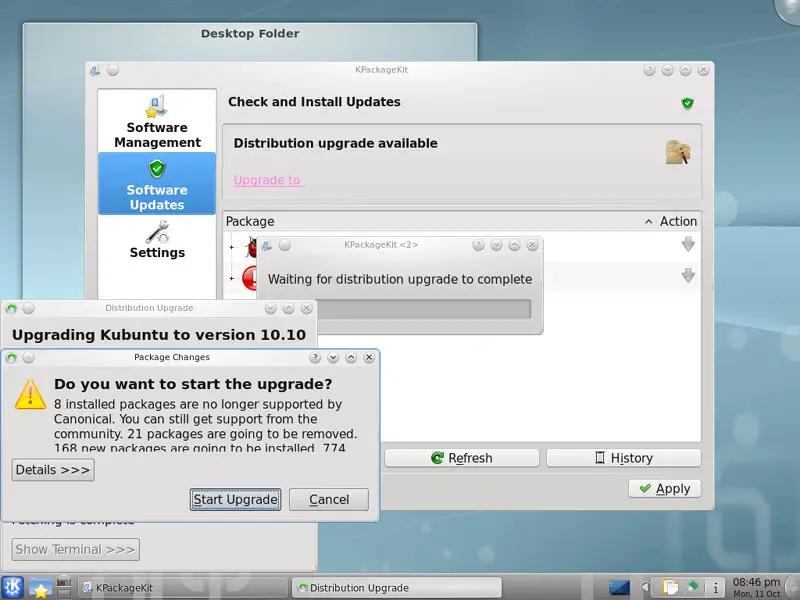
Click on Start Upgrade to finally begin with the upgrade process:
The upgrade packages are now being downloaded...
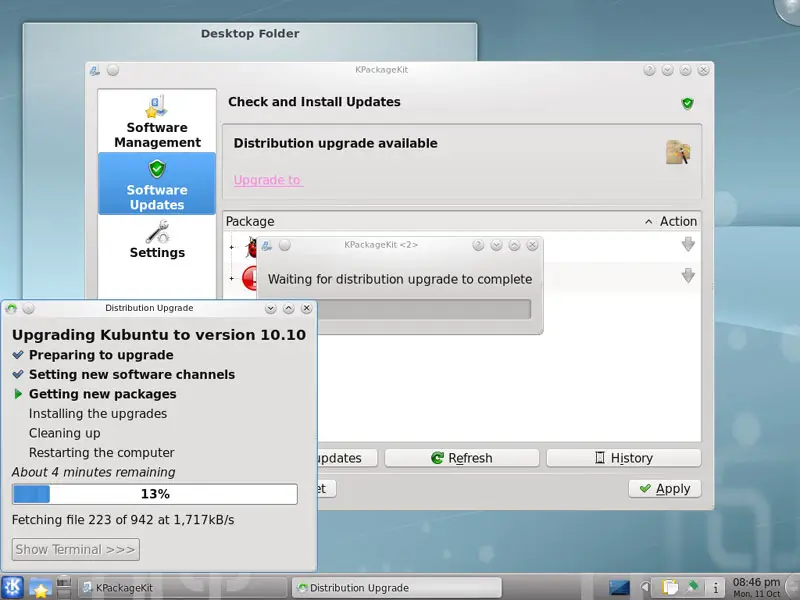
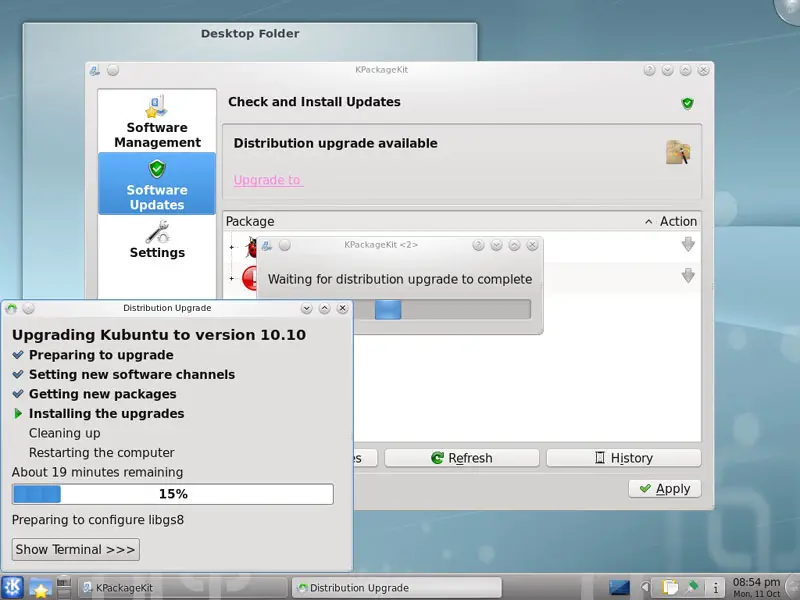
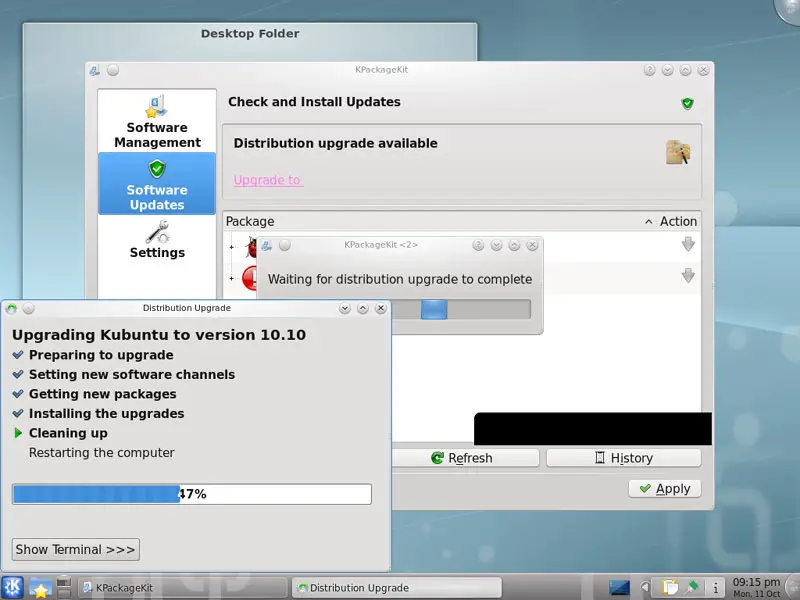
... and installed. This can take some time, so please be patient.
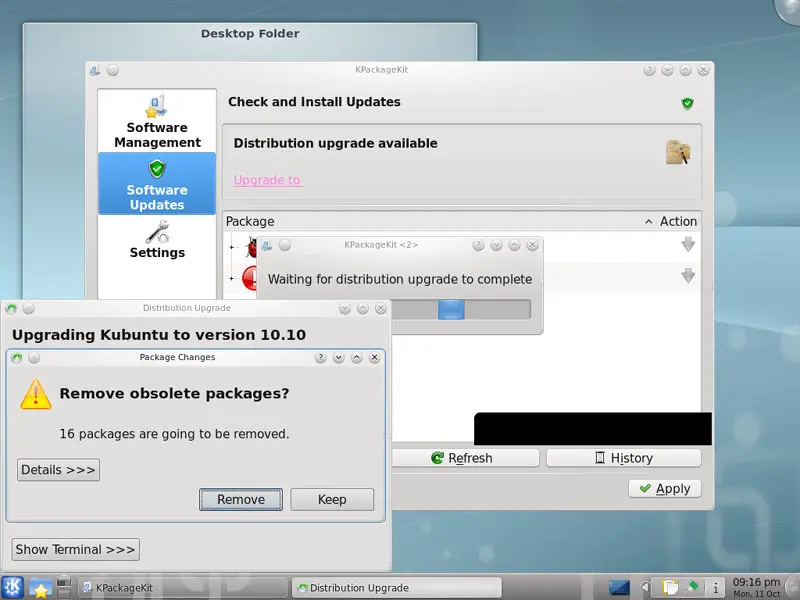
At the end of the upgrade process, you should remove obsolete packages:
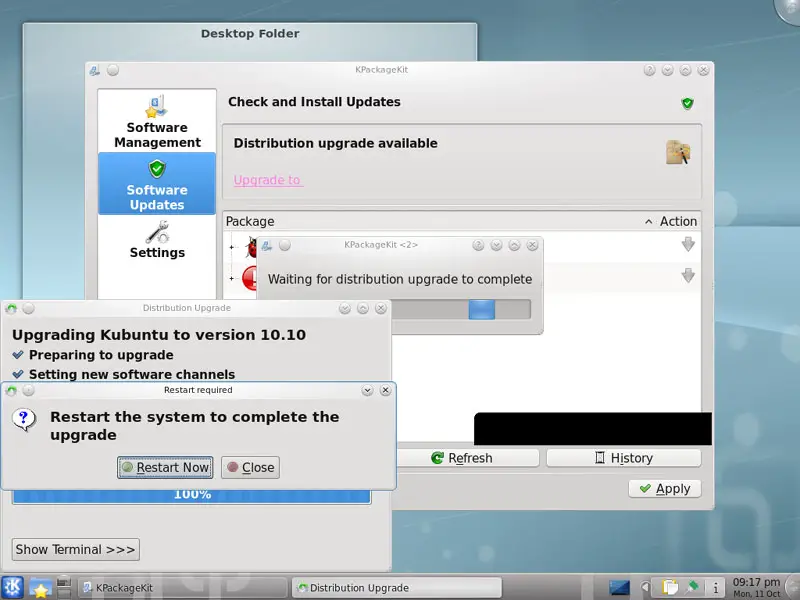
The system needs to be rebooted to complete the upgrade, therefore click on Restart Now:
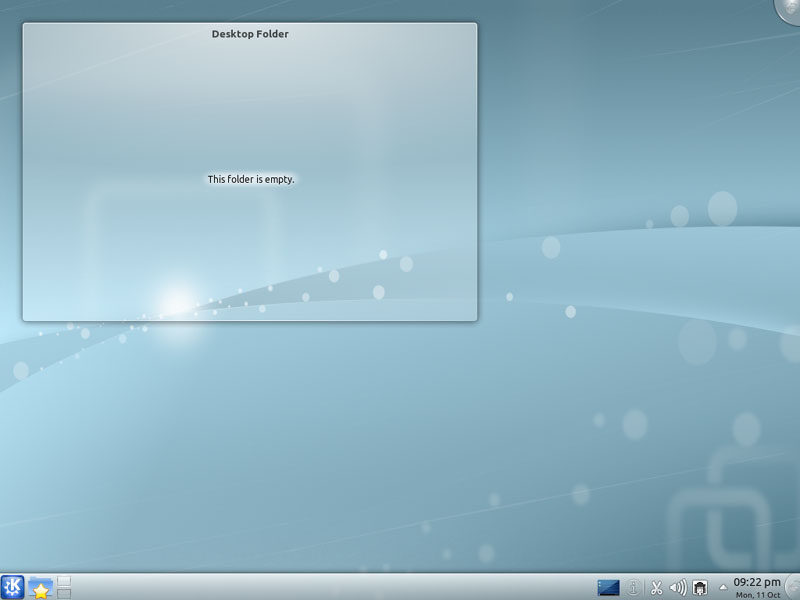
After the reboot, you can use your new Kubuntu 10.10 desktop:
2 Links
- Kubuntu: http://www.kubuntu.org/





