
On this page
How To Set Up An AAA Server With CIITIX-WiFi
CIITIX-WiFi is a turnkey solution to your WiFi hotspot needs. Built onto the rock solid stable debian linux, setting up a secure (TTLS) WiFi hotspot is just a minute away. This guide shows how to set up an AAA server (authentication, authorization and accounting) with CIITIX-WiFi.
- Download CIITIX-WiFi image from here.
- Burn the image to CD.
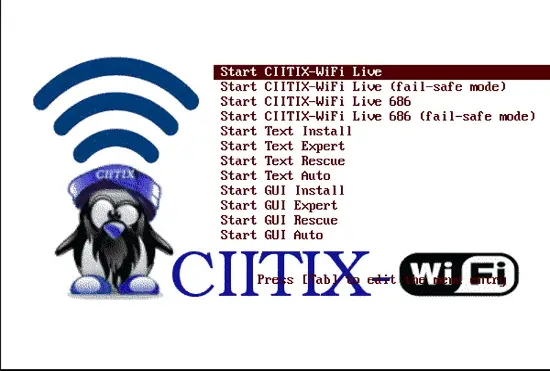
- Insert The CIITIX-WiFi CD into CDROM and power-on your PC. Select Boot from CDROM.
- At the Boot Prompt press Enter.
- Select Start CIITIX-WiFi Live if you want to run CIITIX live-CD or Start GUI Install if you prefer to install it and go with GUI install environment.
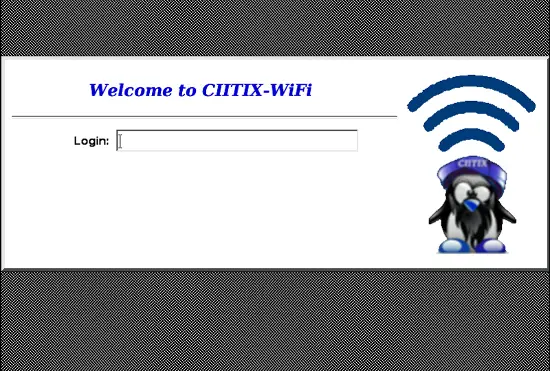
- On the X login prompt use the user ciitix & password live.
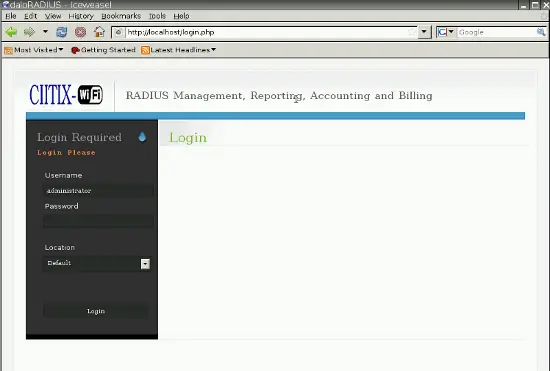
- Fire up the browser. Log into the GUI front-end with administrator user name & radius as the password.
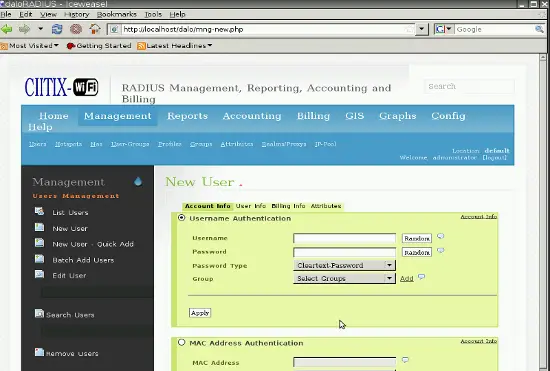
- Add the user in the DB from the section displayed in the screen-shot (Management > Users under Users Management > New User). Note: Don't forget to select Cleartext-Password as Password Type.
- Add the NAS device in the DB from the section displayed in the screen-shot (Management > Nas under NAS Management > New NAS).
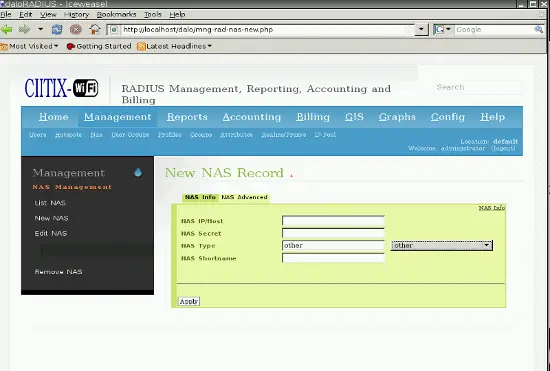
- Restart the freeradius as follows:
sudo /etc/init.d/freeradius restart
- Copy/install the client certificates onto the clients (copy from /etc/freeradius/certs/client-certificates folder i.e. ca.der & server.p12). Note: Install them in trusted root certificates section so as not to receive any warnings since they are self-signed & not verisign signed. Password for server.p12 certificate is ciitixwifi.
Congratulations, you have set up a wifi server in under 5 minutes.





