
How To Reset A Forgotten Root Password With Knoppix
Version 1.0
Author: Falko Timme
This guide explains how you can reset a forgotten root password with the help of the Knoppix Linux Live-CD. Afterwards you can log in to your system as root again.
I do not issue any guarantee that this will work for you!
1 Preliminary Note
The method I'm describing here works only on systems to which you have physical access. If your server is in a remote datacenter, for example, you can't boot it from the Knoppix CD, but most hosters provide a rescue system that you can use in the same way to reset your password.
2 Using The Knoppix Live-CD To Reset The Root Password
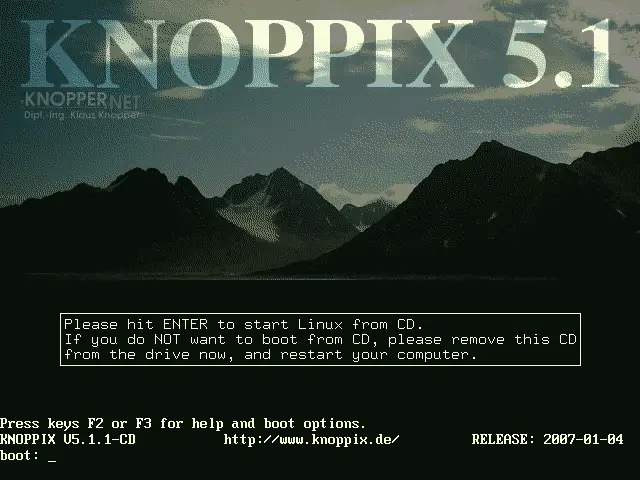
Download the latest version of the Knoppix Live-CD and boot your system from it. Press ENTER at the boot prompt:
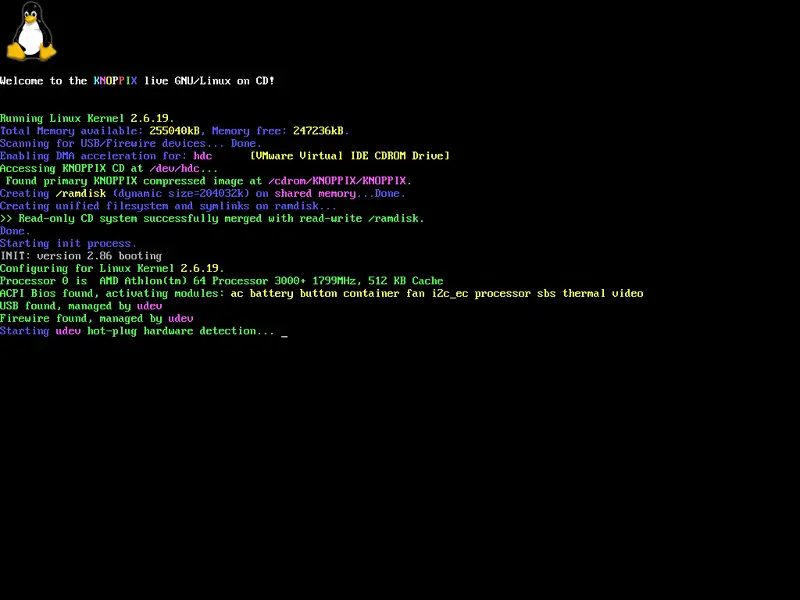
The Koppix system is starting:
After Knoppix has finished booting, you see the Knoppix desktop:
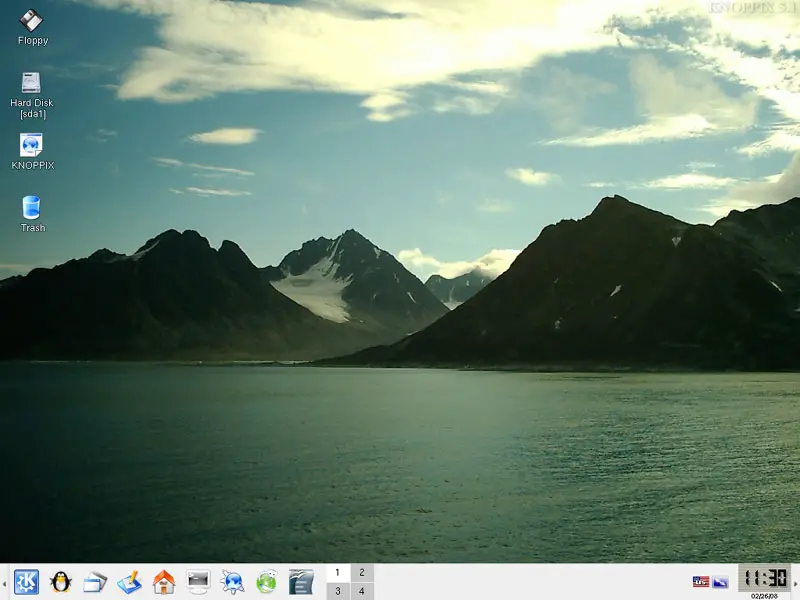
Open a terminal by clicking on the console icon:

Become root by typing:
su
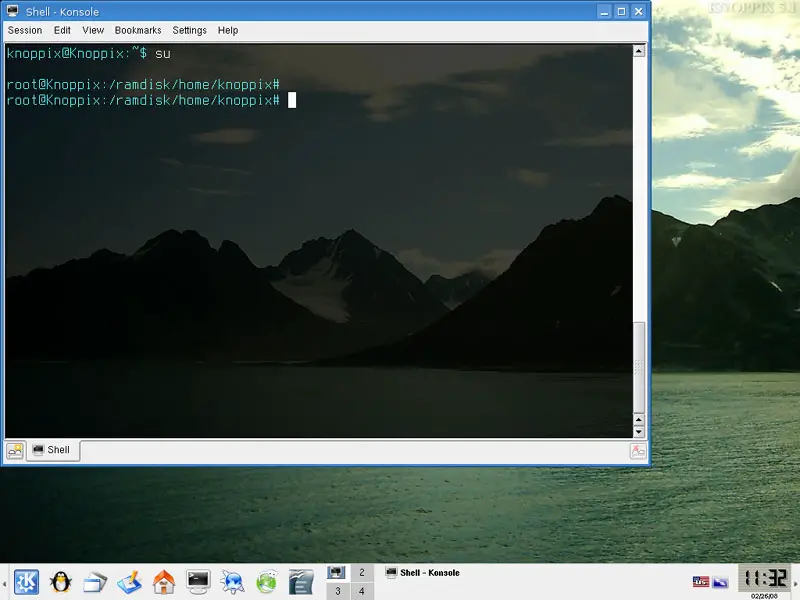
To find out how your hard disk is partitioned, run
fdisk -l
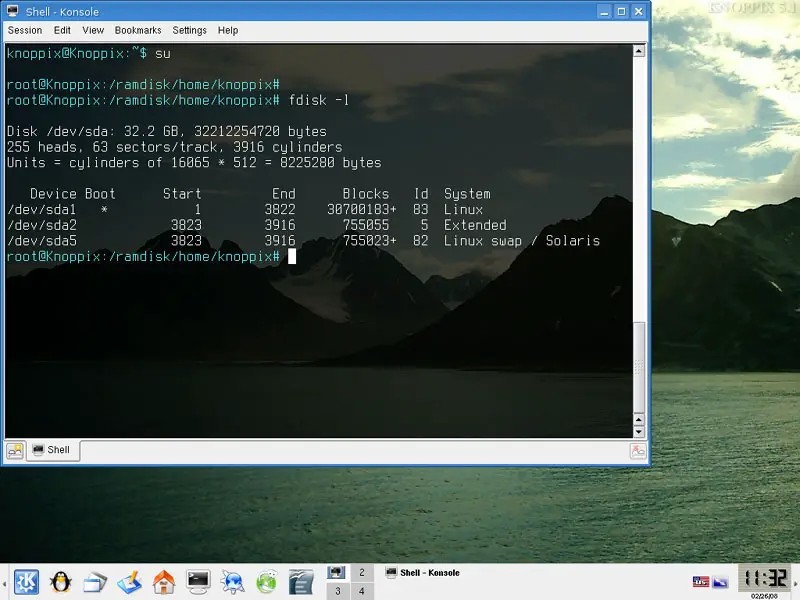
In this case all files are in one partition, /dev/sda1. This partition contains the /etc/passwd and /etc/shadow files of the system for which we want to reset the root password; it also contains the passwd command. If you have more than one partition, you'll need all partitions in a moment that contain /etc/passwd, /etc/shadow, the passwd command and all files on which the passwd command depends.





