
How To Install Google Earth On Ubuntu 10.10
Version 1.0
Author: Falko Timme  Follow me on Twitter
In previous Ubuntu versions, there was a Google Earth .deb package available in the Medibuntu repository; unfortunately there is no such package for Ubuntu 10.10 (Maverick Meerkat). While it is possible to install the Google Earth package for Ubuntu 10.04 on Ubuntu 10.10 (as described in chapter 13 of The Perfect Desktop - Ubuntu 10.10 (Maverick Meerkat)), there is another way of installing Google Earth on Ubuntu 10.10. The method described in this tutorial will create a Google Earth .deb package for Ubuntu 10.10 from which Google Earth can be installed.
I do not issue any guarantee that this will work for you!
1 Building The Google Earth .deb Package
Open a terminal (Applications > Accessories > Terminal)...
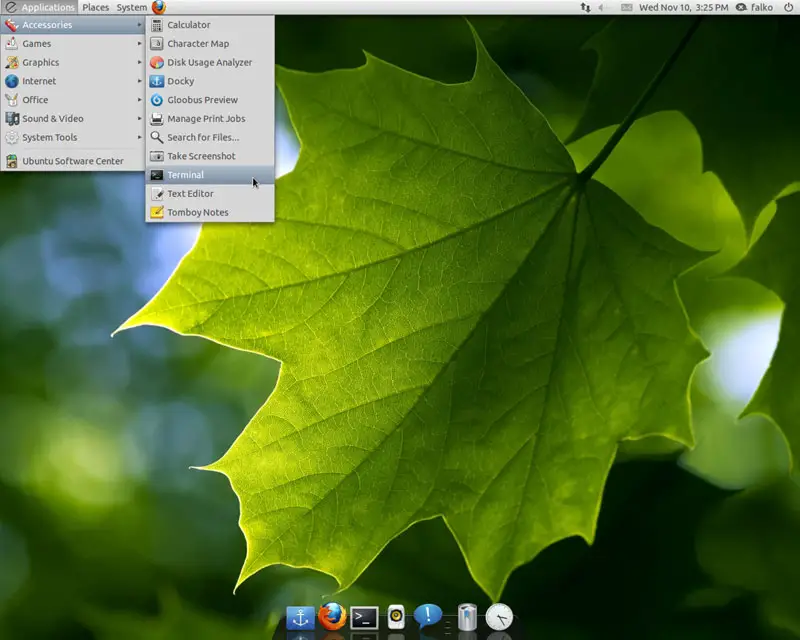
... and install the package googleearth-package (this is a utility to automatically build a Debian package of Google Earth):
sudo apt-get install googleearth-package
If you are on an x86_64 system, you must also install ia32-libs:
sudo apt-get install ia32-libs
Now you can build the Google Earth .deb package as follows:
sudo make-googleearth-package --force
falko@falko-GeForce-8000-series:~$ sudo make-googleearth-package --force
[...]
Package: googleearth
Version: 5.2.1.1588+0.5.7-1
Section: non-free/science
Priority: optional
Maintainer:  <root@falko-GeForce-8000-series>
Architecture: amd64
Depends: ttf-dejavu | ttf-bitstream-vera | msttcorefonts, ia32-libs (>= 20080808), lib32gcc1 (>= 1:4.1.1),
 lib32stdc++6 (>= 4.1.1), lib32stdc++6 (>= 4.2.1), lib32z1 (>= 1:1.1.4), lib32z1 (>= 1:1.2.0),
 libc6-i386 (>= 2.0), libc6-i386 (>= 2.1.3), libc6-i386 (>= 2.3), libc6-i386 (>= 2.3.2),
 libc6-i386 (>= 2.4), nvidia-current , lib32nss-mdns
Description: Google Earth, a 3D map/planet viewer
 Package built with googleearth-package.
dpkg-deb: building package `googleearth' in `./googleearth_5.2.1.1588+0.5.7-1_amd64.deb'.
Success!
You can now install the package with e.g. sudo dpkg -i <package>.deb
falko@falko-GeForce-8000-series:~$
If you don't see any errors, then you should find the googleearth package in the current directory:
ls -l
falko@falko-GeForce-8000-series:~$ ls -l
total 62876
drwxr-xr-x 2 falko falko     4096 2010-10-22 13:47 Desktop
drwxr-xr-x 2 falko falko     4096 2010-10-22 13:47 Documents
drwxr-xr-x 2 falko falko     4096 2010-10-22 13:47 Downloads
-rw-r--r-- 1 falko falko      179 2010-10-22 13:39 examples.desktop
-rw-r--r-- 1 root  root  32932632 2010-11-10 15:35 googleearth_5.2.1.1588+0.5.7-1_amd64.deb
-rw-r--r-- 1 root  root  31406473 2010-09-02 18:30 GoogleEarthLinux.bin
drwxr-xr-x 2 falko falko     4096 2010-10-22 13:47 Music
drwxr-xr-x 2 falko falko     4096 2010-11-10 15:26 Pictures
drwxr-xr-x 2 falko falko     4096 2010-10-22 13:47 Public
-rw-r--r-- 1 falko falko      910 2010-11-10 15:36 setup.txt
drwxr-xr-x 2 falko falko     4096 2010-10-22 13:47 Templates
drwxr-xr-x 2 falko falko     4096 2010-10-22 13:47 Videos
falko@falko-GeForce-8000-series:~$
As you see, my package is named googleearth_5.2.1.1588+0.5.7-1_amd64.deb.
2 Installing Google Earth
Instead of using dpkg, I want to use gdebi to install the package because gdebi also takes care of missing dependencies (dpkg doesn't). Therefore I have to install gdebi before I install googleearth:
sudo apt-get install gdebi-core
Now I can install googleearth as follows:
sudo gdebi googleearth_5.2.1.1588+0.5.7-1_amd64.deb
That's it!
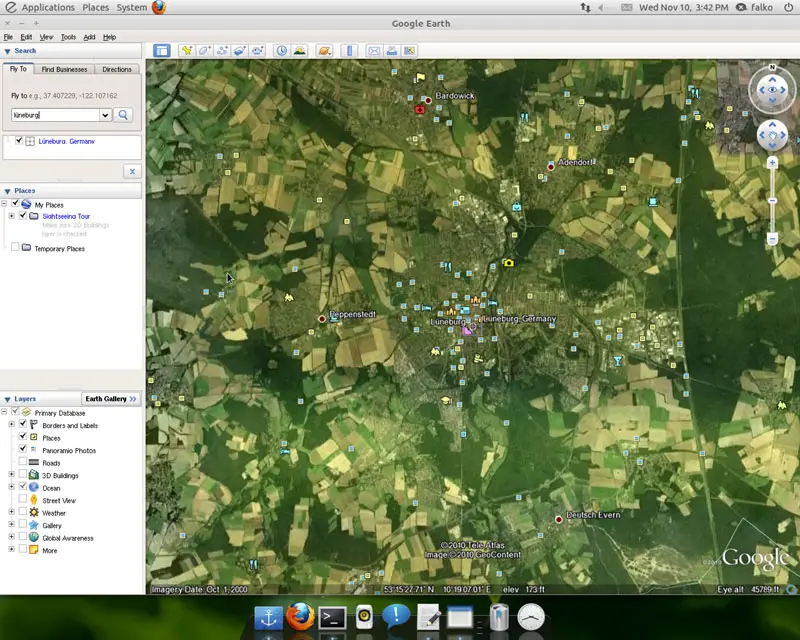
Afterwards, you can find Google Earth under Applications > Internet > Google Earth:
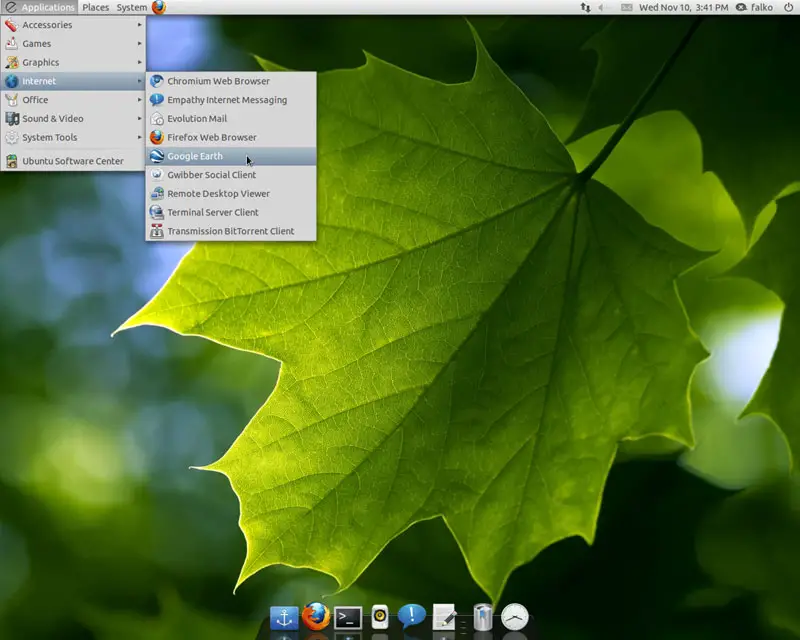
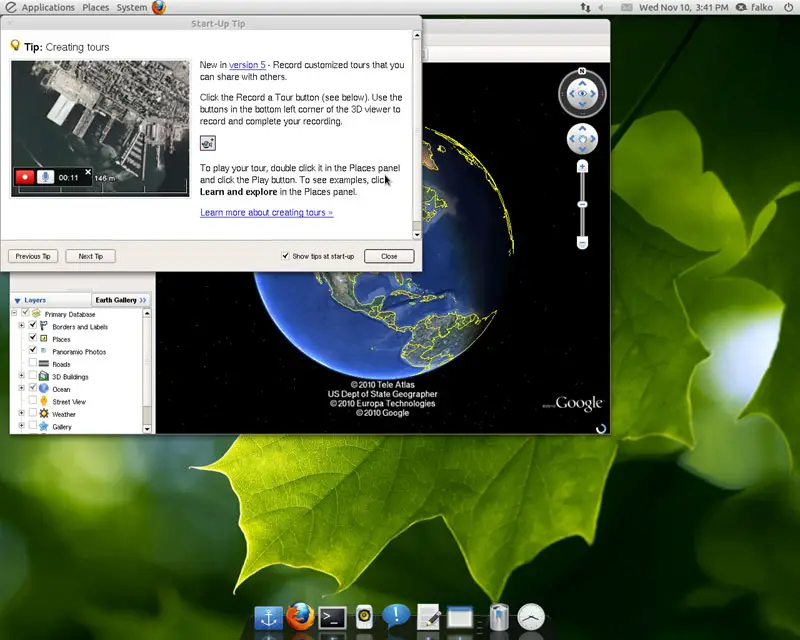
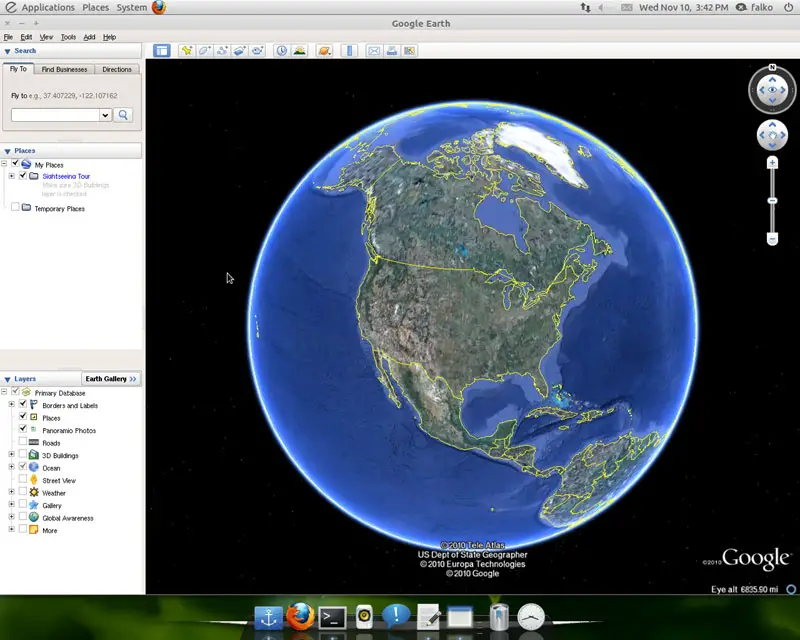
Here are a few screenshots of Google Earth in action:
3 Links
- Google Earth: http://earth.google.com/
- Ubuntu: http://www.ubuntu.com/





