Virus Protection With F-PROT Antivirus On Ubuntu Feisty Fawn
Version 1.0
Author: Falko Timme
This tutorial shows how you can install and use F-PROT Antivirus on an Ubuntu Feisty Fawn desktop. Although there aren't many Linux viruses out there, this can be useful if you often exchange files with Windows users - it can help you to not pass on any Windows viruses (that don't do any harm to Linux systems) to Windows users. F-PROT Antivirus for Linux is free for home use.
This document comes without warranty of any kind! I do not issue any guarantee that this will work for you!
1 Installing F-PROT Antivirus
Open a browser and go to http://www.f-prot.com/download/home_user/:
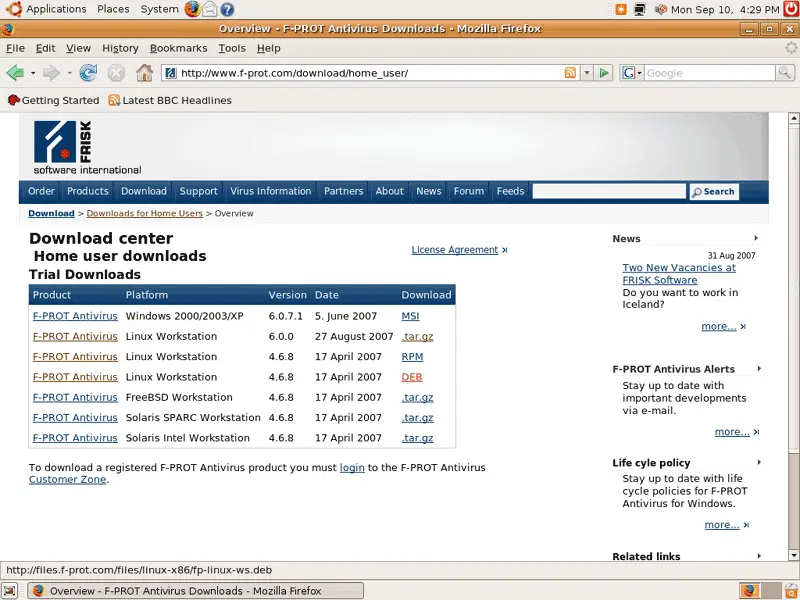
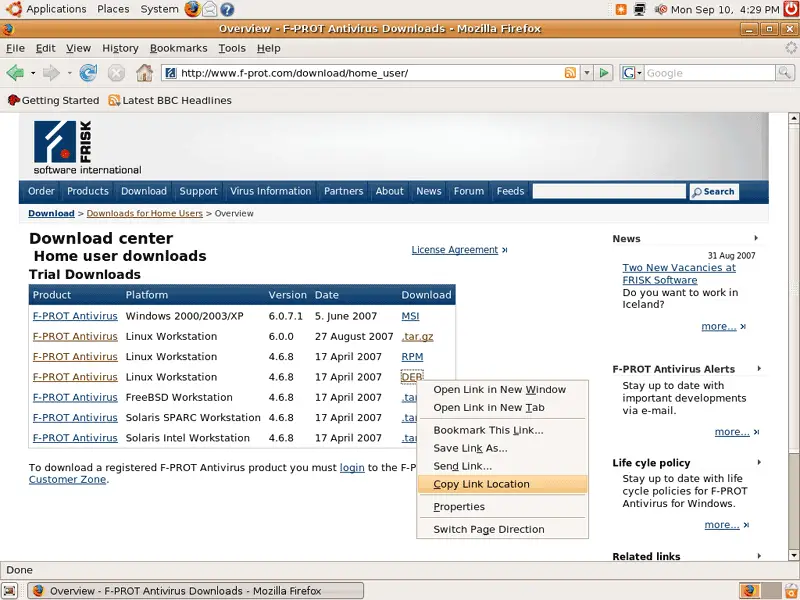
Right-click on the DEB package and select Copy Link Location. We'll need the link to the DEB package in a minute:
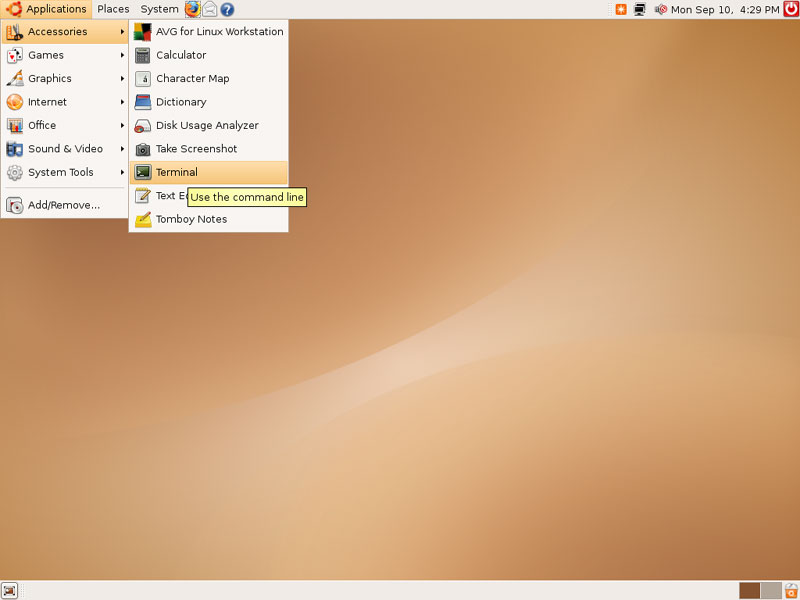
Next open a terminal (Applications > Accessories > Terminal):
In the terminal, go to your home directory and become root:
cd ~
sudo su
Then download the DEB package (the one whose link you've just copied to the clipboard) like this (using the link from your clipboard):
wget http://files.f-prot.com/files/linux-x86/fp-linux-ws.deb
Install the package like this:
dpkg -i fp-linux-ws.deb
F-PROT is now installed. Unfortunately, F-PROT is a command line application, so right now we cannot use it on our desktop. Fortunately, http://web.tiscali.it/sharp/xfprot/ provides a GUI for F-PROT (called XFPROT) that we can install as follows:
wget http://web.tiscali.it/sharp/xfprot/xfprot_1.20-1_i386.deb
dpkg -i xfprot_1.20-1_i386.deb
The last thing we need is a menu entry for F-PROT which we can create in a text editor:
gedit /usr/share/applications/fprot.desktop
[Desktop Entry] Name=F-Prot Comment=Anti-Virus Application Exec=xfprot Icon=/usr/local/xfprot/icons/antivirus-48x48.png Terminal=false Type=Application Categories=Application;System; |
Save the file. You should now find F-PROT under Applications > System Tools > F-Prot: