
Displaying RSS And Atom Feeds On Your Web Site With SimplePie
Version 1.0
Author: Falko Timme
SimplePie is a PHP library that can fetch, cache, parse, and normalize RSS and Atom feeds. It allows you to display the newest articles from websites with RSS or Atom feeds on your own site. This is a great way to add new, fresh, and relevant information to your site. This guide shows how you can set it up for your own web site.
This document comes without warranty of any kind! I do not issue any guarantee that this will work for you!
1 Preliminary Note
This tutorial assumes that you have shell access to the server. If you don't, you can easily do all the steps here with the help of an FTP client as well.
I'm using an Apache2 web server (Debian Etch) here where PHP5 is already installed. If you still need to set up Apache and PHP on your server, you can refer to the Apache section of the appropriate "Perfect Server" or "Perfect Setup" tutorial for your distribution here on HowtoForge (use the search function to find that tutorial).
On Debian Etch, this command will set up Apache2 with PHP5:
apt-get install libapache2-mod-php5 php5 php5-common php5-curl php5-dev php5-gd php5-idn php-pear php5-imagick php5-imap php5-json php5-mcrypt php5-memcache php5-mhash php5-ming php5-mysql php5-ps php5-pspell php5-recode php5-snmp php5-sqlite php5-tidy php5-xmlrpc php5-xsl
I'm using the web site www.example.com here with the document root /var/www/web1/web; that web site belongs to the user web1_falko and the group web1.
The requirements of SimplePie are listed on http://simplepie.org/wiki/setup/requirements. To check if your server fulfills the requirements, create a phpinfo() file:
vi /var/www/web1/web/info.php
<?php phpinfo(); ?> |
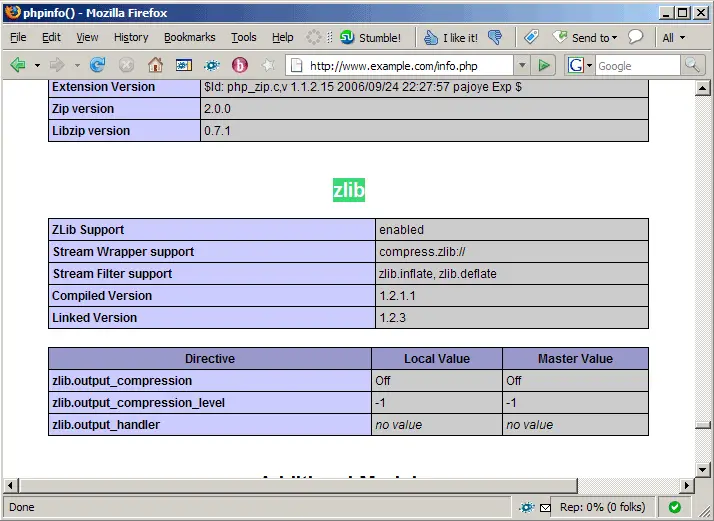
Call that file in a browser (http://www.example.com/info.php) and check if all required PHP modules are enabled (XML, PCRE, mbstring, cURL, Zlib):
2 SimplePie Setup
I want to set up SimplePie in a subdirectory of my document root /var/www/web1/web called simplepie so I create it as follows (together with a cache directory that SimplePie needs for caching feeds):
mkdir /var/www/web1/web/simplepie
mkdir /var/www/web1/web/simplepie/cache
Then I change the ownership of the simplepie directory and its subdirectories and make the cache directory world-writable:
cd /var/www/web1/web/
chown -R web1_falko:web1 simplepie/
chmod 777 simplepie/cache/
Next I download SimplePie to the /var/www/web1 directory (make sure you grab the latest version from http://simplepie.org/downloads/?download):
cd /var/www/web1
wget http://simplepie.org/downloads/simplepie_1.1.1.zip
To unpack it, we need the unzip tool. If it's not installed, install it now (on Debian/Ubuntu, you can do it as follows:
apt-get install unzip
)
Now let's unzip SimplePie and move the contents of the package to our /var/www/web1/web/simplepie directory:
unzip simplepie_1.1.1.zip
cd SimplePie\ 1.1.1/
mv simplepie.inc /var/www/web1/web/simplepie/
mv compatibility_test/ /var/www/web1/web/simplepie/
mv demo/ /var/www/web1/web/simplepie/
mv idn/ /var/www/web1/web/simplepie/
chown -R web1_falko:web1 /var/www/web1/web/simplepie/
chmod 777 /var/www/web1/web/simplepie/demo/cache
The compatibility_test directory contains a test to check if your server fulfills all requirements - basically what we've done with the phpinfo() function already in chapter 1.
The demo directory contains a working SimplePie demo (it uses its own cache directory therefore we must make this world-writable as well).
The only file we actually need to run SimplePie is simplepie.inc - that's the SimplePie library.
Let's remove the SimplePie directory and zip file afterwards to clean up our system:
cd ..
rm -fr SimplePie\ 1.1.1/
rm -f simplepie_1.1.1.zip
SimplePie is now set up and ready to be used.
3 SimplePie Testrun
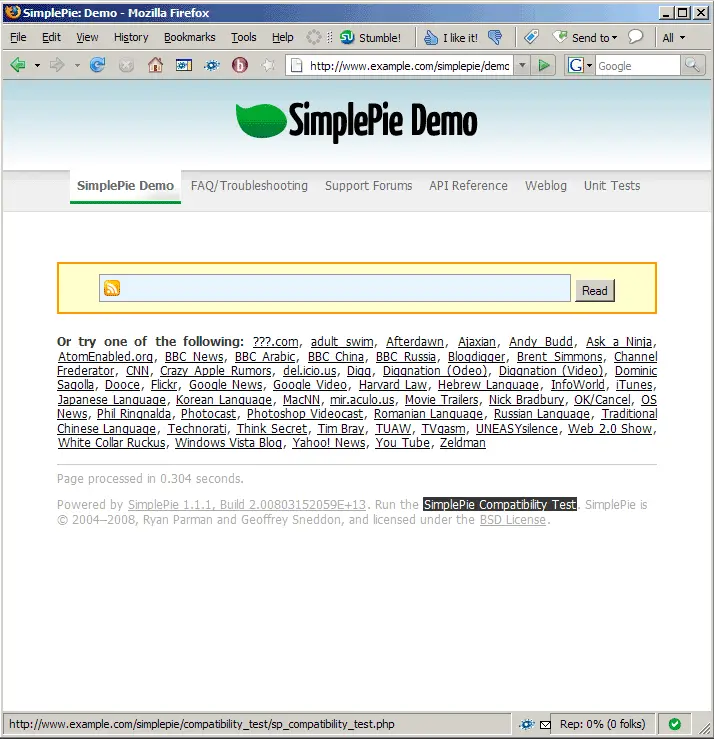
Direct your browser to http://www.example.com/simplepie/demo/. You should see the SimplePie demo then. At the bottom of the page there's a link that says SimplePie Compatibility Test (http://www.example.com/simplepie/compatibility_test/sp_compatibility_test.php) - click on that link:
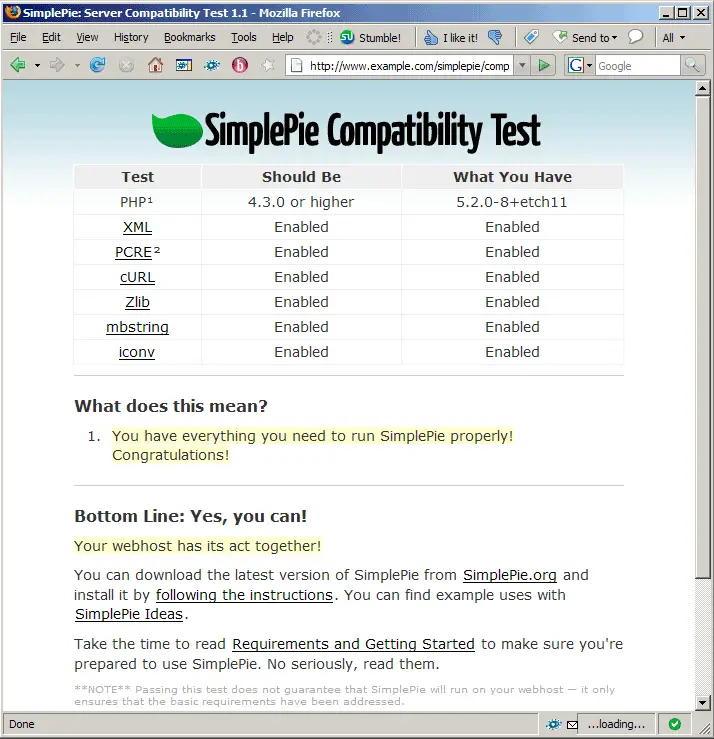
The test shows you if all requirements are fulfilled:
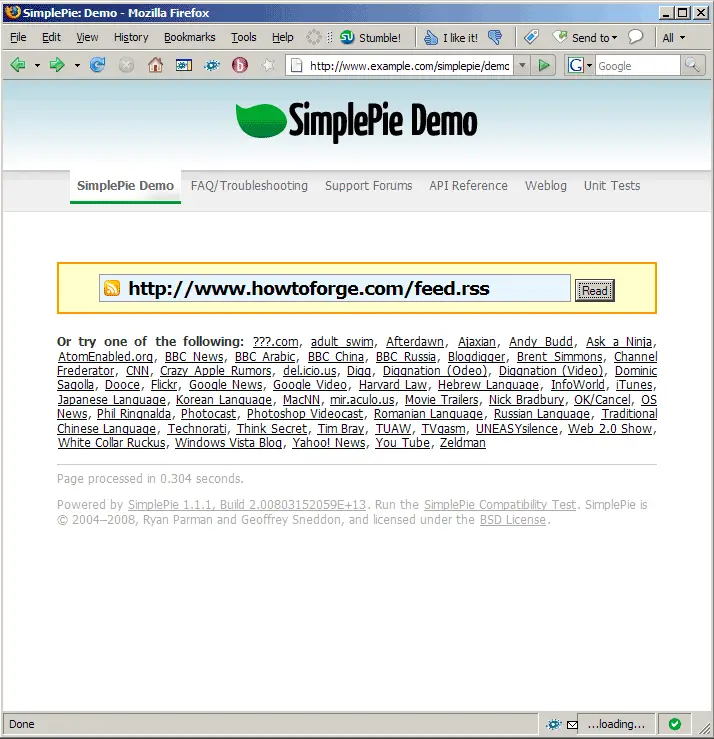
Let's go back to http://www.example.com/simplepie/demo/ and fill in the URL of a feed (e.g. the HowtoForge RSS feed):
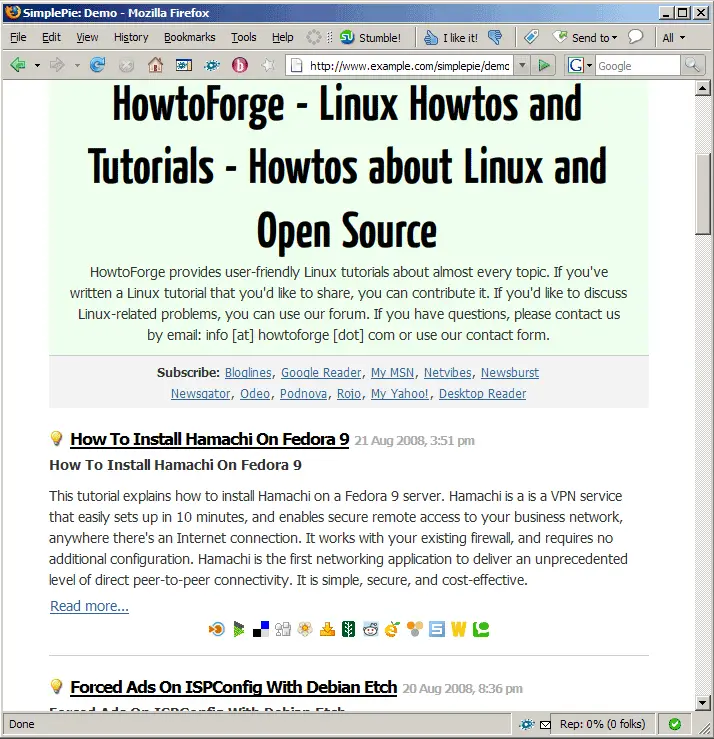
On the next page SimplePie displays that feed:
4 Write Your Own PHP Script To Display RSS/Atom Feeds on your Web Site
http://simplepie.org/wiki/setup/sample_page has some sample PHP scripts for displaying RSS feeds on your web site. I use the first one here and create the file /var/www/web1/web/feedreader.php:
vi /var/www/web1/web/feedreader.php
I have to modify that script a little bit because I have to set the correct cache location (by adding it to the $feed = new SimplePie() constructor), therefore that script looks as follows:
<?php

// Make sure SimplePie is included. You may need to change this to match the location of simplepie.inc.
require_once('simplepie/simplepie.inc');

// We'll process this feed with all of the default options.
$feed = new SimplePie('https://www.howtoforge.com/feed.rss', $_SERVER['DOCUMENT_ROOT'] . '/simplepie/cache');

// This makes sure that the content is sent to the browser as text/html and the UTF-8 character set (since we didn't change it).
$feed->handle_content_type();

// Let's begin our XHTML webpage code.  The DOCTYPE is supposed to be the very first thing, so we'll keep it on the same line as the closing-PHP tag.
?><!DOCTYPE html PUBLIC "-//W3C//DTD XHTML 1.1//EN"
        "http://www.w3.org/TR/xhtml11/DTD/xhtml11.dtd">

<html xmlns="http://www.w3.org/1999/xhtml" xml:lang="en">
<head>
    <title>Sample SimplePie Page</title>
    <meta http-equiv="content-type" content="text/html; charset=UTF-8" />
</head>
<body>

    <div class="header">
        <h1><a href="<?php echo $feed->get_permalink(); ?>"><?php echo $feed->get_title(); ?></a></h1>
        <p><?php echo $feed->get_description(); ?></p>
    </div>

    <?php
    /*
    Here, we'll loop through all of the items in the feed, and $item represents the current item in the loop.
    */
    foreach ($feed->get_items() as $item):
    ?>

        <div class="item">
            <h2><a href="<?php echo $item->get_permalink(); ?>"><?php echo $item->get_title(); ?></a></h2>
            <p><?php echo $item->get_description(); ?></p>
            <p><small>Posted on <?php echo $item->get_date('j F Y | g:i a'); ?></small></p>
        </div>

    <?php endforeach; ?>

</body>
</html>
|
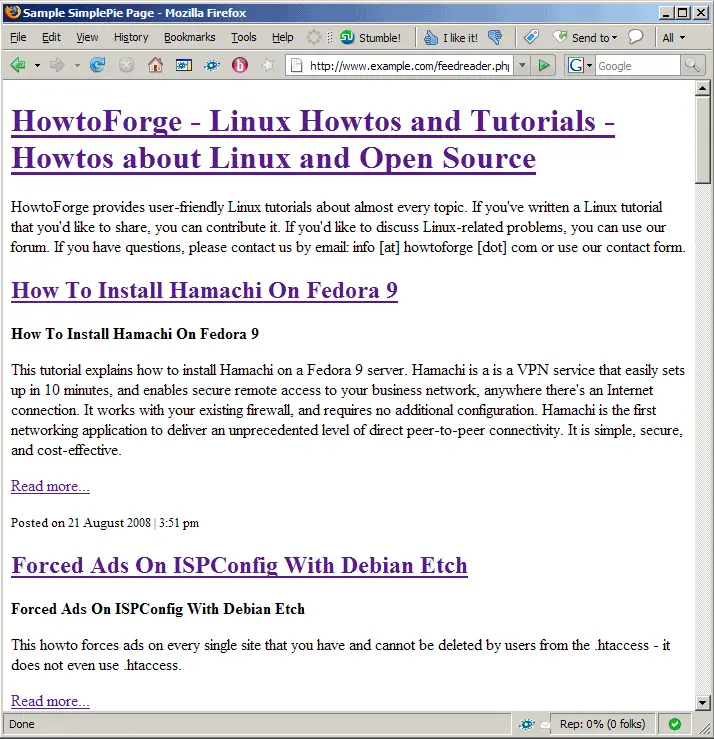
Let's call that script in a browser (http://www.example.com/feedreader.php), and the output should look like this:
Now you can modify the script or write your own scripts. You can find the SimplePie function reference here: http://simplepie.org/wiki/reference/start
A few SimplePie tutorials can be found on http://simplepie.org/wiki/tutorial/start.
5 Links
- SimplePie: http://simplepie.org





