How To Install a PLONE CMS (Python, Plone) On Debian
0 Preliminary Note
I assume you have already set up a basic Debian Sarge system. You can set up your system as described on the first two pages of this tutorial: The Perfect Setup - Debian Sarge (3.1)
This tutorial shows how to install and use Plone with Python and Plone on Debian.
Pre-requisite:
You must create many folders: "Be Careful, you must login with an account user and not under root !!" And you must create a login user for Zope/Plone
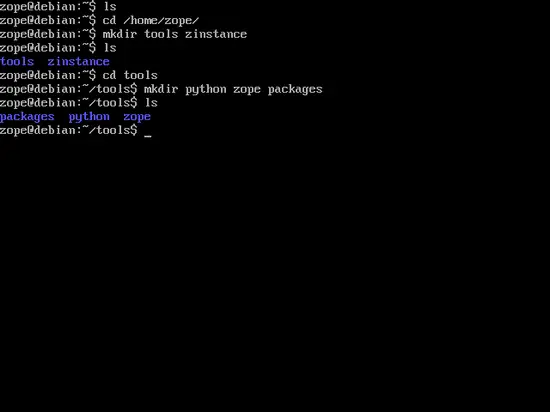
cd /home/zopy
mkdir zinstance
mkdir tools
cd tools
mkdir python
mkdir zope
mkdir packages
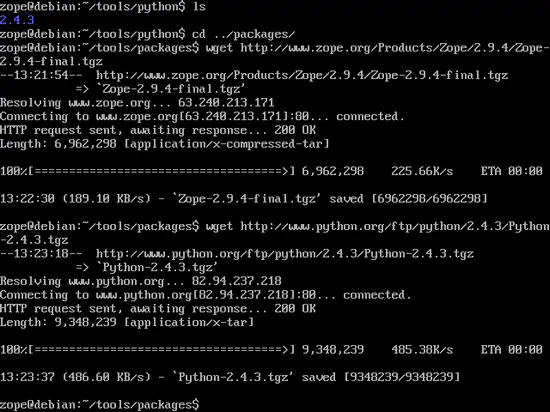
Download some software: Zope-2.9.4, python 2.4.3, Plone 2.5.
cd packages
wget http://www.zope.org/Products/Zope/2.9.4/Zope-2.9.4-final.tgz
wget http://www.python.org/ftp/python/2.4.3/Python-2.4.3.tgz
wget http://superb-east.dl.sourceforge.net/sourceforge/plone/Plone-2.5.tar.gz
1 Pre-requisite for Python:
You must use your login "root" for install the next products !
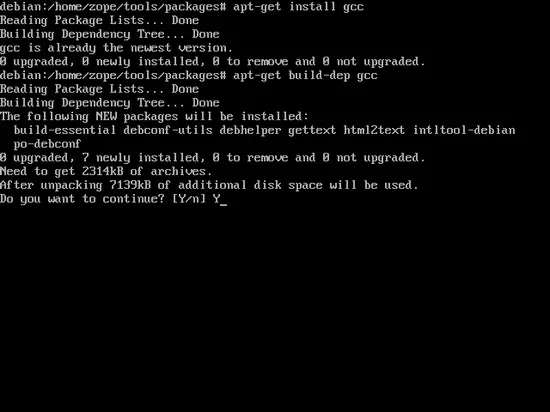
apt-get install gcc
apt-get build-dep gcc
apt-get install libmxml1
apt-get install python2.4-xml
apt-get install python-libxml2
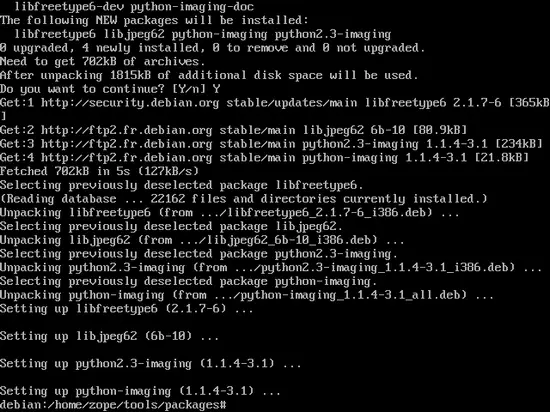
apt-get install python-imaging
2 Install Python-2.4.3:
You must use your login "user" for install Python ! (not under root)
cd /home/zopy/tools/packages
tar -xvzf Python-2.4.3.tgz
cd Python-2.4.3
./configure --prefix=/home/zopy/tools/python/
make
make install
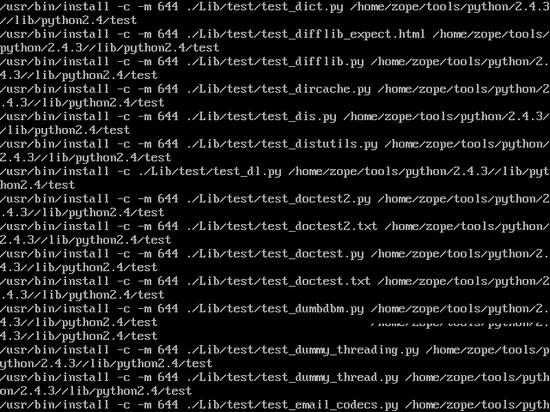
Be careful, a library necessary for the installation of zope is missing.
cp /usr/lib/python2.4/lib-dynload/zlib.so /home/zopy/tools/python/lib/python2.4/lib-dynload/
3 Install Zope 2.9.4:
You must use your login "user" for install Python ! (not under root)
cd /home/zopy/tools/packages
tar -xvzf Zope-2.9.4-final.tgz
cd Zope-2.9.4-final
./configure --with-python=/home/zopy/tools/python/bin/python2.4 --prefix=/home/zopy/tools/zope/
make
make install
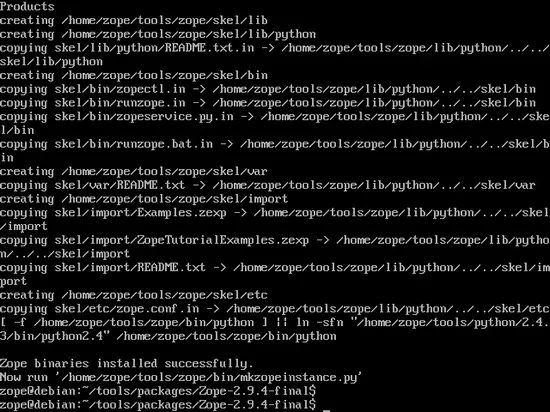
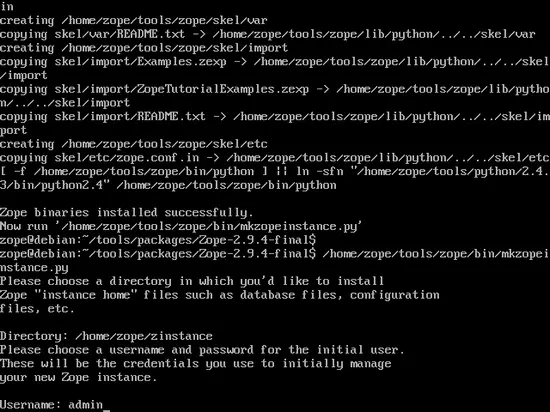
Now, you create an instance:
/home/zopy/tools/zope/bin/mkzopeinstance.py
You choose this install directory:
Directory: /home/zopy/zinstance/
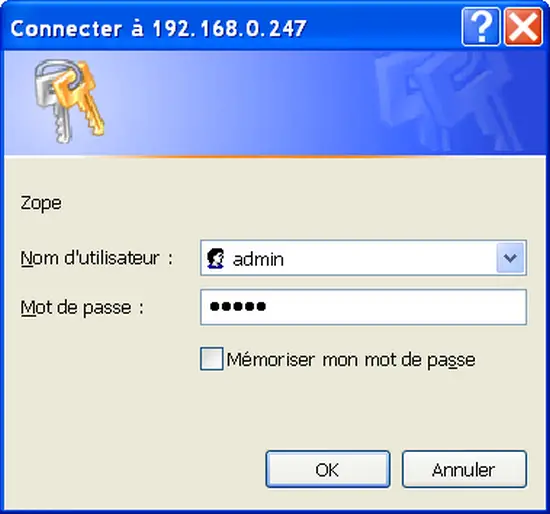
You must choose a username and password.
Username = admin
Passwd = ******
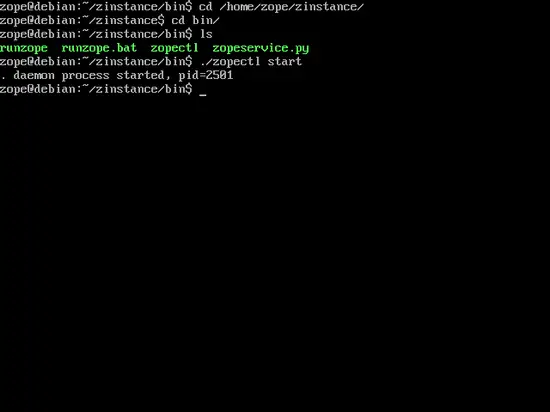
Now, you run zinstance:
cd /home/zopy/zinstance/bin/
./zopectl start
4 Manage Zope web:
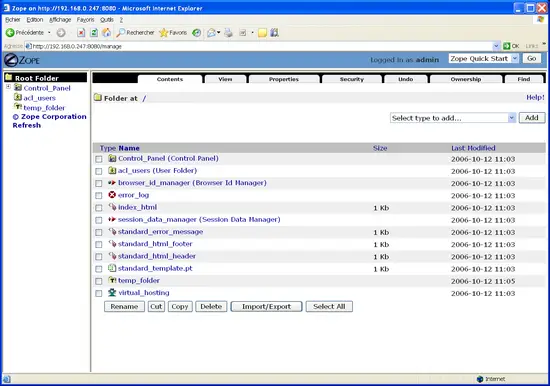
Congratulations for your Zope install.
Now, you can run Firefox or Internet Explorer and enter this link:
http://localhost:8080/manage or http://192.X.X.X:8080/manage
5 Install Plone-2.5:
You must use your login "user" for install Python ! (not under root)
cd /home/zopy/tools/packages
tar -xvzf Plone-2.5.tar.gz
cd Plone-2.5
There is a compatibility problem with Zope 2.9.4 and you must remove this folder Five:
rm -R Five
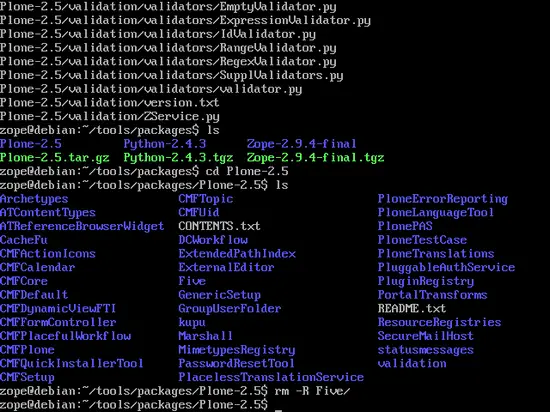
rsync -av * /home/zopy/zinstance/Products/
Now you must reboot zinstance:
cd /home/zopy/zinstance/bin/
./zopectl restart
6 Manage Zope web with plone:
You run: http://localhost:8080/manage or http://192.X.X.X:8080/manage
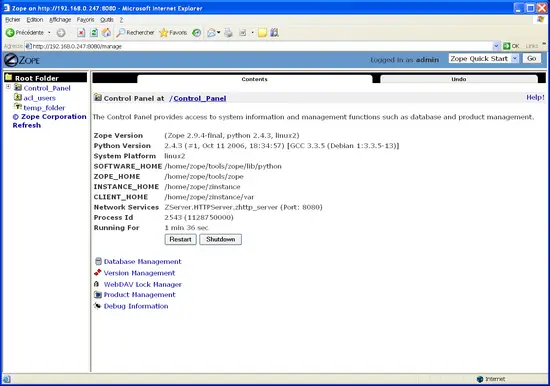
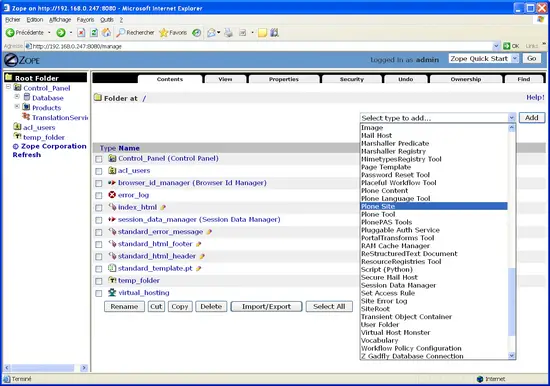
You can create a plone site:
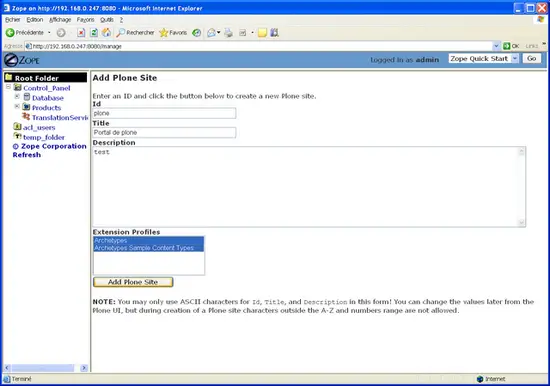
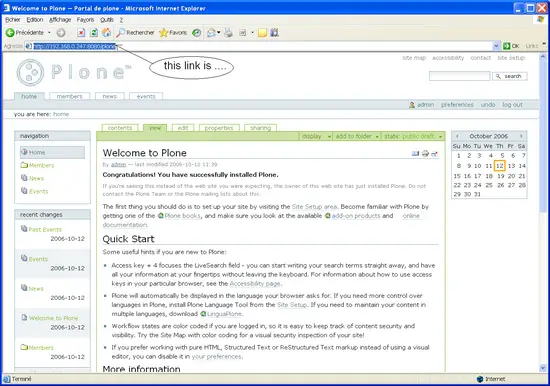
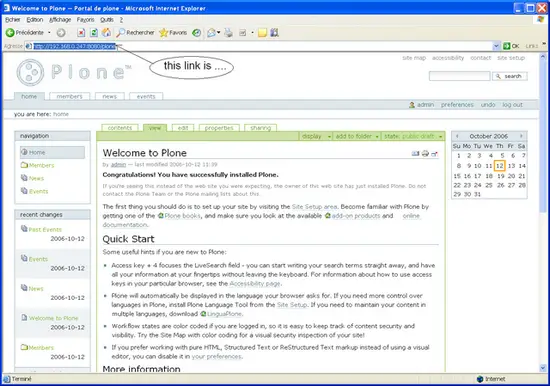
This link is: http://localhost:8080/plone or http://192.X.X.X:8080/plone