Creating USB Startup Disks From Various Linux Distributions With UNetbootin
Version 1.0
Author: Falko Timme
This guide shows how you can create USB startup disks (on your USB flash drive) from various Linux distributions with UNetbootin. This is useful if you want to install a Linux distribution on a computer that has no CD/DVD drive.
I do not issue any guarantee that this will work for you!
1 Preliminary Note
UNetbootin is available for Windows and various Linux distributions - in this example I will use it on an Ubuntu 8.10 desktop. The choice of the operating system on which you install UNetbootin does not have any effect on the selection of distributions from which you can create a USB startup disk.
2 Installing UNetbootin
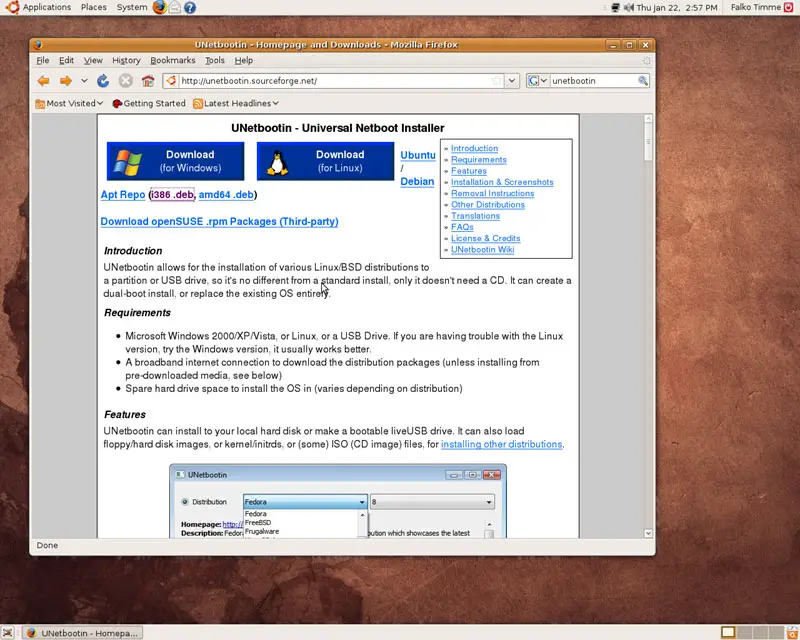
Visit http://unetbootin.sourceforge.net/ and select the right .deb package for your architecture (i386 or amd64):
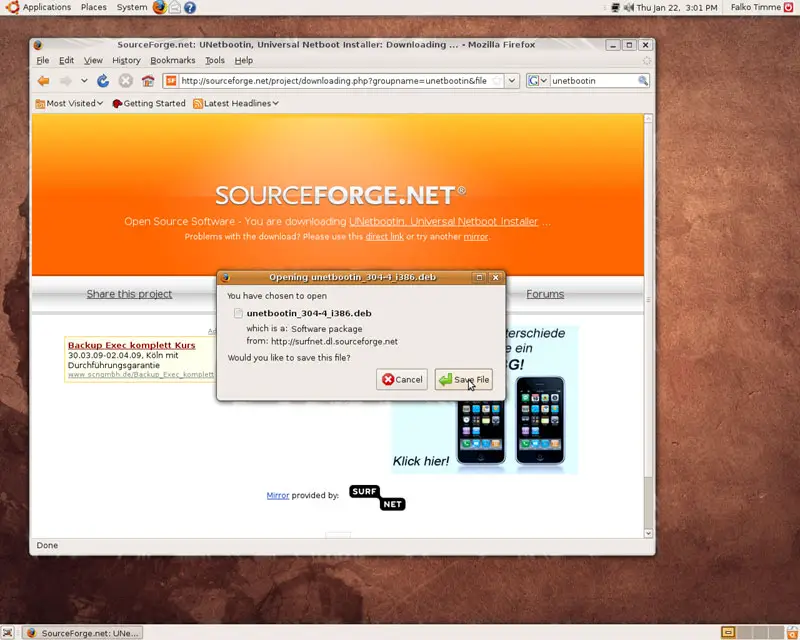
Save the .deb package to your desktop...
... and double-click on it to start the Package Installer. In the Package Installer, click on Install Package:
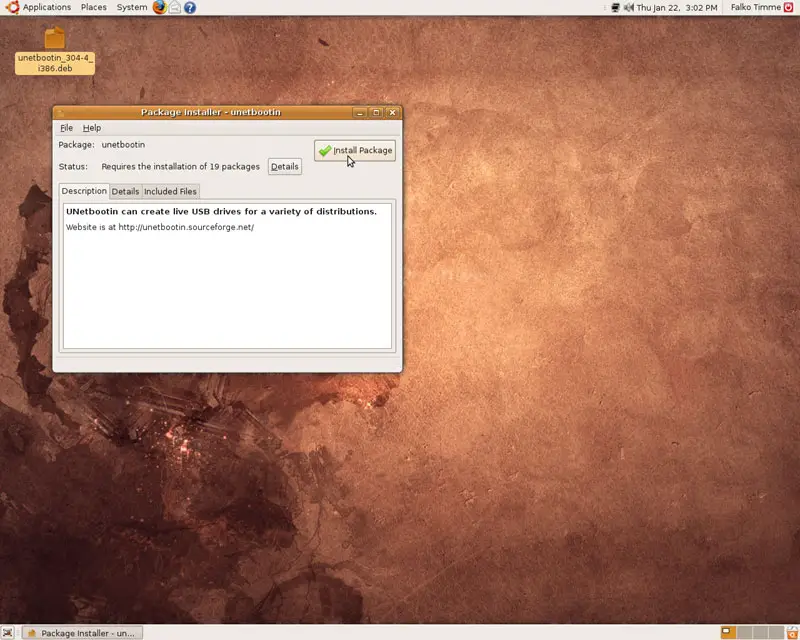
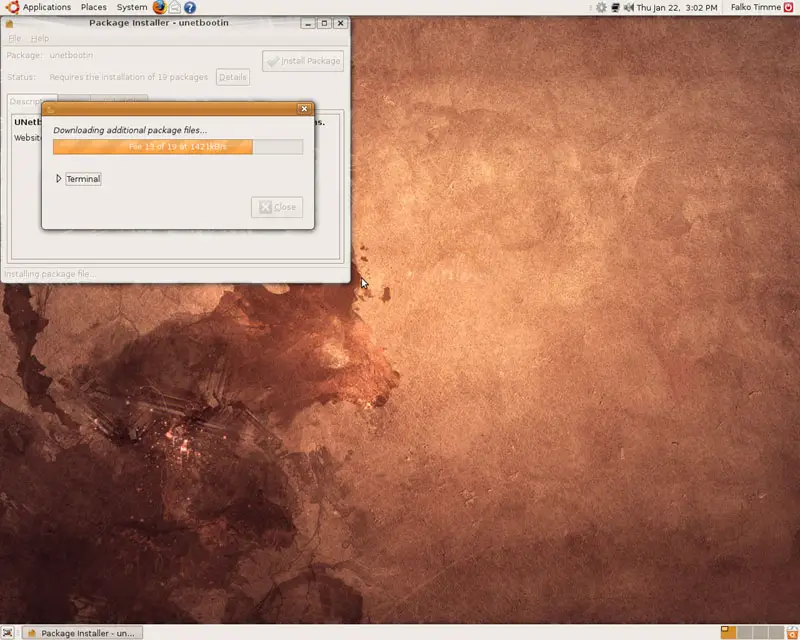
The dependencies for UNetbootin are being downloaded...
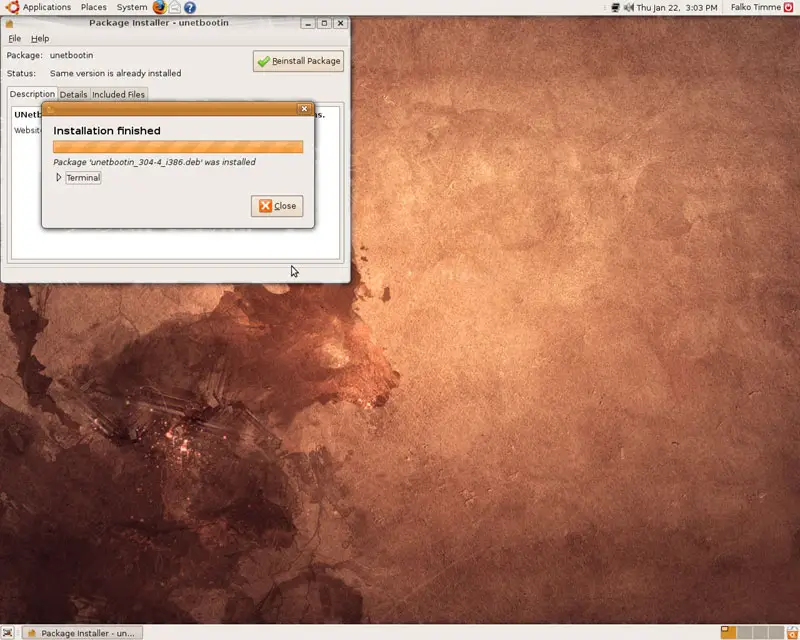
... and being installed together with UNetbootin:
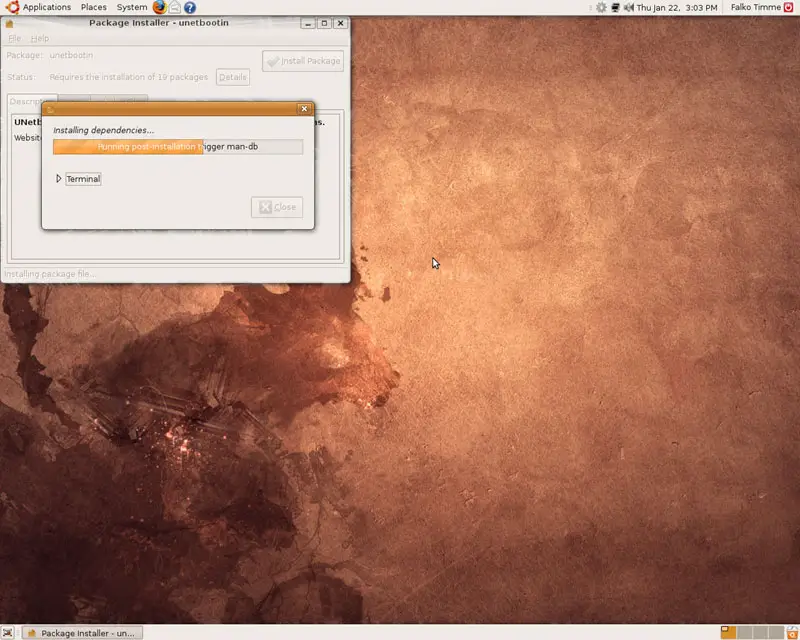
Click on Close afterwards and leave the Package Installer: